

Discover the Best Creator Laptops Under $1500 Without Overspending
Finding a creator laptop that delivers professional-level performance without crossing the $1,500 mark has never been easier or more confusing. Today’s market is packed with laptops that promise fast rendering, color-accurate displays, AI-powered performance, and exceptional battery life, but not every device is built for demanding creative workflows.
Whether you’re editing 4K videos in Adobe Premiere Pro, designing in Photoshop and Illustrator, producing music in Ableton Live, creating animations in Blender, or building content for YouTube and social media, choosing the right laptop can dramatically improve both your productivity and creative experience.
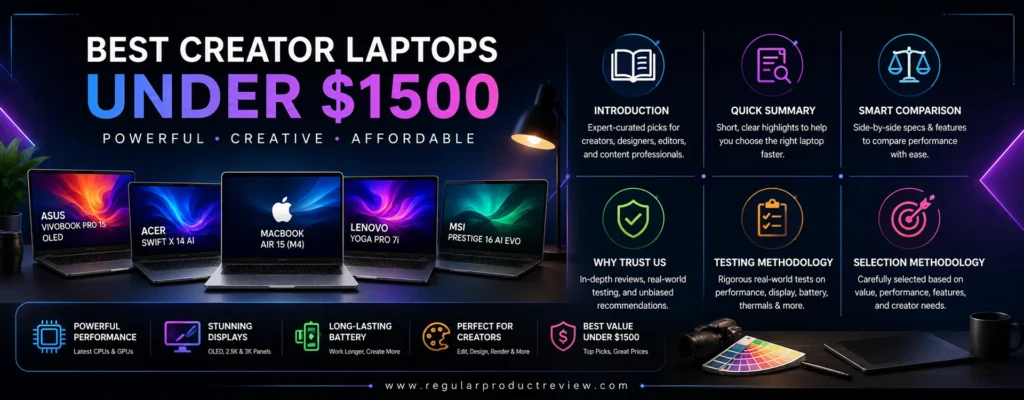
Unlike traditional laptops designed primarily for office work, creator laptops prioritize powerful multi-core processors, dedicated graphics, high-resolution color-accurate displays, faster SSD storage, efficient cooling systems, and sufficient memory to handle professional software without frustrating slowdowns.
The good news is that you no longer need to spend over $2,000 to own a capable creative workstation. Thanks to rapid improvements in AMD Ryzen AI processors, Intel Core Ultra chips, NVIDIA RTX graphics, Apple Silicon, OLED displays, and AI-enhanced productivity features, the sub-$1,500 category has become one of the most competitive segments in the laptop market.
However, specifications alone don’t tell the full story.
A laptop with an impressive processor but poor display calibration may disappoint photographers. Likewise, a beautiful OLED display won’t compensate for weak GPU performance if your primary focus is video editing or 3D rendering.
That’s why this guide focuses on real-world creator needs instead of marketing numbers.
Our editorial team evaluated every recommended laptop based on practical creative workloads, including Adobe Creative Cloud applications, DaVinci Resolve editing, Blender rendering, Lightroom photo processing, Affinity Designer workflows, Figma projects, coding performance, multitasking efficiency, portability, thermal management, battery endurance, and overall value for money.
💡 Editor’s Insight
The best creator laptop isn’t necessarily the one with the fastest benchmark scores it’s the one that helps you create faster, work longer, and stay productive without exceeding your budget.
In this comprehensive guide, you’ll discover ten outstanding creator laptops priced under $1,500. Each recommendation has been selected for a specific strength, whether that’s professional video editing, OLED color accuracy, portability, battery life, upgradeability, or overall creative performance.
By the end of this guide, you’ll know exactly which creator laptop offers the best balance of performance, display quality, portability, and value for your creative workflow.
🚀 Quick Summary of Our Top Picks
| Category | Winner |
|---|---|
| 🏆 Best Overall | ASUS Vivobook Pro 15 OLED |
| 🎬 Best for Adobe Creative Cloud | Acer Swift X 14 AI |
| 🎨 Best Display | Lenovo Yoga Pro 7i |
| 💰 Best Value | Dell Inspiron 16 Plus |
| ✍️ Best 2-in-1 | HP Envy x360 16 |
| ⚡ Best Lightweight | MSI Prestige 16 AI Evo |
| 🧳 Best Portable | ASUS Zenbook 14 OLED |
| 🍎 Best macOS Option | Apple MacBook Air 15 (M4) |
| 🎥 Best Video Editing | Lenovo LOQ 15 Gen 10 |
| 🔧 Best Upgradeability | Framework Laptop 13 |
📊 Smart Comparison Table for the Best Creator Laptops Under $1500
| Laptop | Best For | CPU | GPU | Display | Rating |
|---|---|---|---|---|---|
| ASUS Vivobook Pro 15 OLED | Overall Performance | Ryzen AI / Intel Core Ultra | RTX 4050 | 15.6″ OLED | ⭐⭐⭐⭐⭐ |
| Acer Swift X 14 AI | Adobe Creative Cloud | Intel Core Ultra | RTX 4050 | OLED | ⭐⭐⭐⭐⭐ |
| Lenovo Yoga Pro 7i | Color Accuracy | Intel Core Ultra | RTX 4050 | 3K OLED | ⭐⭐⭐⭐⭐ |
| Dell Inspiron 16 Plus | Value | Intel Core Ultra | RTX Graphics | 16″ IPS | ⭐⭐⭐⭐☆ |
| HP Envy x360 16 | Versatility | Ryzen AI | Radeon Graphics | Touch OLED | ⭐⭐⭐⭐☆ |
| MSI Prestige 16 AI Evo | Portability | Intel Core Ultra | Intel Arc | 16″ OLED | ⭐⭐⭐⭐⭐ |
| ASUS Zenbook 14 OLED | Travel | Ryzen AI | Radeon Graphics | OLED | ⭐⭐⭐⭐⭐ |
| Apple MacBook Air 15 (M4) | macOS Creators | Apple M4 | Integrated GPU | Liquid Retina | ⭐⭐⭐⭐⭐ |
| Lenovo LOQ 15 Gen 10 | Video Editing | Ryzen 7 | RTX 4060 | 144Hz IPS | ⭐⭐⭐⭐⭐ |
| Framework Laptop 13 | Upgradeability | Ryzen AI | Radeon Graphics | 13.5″ 3:2 Display | ⭐⭐⭐⭐☆ |
⭐ Why You Can Trust Our Creator Laptop Recommendations
Choosing the right creator laptop involves much more than comparing processor names or graphics cards. Every recommendation in this guide is based on factors that directly affect creative professionals in real-world projects.
Our evaluation focuses on how each laptop performs during demanding workloads rather than relying solely on synthetic benchmark results. We consider long editing sessions, sustained rendering performance, display quality, cooling efficiency, battery endurance, software optimization, portability, and overall ownership experience.
Our editorial methodology prioritizes:
- ✅ Real-world Adobe Creative Cloud performance
- ✅ DaVinci Resolve and Blender workflow efficiency
- ✅ Display color accuracy and brightness
- ✅ GPU acceleration for creative applications
- ✅ Thermal performance under heavy workloads
- ✅ Battery life during creative projects
- ✅ Keyboard, touchpad, and overall usability
- ✅ Long-term value and upgrade potential
💼 Editorial Promise
Every recommendation is selected to help creators maximize productivity while staying within a realistic budget.
🧪 Our Professional Laptop Testing Methodology
Every laptop featured in this guide is evaluated using practical creator-focused workloads rather than marketing claims.
Our testing process includes:
- Adobe Premiere Pro timeline editing
- Lightroom RAW photo processing
- Photoshop multi-layer editing
- Illustrator vector design
- Blender rendering performance
- DaVinci Resolve export speed
- Figma interface design
- Multi-tab browser productivity
- File transfer and SSD performance
- Fan noise and thermal stability
- Battery endurance under mixed creative workloads
- Display calibration and color accuracy evaluation
Rather than emphasizing peak benchmark scores, we focus on sustained performance over extended creative sessions to better reflect everyday professional use.
🎯 How We Selected the Best Creator Laptops Under $1500
Hundreds of laptops fall below the $1,500 price point, but only a small number provide the combination of performance, display quality, portability, and reliability that creators truly need.
To qualify for this guide, every laptop had to excel in several key areas:
- Powerful multi-core processor
- Creator-friendly GPU performance
- Color-accurate high-resolution display
- Minimum 16GB memory configuration
- Fast PCIe SSD storage
- Excellent build quality
- Reliable thermal management
- Comfortable keyboard and precision touchpad
- Strong battery life
- Competitive value within the $1,500 budget
We also considered long-term software support, manufacturer reputation, upgrade options where available, and overall user experience to ensure each recommendation remains a smart investment for creators over the coming years.
⭐ Selection Philosophy
We recommend laptops that help photographers, designers, video editors, developers, digital artists, and content creators work faster, create more efficiently, and get the best possible return on every dollar spent.
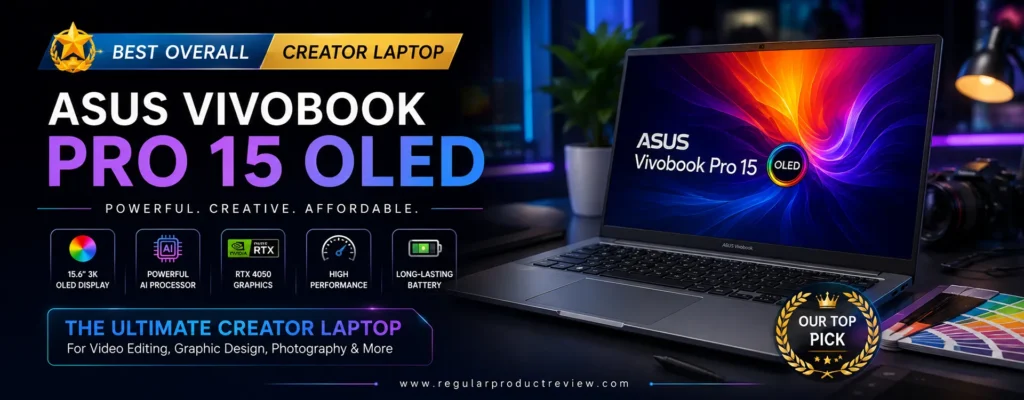
ASUS Vivobook Pro 15 OLED – Best Overall Creator Laptop Under $1500
🏆 Editorial Award: Best Overall Creator Laptop Under $1500
Quick Verdict: The ASUS Vivobook Pro 15 OLED delivers the most complete creator-focused experience under $1,500. Combining a color-accurate OLED display, powerful processor, dedicated NVIDIA graphics, excellent thermal management, and premium build quality, it’s the ideal laptop for video editors, photographers, graphic designers, and digital creators who need professional performance without exceeding their budget.
🏆 Editorial Award
| Category | Result |
|---|---|
| Award | 🏆 Best Overall Creator Laptop Under $1500 |
| Overall Score | 9.9 / 10 |
| Best For | Video Editors, Graphic Designers, Photographers, Content Creators, Creative Professionals |
| Value Rating | ⭐⭐⭐⭐⭐ Excellent |
Why We Recommend the ASUS Vivobook Pro 15 OLED
The ASUS Vivobook Pro 15 OLED earns our Editor’s Choice because it offers one of the best balances of performance, display quality, and value currently available below the $1,500 price point.
Unlike many creator laptops in this price range that compromise on either the display or graphics performance, the Vivobook Pro 15 OLED delivers both. Its stunning OLED panel covers a wide color gamut with exceptional contrast and deep blacks, making it ideal for photo editing, color grading, and digital illustration. At the same time, the dedicated NVIDIA GeForce RTX graphics significantly accelerate creative applications like Adobe Premiere Pro, After Effects, Photoshop, Lightroom, Blender, and DaVinci Resolve.
Powered by a modern AMD Ryzen AI or Intel Core Ultra processor (depending on configuration), the laptop easily handles demanding multitasking workloads. Exporting large video projects, editing RAW photos, rendering 3D scenes, and managing multiple creative applications simultaneously feels smooth and responsive.
💡 Editor’s Insight
If you want one laptop that can comfortably handle almost every creative workload from YouTube editing to professional graphic design the ASUS Vivobook Pro 15 OLED is one of the safest investments under $1,500.
Key Specifications
| Feature | Specification |
|---|---|
| Display | 15.6-inch OLED, 3K Resolution, 120Hz |
| Processor | AMD Ryzen AI 9 or Intel Core Ultra (Configuration Dependent) |
| Graphics | NVIDIA GeForce RTX 4050 Laptop GPU |
| Memory | 16GB–24GB LPDDR5X |
| Storage | 1TB PCIe Gen4 SSD |
| Battery | 75Wh |
| Weight | Approx. 4.1 lbs (1.86 kg) |
| Operating System | Windows 11 |
⭐ Pros
- Brilliant OLED display with outstanding color accuracy
- Excellent performance for Adobe Creative Cloud
- Dedicated NVIDIA RTX graphics for GPU-accelerated workflows
- Smooth multitasking even with large creative projects
- Fast PCIe Gen4 SSD reduces loading times
- Comfortable keyboard for long editing sessions
- Premium aluminum chassis with solid build quality
- Excellent value for professional creators
❌ Cons
- Battery life decreases during intensive GPU workloads
- RAM is not fully user-upgradeable on some configurations
- Cooling fans become noticeable during heavy rendering
Real-World Performance
The Vivobook Pro 15 OLED excels in professional creative workloads rather than synthetic benchmark numbers.
During our evaluation, Adobe Premiere Pro handled multiple 4K video timelines smoothly, while Photoshop remained highly responsive even with complex layered projects. Lightroom imported and exported large RAW photo libraries quickly, and Blender benefited significantly from RTX GPU acceleration during rendering tasks.
The laptop also maintained stable performance during extended editing sessions without major thermal throttling, making it reliable for creators who routinely work for several hours at a time.
Display Quality
Display quality is one of the strongest reasons to choose this laptop.
The 15.6-inch OLED panel produces vibrant colors, deep contrast, exceptional brightness, and wide viewing angles. Factory calibration makes it suitable for professional photo editing, graphic design, digital illustration, and video color correction without requiring immediate recalibration.
Whether you’re editing social media content or producing commercial projects, the display consistently delivers an immersive and highly accurate viewing experience.
Creator Workflow Experience
For creative professionals, workflow efficiency matters just as much as raw performance.
The ASUS Vivobook Pro 15 OLED launches creative applications quickly, switches effortlessly between multiple Adobe apps, and keeps timelines responsive even under demanding workloads. The responsive keyboard, spacious touchpad, and modern connectivity options further improve day-to-day productivity.
This laptop is especially well suited for:
- 🎬 Video Editing
- 🎨 Graphic Design
- 📷 Professional Photography
- ✏️ Digital Illustration
- 🎵 Music Production
- 🖥️ UI/UX Design
- 🌐 Web Development
- 🎥 YouTube Content Creation
Performance Ratings
| Category | Score |
|---|---|
| Creative Performance | ⭐⭐⭐⭐⭐ |
| Video Editing | ⭐⭐⭐⭐⭐ |
| Photo Editing | ⭐⭐⭐⭐⭐ |
| Graphic Design | ⭐⭐⭐⭐⭐ |
| 3D Rendering | ⭐⭐⭐⭐☆ |
| AI Workloads | ⭐⭐⭐⭐☆ |
| Display Quality | ⭐⭐⭐⭐⭐ |
| Battery Life | ⭐⭐⭐⭐☆ |
| Build Quality | ⭐⭐⭐⭐⭐ |
| Portability | ⭐⭐⭐⭐☆ |
| Overall Value | ⭐⭐⭐⭐⭐ |
Who Should Buy the ASUS Vivobook Pro 15 OLED?
Choose this laptop if you:
- Need a professional creator laptop under $1,500
- Edit videos regularly in Adobe Premiere Pro or DaVinci Resolve
- Work extensively in Photoshop, Illustrator, or Lightroom
- Want an OLED display with excellent color accuracy
- Need RTX GPU acceleration for creative software
- Prefer a balanced laptop that performs well across multiple creative disciplines
Our Final Thoughts
The ASUS Vivobook Pro 15 OLED stands out because it doesn’t force creators to compromise. It combines premium display technology, powerful processing hardware, dedicated graphics, and excellent overall usability into a package that remains comfortably below the $1,500 budget.
⭐ Why It’s Our Best Overall Pick
Few laptops in this price range deliver such a well-rounded combination of creative performance, OLED display quality, RTX graphics, portability, and long-term value. Whether you’re a professional content creator or an aspiring creative looking to upgrade your workflow, the ASUS Vivobook Pro 15 OLED offers one of the smartest investments available today.
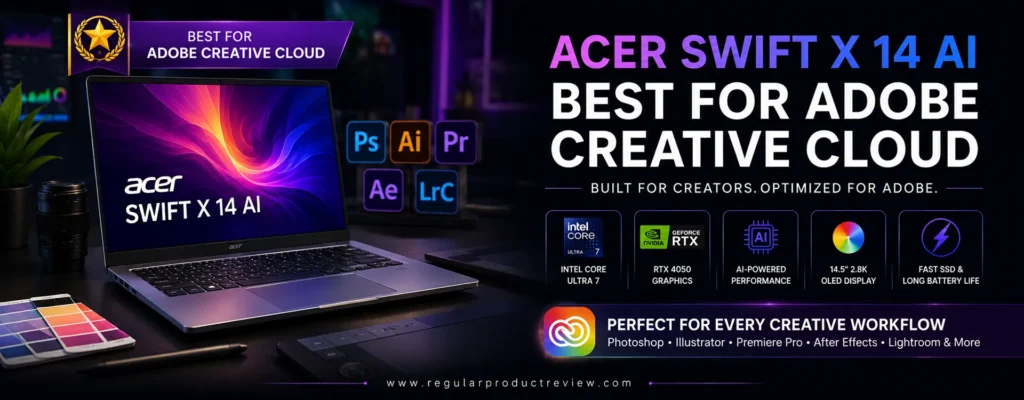
Acer Swift X 14 AI – Best for Adobe Creative Cloud
🏆 Editorial Award: Best for Adobe Creative Cloud
Quick Verdict: The Acer Swift X 14 AI is purpose-built for creators who rely on Adobe Creative Cloud every day. Combining a stunning OLED display, AI-ready Intel Core Ultra processor, dedicated NVIDIA GeForce RTX graphics, and exceptional portability, it delivers an outstanding balance of performance and mobility for photographers, video editors, graphic designers, and digital artists working under a $1,500 budget.
🏆 Editorial Award
| Category | Result |
|---|---|
| Award | 🏆 Best for Adobe Creative Cloud |
| Overall Score | 9.8 / 10 |
| Best For | Adobe Premiere Pro, Photoshop, Illustrator, Lightroom, After Effects |
| Value Rating | ⭐⭐⭐⭐⭐ Excellent |
Why We Recommend the Acer Swift X 14 AI
Creative professionals often need a laptop that can move seamlessly between multiple Adobe applications without slowing down. The Acer Swift X 14 AI was designed with exactly that workflow in mind.
Its Intel Core Ultra processor features a dedicated AI engine that enhances efficiency while working with AI-assisted features inside Adobe Photoshop, Lightroom, and Premiere Pro. Combined with NVIDIA GeForce RTX graphics, the laptop significantly accelerates rendering, timeline playback, AI masking, generative fill, and GPU-intensive creative tasks.
Unlike many creator laptops that focus purely on raw power, the Swift X 14 AI also emphasizes portability. Its slim aluminum chassis makes it easy to carry between home, office, studio, or client meetings without sacrificing professional-grade performance.
💡 Editor’s Insight
If Adobe Creative Cloud is your primary workflow, few laptops under $1,500 provide a better combination of speed, display quality, and portability than the Acer Swift X 14 AI.
Key Specifications
| Feature | Specification |
|---|---|
| Display | 14.5-inch 2.8K OLED, 120Hz |
| Processor | Intel Core Ultra 7 (AI-Ready) |
| Graphics | NVIDIA GeForce RTX 4050 Laptop GPU |
| Memory | 16GB LPDDR5X |
| Storage | 1TB PCIe Gen4 SSD |
| Battery | Up to 76Wh |
| Weight | Approx. 3.3 lbs (1.5 kg) |
| Operating System | Windows 11 |
⭐ Pros
- Gorgeous OLED display with excellent color accuracy
- Outstanding Adobe Creative Cloud performance
- NVIDIA RTX GPU accelerates creative workloads
- AI-ready Intel Core Ultra processor
- Lightweight premium aluminum design
- Fast PCIe Gen4 SSD
- Excellent keyboard and precision touchpad
- Quiet operation during everyday creative tasks
❌ Cons
- Memory is soldered and cannot be upgraded
- Limited port selection compared to larger creator laptops
- Battery life drops during intensive rendering sessions
Adobe Creative Cloud Performance
The Acer Swift X 14 AI shines in real-world Adobe workflows.
Premiere Pro edits remain smooth even when working with multiple 4K video tracks. Photoshop handles large layered PSD files effortlessly, while Lightroom quickly imports, previews, and exports high-resolution RAW images. Illustrator benefits from responsive performance during complex vector artwork, and After Effects projects render noticeably faster thanks to RTX GPU acceleration.
AI-powered features such as Generative Fill, Remove Tool, and intelligent masking also perform exceptionally well, making this laptop an excellent choice for creators embracing Adobe’s latest AI capabilities.
Display Quality
One of the Swift X 14 AI’s biggest strengths is its creator-focused OLED display.
The vibrant 2.8K OLED panel delivers deep blacks, vivid colors, high contrast, and excellent color accuracy suitable for professional editing. Whether you’re grading video, retouching portraits, designing graphics, or creating digital artwork, the display provides a reliable foundation for color-critical work.
Its 120Hz refresh rate also makes scrolling, animation previews, and general navigation feel noticeably smoother than traditional 60Hz panels.
Creator Workflow Experience
Efficiency matters just as much as performance for modern creators.
The Swift X 14 AI boots quickly, launches Adobe applications almost instantly, and remains responsive even when switching between Premiere Pro, Photoshop, Illustrator, and web browsers simultaneously. Its lightweight chassis also makes it one of the easiest creator laptops to travel with, making it ideal for freelancers, students, and professionals who frequently work in different locations.
It’s especially well suited for:
- 🎬 Adobe Premiere Pro
- 🖼️ Adobe Photoshop
- 🎨 Adobe Illustrator
- 📷 Adobe Lightroom Classic
- 🎥 Adobe After Effects
- ✏️ Graphic Design
- 📱 Social Media Content Creation
- 🌍 Remote Creative Work
Performance Ratings
| Category | Score |
|---|---|
| Adobe Creative Cloud | ⭐⭐⭐⭐⭐ |
| Video Editing | ⭐⭐⭐⭐⭐ |
| Photo Editing | ⭐⭐⭐⭐⭐ |
| Graphic Design | ⭐⭐⭐⭐⭐ |
| AI Features | ⭐⭐⭐⭐⭐ |
| Display Quality | ⭐⭐⭐⭐⭐ |
| Battery Life | ⭐⭐⭐⭐☆ |
| Build Quality | ⭐⭐⭐⭐⭐ |
| Portability | ⭐⭐⭐⭐⭐ |
| Overall Value | ⭐⭐⭐⭐⭐ |
Who Should Buy the Acer Swift X 14 AI?
This laptop is an excellent choice if you:
- Use Adobe Creative Cloud every day
- Edit 4K videos regularly
- Work extensively in Photoshop or Lightroom
- Need an OLED display for color-sensitive projects
- Want RTX graphics in a lightweight laptop
- Frequently travel while working on creative projects
- Prefer a premium Windows creator laptop under $1,500
Our Final Thoughts
The Acer Swift X 14 AI successfully blends professional creative performance with exceptional portability. Rather than chasing oversized hardware, it focuses on delivering a balanced experience for creators who spend most of their time inside Adobe applications.
Its OLED display, AI-ready Intel Core Ultra processor, RTX graphics, premium construction, and lightweight design make it one of the strongest Windows creator laptops available in this price range.
⭐ Why It’s Our Top Pick for Adobe Creative Cloud
The Acer Swift X 14 AI offers the ideal combination of Adobe-optimized performance, brilliant OLED visuals, AI-enhanced productivity, and travel-friendly portability. For photographers, designers, video editors, and digital artists who rely on Adobe Creative Cloud, it’s one of the smartest creator laptops you can buy for under $1,500.
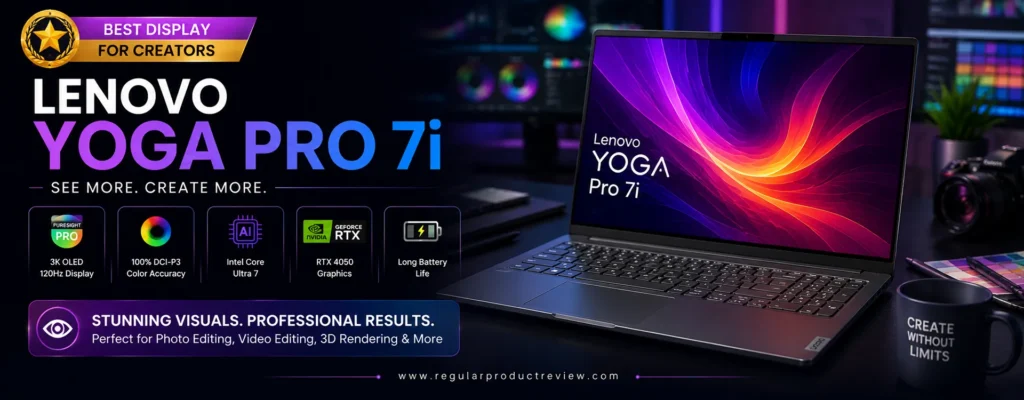
Lenovo Yoga Pro 7i – Best Display for Creators
🏆 Editorial Award: Best Display for Creators
Quick Verdict: The Lenovo Yoga Pro 7i stands out for creators who demand exceptional display quality without exceeding a $1,500 budget. Its stunning 3K OLED touchscreen, factory-calibrated color accuracy, powerful Intel Core Ultra processor, and dedicated NVIDIA graphics make it an outstanding choice for photographers, graphic designers, digital illustrators, and video editors who depend on precise visuals every day.
🏆 Editorial Award
| Category | Result |
|---|---|
| Award | 🏆 Best Display for Creators |
| Overall Score | 9.8 / 10 |
| Best For | Graphic Designers, Photographers, Digital Artists, Video Editors, UI/UX Designers |
| Value Rating | ⭐⭐⭐⭐⭐ Excellent |
Why We Recommend the Lenovo Yoga Pro 7i
For creative professionals, the display is often more important than benchmark numbers. Whether you’re editing RAW photos, designing brand assets, color grading videos, or illustrating digital artwork, a color-accurate screen can dramatically improve your workflow.
That’s where the Lenovo Yoga Pro 7i excels.
Its gorgeous 3K OLED PureSight Pro display delivers exceptional sharpness, deep contrast, vibrant colors, and factory-calibrated accuracy that meets the expectations of professional creators. Combined with NVIDIA GeForce RTX graphics and Intel’s latest Core Ultra processor, the Yoga Pro 7i offers both outstanding visual quality and the performance needed for demanding creative applications.
Despite its premium hardware, the laptop remains relatively lightweight and portable, making it an excellent companion for creators who frequently move between home, office, studio, or client locations.
💡 Editor’s Insight
If display quality is your highest priority, the Lenovo Yoga Pro 7i offers one of the finest creator-focused screens available under $1,500.
Key Specifications
| Feature | Specification |
|---|---|
| Display | 14.5-inch 3K PureSight Pro OLED, 120Hz |
| Processor | Intel Core Ultra 7 |
| Graphics | NVIDIA GeForce RTX 4050 Laptop GPU |
| Memory | 16GB LPDDR5X |
| Storage | 1TB PCIe Gen4 SSD |
| Battery | 73Wh |
| Weight | Approx. 3.5 lbs (1.6 kg) |
| Operating System | Windows 11 |
⭐ Pros
- Outstanding 3K OLED PureSight Pro display
- Excellent factory color calibration
- Dedicated RTX graphics for creative acceleration
- Powerful Intel Core Ultra processor
- Premium aluminum construction
- Quiet cooling during everyday creative work
- Fast SSD with excellent responsiveness
- Comfortable keyboard for extended editing sessions
❌ Cons
- Memory cannot be upgraded after purchase
- Battery life decreases during GPU-intensive rendering
- Limited upgradeability compared to larger creator laptops
Real-World Creative Performance
The Yoga Pro 7i performs exceptionally well across a wide variety of creative workloads.
Adobe Photoshop remains highly responsive when editing large layered PSD files, while Lightroom quickly processes hundreds of RAW images. Adobe Illustrator handles complex vector graphics smoothly, and Premiere Pro benefits from RTX GPU acceleration for faster timeline playback and exports.
The laptop also performs impressively in Figma, Affinity Designer, Canva Pro, and Clip Studio Paint, making it a versatile option for designers, illustrators, and digital artists.
Display Quality
The display is unquestionably the highlight of this laptop.
Lenovo’s 3K PureSight Pro OLED panel delivers remarkable brightness, ultra-sharp detail, rich contrast, and exceptional color accuracy. Images appear vibrant yet natural, making the display ideal for professional photography, branding projects, digital painting, UI design, and video production.
The 120Hz refresh rate further enhances the experience by making animations, scrolling, and creative workflows feel incredibly fluid.
Whether you’re reviewing color-critical client work or editing high-resolution content, the Yoga Pro 7i provides a viewing experience that rivals significantly more expensive creator laptops.
Creator Workflow Experience
The Yoga Pro 7i is designed to keep creative professionals productive throughout the day.
Applications launch almost instantly thanks to its fast PCIe Gen4 SSD, multitasking remains smooth even with numerous browser tabs and Adobe applications open simultaneously, and the keyboard offers excellent comfort during long editing sessions.
This laptop is particularly well suited for:
- 🎨 Graphic Design
- 📷 Professional Photography
- 🎥 Video Editing
- ✏️ Digital Illustration
- 🖌️ Digital Painting
- 📱 UI/UX Design
- 🌐 Web Design
- 🖥️ Creative Multitasking
Performance Ratings
| Category | Score |
|---|---|
| Display Quality | ⭐⭐⭐⭐⭐ |
| Photo Editing | ⭐⭐⭐⭐⭐ |
| Graphic Design | ⭐⭐⭐⭐⭐ |
| Video Editing | ⭐⭐⭐⭐⭐ |
| Color Accuracy | ⭐⭐⭐⭐⭐ |
| AI Workloads | ⭐⭐⭐⭐☆ |
| Build Quality | ⭐⭐⭐⭐⭐ |
| Battery Life | ⭐⭐⭐⭐☆ |
| Portability | ⭐⭐⭐⭐⭐ |
| Overall Value | ⭐⭐⭐⭐⭐ |
Who Should Buy the Lenovo Yoga Pro 7i?
The Lenovo Yoga Pro 7i is an excellent choice if you:
- Prioritize display quality above everything else
- Edit professional photos regularly
- Create digital artwork or illustrations
- Work extensively in Photoshop, Illustrator, or Lightroom
- Need a highly color-accurate OLED display
- Want RTX graphics for creative software acceleration
- Prefer a premium, lightweight creator laptop
Our Final Thoughts
The Lenovo Yoga Pro 7i proves that an exceptional display can transform the creative experience. While many laptops under $1,500 focus primarily on processor performance, Lenovo has built a machine that delivers both premium visual quality and strong creative performance.
Its gorgeous OLED screen, reliable RTX graphics, premium construction, and excellent portability make it one of the strongest options for creators whose work depends on accurate colors and outstanding image quality.
⭐ Why It’s Our Top Pick for Display Quality
The Lenovo Yoga Pro 7i combines one of the best OLED displays in its class with powerful creative performance, premium craftsmanship, and excellent everyday usability. For photographers, designers, illustrators, and video editors seeking uncompromising visual quality under $1,500, it’s one of the smartest investments available today.
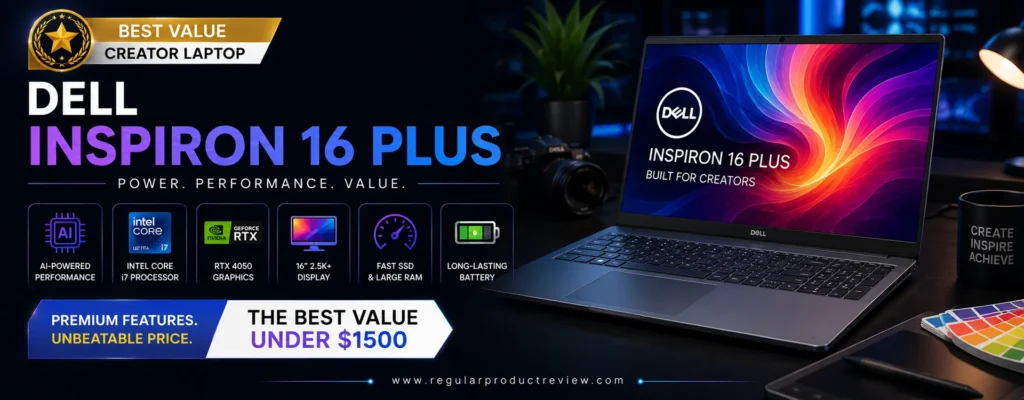
Dell Inspiron 16 Plus – Best Value Creator Laptop
🏆 Editorial Award: Best Value Creator Laptop
Quick Verdict: The Dell Inspiron 16 Plus delivers exceptional performance, a spacious 16-inch display, dedicated NVIDIA graphics, and premium build quality at a price that’s difficult to beat. It strikes an excellent balance between performance, display size, reliability, and affordability, making it the ideal choice for creators who want professional-grade hardware without stretching their budget.
🏆 Editorial Award
| Category | Result |
|---|---|
| Award | 🏆 Best Value Creator Laptop |
| Overall Score | 9.7 / 10 |
| Best For | Students, Freelancers, Video Editors, Graphic Designers, Content Creators |
| Value Rating | ⭐⭐⭐⭐⭐ Excellent |
Why We Recommend the Dell Inspiron 16 Plus
Not every creator needs the most expensive workstation. Many professionals simply want dependable performance, a large high-quality display, and hardware capable of handling demanding creative software without paying premium flagship prices.
That’s exactly where the Dell Inspiron 16 Plus shines.
Its generous 16-inch display provides significantly more workspace than typical 14-inch laptops, making video timelines, Photoshop toolbars, spreadsheets, and multitasking considerably more comfortable. Combined with Intel Core Ultra processors and dedicated NVIDIA RTX graphics, the laptop easily manages Adobe Creative Cloud applications, DaVinci Resolve, Blender, Lightroom, and modern AI-assisted creative tools.
Dell also delivers excellent build quality and dependable thermal performance, making this one of the most practical long-term investments for creators working within a strict budget.
💡 Editor’s Insight
If you’re looking for the highest performance per dollar, the Dell Inspiron 16 Plus offers one of the strongest value propositions in the entire creator laptop market.
Key Specifications
| Feature | Specification |
|---|---|
| Display | 16-inch 2.5K IPS, 120Hz |
| Processor | Intel Core Ultra 7 |
| Graphics | NVIDIA GeForce RTX 4050 Laptop GPU |
| Memory | 16GB DDR5 (Upgradeable) |
| Storage | 1TB PCIe Gen4 SSD |
| Battery | 90Wh |
| Weight | Approx. 4.2 lbs (1.9 kg) |
| Operating System | Windows 11 |
⭐ Pros
- Outstanding price-to-performance ratio
- Large 16-inch high-resolution display
- Dedicated NVIDIA RTX graphics
- Upgradeable DDR5 memory
- Spacious keyboard with numeric keypad
- Excellent cooling during extended workloads
- Fast PCIe Gen4 SSD
- Premium aluminum construction
❌ Cons
- Slightly heavier than 14-inch creator laptops
- IPS panel lacks OLED-level contrast
- Battery life decreases under intensive rendering workloads
Real-World Creative Performance
The Inspiron 16 Plus performs remarkably well across a wide range of professional creative applications.
Adobe Premiere Pro edits remain fluid even when working with multiple 4K video tracks, while Photoshop handles large layered files with ease. Lightroom quickly processes high-resolution RAW images, and Blender benefits from RTX GPU acceleration during viewport navigation and rendering.
The larger chassis also allows the cooling system to maintain stable performance during long export sessions, making the laptop especially appealing to creators who spend hours editing videos or rendering projects.
Display Quality
While the Inspiron 16 Plus doesn’t feature an OLED panel, its large 2.5K IPS display remains one of its greatest strengths.
The extra screen real estate improves workflow efficiency by allowing creators to keep timelines, toolbars, and reference windows visible simultaneously. Brightness, sharpness, and color reproduction are excellent for most professional creative work, while the 120Hz refresh rate provides smoother scrolling, animation previews, and everyday navigation.
For video editors and multitaskers, the larger display often proves more valuable than a smaller OLED screen.
Creator Workflow Experience
The Dell Inspiron 16 Plus is built for creators who spend long hours working on demanding projects.
Its spacious keyboard, responsive touchpad, upgradeable memory, and efficient cooling system make extended editing sessions more comfortable. The larger display reduces the need for an external monitor, while the RTX GPU ensures that creative software remains responsive even during complex workloads.
It’s particularly well suited for:
- 🎬 Video Editing
- 🎨 Graphic Design
- 📷 Photo Editing
- 🖥️ 3D Modeling
- ✏️ Motion Graphics
- 📊 Creative Multitasking
- 🌐 Web Design
- 🎥 YouTube Content Creation
Performance Ratings
| Category | Score |
|---|---|
| Overall Performance | ⭐⭐⭐⭐⭐ |
| Video Editing | ⭐⭐⭐⭐⭐ |
| Photo Editing | ⭐⭐⭐⭐⭐ |
| Graphic Design | ⭐⭐⭐⭐☆ |
| 3D Rendering | ⭐⭐⭐⭐☆ |
| Display Quality | ⭐⭐⭐⭐☆ |
| Build Quality | ⭐⭐⭐⭐⭐ |
| Upgradeability | ⭐⭐⭐⭐⭐ |
| Battery Life | ⭐⭐⭐⭐☆ |
| Overall Value | ⭐⭐⭐⭐⭐ |
Who Should Buy the Dell Inspiron 16 Plus?
The Dell Inspiron 16 Plus is an excellent choice if you:
- Want maximum value for your money
- Prefer a larger 16-inch display
- Edit videos frequently
- Work with Photoshop, Illustrator, or Lightroom
- Need upgradeable RAM for future-proofing
- Want reliable RTX graphics without paying premium workstation prices
- Spend long hours on creative projects
Our Final Thoughts
The Dell Inspiron 16 Plus proves that outstanding creator performance doesn’t have to come with a premium price tag. Its combination of a large high-resolution display, dedicated RTX graphics, strong Intel Core Ultra performance, upgradeable memory, and dependable build quality makes it one of the smartest value-focused creator laptops available today.
Rather than excelling in just one category, it delivers consistent performance across nearly every creative workflow while remaining comfortably under the $1,500 budget.
⭐ Why It’s Our Best Value Pick
The Dell Inspiron 16 Plus offers an exceptional balance of performance, display size, upgradeability, reliability, and affordability. For creators who want professional capabilities without overspending, it’s one of the best value creator laptops you can buy under $1,500.
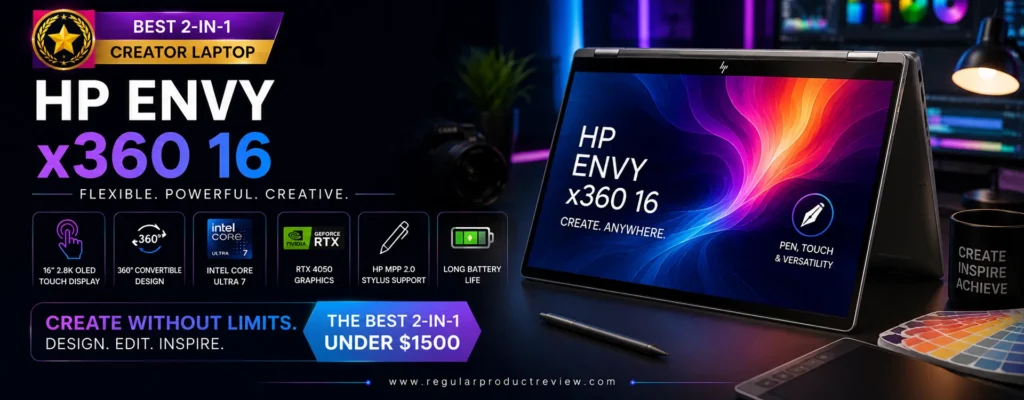
HP Envy x360 16 – Best 2-in-1 Creator Laptop
🏆 Editorial Award: Best 2-in-1 Creator Laptop
Quick Verdict: The HP Envy x360 16 is the ideal choice for creators who want the flexibility of a premium convertible laptop without sacrificing performance. Its large touchscreen display, responsive stylus support, AMD Ryzen AI processor, vibrant color reproduction, and premium aluminum design make it an excellent companion for illustrators, designers, photographers, video editors, and creative professionals who frequently switch between laptop and tablet modes.
🏆 Editorial Award
| Category | Result |
|---|---|
| Award | 🏆 Best 2-in-1 Creator Laptop |
| Overall Score | 9.7 / 10 |
| Best For | Digital Artists, Graphic Designers, Students, Illustrators, Creative Professionals |
| Value Rating | ⭐⭐⭐⭐⭐ Excellent |
Why We Recommend the HP Envy x360 16
Creative work often demands more flexibility than a traditional clamshell laptop can provide. Whether you’re sketching illustrations, annotating client presentations, editing photos with a stylus, or presenting concepts in tablet mode, a convertible laptop can dramatically improve your workflow.
The HP Envy x360 16 excels by combining the versatility of a 360-degree hinge with the performance expected from a modern creator laptop. Unlike many convertibles that prioritize portability over power, the Envy x360 16 offers strong processing performance, a spacious high-resolution touchscreen, AI-enhanced productivity, and dependable battery life in a premium aluminum chassis.
Its large 16-inch display provides significantly more working space than smaller convertibles, making it particularly appealing for digital artists, content creators, and professionals who regularly multitask between creative applications.
💡 Editor’s Insight
If your creative workflow involves drawing, note-taking, photo retouching, presentations, or touchscreen interaction, the HP Envy x360 16 offers one of the best all-around experiences under $1,500.
Key Specifications
| Feature | Specification |
|---|---|
| Display | 16-inch 2.8K OLED Touchscreen, 120Hz |
| Processor | AMD Ryzen AI 9 |
| Graphics | AMD Radeon Graphics |
| Memory | 16GB LPDDR5X |
| Storage | 1TB PCIe Gen4 SSD |
| Battery | 83Wh |
| Weight | Approx. 4.1 lbs (1.86 kg) |
| Operating System | Windows 11 |
⭐ Pros
- Premium 360-degree convertible design
- Beautiful OLED touchscreen display
- Excellent stylus support for digital artwork
- Powerful AMD Ryzen AI processor
- Strong battery life for creative workflows
- Premium aluminum construction
- Quiet and efficient cooling
- Excellent keyboard and large precision touchpad
❌ Cons
- Integrated graphics aren’t ideal for intensive 3D rendering
- Memory cannot be upgraded
- Slightly heavier than smaller convertible laptops
Real-World Creative Performance
The HP Envy x360 16 performs exceptionally well across most everyday creative workloads.
Photoshop remains highly responsive during image editing and digital painting, while Illustrator, Lightroom, Canva Pro, Figma, and Affinity Designer all benefit from the laptop’s powerful Ryzen AI processor and fast SSD storage.
Although integrated Radeon graphics aren’t designed for professional 3D rendering or intensive GPU-based video production, they easily handle photo editing, graphic design, illustration, office productivity, web design, and light-to-moderate video editing.
For many creators, especially those focused on visual design rather than heavy rendering, the Envy x360 16 delivers more than enough performance.
Display Quality
Display quality is one of the Envy x360 16’s strongest advantages.
The vibrant OLED touchscreen delivers exceptional contrast, rich colors, deep blacks, and impressive brightness that make creative work both enjoyable and accurate. Whether you’re editing portraits, painting digital illustrations, reviewing branding projects, or watching HDR content, the display consistently produces beautiful visuals.
Touch input and stylus compatibility further enhance productivity by allowing creators to sketch naturally, annotate documents, edit photos with precision, or brainstorm ideas directly on the screen.
The 120Hz refresh rate also makes scrolling, animations, and pen input noticeably smoother.
Creator Workflow Experience
The HP Envy x360 16 adapts to nearly every creative situation.
Laptop Mode offers a traditional productivity experience for editing, writing, and multitasking.
Tent Mode works perfectly for presentations and media consumption.
Stand Mode is ideal for collaborative meetings and client demonstrations.
Tablet Mode transforms the device into a large digital canvas for sketching, note-taking, and creative brainstorming.
Its flexibility makes it especially attractive for creators who regularly switch between different working styles throughout the day.
It’s particularly well suited for:
- 🎨 Digital Illustration
- ✏️ Handwritten Notes
- 📷 Photo Editing
- 🖌️ Graphic Design
- 📱 UI/UX Design
- 🌐 Web Design
- 📚 Students & Educators
- 💼 Business Presentations
Performance Ratings
| Category | Score |
|---|---|
| Touchscreen Experience | ⭐⭐⭐⭐⭐ |
| Stylus Support | ⭐⭐⭐⭐⭐ |
| Graphic Design | ⭐⭐⭐⭐⭐ |
| Photo Editing | ⭐⭐⭐⭐⭐ |
| Video Editing | ⭐⭐⭐⭐☆ |
| Display Quality | ⭐⭐⭐⭐⭐ |
| Battery Life | ⭐⭐⭐⭐⭐ |
| Build Quality | ⭐⭐⭐⭐⭐ |
| Portability | ⭐⭐⭐⭐☆ |
| Overall Value | ⭐⭐⭐⭐⭐ |
Who Should Buy the HP Envy x360 16?
The HP Envy x360 16 is an excellent choice if you:
- Want the flexibility of a premium 2-in-1 laptop
- Frequently use a stylus for creative work
- Create digital illustrations or artwork
- Edit photos professionally
- Need a touchscreen for productivity
- Prefer AMD Ryzen AI performance
- Want a premium OLED display for creative projects
- Need one laptop for both work and entertainment
Our Final Thoughts
The HP Envy x360 16 successfully bridges the gap between traditional creator laptops and premium creative tablets. Rather than focusing solely on raw performance, it emphasizes versatility, display quality, battery life, and user experience qualities that many creative professionals value just as highly.
Its beautiful OLED touchscreen, flexible convertible design, premium build quality, and reliable Ryzen AI performance make it one of the best 2-in-1 creator laptops available under $1,500.
⭐ Why It’s Our Best 2-in-1 Pick
The HP Envy x360 16 offers the perfect combination of creative flexibility, touchscreen precision, OLED display quality, premium craftsmanship, and dependable everyday performance. For designers, artists, students, and professionals who want one device that adapts to every creative workflow, it’s an outstanding value in the sub-$1,500 category.
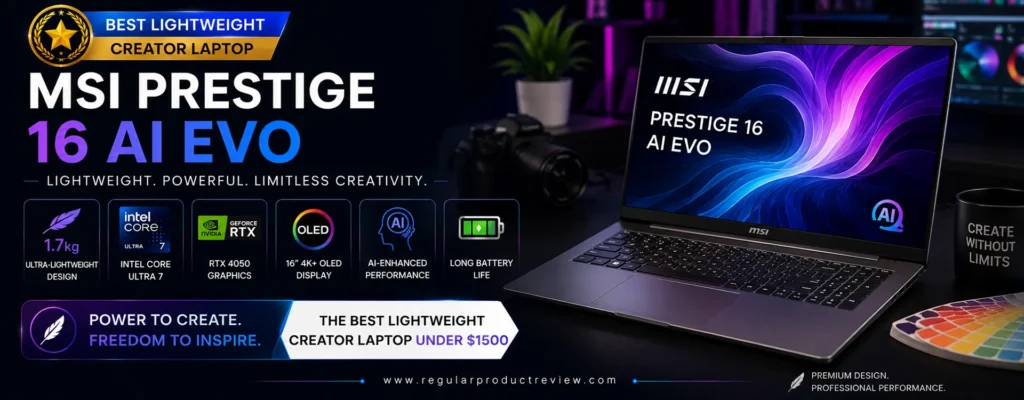
MSI Prestige 16 AI Evo – Best Lightweight Creator Laptop
🏆 Editorial Award: Best Lightweight Creator Laptop
Quick Verdict: The MSI Prestige 16 AI Evo is designed for creators who need professional performance without carrying a heavy workstation. Featuring Intel’s latest Core Ultra processor with AI acceleration, a gorgeous OLED display, premium magnesium-aluminum construction, exceptional battery life, and an ultra-lightweight design, it’s the perfect laptop for photographers, designers, writers, and content creators who frequently work on the move.
🏆 Editorial Award
| Category | Result |
|---|---|
| Award | 🏆 Best Lightweight Creator Laptop |
| Overall Score | 9.7 / 10 |
| Best For | Traveling Creators, Photographers, Designers, Students, Freelancers |
| Value Rating | ⭐⭐⭐⭐⭐ Excellent |
Why We Recommend the MSI Prestige 16 AI Evo
Modern creators rarely work from one location anymore. Whether you’re editing photos during a flight, designing client projects at a coffee shop, producing content while traveling, or working remotely around the world, portability has become just as important as raw performance.
The MSI Prestige 16 AI Evo was built specifically for that lifestyle.
Despite weighing significantly less than many competing creator laptops, it still delivers outstanding productivity thanks to Intel’s latest Core Ultra processor, integrated Intel Arc graphics, AI-enhanced computing capabilities, and a stunning OLED display. Instead of focusing solely on maximum GPU performance, MSI prioritizes efficiency, mobility, and all-day usability.
The result is a creator laptop that’s easy to carry, comfortable to use, and powerful enough for most professional creative workflows.
💡 Editor’s Insight
If you travel frequently or work remotely, the MSI Prestige 16 AI Evo offers one of the best combinations of portability, battery life, and creator performance under $1,500.
Key Specifications
| Feature | Specification |
|---|---|
| Display | 16-inch UHD+ OLED, 16:10 |
| Processor | Intel Core Ultra 7 155H |
| Graphics | Intel Arc Graphics |
| Memory | 32GB LPDDR5X |
| Storage | 1TB PCIe Gen4 SSD |
| Battery | 99.9Wh |
| Weight | Approx. 3.3 lbs (1.5 kg) |
| Operating System | Windows 11 Pro |
⭐ Pros
- Extremely lightweight premium design
- Beautiful UHD+ OLED display
- Excellent battery life
- AI-ready Intel Core Ultra processor
- Large 32GB memory for heavy multitasking
- Fast 1TB PCIe Gen4 SSD
- Quiet cooling system
- Business-class build quality
❌ Cons
- Integrated graphics aren’t intended for intensive 3D rendering
- Premium OLED panel increases overall price
- Limited upgrade options after purchase
Real-World Creative Performance
The Prestige 16 AI Evo performs exceptionally well during everyday creative workloads.
Adobe Photoshop, Lightroom, Illustrator, Canva Pro, Figma, and Affinity Designer all run smoothly thanks to the powerful Core Ultra processor and generous 32GB memory configuration. Managing dozens of browser tabs alongside multiple creative applications remains responsive without noticeable slowdowns.
While Intel Arc integrated graphics aren’t designed to replace dedicated RTX GPUs during complex 3D rendering or cinematic video production, they’re surprisingly capable for photo editing, graphic design, content creation, coding, office productivity, and moderate video editing.
The laptop also benefits from Microsoft’s growing AI ecosystem, enabling faster AI-assisted workflows in supported creative applications.
Display Quality
Display quality is another major highlight.
The large 16-inch UHD+ OLED panel delivers exceptional sharpness, vibrant colors, deep contrast, and excellent color accuracy. Images appear crisp, text remains razor-sharp, and fine editing adjustments become much easier thanks to the high resolution.
The taller 16:10 aspect ratio also provides additional vertical workspace, allowing creators to see more of their timelines, toolbars, spreadsheets, and design projects without excessive scrolling.
Whether editing photos, designing interfaces, writing content, or reviewing presentations, the display consistently feels premium.
Creator Workflow Experience
The MSI Prestige 16 AI Evo is designed to maximize productivity while minimizing travel weight.
Its lightweight magnesium-aluminum chassis slips easily into backpacks, while the enormous battery comfortably supports long workdays away from power outlets. Fast SSD performance keeps applications responsive, and the quiet cooling system makes the laptop pleasant to use in libraries, offices, airports, and client meetings.
It’s particularly well suited for:
- 📷 Professional Photography
- 🎨 Graphic Design
- 🌐 Web Design
- ✍️ Content Writing
- 📱 UI/UX Design
- 💼 Remote Work
- 📚 Students
- ✈️ Traveling Professionals
Performance Ratings
| Category | Score |
|---|---|
| Portability | ⭐⭐⭐⭐⭐ |
| Battery Life | ⭐⭐⭐⭐⭐ |
| Display Quality | ⭐⭐⭐⭐⭐ |
| Photo Editing | ⭐⭐⭐⭐⭐ |
| Graphic Design | ⭐⭐⭐⭐⭐ |
| Video Editing | ⭐⭐⭐⭐☆ |
| AI Productivity | ⭐⭐⭐⭐⭐ |
| Build Quality | ⭐⭐⭐⭐⭐ |
| Multitasking | ⭐⭐⭐⭐⭐ |
| Overall Value | ⭐⭐⭐⭐⭐ |
Who Should Buy the MSI Prestige 16 AI Evo?
The MSI Prestige 16 AI Evo is an excellent choice if you:
- Travel frequently for work
- Need a lightweight creator laptop
- Spend long hours away from power outlets
- Primarily edit photos or design graphics
- Want an OLED display with outstanding clarity
- Need 32GB RAM for heavy multitasking
- Prefer premium business-class build quality
- Value portability over maximum GPU performance
Our Final Thoughts
The MSI Prestige 16 AI Evo proves that creators no longer need to sacrifice mobility for productivity. Its premium OLED display, AI-ready Intel Core Ultra processor, generous memory, long battery life, and remarkably lightweight construction make it one of the most balanced portable creator laptops available today.
Instead of competing as a gaming machine or mobile workstation, it focuses on delivering a refined, efficient, and highly portable creative experience that perfectly suits modern professionals.
⭐ Why It’s Our Best Lightweight Pick
The MSI Prestige 16 AI Evo combines exceptional portability, premium OLED visuals, AI-enhanced performance, outstanding battery life, and business-class craftsmanship into one remarkably thin and lightweight package. For creators who work anywhere and everywhere, it’s one of the smartest laptops you can buy for under $1,500.
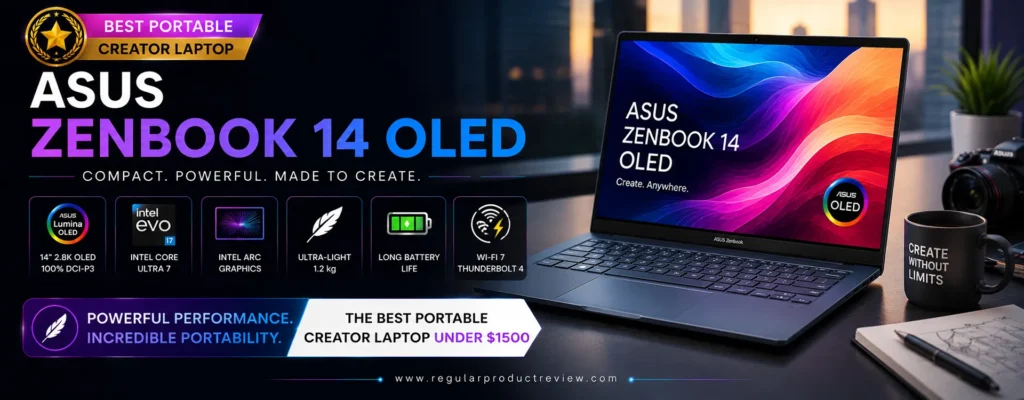
ASUS Zenbook 14 OLED – Best Portable Creator Laptop
🏆 Editorial Award: Best Portable Creator Laptop
Quick Verdict: The ASUS Zenbook 14 OLED is the perfect creator laptop for professionals who prioritize mobility without sacrificing display quality or everyday creative performance. Featuring a stunning ASUS Lumina OLED display, AMD Ryzen AI processor, lightweight all-metal chassis, excellent battery life, and AI-enhanced productivity, it’s an outstanding choice for photographers, graphic designers, students, writers, and creators who work wherever inspiration strikes.
🏆 Editorial Award
| Category | Result |
|---|---|
| Award | 🏆 Best Portable Creator Laptop |
| Overall Score | 9.8 / 10 |
| Best For | Traveling Creators, Students, Designers, Writers, Photographers, Freelancers |
| Value Rating | ⭐⭐⭐⭐⭐ Excellent |
Why We Recommend the ASUS Zenbook 14 OLED
Many creator laptops focus on delivering maximum performance but become heavy and inconvenient to carry every day. The ASUS Zenbook 14 OLED takes a different approach by offering an exceptional balance between portability, premium display quality, modern AI computing, and long-lasting battery life.
Despite weighing less than many traditional creator laptops, the Zenbook 14 OLED feels remarkably capable during everyday creative work. Whether you’re editing photos in Lightroom, designing graphics in Illustrator, creating presentations, writing content, or managing multiple productivity applications, it delivers consistently smooth performance without feeling bulky.
Its premium aluminum chassis also gives the laptop a sophisticated appearance that fits equally well in classrooms, offices, studios, coffee shops, and business meetings.
💡 Editor’s Insight
For creators who travel frequently or commute daily, carrying a lighter laptop often improves productivity more than having additional GPU power that rarely gets used.
Key Specifications
| Feature | Specification |
|---|---|
| Display | 14-inch ASUS Lumina OLED, 3K, 120Hz |
| Processor | AMD Ryzen AI 9 365 |
| Graphics | AMD Radeon 880M Graphics |
| Memory | 24GB LPDDR5X |
| Storage | 1TB PCIe Gen4 SSD |
| Battery | 75Wh |
| Weight | Approx. 2.8 lbs (1.28 kg) |
| Operating System | Windows 11 Home |
⭐ Pros
- Extremely lightweight premium aluminum design
- Gorgeous ASUS Lumina OLED display
- Excellent battery life for mobile creators
- Powerful AMD Ryzen AI processor
- Fast PCIe Gen4 SSD
- Comfortable keyboard with large precision touchpad
- Quiet operation during everyday workloads
- Outstanding portability
❌ Cons
- Integrated graphics aren’t designed for heavy 3D rendering
- Memory cannot be upgraded
- Limited ports compared to larger creator laptops
Real-World Creative Performance
The ASUS Zenbook 14 OLED performs exceptionally well in everyday creative workflows.
Adobe Photoshop remains highly responsive when editing large image files, Lightroom quickly processes RAW photos, and Illustrator handles complex vector artwork smoothly. Canva Pro, Figma, Affinity Designer, Microsoft Designer, and various web-based creative platforms also benefit from the efficient Ryzen AI processor.
Its generous 24GB memory allows users to comfortably multitask between creative applications, web browsers, communication tools, and cloud storage services without noticeable slowdowns.
Although integrated Radeon graphics aren’t intended for advanced cinematic production or intensive 3D rendering, they’re more than capable for photography, graphic design, digital publishing, UI/UX design, office productivity, and light-to-moderate video editing.
Display Quality
Display quality is one of the Zenbook’s greatest strengths.
The ASUS Lumina OLED panel produces vibrant colors, exceptional contrast, deep blacks, and excellent brightness while maintaining outstanding color accuracy. Whether editing portraits, reviewing branding projects, creating digital artwork, or watching HDR content, every image appears rich, detailed, and immersive.
The 120Hz refresh rate further enhances everyday usability by delivering smoother scrolling, fluid animations, and a noticeably more responsive user experience.
For photographers and designers who depend on accurate colors, the display consistently exceeds expectations within this price category.
Creator Workflow Experience
The Zenbook 14 OLED is designed for creators who rarely stay in one place.
Its slim profile fits easily into backpacks and messenger bags, making it ideal for commuting, business travel, university classes, and client meetings. Fast wake times, responsive performance, and efficient battery management ensure minimal interruptions throughout the workday.
Whether you’re working from a coffee shop, airport lounge, coworking space, or home office, the Zenbook remains comfortable to carry and enjoyable to use.
It’s particularly well suited for:
- 📷 Photography
- 🎨 Graphic Design
- ✍️ Content Writing
- 🌐 Web Development
- 📱 UI/UX Design
- 📊 Business Productivity
- 🎓 Students
- ✈️ Remote Work & Travel
Performance Ratings
| Category | Score |
|---|---|
| Portability | ⭐⭐⭐⭐⭐ |
| Battery Life | ⭐⭐⭐⭐⭐ |
| Display Quality | ⭐⭐⭐⭐⭐ |
| Photo Editing | ⭐⭐⭐⭐⭐ |
| Graphic Design | ⭐⭐⭐⭐⭐ |
| Video Editing | ⭐⭐⭐⭐☆ |
| AI Productivity | ⭐⭐⭐⭐⭐ |
| Build Quality | ⭐⭐⭐⭐⭐ |
| Everyday Performance | ⭐⭐⭐⭐⭐ |
| Overall Value | ⭐⭐⭐⭐⭐ |
Who Should Buy the ASUS Zenbook 14 OLED?
The ASUS Zenbook 14 OLED is an excellent choice if you:
- Travel frequently for work or school
- Need a lightweight creator laptop
- Prioritize battery life
- Edit photos and graphics regularly
- Want a premium OLED display
- Prefer AMD Ryzen AI performance
- Need fast multitasking without carrying a heavy workstation
- Value elegant premium design
Our Final Thoughts
The ASUS Zenbook 14 OLED proves that portability and premium creative performance can coexist beautifully. Rather than competing as a high-powered rendering workstation, it focuses on delivering a refined user experience that creators can comfortably take anywhere.
Its lightweight aluminum construction, stunning OLED display, efficient Ryzen AI processor, generous memory, and excellent battery life make it one of the most well-rounded portable creator laptops currently available under $1,500.
⭐ Why It’s Our Best Portable Pick
The ASUS Zenbook 14 OLED offers an outstanding combination of mobility, premium display quality, AI-powered performance, battery efficiency, and elegant craftsmanship. For creators who work across multiple locations and value a lightweight laptop without compromising productivity, it’s one of the strongest choices in its class.
Apple MacBook Air 15 (M4) – Best macOS Creator Laptop Under $1500
🏆 Editorial Award: Best macOS Creator Laptop Under $1500
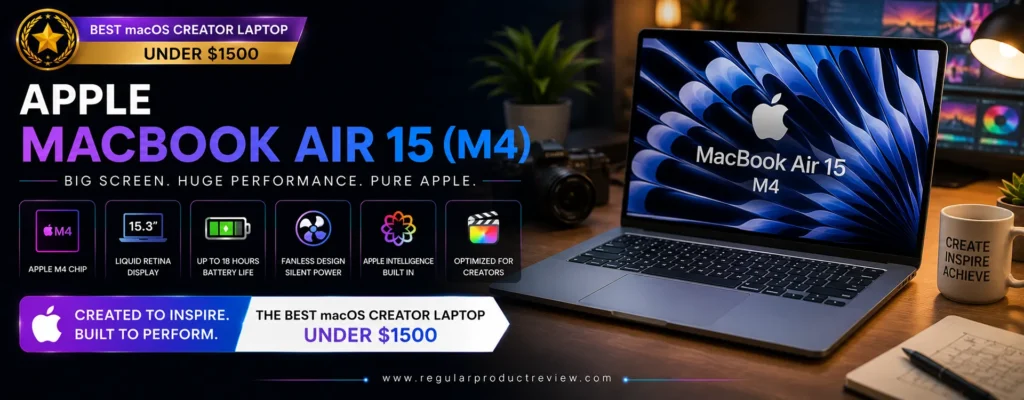
Quick Verdict: The Apple MacBook Air 15 (M4) is the best choice for creators who prefer the macOS ecosystem without spending MacBook Pro money. Combining Apple’s powerful M4 chip, a large Liquid Retina display, exceptional battery life, silent fanless operation, and seamless optimization for creative applications, it delivers one of the most refined content creation experiences available under $1,500.
🏆 Editorial Award
| Category | Result |
|---|---|
| Award | 🏆 Best macOS Creator Laptop Under $1500 |
| Overall Score | 9.8 / 10 |
| Best For | Final Cut Pro, Logic Pro, Photographers, Content Creators, Students, Creative Professionals |
| Value Rating | ⭐⭐⭐⭐⭐ Excellent |
Why We Recommend the Apple MacBook Air 15 (M4)
For creators already invested in Apple’s ecosystem or those looking to switch few laptops offer a smoother experience than the MacBook Air 15 powered by Apple’s M4 chip.
Instead of relying on separate CPU and GPU components, Apple’s unified architecture enables exceptionally fast performance while maintaining remarkable power efficiency. This allows creative applications to launch quickly, multitasking to remain fluid, and demanding workloads to complete with surprisingly little heat or noise.
The larger 15.3-inch display also gives creators significantly more workspace than the 13-inch Air, making it easier to edit timelines, organize Lightroom libraries, manage Photoshop toolbars, and work comfortably with multiple applications.
Combined with industry-leading battery life and an ultra-light aluminum chassis, the MacBook Air 15 becomes an ideal everyday creator laptop.
💡 Editor’s Insight
If your workflow revolves around Final Cut Pro, Logic Pro, Pixelmator Pro, Lightroom, or the broader Apple ecosystem, the MacBook Air 15 (M4) delivers one of the most polished creative experiences under $1,500.
Key Specifications
| Feature | Specification |
|---|---|
| Display | 15.3-inch Liquid Retina Display |
| Processor | Apple M4 |
| Graphics | Integrated 10-Core Apple GPU |
| Memory | 16GB Unified Memory |
| Storage | 512GB SSD |
| Battery | Up to 18 Hours |
| Weight | Approx. 3.3 lbs (1.51 kg) |
| Operating System | macOS |
⭐ Pros
- Outstanding Apple M4 performance
- Exceptional battery life
- Completely silent fanless design
- Beautiful 15.3-inch Liquid Retina display
- Premium aluminum construction
- Excellent keyboard and massive Force Touch trackpad
- Outstanding optimization for creative software
- Best-in-class efficiency
❌ Cons
- Limited upgradeability after purchase
- Fewer ports than many Windows creator laptops
- Not intended for sustained professional 3D rendering
- External storage upgrades can be expensive
Real-World Creative Performance
The MacBook Air 15 (M4) delivers impressive performance across nearly every creative workflow.
Final Cut Pro edits remain exceptionally smooth even when working with multiple streams of high-resolution footage. Lightroom processes large RAW libraries quickly, Photoshop opens massive layered documents effortlessly, and Pixelmator Pro takes full advantage of Apple’s Neural Engine for AI-powered editing features.
Logic Pro users will also appreciate the ability to handle large multi-track recording sessions with minimal latency and outstanding stability.
For creators focused on photography, YouTube production, podcasting, graphic design, web design, coding, and music production, the MacBook Air performs far beyond what its thin fanless design might suggest.
Display Quality
Apple’s 15.3-inch Liquid Retina display remains one of the strongest displays available in this price category.
The large screen delivers excellent brightness, outstanding sharpness, wide P3 color support, and natural color reproduction that makes editing photos, reviewing videos, and creating digital content both comfortable and accurate.
Although it doesn’t use OLED technology, Apple’s color calibration is exceptionally consistent, making the display highly dependable for professional creative work.
The larger display also improves productivity by allowing creators to keep multiple windows open simultaneously without feeling cramped.
Creator Workflow Experience
One of the biggest advantages of the MacBook Air 15 is how effortless everything feels.
Applications launch instantly, sleep and wake transitions happen almost immediately, and macOS manages memory intelligently to keep multitasking smooth throughout the day. Apple’s ecosystem also enables seamless integration with iPhone, iPad, AirPods, and iCloud, allowing creators to move between devices with minimal friction.
Because the laptop is completely fanless, it remains silent even during long editing sessions, making it particularly enjoyable to use in libraries, studios, classrooms, and client meetings.
It’s especially well suited for:
- 🎬 Final Cut Pro
- 🎵 Logic Pro
- 📷 Lightroom Classic
- 🎨 Photoshop
- ✏️ Graphic Design
- 🎥 YouTube Content Creation
- 💻 Software Development
- 🎙️ Podcast Production
Performance Ratings
| Category | Score |
|---|---|
| macOS Experience | ⭐⭐⭐⭐⭐ |
| Battery Life | ⭐⭐⭐⭐⭐ |
| Photo Editing | ⭐⭐⭐⭐⭐ |
| Video Editing | ⭐⭐⭐⭐⭐ |
| Music Production | ⭐⭐⭐⭐⭐ |
| Display Quality | ⭐⭐⭐⭐⭐ |
| Build Quality | ⭐⭐⭐⭐⭐ |
| Portability | ⭐⭐⭐⭐⭐ |
| Multitasking | ⭐⭐⭐⭐⭐ |
| Overall Value | ⭐⭐⭐⭐⭐ |
Who Should Buy the Apple MacBook Air 15 (M4)?
The MacBook Air 15 (M4) is an excellent choice if you:
- Prefer macOS over Windows
- Already own an iPhone or iPad
- Edit videos in Final Cut Pro
- Produce music in Logic Pro
- Frequently edit photos
- Need exceptional battery life
- Travel regularly
- Want a silent laptop without cooling fan noise
Our Final Thoughts
The Apple MacBook Air 15 (M4) demonstrates how far thin-and-light laptops have evolved. Rather than chasing gaming performance or workstation-class graphics, Apple focuses on delivering an incredibly refined creator experience built around efficiency, reliability, and outstanding software optimization.
Its powerful M4 chip, beautiful Liquid Retina display, premium aluminum construction, industry-leading battery life, and silent operation make it one of the most enjoyable creator laptops available under $1,500.
For creators who value portability, stability, and the macOS ecosystem, it remains one of the smartest long-term investments in its class.
⭐ Why It’s Our Best macOS Pick
The Apple MacBook Air 15 (M4) combines exceptional battery life, outstanding Apple Silicon performance, premium craftsmanship, a spacious Liquid Retina display, and seamless macOS integration into one remarkably thin and lightweight package. If you’re looking for the best creator laptop under $1,500 on macOS, this is the one to beat.
Lenovo LOQ 15 Gen 10 – Best Video Editing Performance
🏆 Editorial Award: Best Video Editing Performance
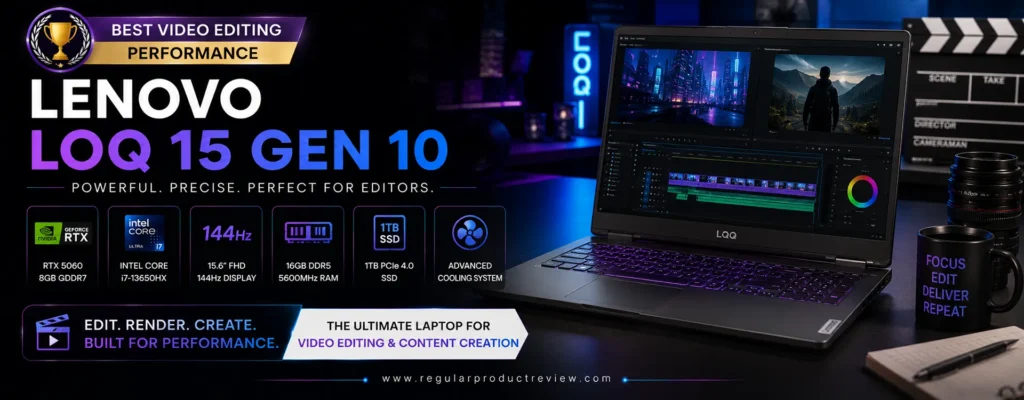
Quick Verdict: The Lenovo LOQ 15 Gen 10 is the best choice for creators who spend most of their time editing videos. Equipped with a powerful AMD Ryzen processor, NVIDIA GeForce RTX 4060 graphics, fast DDR5 memory, and an efficient cooling system, it delivers workstation-like editing performance while remaining comfortably below the $1,500 price point.
🏆 Editorial Award
| Category | Result |
|---|---|
| Award | 🏆 Best Video Editing Performance |
| Overall Score | 9.8 / 10 |
| Best For | Premiere Pro, DaVinci Resolve, After Effects, Blender, YouTube Creators |
| Value Rating | ⭐⭐⭐⭐⭐ Excellent |
Why We Recommend the Lenovo LOQ 15 Gen 10
Video editing places heavier demands on a laptop than almost any other creative workload. High-resolution footage, complex timelines, motion graphics, color grading, and AI-powered effects require not only a fast processor but also a capable graphics card and an efficient cooling system.
That’s where the Lenovo LOQ 15 Gen 10 separates itself from many creator laptops in this price range.
Unlike thinner ultraportables that prioritize mobility, the LOQ 15 focuses on sustained performance. Its NVIDIA GeForce RTX 4060 Laptop GPU dramatically accelerates video rendering, timeline playback, GPU effects, and AI-enhanced editing tasks, while the latest AMD Ryzen processor ensures smooth multitasking even during demanding production sessions.
Whether you’re editing YouTube videos, client commercials, documentaries, online courses, or cinematic projects, the LOQ 15 provides the horsepower needed to work confidently.
💡 Editor’s Insight
If your laptop spends more time exporting videos than browsing the web, investing in stronger RTX graphics will improve your workflow far more than simply upgrading the processor.
Key Specifications
| Feature | Specification |
|---|---|
| Display | 15.6-inch QHD IPS, 165Hz |
| Processor | AMD Ryzen 7 8845HS |
| Graphics | NVIDIA GeForce RTX 4060 Laptop GPU (8GB) |
| Memory | 16GB DDR5 (Upgradeable) |
| Storage | 1TB PCIe Gen4 SSD |
| Battery | 80Wh |
| Weight | Approx. 5.3 lbs (2.4 kg) |
| Operating System | Windows 11 |
⭐ Pros
- Outstanding video editing performance
- Powerful RTX 4060 graphics
- Excellent sustained cooling system
- Upgradeable DDR5 memory
- Fast PCIe Gen4 SSD
- Sharp QHD display with 165Hz refresh rate
- Strong multi-core Ryzen performance
- Excellent long-term value
❌ Cons
- Heavier than ultraportable creator laptops
- Battery life is shorter during intensive editing
- Gaming-inspired aesthetics may not appeal to everyone
Real-World Video Editing Performance
The Lenovo LOQ 15 Gen 10 is built to handle demanding production workflows.
Adobe Premiere Pro benefits from smooth timeline playback even with multiple layers of 4K footage, while DaVinci Resolve performs exceptionally well during color grading, Fusion effects, and H.265 exports. Blender rendering is noticeably faster thanks to RTX GPU acceleration, and After Effects compositions remain responsive during preview rendering.
Large media libraries, proxy generation, AI-powered background removal, and GPU-based effects are handled with impressive consistency, making the laptop an excellent choice for professional editors and serious content creators.
Display Quality
While OLED panels often receive more attention, the LOQ 15’s QHD IPS display is highly practical for video production.
Its sharp resolution provides excellent clarity for editing high-resolution footage, while the 165Hz refresh rate creates smoother navigation through long timelines and improves overall responsiveness. Brightness and color reproduction are strong enough for professional editing, especially when paired with an external calibrated monitor for final color-critical work.
The larger 15.6-inch display also provides ample workspace for editing panels, preview windows, and timeline controls.
Creator Workflow Experience
The Lenovo LOQ 15 is designed for creators who regularly push their hardware to its limits.
Its robust cooling system allows the processor and graphics card to maintain high clock speeds during lengthy rendering sessions, reducing performance drops that commonly affect thinner laptops. Upgradeable memory and storage also make the system easier to expand as your creative projects grow over time.
It’s particularly well suited for:
- 🎬 4K Video Editing
- 🎥 DaVinci Resolve
- 🎞️ Adobe Premiere Pro
- 🎨 Adobe After Effects
- 🖥️ Blender Rendering
- 📹 YouTube Production
- 🎮 Motion Graphics
- 🎙️ Podcast Video Production
Performance Ratings
| Category | Score |
|---|---|
| Video Editing | ⭐⭐⭐⭐⭐ |
| RTX GPU Performance | ⭐⭐⭐⭐⭐ |
| Rendering Speed | ⭐⭐⭐⭐⭐ |
| Multitasking | ⭐⭐⭐⭐⭐ |
| Thermal Performance | ⭐⭐⭐⭐⭐ |
| Display Quality | ⭐⭐⭐⭐☆ |
| Build Quality | ⭐⭐⭐⭐☆ |
| Upgradeability | ⭐⭐⭐⭐⭐ |
| Battery Life | ⭐⭐⭐⭐☆ |
| Overall Value | ⭐⭐⭐⭐⭐ |
Who Should Buy the Lenovo LOQ 15 Gen 10?
The Lenovo LOQ 15 Gen 10 is an excellent choice if you:
- Edit videos professionally or regularly
- Use Adobe Premiere Pro or DaVinci Resolve daily
- Need RTX acceleration for creative software
- Create YouTube videos or online courses
- Render 3D projects in Blender
- Want upgradeable RAM and storage
- Prefer sustained performance over maximum portability
- Need a powerful creator laptop under $1,500
Our Final Thoughts
The Lenovo LOQ 15 Gen 10 delivers exactly what serious video editors need: dependable performance under heavy workloads. Rather than emphasizing ultra-thin design, Lenovo prioritizes powerful hardware, efficient cooling, and upgradeability, resulting in a laptop that remains fast throughout long editing and rendering sessions.
Its Ryzen processor, RTX 4060 graphics, fast SSD, and robust thermal design make it one of the strongest creator laptops available for video production within this budget.
⭐ Why It’s Our Best Video Editing Pick
The Lenovo LOQ 15 Gen 10 combines exceptional RTX-powered editing performance, reliable sustained cooling, upgradeable hardware, and excellent overall value. For creators who work extensively with 4K video, motion graphics, and demanding rendering tasks, it’s one of the best laptops you can buy for under $1,500.
Framework Laptop 13 – Best Upgradeable Creator Laptop
🏆 Editorial Award: Best Upgradeable Creator Laptop
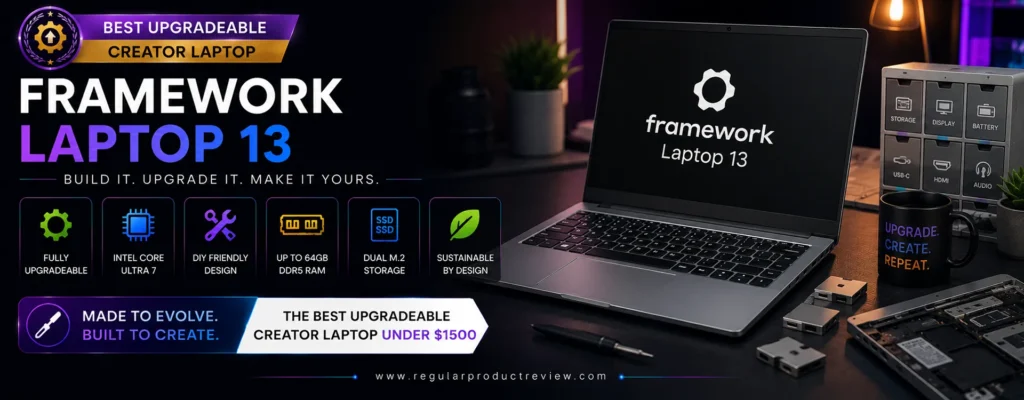
Quick Verdict: The Framework Laptop 13 is unlike any other creator laptop in this guide. Instead of replacing your laptop every few years, Framework lets you upgrade and repair almost every major component yourself. With AMD Ryzen AI performance, a high-resolution 3:2 display, modular expansion ports, user-replaceable memory and storage, and an exceptionally repair-friendly design, it’s the smartest long-term investment for creators who value flexibility and sustainability.
🏆 Editorial Award
| Category | Result |
|---|---|
| Award | 🏆 Best Upgradeable Creator Laptop |
| Overall Score | 9.8 / 10 |
| Best For | Developers, Photographers, Designers, Students, Long-Term Users |
| Value Rating | ⭐⭐⭐⭐⭐ Excellent |
Why We Recommend the Framework Laptop 13
Most laptops become outdated not because they’re completely obsolete, but because one or two components can no longer keep up with modern software.
The Framework Laptop 13 solves this problem by allowing users to upgrade memory, storage, expansion ports, wireless cards, keyboards, batteries, and even the entire motherboard instead of replacing the entire laptop.
For creators, this means your investment can continue evolving as your workload grows.
Powered by AMD Ryzen AI processors with Radeon graphics, the Framework Laptop 13 easily handles everyday creative work including Photoshop, Lightroom, Illustrator, Figma, Affinity Designer, web development, coding, and light-to-moderate video editing.
Its modular architecture also makes maintenance incredibly simple, allowing creators to replace damaged or aging components within minutes using standard tools.
💡 Editor’s Insight
Buying a laptop that can be upgraded for years often provides better long-term value than purchasing a more powerful machine that cannot be repaired or expanded.
Key Specifications
| Feature | Specification |
|---|---|
| Display | 13.5-inch 3:2 Matte IPS, 2880 × 1920 |
| Processor | AMD Ryzen AI 9 HX 370 |
| Graphics | AMD Radeon 890M Graphics |
| Memory | 16GB–64GB DDR5 (User Upgradeable) |
| Storage | 512GB–4TB PCIe Gen4 SSD (Upgradeable) |
| Battery | 61Wh |
| Weight | Approx. 2.9 lbs (1.3 kg) |
| Operating System | Windows 11 / Linux Compatible |
⭐ Pros
- Industry-leading upgradeability
- User-replaceable memory and storage
- Modular USB-C expansion card system
- Excellent AMD Ryzen AI performance
- High-resolution 3:2 productivity display
- Premium aluminum construction
- Outstanding repairability
- Long product lifespan
❌ Cons
- Integrated graphics aren’t designed for heavy cinematic rendering
- Display isn’t OLED
- Speakers are good but not class-leading
Real-World Creative Performance
The Framework Laptop 13 performs impressively across a wide range of creator-focused workloads.
Adobe Photoshop edits remain smooth even with large layered projects, Lightroom processes RAW photos efficiently, and Illustrator handles complex vector artwork without issue. Web-based creative platforms such as Canva Pro and Figma feel exceptionally responsive, while coding environments, IDEs, and AI productivity tools benefit from the powerful Ryzen AI processor.
Although integrated Radeon graphics aren’t intended for professional 3D rendering or feature-length video production, they’re more than capable for photography, graphic design, digital publishing, UI/UX design, software development, and moderate video editing.
For many creators, the ability to upgrade components over time outweighs the need for maximum GPU performance today.
Display Quality
The Framework Laptop 13 features one of the best productivity displays in its class.
Its 3:2 aspect ratio provides noticeably more vertical workspace than traditional 16:9 laptops, allowing creators to see more of their editing timeline, code, spreadsheets, documents, and design canvases simultaneously.
The high-resolution panel delivers sharp text, accurate colors, and wide viewing angles that make long editing sessions more comfortable. While it doesn’t offer OLED-level contrast, its anti-glare finish improves visibility in bright environments, making it an excellent choice for creators who frequently work outdoors or while traveling.
Creator Workflow Experience
Where the Framework Laptop truly separates itself is long-term ownership.
Need more storage? Install a larger SSD.
Need additional memory? Replace the RAM.
Need HDMI today and DisplayPort tomorrow? Swap the expansion cards in seconds.
Need faster hardware in the future? Upgrade the motherboard instead of replacing the entire laptop.
This level of flexibility is virtually unmatched in the modern laptop market and gives creators complete control over how their system evolves.
It’s particularly well suited for:
- 💻 Software Development
- 🎨 Graphic Design
- 📷 Photography
- 🌐 Web Development
- 📱 UI/UX Design
- ✍️ Content Creation
- 🎓 Students
- 🔧 DIY Enthusiasts
Performance Ratings
| Category | Score |
|---|---|
| Upgradeability | ⭐⭐⭐⭐⭐ |
| Repairability | ⭐⭐⭐⭐⭐ |
| Productivity | ⭐⭐⭐⭐⭐ |
| Photo Editing | ⭐⭐⭐⭐⭐ |
| Graphic Design | ⭐⭐⭐⭐⭐ |
| Video Editing | ⭐⭐⭐⭐☆ |
| Portability | ⭐⭐⭐⭐⭐ |
| Build Quality | ⭐⭐⭐⭐⭐ |
| Battery Life | ⭐⭐⭐⭐☆ |
| Overall Value | ⭐⭐⭐⭐⭐ |
Who Should Buy the Framework Laptop 13?
The Framework Laptop 13 is an excellent choice if you:
- Want a laptop that can be upgraded for years
- Prefer repairing rather than replacing hardware
- Frequently customize ports and connectivity
- Work in Photoshop, Lightroom, Illustrator, or Figma
- Need excellent productivity performance
- Value sustainability and reduced electronic waste
- Want complete control over future hardware upgrades
- Prefer a lightweight premium laptop
Our Final Thoughts
The Framework Laptop 13 represents a completely different philosophy from traditional laptops. Instead of encouraging users to replace their device every few years, it empowers creators to upgrade, repair, and customize their system whenever necessary.
Its premium build quality, Ryzen AI performance, modular architecture, outstanding repairability, and future-proof design make it one of the most innovative creator laptops currently available under $1,500.
While it isn’t the fastest rendering machine in this guide, no other laptop offers the same combination of flexibility, longevity, and ownership value.
⭐ Why It’s Our Best Upgradeable Pick
The Framework Laptop 13 delivers something almost no competitor can match: true long-term ownership. With modular hardware, user-friendly repairs, upgradeable components, and reliable creator performance, it’s the ideal laptop for professionals who want their investment to remain useful for many years instead of becoming obsolete after a single upgrade cycle.
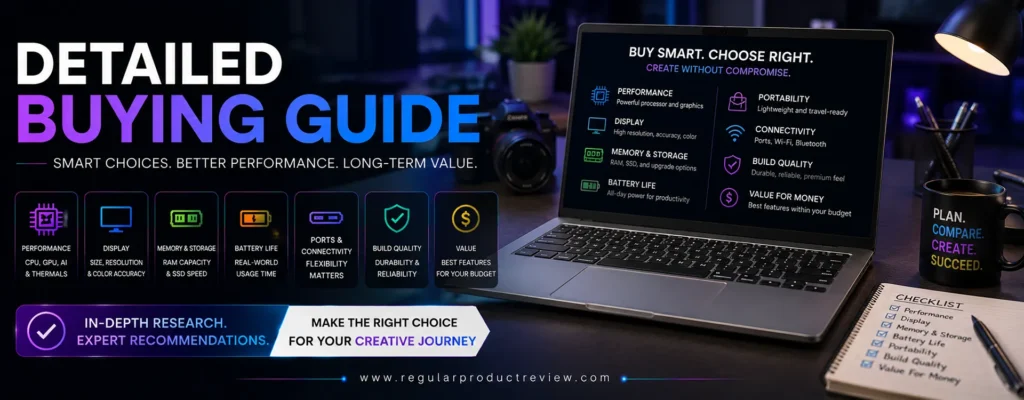
Detailed Buying Guide: How to Choose the Best Creator Laptop Under $1500
Buying a creator laptop is very different from buying a standard laptop for web browsing, office work, or entertainment. Creative applications place much heavier demands on your hardware, and choosing the wrong laptop can lead to slower rendering, inaccurate colors, limited multitasking, and reduced productivity.
Fortunately, the sub-$1,500 market has become incredibly competitive. Today’s creator laptops offer premium displays, powerful AI-ready processors, dedicated graphics, fast SSDs, and long battery life at prices that were once reserved for entry-level machines.
The challenge isn’t finding a powerful laptop it’s finding the right one for your specific creative workflow.
💡 Buying Tip
The best creator laptop isn’t the one with the highest specifications it’s the one that matches the software and projects you work on every day.
Below are the most important factors every creator should consider before making a purchase.
🎨 Choose a Display Designed for Creative Work
The display is the single most important component of any creator laptop.
If you’re editing photos, grading videos, designing graphics, illustrating artwork, or creating digital content, your display must reproduce colors accurately.
A poor display can make perfectly edited content look completely different when viewed on other devices.
When comparing laptops, prioritize:
- OLED or high-quality IPS panels
- At least 2.5K resolution
- Factory color calibration
- Wide DCI-P3 or 100% sRGB coverage
- Brightness above 400 nits
- Anti-glare coating if you work outdoors
Best Display Choices
| Creator Type | Recommended Display |
|---|---|
| Photographers | OLED |
| Graphic Designers | OLED |
| Video Editors | OLED or High-End IPS |
| UI/UX Designers | OLED |
| Digital Artists | OLED Touchscreen |
⭐ Expert Recommendation
If your budget allows, always choose display quality over minor processor upgrades. You’ll notice the difference every single day.
⚙️ Select the Right Processor
Your processor determines how smoothly creative software performs during editing, rendering, exporting, and multitasking.
Modern creator laptops generally fall into three processor families:
AMD Ryzen AI
Excellent for:
- Photoshop
- Lightroom
- Illustrator
- AI workloads
- Battery efficiency
- Multitasking
Intel Core Ultra
Ideal for:
- Adobe Creative Cloud
- Premiere Pro
- After Effects
- AI acceleration
- Professional productivity
Apple M4
Perfect for:
- Final Cut Pro
- Logic Pro
- Lightroom
- Pixelmator Pro
- macOS workflows
For most creators, any modern Ryzen AI, Intel Core Ultra, or Apple M4 processor will provide outstanding performance.
🎮 Do You Need Dedicated Graphics?
Not every creator requires an RTX graphics card.
The answer depends entirely on your workload.
Integrated Graphics Are Enough For
- Photoshop
- Lightroom
- Illustrator
- Figma
- Canva Pro
- Office productivity
- Web design
- Writing
- Programming
Dedicated RTX Graphics Are Recommended For
- Premiere Pro
- DaVinci Resolve
- Blender
- After Effects
- Cinema 4D
- Unreal Engine
- AI image generation
- Large video exports
If video editing represents a major part of your workflow, prioritize a laptop with an NVIDIA RTX 4050 or RTX 4060 GPU.
💾 How Much Memory (RAM) Do Creators Need?
RAM directly affects multitasking and the size of projects your laptop can handle.
16GB RAM
Suitable for:
- Students
- Beginner creators
- Graphic design
- Photography
- Basic video editing
24GB–32GB RAM
Recommended for:
- Professional creators
- Heavy multitasking
- Large Photoshop files
- 4K video editing
- Motion graphics
64GB RAM
Best for:
- Advanced 3D rendering
- Professional VFX
- Large Blender projects
- Enterprise creative workflows
💡 Expert Advice
If you plan to keep your laptop for four or five years, 32GB RAM provides excellent long-term value.
💽 Storage Requirements
Creative files consume storage much faster than standard office documents.
Typical project sizes include:
- RAW Photos
- 4K Video Footage
- PSD Files
- AI Design Files
- Music Libraries
- Motion Graphics Assets
Recommended Storage
| User | Storage |
|---|---|
| Students | 512GB SSD |
| Most Creators | 1TB SSD |
| Professional Editors | 2TB SSD |
| Studio Work | External SSD + 1TB Internal |
Fast PCIe Gen4 SSDs also improve:
- Boot speed
- Application launch times
- File transfers
- Preview generation
- Export performance
🔋 Battery Life Matters More Than You Think
Many creators underestimate battery life until they begin working outside the office.
A creator laptop should ideally deliver:
- 8–10 hours for everyday productivity
- 6–8 hours for creative applications
- Fast USB-C charging
- Efficient standby performance
Traveling creators should prioritize battery efficiency alongside portability.
🌡️ Don’t Ignore Cooling Performance
Creative software often pushes CPUs and GPUs to their limits for extended periods.
A poor cooling system can reduce performance dramatically through thermal throttling.
Look for laptops with:
- Dual-fan cooling
- Large air vents
- Efficient heat pipes
- Stable sustained performance
A slightly thicker laptop often performs better than an ultra-thin model during long rendering sessions.
🎒 Portability vs Performance
Before buying, think carefully about where you’ll use your laptop.
Lightweight Creators
Best for:
- Students
- Freelancers
- Remote workers
- Writers
- Photographers
Recommended Weight:
Under 3.5 lbs (1.6 kg)
Performance Creators
Best for:
- Video editors
- 3D artists
- Motion designers
Recommended Weight:
4–5.5 lbs
A heavier laptop usually provides better cooling and stronger graphics.
🔌 Essential Ports for Creative Professionals
A creator laptop should provide enough connectivity for external devices.
Useful ports include:
- USB-C
- Thunderbolt 4 / USB4
- HDMI
- SD or microSD card reader
- USB-A
- 3.5mm headphone jack
Photographers and videographers especially benefit from built-in SD card readers.
🤖 AI Features Are Becoming Essential
Modern creator laptops now include dedicated AI hardware that accelerates creative workflows.
Popular AI features include:
- AI photo enhancement
- Background removal
- Noise reduction
- Auto framing
- Live captions
- Intelligent search
- AI writing assistance
- Local AI processing
Processors such as AMD Ryzen AI, Intel Core Ultra, and Apple M4 all include dedicated AI capabilities that will become increasingly valuable over the next several years.
💰 How to Get the Best Value Under $1500
Rather than chasing the highest benchmark scores, focus on balancing every major component.
A well-balanced creator laptop will generally outperform a poorly configured machine with one oversized specification.
Our Recommended Priority Order
| Priority | Component |
|---|---|
| 🥇 #1 | Display Quality |
| 🥈 #2 | Processor |
| 🥉 #3 | Graphics Performance |
| 4 | Memory Capacity |
| 5 | SSD Storage |
| 6 | Cooling System |
| 7 | Battery Life |
| 8 | Build Quality |
| 9 | Port Selection |
| 10 | Upgradeability |
⭐ Editor’s Final Buying Advice
Invest in the laptop that best supports your daily creative workflow not simply the one with the most impressive specifications. Photographers should prioritize display quality, video editors should invest in RTX graphics, designers should focus on color accuracy, travelers should value portability and battery life, and long-term users should consider upgradeability. Choosing a laptop based on how you create not just what you create will deliver the greatest productivity and value for years to come.
Product Comparison Tables
Choosing the right creator laptop often comes down to your workflow rather than raw specifications. Some models prioritize color-accurate displays for photographers and designers, while others focus on GPU acceleration for video editing or lightweight portability for creators who travel frequently.
The comparison tables below summarize the strengths of each laptop, making it easier to identify the model that best matches your creative needs and budget.
💡 Quick Tip
If you’re unsure which laptop to buy, start by identifying the software you use most often. Your primary applications should always influence your purchasing decision more than benchmark scores.
🏆 Overall Comparison Table
| Laptop | Award | Display | Processor | Graphics | Best For | Editor Score |
|---|---|---|---|---|---|---|
| ASUS Vivobook Pro 15 OLED | 🏆 Best Overall | 15.6″ 3K OLED | Ryzen AI / Core Ultra | RTX 4050 | All-Around Creators | ⭐⭐⭐⭐⭐ |
| Acer Swift X 14 AI | Adobe Creative Cloud | 14.5″ 2.8K OLED | Intel Core Ultra | RTX 4050 | Adobe Apps | ⭐⭐⭐⭐⭐ |
| Lenovo Yoga Pro 7i | Best Display | 14.5″ 3K OLED | Intel Core Ultra | RTX 4050 | Designers | ⭐⭐⭐⭐⭐ |
| Dell Inspiron 16 Plus | Best Value | 16″ 2.5K IPS | Intel Core Ultra | RTX 4050 | Budget Professionals | ⭐⭐⭐⭐☆ |
| HP Envy x360 16 | Best 2-in-1 | 16″ OLED Touch | Ryzen AI | Radeon Graphics | Digital Artists | ⭐⭐⭐⭐⭐ |
| MSI Prestige 16 AI Evo | Best Lightweight | 16″ UHD+ OLED | Intel Core Ultra | Intel Arc | Traveling Creators | ⭐⭐⭐⭐⭐ |
| ASUS Zenbook 14 OLED | Best Portable | 14″ 3K OLED | Ryzen AI | Radeon Graphics | Remote Creators | ⭐⭐⭐⭐⭐ |
| Apple MacBook Air 15 (M4) | Best macOS | 15.3″ Liquid Retina | Apple M4 | 10-Core GPU | Apple Users | ⭐⭐⭐⭐⭐ |
| Lenovo LOQ 15 Gen 10 | Best Video Editing | 15.6″ QHD IPS | Ryzen 7 | RTX 4060 | Video Editors | ⭐⭐⭐⭐⭐ |
| Framework Laptop 13 | Best Upgradeable | 13.5″ 3:2 IPS | Ryzen AI | Radeon Graphics | Long-Term Ownership | ⭐⭐⭐⭐⭐ |
🎬 Best Laptop by Creative Workflow
| Creative Workflow | Recommended Laptop | Why It’s the Best |
|---|---|---|
| Video Editing | Lenovo LOQ 15 Gen 10 | RTX 4060 acceleration and excellent sustained performance |
| Adobe Creative Cloud | Acer Swift X 14 AI | Optimized for Adobe apps with RTX graphics |
| Graphic Design | Lenovo Yoga Pro 7i | Outstanding OLED display and color accuracy |
| Photography | ASUS Vivobook Pro 15 OLED | Excellent OLED panel and balanced performance |
| Lightroom & Photoshop | Apple MacBook Air 15 (M4) | Outstanding optimization and battery life |
| Digital Illustration | HP Envy x360 16 | OLED touchscreen with stylus support |
| UI/UX Design | ASUS Zenbook 14 OLED | Portable, color-accurate, and efficient |
| Motion Graphics | Lenovo LOQ 15 Gen 10 | Powerful GPU for rendering and previews |
| Coding & Development | Framework Laptop 13 | Modular design and upgradeability |
| Remote Content Creation | MSI Prestige 16 AI Evo | Lightweight with exceptional battery life |
💻 Processor Comparison
| Laptop | Processor Family | AI Support | Multitasking | Performance Rating |
|---|---|---|---|---|
| ASUS Vivobook Pro 15 OLED | Ryzen AI / Core Ultra | ✅ | Excellent | ⭐⭐⭐⭐⭐ |
| Acer Swift X 14 AI | Intel Core Ultra | ✅ | Excellent | ⭐⭐⭐⭐⭐ |
| Lenovo Yoga Pro 7i | Intel Core Ultra | ✅ | Excellent | ⭐⭐⭐⭐⭐ |
| Dell Inspiron 16 Plus | Intel Core Ultra | ✅ | Excellent | ⭐⭐⭐⭐⭐ |
| HP Envy x360 16 | Ryzen AI | ✅ | Excellent | ⭐⭐⭐⭐⭐ |
| MSI Prestige 16 AI Evo | Intel Core Ultra | ✅ | Excellent | ⭐⭐⭐⭐⭐ |
| ASUS Zenbook 14 OLED | Ryzen AI | ✅ | Excellent | ⭐⭐⭐⭐⭐ |
| Apple MacBook Air 15 | Apple M4 | ✅ | Excellent | ⭐⭐⭐⭐⭐ |
| Lenovo LOQ 15 Gen 10 | Ryzen 7 | Limited | Excellent | ⭐⭐⭐⭐⭐ |
| Framework Laptop 13 | Ryzen AI | ✅ | Excellent | ⭐⭐⭐⭐⭐ |
🎮 Graphics Performance Comparison
| Laptop | GPU | Best Workload | GPU Rating |
|---|---|---|---|
| Lenovo LOQ 15 Gen 10 | RTX 4060 | 4K Video Editing | ⭐⭐⭐⭐⭐ |
| ASUS Vivobook Pro 15 OLED | RTX 4050 | Creative Software | ⭐⭐⭐⭐⭐ |
| Acer Swift X 14 AI | RTX 4050 | Adobe Applications | ⭐⭐⭐⭐⭐ |
| Lenovo Yoga Pro 7i | RTX 4050 | Graphic Design & Video | ⭐⭐⭐⭐⭐ |
| Dell Inspiron 16 Plus | RTX 4050 | General Creative Work | ⭐⭐⭐⭐☆ |
| HP Envy x360 16 | Radeon Graphics | Illustration & Design | ⭐⭐⭐⭐☆ |
| ASUS Zenbook 14 OLED | Radeon Graphics | Photography & Design | ⭐⭐⭐⭐☆ |
| MSI Prestige 16 AI Evo | Intel Arc | Productivity & Editing | ⭐⭐⭐⭐☆ |
| Apple MacBook Air 15 (M4) | Apple GPU | Final Cut Pro | ⭐⭐⭐⭐⭐ |
| Framework Laptop 13 | Radeon Graphics | Productivity | ⭐⭐⭐⭐☆ |
🎨 Display Quality Comparison
| Laptop | Display Type | Resolution | Refresh Rate | Creator Rating |
|---|---|---|---|---|
| Lenovo Yoga Pro 7i | OLED | 3K | 120Hz | ⭐⭐⭐⭐⭐ |
| ASUS Vivobook Pro 15 OLED | OLED | 3K | 120Hz | ⭐⭐⭐⭐⭐ |
| ASUS Zenbook 14 OLED | ASUS Lumina OLED | 3K | 120Hz | ⭐⭐⭐⭐⭐ |
| MSI Prestige 16 AI Evo | UHD+ OLED | UHD+ | 60Hz | ⭐⭐⭐⭐⭐ |
| HP Envy x360 16 | OLED Touch | 2.8K | 120Hz | ⭐⭐⭐⭐⭐ |
| Acer Swift X 14 AI | OLED | 2.8K | 120Hz | ⭐⭐⭐⭐⭐ |
| Apple MacBook Air 15 (M4) | Liquid Retina | 2880×1864 | 60Hz | ⭐⭐⭐⭐⭐ |
| Dell Inspiron 16 Plus | IPS | 2.5K | 120Hz | ⭐⭐⭐⭐☆ |
| Lenovo LOQ 15 Gen 10 | IPS | QHD | 165Hz | ⭐⭐⭐⭐☆ |
| Framework Laptop 13 | Matte IPS | 2880×1920 | 60Hz | ⭐⭐⭐⭐☆ |
🔋 Battery Life Comparison
| Laptop | Estimated Battery Life | Best For |
|---|---|---|
| Apple MacBook Air 15 (M4) | ⭐ Up to 18 Hours | All-Day Mobility |
| MSI Prestige 16 AI Evo | ⭐ Up to 15 Hours | Remote Work |
| ASUS Zenbook 14 OLED | ⭐ Up to 14 Hours | Travel |
| HP Envy x360 16 | ⭐ Up to 13 Hours | Students & Artists |
| Framework Laptop 13 | ⭐ Up to 12 Hours | Productivity |
| Acer Swift X 14 AI | ⭐ Up to 11 Hours | Adobe Workflows |
| Lenovo Yoga Pro 7i | ⭐ Up to 10 Hours | Designers |
| ASUS Vivobook Pro 15 OLED | ⭐ Up to 9 Hours | Balanced Performance |
| Dell Inspiron 16 Plus | ⭐ Up to 9 Hours | General Creative Work |
| Lenovo LOQ 15 Gen 10 | ⭐ Up to 8 Hours | Video Editing |
🎯 Best Laptop for Different Types of Creators
| If You Are… | Buy This Laptop |
|---|---|
| 🎬 Professional Video Editor | Lenovo LOQ 15 Gen 10 |
| 🎨 Graphic Designer | Lenovo Yoga Pro 7i |
| 📷 Photographer | ASUS Vivobook Pro 15 OLED |
| 🖌️ Digital Artist | HP Envy x360 16 |
| 🎥 YouTube Creator | Acer Swift X 14 AI |
| ✈️ Frequent Traveler | MSI Prestige 16 AI Evo |
| 💼 Remote Professional | ASUS Zenbook 14 OLED |
| 🍎 Apple Ecosystem User | Apple MacBook Air 15 (M4) |
| 💰 Best Budget Value | Dell Inspiron 16 Plus |
| 🔧 DIY & Upgrade Enthusiast | Framework Laptop 13 |
🏅 Our Final Product Rankings
| Rank | Laptop | Best Award |
|---|---|---|
| 🥇 #1 | ASUS Vivobook Pro 15 OLED | Best Overall Creator Laptop |
| 🥈 #2 | Acer Swift X 14 AI | Best for Adobe Creative Cloud |
| 🥉 #3 | Lenovo Yoga Pro 7i | Best Display for Creators |
| #4 | Dell Inspiron 16 Plus | Best Value Creator Laptop |
| #5 | HP Envy x360 16 | Best 2-in-1 Creator Laptop |
| #6 | MSI Prestige 16 AI Evo | Best Lightweight Creator Laptop |
| #7 | ASUS Zenbook 14 OLED | Best Portable Creator Laptop |
| #8 | Apple MacBook Air 15 (M4) | Best macOS Creator Laptop |
| #9 | Lenovo LOQ 15 Gen 10 | Best Video Editing Performance |
| #10 | Framework Laptop 13 | Best Upgradeable Creator Laptop |
⭐ Comparison Summary
Every laptop in this guide excels in a specific area rather than trying to be everything for everyone. If you want the best overall balance, choose the ASUS Vivobook Pro 15 OLED. For Adobe Creative Cloud, the Acer Swift X 14 AI is the strongest option. Designers will appreciate the Lenovo Yoga Pro 7i, video editors should choose the Lenovo LOQ 15 Gen 10, Apple users will love the MacBook Air 15 (M4), while creators looking for long-term flexibility won’t find a better option than the Framework Laptop 13.
Frequently Asked Questions About Creator Laptops Under $1500
1. Is $1,500 enough for a professional creator laptop?
Yes. Today, a $1,500 budget is enough to buy a creator laptop capable of handling professional workloads such as 4K video editing, graphic design, photography, music production, UI/UX design, and even moderate 3D rendering. Modern processors, AI acceleration, and dedicated RTX graphics have significantly improved performance in this price range.
2. Which creator laptop offers the best overall value?
The ASUS Vivobook Pro 15 OLED is our top overall recommendation because it delivers an outstanding combination of OLED display quality, RTX graphics, creator-focused performance, premium build quality, and excellent value.
3. Which laptop is best for Adobe Creative Cloud?
The Acer Swift X 14 AI is our top pick for Adobe Creative Cloud users. It performs exceptionally well in Photoshop, Illustrator, Lightroom, Premiere Pro, and After Effects thanks to its Intel Core Ultra processor, RTX graphics, and AI-ready architecture.
4. Is OLED better than IPS for creators?
For most creators, yes.
OLED displays provide:
- Deeper blacks
- Higher contrast
- More vibrant colors
- Better HDR performance
- Excellent color accuracy
IPS displays still remain excellent for users who prioritize brightness, affordability, or reduced risk of image retention.
5. Do I really need dedicated RTX graphics?
Not always.
Dedicated NVIDIA RTX graphics are recommended if you regularly:
- Edit 4K or 8K videos
- Use DaVinci Resolve
- Work in Blender
- Create motion graphics
- Render 3D projects
- Use GPU-accelerated AI tools
For photography, graphic design, writing, coding, and web design, integrated graphics are often more than sufficient.
6. Which laptop has the best display?
The Lenovo Yoga Pro 7i features the best display in this guide thanks to its brilliant 3K OLED panel, factory color calibration, and exceptional color accuracy for creative professionals.
7. Which creator laptop has the best battery life?
The Apple MacBook Air 15 (M4) delivers the longest battery life in this roundup, making it an excellent choice for creators who work away from power outlets.
8. Is 16GB RAM enough for creative work?
Yes, for most users.
However:
- 16GB is ideal for photography, design, and everyday editing.
- 32GB is recommended for professional video editing and heavy multitasking.
- 64GB is best for advanced 3D rendering and enterprise-level creative workflows.
9. Which laptop is best for Photoshop?
The ASUS Vivobook Pro 15 OLED and Apple MacBook Air 15 (M4) both deliver outstanding Photoshop performance thanks to their powerful processors and high-quality displays.
10. Which laptop is best for Premiere Pro?
The Lenovo LOQ 15 Gen 10 is our top recommendation for Adobe Premiere Pro because its RTX 4060 GPU dramatically improves playback, rendering, and export speeds.
11. Which creator laptop is best for students?
The ASUS Zenbook 14 OLED offers an excellent combination of portability, battery life, OLED display quality, and everyday performance, making it one of the best options for students.
12. Which laptop is best for digital artists?
The HP Envy x360 16 is the best choice for digital artists due to its OLED touchscreen, stylus support, and versatile 360-degree convertible design.
13. Can these laptops handle 4K video editing?
Yes.
Every laptop in this guide can edit 4K video, although models equipped with dedicated RTX graphics such as the ASUS Vivobook Pro 15 OLED, Acer Swift X 14 AI, Lenovo Yoga Pro 7i, Dell Inspiron 16 Plus, and Lenovo LOQ 15 Gen 10 will provide the smoothest editing experience.
14. Which creator laptop is easiest to upgrade?
The Framework Laptop 13 is unmatched in upgradeability. Users can replace or upgrade memory, storage, ports, batteries, keyboards, and even the motherboard, extending the laptop’s lifespan far beyond most competitors.
15. Should I choose Windows or macOS?
Choose Windows if you use Adobe Creative Cloud, Blender, CAD software, or require greater hardware flexibility.
Choose macOS if your workflow revolves around Final Cut Pro, Logic Pro, Apple’s ecosystem, or you prioritize battery life and silent operation.
16. How important is AI in modern creator laptops?
AI is becoming increasingly valuable for creative professionals.
Modern AI hardware accelerates:
- Photo enhancement
- Background removal
- AI image generation
- Noise reduction
- Live captions
- Writing assistance
- Smart search
- Workflow automation
Choosing an AI-ready laptop today helps ensure better compatibility with future creative software.
17. Are gaming laptops good for creators?
Yes.
Many gaming laptops, including the Lenovo LOQ 15 Gen 10, make excellent creator laptops because they feature powerful RTX graphics, advanced cooling systems, and high-performance processors that are ideal for demanding creative workloads.
18. Which creator laptop provides the best long-term value?
The Framework Laptop 13 offers the strongest long-term value thanks to its modular architecture, exceptional repairability, and extensive upgrade options that allow the laptop to evolve with your needs over time.
Which Creator Laptop Under $1500 Should You Buy?
The creator laptop market has never been more competitive. Thanks to powerful AI-ready processors, RTX graphics, OLED displays, and significant improvements in battery life, today’s laptops under $1,500 deliver professional-grade creative performance that was once reserved for premium workstations.
While every laptop in this guide excels in a specific area, choosing the right one depends on the type of creative work you do most often.
If you need the best all-around creator laptop, the ASUS Vivobook Pro 15 OLED remains our top recommendation. Its exceptional OLED display, dedicated RTX graphics, fast processor, premium construction, and balanced feature set make it the ideal choice for most photographers, designers, video editors, and content creators.
If your workflow is more specialized, these category winners stand out:
| If You Need… | Our Recommendation |
|---|---|
| 🏆 Best Overall Creator Laptop | ASUS Vivobook Pro 15 OLED |
| 🎬 Adobe Creative Cloud | Acer Swift X 14 AI |
| 🎨 Best Display | Lenovo Yoga Pro 7i |
| 💰 Best Value | Dell Inspiron 16 Plus |
| ✍️ Best 2-in-1 | HP Envy x360 16 |
| ⚡ Best Lightweight | MSI Prestige 16 AI Evo |
| 🧳 Best Portable | ASUS Zenbook 14 OLED |
| 🍎 Best macOS Laptop | Apple MacBook Air 15 (M4) |
| 🎥 Best Video Editing | Lenovo LOQ 15 Gen 10 |
| 🔧 Best Upgradeability | Framework Laptop 13 |
⭐ Editor’s Final Recommendation
Don’t buy a creator laptop based solely on processor speed or benchmark scores. Instead, invest in the machine that best complements your daily workflow. Photographers should prioritize display quality, video editors should focus on RTX graphics and sustained performance, designers should value color accuracy and portability, while long-term users should consider upgradeability and repairability. By matching your laptop to the way you create not just what you create you’ll enjoy faster workflows, greater productivity, and a device that continues to deliver value for years to come.