

The best camera phones under $1000 are no longer defined by megapixel counts alone. Google leans heavily into computational photography, Samsung offers some of the most versatile zoom hardware in the category, Apple focuses on consistent photography and video, while OnePlus continues to push premium camera hardware into lower price brackets.
That creates a problem for shoppers.
A phone with a 200MP sensor is not automatically better than one with a 50MP sensor. A camera advertised with 100x zoom does not mean you’ll get a useful photo at 100x. And a phone that looks spectacular in bright daylight may struggle when you photograph a moving child, a pet, a concert, or a dimly lit restaurant.
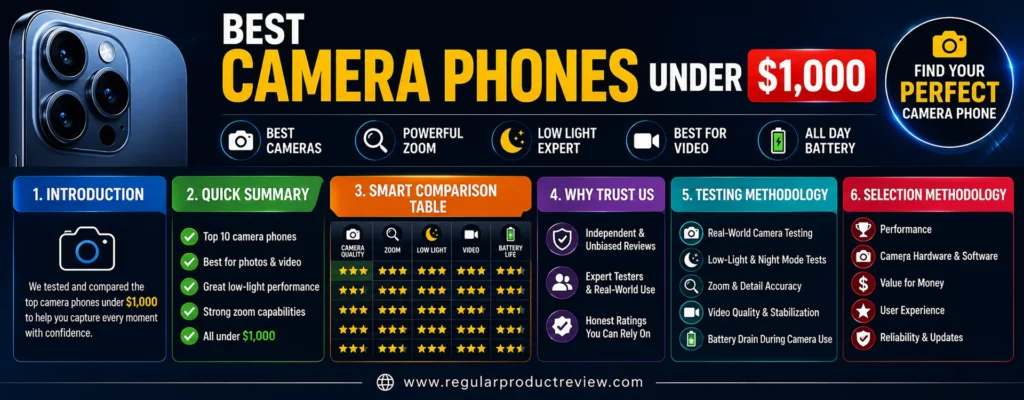
For US buyers, the $1,000 ceiling is also an interesting sweet spot. You can now choose between current-generation flagships, discounted previous-generation Pro models, and value-focused phones that leave hundreds of dollars in your pocket.
But this guide isn’t about finding the most expensive phone you can technically buy for $1,000.
It’s about finding the phone that gives you the best camera experience for your specific needs.
That’s why we’re looking beyond the headline specifications and focusing on the things you’ll notice when you’re actually using the camera: daylight image quality, low-light performance, portrait rendering, optical zoom, ultrawide photography, autofocus, video quality, computational photography, consistency, and value.
A travel photographer may need a powerful telephoto camera. A parent may care more about fast autofocus and natural skin tones. A content creator may prioritize video stabilization and reliable exposure. And someone who mostly takes everyday photos may be better off spending $600–$700 rather than using the entire budget.
💡 RPR Editorial Insight: The best camera phone isn’t the one with the biggest camera specification. It’s the one that consistently gives you the shots you want without forcing you to fight the camera.
This list therefore includes ten different phones with ten different strengths. Some are built for serious photography, some for video, some for zoom, and others for buyers who want excellent camera performance without spending anywhere near the full $1,000.
Quick Summary
Want the short version? These are the ten phones selected for this guide, with each model earning its place for a specific reason.
| Rank | Camera Phone | Editorial Award | Best For | Standout Strength | Score |
|---|---|---|---|---|---|
| 🥇 1 | Google Pixel 10 Pro | 🏆 Best Overall | Everyday & serious photography | Computational photography + 5x telephoto | 9.6/10 |
| 🥈 2 | Samsung Galaxy S25 Ultra | 🔭 Best Zoom | Travel & distant subjects | Dual telephoto system | 9.5/10 |
| 🥉 3 | Apple iPhone 17 | 🎥 Best Video | Creators & families | Strong video + dual 48MP system | 9.4/10 |
| 4 | Samsung Galaxy S26 | 📱 Best Compact Flagship | Everyday flagship use | Balanced camera system | 9.2/10 |
| 5 | OnePlus 13 | ⚡ Best Camera Hardware Value | Android power users | Triple 50MP camera system | 9.1/10 |
| 6 | Google Pixel 10 | 💰 Best Camera Value | Budget-conscious photographers | Computational photography + 5x zoom | 9.0/10 |
| 7 | Google Pixel 9 Pro | 🏷️ Best Previous-Gen Pro | Deal hunters | Pro-level camera hardware | 8.9/10 |
| 8 | Apple iPhone 16 | 🍎 Best Affordable iPhone | Everyday Apple users | Reliable photo + video experience | 8.8/10 |
| 9 | OnePlus 13R | 🔋 Best Performance + Camera Value | Value-focused buyers | Strong main camera + telephoto | 8.5/10 |
| 10 | Samsung Galaxy S25 | ⚖️ Best Balanced Compact Samsung | Compact flagship users | Main camera + 3x telephoto | 8.4/10 |
⚠️ Price Reality Check: US smartphone pricing changes constantly. Promotions, trade-ins, carrier deals, storage configurations, and retailer discounts can move a phone above or below the $1,000 mark. The Galaxy S25 Ultra should therefore be treated as a deal-dependent pick for this category rather than assuming its standard price is always below $1,000.
Smart Comparison Table
The spec sheet doesn’t tell the whole story. This table highlights the camera hardware that actually affects what you can shoot.
| Phone | Main Camera | Ultrawide | Telephoto | Zoom Strength | Standout Camera Trait |
|---|---|---|---|---|---|
| Google Pixel 10 Pro | 50MP | 48MP | 48MP 5x | ⭐⭐⭐⭐⭐ | Computational photography |
| Samsung Galaxy S25 Ultra | 200MP | 50MP | 50MP 5x + 10MP 3x | ⭐⭐⭐⭐⭐ | Zoom versatility |
| Apple iPhone 17 | 48MP | 48MP | 2x optical-quality | ⭐⭐⭐⭐ | Video consistency |
| Samsung Galaxy S26 | 50MP | 12MP | 10MP 3x | ⭐⭐⭐⭐ | Compact flagship balance |
| OnePlus 13 | 50MP | 50MP | 50MP 3x | ⭐⭐⭐⭐⭐ | Camera hardware |
| Google Pixel 10 | 48MP | 13MP | 10.8MP 5x | ⭐⭐⭐⭐ | Camera value |
| Google Pixel 9 Pro | 50MP | 48MP | 48MP 5x | ⭐⭐⭐⭐⭐ | Pro photography |
| Apple iPhone 16 | 48MP | 12MP | 2x optical-quality | ⭐⭐⭐ | Simplicity |
| OnePlus 13R | 50MP | 8MP | 50MP 2x | ⭐⭐⭐ | Price-to-performance |
| Samsung Galaxy S25 | 50MP | 12MP | 10MP 3x | ⭐⭐⭐⭐ | Compact versatility |
Which Camera Phone Fits Your Shooting Style?
Instead of asking which phone is universally “best,” start by identifying the type of photography you actually do.
| Your Priority | Best Starting Point | Why |
|---|---|---|
| 📸 Best overall photography | Pixel 10 Pro | Excellent balance of hardware and processing |
| 🔭 Long-range zoom | Galaxy S25 Ultra | Multiple dedicated telephoto cameras |
| 🎥 Video creation | iPhone 17 | Strong capture and video workflow |
| 🌙 Night photography | Pixel 10 Pro | Powerful computational processing |
| 👤 Portrait photography | Pixel 10 Pro / S25 Ultra | Strong processing and telephoto options |
| 🌎 Travel photography | Galaxy S25 Ultra | Broad focal-length coverage |
| 💰 Best camera value | Pixel 10 | Strong camera capabilities at a lower price |
| 📱 Compact flagship | Galaxy S26 | Premium experience in a smaller body |
| ⚡ Camera + performance | OnePlus 13 | Strong hardware across three rear cameras |
| 🍎 Affordable iPhone | iPhone 16 | Reliable everyday photo and video experience |
Pullquote: Don’t pay for camera hardware you will never use. Pay for the capabilities that actually change the way you take pictures.
Why Trust Us
A camera-phone ranking is only useful when the recommendations survive scrutiny. That’s why every phone in this guide is evaluated from both sides: what it does exceptionally well and where it falls short.
Our editorial approach looks beyond marketing claims and headline specifications.
🔍 What We Evaluate
| Evaluation Area | What It Tells You |
|---|---|
| 📸 Main Camera | Everyday image quality and consistency |
| 🌙 Low Light | Performance in difficult lighting |
| 🔭 Zoom | How well distant subjects retain useful detail |
| 🌄 Ultrawide | Landscape, architecture and group-photo capability |
| 👤 Portraits | Skin tones, subject separation and edge accuracy |
| 🏃 Motion | Autofocus and moving-subject performance |
| 🎥 Video | Stabilization, exposure and recording quality |
| 🧠 Processing | How software affects the final image |
| 💰 Value | Camera capability relative to price |
| 🇺🇸 US Market Fit | Availability, pricing and buyer relevance |
🧠 Our Editorial Rules
- No ranking based solely on megapixels
- No ranking based solely on price
- No automatic preference for famous brands
- No inflated scores because a phone is expensive
- No pretending every phone is perfect
- No unnecessary specification stuffing
- No fabricated personal testing claims
- No hiding meaningful weaknesses
- No keyword stuffing
- No filler written simply to increase word count
We also apply Truthmode when comparing products.
That means a phone doesn’t get a free pass because it has an impressive specification sheet.
A phone with a huge sensor can still have mediocre processing. A phone with exceptional zoom can still be uncomfortable to carry. A cheaper phone can sometimes deliver most of the experience that matters to an everyday photographer.
💡 Expert Tip: Camera quality should be judged by the results you can consistently get not by how impressive the phone sounds on paper.
⚠️ RedTeam Standard
Every recommendation is challenged with questions such as:
- What is this phone genuinely better at?
- What does it do worse?
- Is the extra cost justified?
- Who should avoid it?
- Is there a cheaper alternative?
- Does its camera hardware translate into useful real-world benefits?
If a product has an obvious weakness, we’ll tell you.
That’s especially important in the under-$1000 camera phone category because several cheaper phones can outperform more expensive models for specific types of photography.
Testing Methodology
Smartphone cameras behave differently across real-world situations. A phone that looks brilliant in daylight may struggle at night, while another may produce beautiful portraits but disappointing ultrawide images. Our evaluation therefore breaks camera performance into individual categories.
📸 Main Camera
| What We Evaluate | Why It Matters |
|---|---|
| 🔍 Fine Detail | Shows how much texture and small information the camera preserves |
| 🌤️ Dynamic Range | Determines how well bright and dark areas are handled together |
| ☀️ Highlight Recovery | Helps prevent bright areas from becoming completely blown out |
| 🌑 Shadow Detail | Shows whether darker areas retain useful information |
| 🎨 Color Rendering | Indicates whether colors look natural and consistent |
| ⚪ White Balance | Helps prevent unwanted warm or cool color casts |
| ✨ HDR Processing | Balances difficult bright and dark areas |
| ⚡ Shutter Response | Matters when capturing quick moments |
| 🎯 Overall Consistency | Determines whether results remain reliable from shot to shot |
The main camera carries significant weight because it will usually handle the majority of everyday photos.
🌙 Low-Light Photography
Night photography exposes weaknesses that may remain hidden in bright daylight. We look at how well each phone controls noise, preserves detail, and handles difficult light without making images look unnaturally processed.
| What We Evaluate | What We Want to See |
|---|---|
| 🌫️ Noise Control | Cleaner images without excessive smoothing |
| 🌑 Shadow Retention | Useful detail remaining in darker areas |
| 💡 Highlight Control | Bright lights staying under control |
| 🎨 Color Accuracy | Natural colors in difficult lighting |
| ☀️ Exposure | Balanced brightness without excessive lifting |
| 🛡️ Stabilization | Less blur from hand movement |
| 🌙 Night-Mode Processing | Better detail without an artificial-looking result |
🧠 ELI10: Think of a camera sensor like a bucket collecting rain. When there is very little light, there is less information available to collect. Better hardware and smarter processing help the phone make better use of that limited information.
🔭 Zoom
Zoom numbers can be misleading. We care less about the largest number printed on the box and more about how much useful detail the phone preserves at realistic shooting distances.
| What We Evaluate | Why It Matters |
|---|---|
| 🔭 Dedicated Telephoto Lens | Provides genuine optical magnification |
| 🎯 Optical Magnification | Determines how much detail is preserved before heavy digital processing |
| 🔍 Detail Retention | Shows whether distant subjects remain sharp |
| 🛡️ Stabilization | Helps reduce blur at longer focal lengths |
| 🎨 Color Consistency | Keeps colors similar when switching lenses |
| 🧠 Digital Enhancement | Determines how well computational zoom handles longer distances |
⚠️ RedTeam Check: A phone advertising 100x zoom isn’t automatically better than one with a high-quality 5x telephoto. Maximum zoom and useful zoom are two very different things.
🌄 Ultrawide
Ultrawide cameras become especially useful for travel, architecture, landscapes, interiors, and group photos. A weak ultrawide can make an otherwise excellent camera phone feel much less versatile.
| What We Evaluate | Why It Matters |
|---|---|
| 🔍 Edge Detail | Shows whether corners remain sharp |
| 📐 Distortion | Determines how naturally straight lines are rendered |
| 🎨 Color Consistency | Helps maintain similar colors across lenses |
| 🌤️ Dynamic Range | Important for high-contrast scenes |
| 🎯 Autofocus | Useful for close subjects and macro photography |
| 🔬 Macro Capability | Determines how close the camera can focus |
| 🌙 Night Performance | Shows whether the ultrawide remains useful after dark |
👤 Portrait Photography
A convincing portrait is about more than background blur. Skin tones, subject separation, hair detail, lens perspective, and exposure all affect whether the final image looks natural.
| What We Evaluate | What It Tells Us |
|---|---|
| 👤 Skin Tones | Whether faces look natural rather than overly processed |
| 🎯 Subject Separation | How cleanly people are separated from backgrounds |
| 💇 Hair Detail | Whether fine edges remain intact |
| ✂️ Edge Detection | Helps prevent obvious cutout artifacts |
| 🌫️ Background Blur | Whether artificial bokeh looks believable |
| 🔭 Lens Perspective | Determines how flattering the framing looks |
| ☀️ Exposure Consistency | Keeps faces properly exposed in changing light |
💡 Editorial Insight: The best portrait mode isn’t the one with the strongest blur. It’s the one that makes you forget the blur was created by software.
🏃 Moving Subjects
Static scenes are easy for modern flagship phones. Real life is not.
Kids run. Pets move. People walk. Cars pass. Lighting changes.
For moving subjects, we pay particular attention to three areas:
⚡ Autofocus Response → Can the phone lock onto the subject quickly?
📸 Shutter Response → Can it capture the moment before the subject moves?
🧠 Motion Processing → Can the software reduce blur without destroying detail?
⚠️ RedTeam Check: A camera can produce spectacular landscapes and still be frustrating for family photography if it consistently misses moving subjects.
🎥 Video Performance
For creators, video quality can matter just as much as still photography. We evaluate not only resolution, but how stable, consistent, and usable the footage feels.
| What We Evaluate | Why It Matters |
|---|---|
| 🛡️ Stabilization | Keeps handheld footage smooth |
| 🎯 Autofocus | Keeps moving subjects sharp |
| ☀️ Exposure Transitions | Prevents distracting brightness changes |
| 🎨 Color Consistency | Keeps footage visually consistent |
| 🌤️ Dynamic Range | Preserves detail in bright and dark areas |
| 🎞️ Resolution | Determines recording detail |
| ⏱️ Frame Rates | Provides flexibility for normal and slow-motion footage |
| 🌙 Low-Light Video | Shows how footage holds up after dark |
| 🎙️ Audio Workflow | Important for creators and vloggers |
| ✂️ Editing & Sharing | Determines how easily footage moves from capture to publication |
🎬 Creator Tip: A phone that records technically impressive video but requires constant exposure correction can be less useful than one that produces consistent footage automatically.
🤳 Selfie Camera
The front camera is no longer just for selfies. It’s used for video calls, social content, livestreams, and short-form video.
| What We Evaluate | Why It Matters |
|---|---|
| 🔍 Detail | Keeps faces and fine features clear |
| 🎨 Skin Tones | Produces more natural-looking faces |
| 🌤️ HDR | Handles bright backgrounds more effectively |
| 🎯 Autofocus | Keeps the subject sharp at different distances |
| 🌙 Low-Light Performance | Determines quality indoors and after dark |
| 👤 Portrait Mode | Adds natural-looking subject separation |
| 🎥 Video Quality | Matters for calls and creator content |
🧠 Computational Photography
Smartphone photography is partly a software problem. The phone captures the scene, then its processor decides how to combine, balance, sharpen, and enhance the information before you see the final image.
| Processing Area | What It Does |
|---|---|
| ✨ HDR | Balances bright and dark areas |
| 🌙 Night Photography | Combines multiple frames to improve dark scenes |
| 👤 Skin-Tone Processing | Attempts to preserve natural-looking faces |
| 🌫️ Noise Reduction | Reduces unwanted grain |
| 🔍 Sharpening | Enhances perceived detail |
| 🌤️ Dynamic Range Processing | Recovers information across difficult lighting |
| 👤 Portrait Processing | Separates subjects from backgrounds |
| 🔭 Computational Zoom | Uses software to improve digitally enlarged images |
| ✨ AI-Assisted Editing | Provides tools for enhancing or modifying images |
🧠 ELI10: Imagine taking several slightly different photos of the same scene and having a smart editor combine the best parts of them. Modern phones can perform a similar process in fractions of a second.
Selection Methodology
We didn’t select ten phones simply because they’re popular. Each model needs a clear reason to exist on this list.
The selection process is built around different photography priorities, allowing readers to find a phone that matches the way they actually shoot.
🎯 Core Selection Criteria
| Criterion | Importance | Why It Matters |
|---|---|---|
| 📸 Overall Camera Quality | Very High | The foundation of the recommendation |
| 🌙 Low-Light Performance | Very High | Separates good cameras from great ones |
| 🔭 Zoom Capability | High | Critical for travel and distant subjects |
| 🌄 Ultrawide Quality | High | Important for landscapes and architecture |
| 🎥 Video | High | Essential for creators and families |
| 👤 Portrait Quality | High | Important for people photography |
| 🧠 Image Processing | High | Strongly influences the final image |
| ⚡ Autofocus | High | Critical for moving subjects |
| 💰 Price-to-Performance | Very High | Defines actual value |
| 🇺🇸 US Market Fit | High | Relevant to the target audience |
| 🔋 Practical Ownership | Medium | Affects everyday usability |
| 🛡️ Long-Term Value | Medium | Important for multi-year ownership |
🏆 Why These 10 Made the Cut
Google Pixel 10 Pro takes the top position because it combines a strong triple-camera system with Google’s computational photography approach and a dedicated 5x telephoto camera. It’s the most balanced choice for buyers who care primarily about still photography.
Samsung Galaxy S25 Ultra earns its place because few phones in this price category offer the same level of focal-length flexibility. Its combination of a high-resolution main camera and two dedicated telephoto cameras makes it particularly attractive for travel and distant subjects. Its inclusion is deal-dependent when enforcing a strict $1,000 ceiling.
Apple iPhone 17 is the video-focused choice. Its 48MP main and ultrawide cameras, strong stabilization, and mature video tools make it particularly appealing to creators and families.
Samsung Galaxy S26 represents buyers who want a current compact flagship rather than a large Ultra-style phone. It offers a more manageable form factor while retaining a dedicated telephoto camera.
OnePlus 13 represents the hardware-focused Android buyer. Its triple 50MP camera system gives it an unusually strong foundation for a phone in this price class.
Google Pixel 10 is the value play. It demonstrates that you don’t need to spend close to $1,000 to get a sophisticated smartphone camera with a dedicated telephoto lens and strong computational photography.
Google Pixel 9 Pro remains relevant when discounted because its Pro-level camera hardware can still compete with newer phones in several important photography scenarios.
Apple iPhone 16 provides a lower-cost route into Apple’s photography and video ecosystem. It’s especially attractive to buyers who value simplicity and consistency over maximum camera versatility.
OnePlus 13R earns a place because it delivers a strong overall smartphone package with a capable main camera and dedicated telephoto hardware at a considerably lower price than most premium camera phones.
Samsung Galaxy S25 rounds out the list as a smaller Samsung flagship with a dedicated 3x telephoto camera, giving compact-phone buyers more flexibility than a basic dual-camera setup.
🚨 The Selection Rule That Matters Most
We’re not rewarding the phone with the biggest specification. We’re rewarding the phone that solves a real photography problem better than its alternatives.
That principle will guide every product review that follows from the Google Pixel 10 Pro in Part 2 through the final comparison, buying guide, FAQs, and verdict.
Google Pixel 10 Pro
If your priority is getting excellent photos without constantly adjusting camera settings, the Google Pixel 10 Pro is one of the strongest choices in the under-$1,000 category. Its appeal isn’t based on having the biggest megapixel number or the most aggressive zoom claim. The real strength comes from combining capable camera hardware with Google’s sophisticated computational photography.
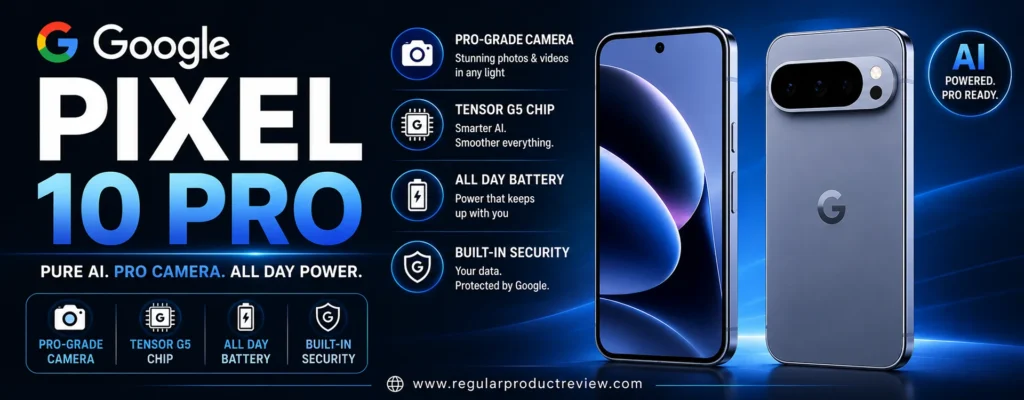
For everyday photography, portraits, night scenes, travel, and quick point-and-shoot moments, that combination makes the Pixel 10 Pro exceptionally easy to recommend.
🏆 Best For: Everyday photography, portraits, low-light shooting, travel, point-and-shoot users, and buyers who value computational photography
Overall Score: 9.6/10
📸 Camera System at a Glance
The Pixel 10 Pro uses a dedicated triple-camera system, giving photographers a useful range from expansive landscapes to distant subjects. Instead of relying on a single high-resolution sensor, Google gives each rear camera a specific job.
| Camera | Key Hardware | Best Use |
|---|---|---|
| 📷 Main Camera | 50MP wide, ƒ/1.68 | Everyday photography, portraits and low light |
| 🌄 Ultrawide | 48MP, ƒ/1.7, autofocus | Landscapes, architecture and close-up photography |
| 🔭 Telephoto | 48MP, 5x optical, OIS | Distant subjects and tighter portraits |
| 🤳 Front Camera | 42MP autofocus | Selfies, group shots and video calls |
The phone also supports Pro Zoom up to 100x, with optical-quality steps around 0.5x, 1x, 2x, 5x and 10x.
That headline number needs context.
A 100x zoom capability does not mean the phone has a 100x optical telephoto lens. The dedicated 5x telephoto camera is the important hardware; beyond the phone’s native optical range, computational processing becomes increasingly important.
⚠️ RedTeam Check: Don’t buy the Pixel 10 Pro because of the “100x” label. Buy it because the 5x telephoto and Google’s computational zoom can produce useful results at realistic shooting distances.
🌤️ Main Camera Performance
The 50MP main camera is the foundation of the Pixel 10 Pro’s photography experience. It is designed to produce a polished image quickly, even when lighting conditions are far from ideal.
| What Matters | Performance |
|---|---|
| 🔍 Fine Detail | ⭐⭐⭐⭐⭐ |
| 🌤️ Dynamic Range | ⭐⭐⭐⭐⭐ |
| ☀️ Highlight Recovery | ⭐⭐⭐⭐⭐ |
| 🌑 Shadow Detail | ⭐⭐⭐⭐⭐ |
| 🎨 Color Rendering | ⭐⭐⭐⭐⭐ |
| ⚪ White Balance | ⭐⭐⭐⭐⭐ |
| ✨ HDR Processing | ⭐⭐⭐⭐⭐ |
| ⚡ Shutter Response | ⭐⭐⭐⭐⭐ |
| 🎯 Overall Consistency | ⭐⭐⭐⭐⭐ |
The ƒ/1.68 aperture and large main sensor provide a strong hardware foundation, but Google’s image processing gives the camera much of its distinctive character.
Bright skies are generally handled confidently, darker areas retain useful information, and colors are typically presented in a polished way without requiring extensive post-processing.
The bigger advantage is simplicity.
You can point the phone at a scene, compose the shot, press the shutter, and move on without spending several seconds adjusting exposure or other settings.
💡 Expert Tip: If most of your photos are spontaneous shots of family, pets, food, travel scenes, and everyday moments, consistent results are often more valuable than having the most complicated manual camera system.
🌙 Low-Light Photography
Dark scenes reveal weaknesses that can remain hidden in daylight. This is one area where Google’s computational photography approach becomes particularly useful.
The Pixel 10 Pro combines its camera hardware with multi-frame processing to improve exposure, detail, color, and noise in challenging lighting.
| Low-Light Area | Evaluation |
|---|---|
| 🌫️ Noise Control | ⭐⭐⭐⭐⭐ |
| 🌑 Shadow Detail | ⭐⭐⭐⭐⭐ |
| 💡 Highlight Control | ⭐⭐⭐⭐⭐ |
| 🎨 Color Accuracy | ⭐⭐⭐⭐⭐ |
| ☀️ Exposure Consistency | ⭐⭐⭐⭐⭐ |
| 🛡️ Stabilization | ⭐⭐⭐⭐⭐ |
| 🌙 Night Sight Processing | ⭐⭐⭐⭐⭐ |
This makes the phone particularly useful for:
| Shooting Situation | Why It Works Well |
|---|---|
| 🌃 Nighttime Streets | Handles mixed artificial lighting |
| 🍽️ Dim Restaurants | Helps preserve atmosphere while lifting detail |
| 🎉 Indoor Events | Balances faces and surrounding light |
| 🌆 Evening Landscapes | Preserves highlights and darker areas |
| 🏙️ Night City Photography | Controls bright signs and street lights |
| ✨ Night Scenes | Computational processing extracts more usable detail |
🧠 Understanding Night Photography
Think of a camera sensor like a bucket collecting rain.
In bright daylight, the bucket fills quickly. At night, there simply isn’t much light available.
The phone therefore needs to make better use of every bit of information it captures.
Computational photography can combine information from multiple frames to produce a cleaner and more balanced final image.
⚠️ Reality Check: Computational photography can dramatically improve a dark scene, but it cannot completely overcome the physical limitations of a smartphone sensor. Extremely dark scenes can still produce noise, smearing, or an overly processed appearance.
🔭 Zoom Performance
The dedicated 48MP 5x telephoto camera gives the Pixel 10 Pro genuine long-range capability instead of relying entirely on digital cropping from the main sensor.
That makes a meaningful difference for travel photographers, sports spectators, concert-goers, and anyone who frequently photographs subjects that are too far away to approach.
| Zoom Level | Best Use |
|---|---|
| 0.5x | 🌄 Landscapes, interiors and large groups |
| 1x | 📷 Everyday photography |
| 2x | 👤 Portrait framing and moderate close-ups |
| 5x | 🔭 Distant subjects and tighter portraits |
| 10x | 🔍 Long-range photography |
| Beyond 10x | 🧠 Increasingly computational |
| 100x | ⚠️ Specialized use with significant quality limitations |
The 5x range is the sweet spot.
It can be particularly useful for:
- 🏟️ Stadium photography
- 🐦 Wildlife
- 🏙️ City details
- 🏛️ Architecture
- 👤 Portraits
- 🚗 Distant subjects
- ✈️ Travel photography
Optical stabilization on the telephoto camera also helps reduce the effects of hand movement at longer focal lengths.
💡 Editorial Insight: Useful zoom matters more than maximum zoom. A clean 5x photograph is usually far more valuable than a heavily processed 100x image.
🌄 Ultrawide Camera
The 48MP ultrawide camera adds another important layer of versatility.
It becomes especially useful when you physically cannot move far enough away from your subject to fit everything into the frame.
| What We Evaluate | Performance |
|---|---|
| 🔍 Edge Detail | ⭐⭐⭐⭐⭐ |
| 📐 Distortion Control | ⭐⭐⭐⭐½ |
| 🎨 Color Consistency | ⭐⭐⭐⭐⭐ |
| 🌤️ Dynamic Range | ⭐⭐⭐⭐⭐ |
| 🎯 Autofocus | ⭐⭐⭐⭐⭐ |
| 🔬 Macro Focus | ⭐⭐⭐⭐⭐ |
| 🌙 Night Performance | ⭐⭐⭐⭐½ |
Autofocus is particularly useful because the ultrawide camera can also handle close-up photography.
That means it isn’t limited to simply fitting more into a frame.
You can use it for:
- 🌸 Flowers
- 🍰 Food
- 🐞 Small objects
- 🏞️ Landscapes
- 🏢 Architecture
- 👨👩👧👦 Group photos
For travelers, that makes the Pixel 10 Pro considerably more flexible than a phone with a basic secondary camera.
👤 Portrait Photography
A convincing portrait isn’t simply a photograph with the background blurred.
Skin tones need to look believable, facial detail needs to remain intact, and the transition between the subject and background needs to look natural.
The Pixel 10 Pro performs particularly well here because Google’s image processing places considerable emphasis on faces, skin tones, and computational subject separation.
| Portrait Factor | Performance |
|---|---|
| 👤 Skin Tones | ⭐⭐⭐⭐⭐ |
| 🎯 Subject Separation | ⭐⭐⭐⭐⭐ |
| 💇 Hair Detail | ⭐⭐⭐⭐½ |
| ✂️ Edge Detection | ⭐⭐⭐⭐⭐ |
| 🌫️ Background Blur | ⭐⭐⭐⭐⭐ |
| 🔭 Telephoto Perspective | ⭐⭐⭐⭐⭐ |
| ☀️ Exposure Consistency | ⭐⭐⭐⭐⭐ |
The 5x telephoto camera can also provide a more compressed perspective than shooting very close with the main camera.
That can be particularly flattering for head-and-shoulder portraits.
💡 Expert Tip: Don’t judge portrait mode by how aggressively it blurs the background. Look closely at hair, glasses, shoulders, fingers, and other difficult edges. That’s where computational portrait photography is really tested.
🏃 Moving Subjects
Static scenes are easy for modern flagship phones.
Real life isn’t.
Children move. Pets run. People turn their heads. Cars pass. Lighting changes.
That makes autofocus, shutter response, and motion processing important parts of a camera evaluation.
| Moving-Subject Factor | Why It Matters |
|---|---|
| ⚡ Autofocus Response | Helps lock onto subjects quickly |
| 📸 Shutter Response | Increases the chance of capturing the right moment |
| 🧠 Motion Processing | Helps reduce blur while preserving detail |
| 👤 Face Detection | Helps prioritize people |
| 🐕 Subject Tracking | Useful for pets and casual action |
The Pixel’s combination of autofocus and computational processing makes it a strong everyday camera for family photography and casual action.
⚠️ RedTeam Check: A phone can be outstanding for landscapes and still struggle with fast-moving subjects in very dark conditions. Software can reduce the problem, but it cannot eliminate the physical limitations of motion and low light.
🎥 Video Performance
The Pixel 10 Pro is not simply a still-photography specialist.
It supports high-resolution recording, stabilization, HDR capabilities, and Google’s computational video processing.
| Video Feature | Capability |
|---|---|
| 🎞️ 8K Video | ✅ |
| 🎬 4K Video | Up to 60fps |
| 🌙 Night Sight Video | ✅ |
| 🛡️ Optical Stabilization | ✅ |
| 🧠 Video Boost | ✅ |
| 🌈 10-bit HDR Video | ✅ |
| 🎥 Cinematic Blur | ✅ |
| 🏃 Active Stabilization | ✅ |
| 🎙️ Audio Enhancement | ✅ |
| ⏱️ Slow Motion | Up to 240fps |
Video Boost is particularly interesting because Google’s computational approach can improve footage beyond what the camera hardware alone would produce.
Still, there is an important distinction.
The Pixel 10 Pro’s strongest argument remains still photography.
If your smartphone is primarily a video-production tool, Apple’s latest iPhone lineup deserves serious consideration because of its mature video workflow and consistently strong video performance.
🎬 Creator Tip: If most of your camera usage is video rather than photography, don’t choose a phone solely because it wins the still-photo category.
🤳 Selfie Camera
The 42MP autofocus front camera gives the Pixel 10 Pro a strong setup for selfies, group shots, video calls, and creator content.
Its wide field of view is particularly useful when you need to fit several people into the frame.
| Selfie Area | Performance |
|---|---|
| 🔍 Detail | ⭐⭐⭐⭐⭐ |
| 👤 Skin Tones | ⭐⭐⭐⭐⭐ |
| 🎯 Autofocus | ⭐⭐⭐⭐⭐ |
| 🌤️ HDR | ⭐⭐⭐⭐⭐ |
| 🌙 Low-Light Performance | ⭐⭐⭐⭐½ |
| 👨👩👧 Group Selfies | ⭐⭐⭐⭐⭐ |
| 🎥 Video | ⭐⭐⭐⭐⭐ |
Autofocus matters more here than simply increasing resolution.
It allows the camera to maintain sharpness across different distances instead of assuming the subject will always remain at one fixed range.
🧠 Computational Photography
This is arguably the Pixel 10 Pro’s defining characteristic.
Google isn’t simply competing on sensor size or lens count. Software is a major part of the imaging system.
| Technology | Practical Benefit |
|---|---|
| 🌙 Night Sight | Improves difficult low-light scenes |
| ✨ HDR Processing | Balances bright and dark areas |
| 👤 Real Tone | Helps preserve realistic skin tones |
| 🧠 Best Take | Helps improve group photos |
| 👤 Face Unblur | Helps reduce facial blur in suitable situations |
| 🔍 Zoom Enhance | Improves digitally enlarged images |
| 🪄 Magic Eraser | Removes unwanted elements |
| 🖼️ Auto Frame | Helps improve composition |
| ✨ Reimagine | Provides AI-assisted image editing |
| 🌌 Astrophotography | Designed for night-sky photography |
🧠 ELI10: Why Software Matters
Imagine several cameras taking slightly different versions of the same scene.
Now imagine a smart editor examining that information and choosing the strongest pieces from each capture.
Modern smartphone photography can perform a similar process in fractions of a second.
That’s why two phones with similar camera hardware can produce noticeably different photographs.
💡 Editorial Insight: The Pixel’s biggest camera advantage isn’t simply what happens when you press the shutter. It’s what Google’s software does immediately afterward.
🎛️ Pro Controls
The Pixel 10 Pro isn’t limited to automatic photography.
Experienced users can access additional controls when they want more influence over the capture process.
That creates two very different experiences:
| User Type | Pixel 10 Pro Experience |
|---|---|
| 🟢 Casual Photographer | Point, shoot, and let the software handle the difficult decisions |
| 🔵 Photography Enthusiast | Use additional controls when the automatic result isn’t enough |
This flexibility makes the Pro model more attractive to photographers who may eventually want to experiment with more advanced shooting techniques.
📱 Everyday Phone Experience
A camera phone still needs to work well when you’re not taking pictures.
| Feature | Pixel 10 Pro |
|---|---|
| 📱 Display | 6.3-inch LTPO OLED, up to 120Hz |
| 🧠 Processor | Google Tensor G5 |
| 💾 RAM | 16GB |
| 💽 Storage | Up to 1TB |
| 🔋 Battery | 4,870mAh typical |
| ⚡ Charging | Fast wired charging |
| 🔌 Wireless Charging | Qi2 |
| 💧 Water Resistance | IP68 |
| 🔐 Security | Titan M2 |
| 🔄 Software Support | 7 years |
The 6.3-inch form factor is worth noting.
Many serious camera phones are physically large. The Pixel 10 Pro gives you a more manageable flagship size while retaining the full Pro-level camera system.
For buyers who want serious photography without carrying an enormous phone, that’s a meaningful advantage.
💰 Value Under $1000
Price changes the entire argument around the Pixel 10 Pro.
At its original $999 starting price, buyers have several alternatives to consider.
At a significant discount, however, the value equation becomes much more compelling.
| Effective Price | Value Verdict |
|---|---|
| $999 | 🟢 Strong, but competition is tougher |
| $899 | 🟢 Very compelling |
| $799 | 🟢 Excellent value |
| $699 | 🏆 Exceptional value |
| Over $1,000 | 🔴 Outside this guide’s budget |
💰 Value Verdict: When available around $699–$799, the Pixel 10 Pro becomes one of the strongest camera-phone values available to US shoppers.
The important word is when.
Promotional pricing can disappear. Buyers should judge the phone using the actual price available when they are ready to purchase rather than assuming a temporary discount will last indefinitely.
⚠️ What Could Be Better?
No serious camera recommendation should pretend the Pixel 10 Pro is perfect.
🎮 Raw Performance Isn’t Its Main Advantage
Tensor G5 is closely tied to Google’s AI and software strategy, which benefits the camera experience.
But if your priority is:
- 🎮 Heavy gaming
- 🏎️ Maximum sustained performance
- 📊 Benchmark scores
- ⚡ Raw processing power
there are performance-focused Android phones that may be a better fit.
⚡ Charging Isn’t the Fastest in the Class
The charging system is capable, but some competing Android flagships can replenish their batteries considerably faster.
For buyers who regularly need a quick top-up before leaving home, that difference can matter.
🔭 100x Zoom Needs Realistic Expectations
The phone can reach 100x computational zoom, but the quality at extreme magnification should not be compared with a dedicated optical telephoto system.
The sweet spot is much closer to the phone’s native optical and moderate computational zoom ranges.
🎥 Video Isn’t Automatically the Best Choice
The Pixel 10 Pro is a capable video phone, but still photography is where its strongest case lies.
If your workflow revolves primarily around smartphone video, compare it carefully against the latest iPhone before making a decision.
✅ Who Should Buy the Pixel 10 Pro?
The Pixel 10 Pro makes the most sense for buyers who want excellent photography without turning every shot into a manual photography project.
| Buyer Type | Fit |
|---|---|
| 📸 Everyday Photographer | 🟢 Excellent |
| 🌙 Night Photographer | 🟢 Excellent |
| 👤 Portrait Shooter | 🟢 Excellent |
| 🔭 Zoom User | 🟢 Excellent |
| 🌎 Travel Photographer | 🟢 Excellent |
| 🧠 Computational Photography Fan | 🟢 Excellent |
| 📱 Compact Flagship Buyer | 🟢 Excellent |
| 🎨 AI Editing User | 🟢 Excellent |
| 🎮 Hardcore Gamer | 🟡 Consider alternatives |
| 🎥 Video-First Creator | 🟡 Compare with iPhone |
🚫 Who Should Skip It?
Consider another phone if:
- 🎮 Gaming performance is your number-one priority
- ⚡ Ultra-fast charging is essential
- 🎥 Most of your camera use is professional-style video
- 🔭 Extreme zoom versatility matters more than computational photography
- 💵 A competing flagship offers substantially stronger hardware at a similar price
🏆 Final Verdict
The Google Pixel 10 Pro doesn’t need the biggest camera specification to make a compelling case.
Its strength comes from the way everything works together.
The 50MP main camera handles everyday photography. The 48MP ultrawide expands your creative options. The dedicated 48MP 5x telephoto gives you genuine long-range flexibility. Google’s computational photography then ties the entire system together.
The result is a camera that is remarkably easy to use while still offering enough depth for enthusiasts.
Its biggest advantage is consistency.
You can pull the phone from your pocket, point it at a difficult scene, press the shutter, and have a very good chance of getting a photograph worth keeping.
That’s exactly what a great smartphone camera should do.
🏆 Final Verdict: The Google Pixel 10 Pro is our Best Overall pick for this category, particularly when you can find it comfortably below the $1,000 ceiling.
Final Scorecard
| Category | Score |
|---|---|
| 📸 Main Camera | 9.7/10 |
| 🌙 Low-Light Photography | 9.7/10 |
| 🔭 Zoom | 9.5/10 |
| 🌄 Ultrawide | 9.5/10 |
| 👤 Portraits | 9.7/10 |
| 🎥 Video | 9.2/10 |
| 🤳 Selfie Camera | 9.5/10 |
| 🧠 Computational Photography | 9.9/10 |
| 💰 Value | 9.6/10 |
| 🏆 Overall | 9.6/10 |
Bottom Line: If you want excellent photos with minimal effort, the Pixel 10 Pro is one of the strongest choices in the under-$1,000 camera-phone market.
Google Pixel 10 Pro
If your priority is getting excellent photos without constantly adjusting camera settings, the Google Pixel 10 Pro is one of the strongest choices in the under-$1,000 category. Its appeal isn’t based on having the biggest megapixel number or the most aggressive zoom claim. The real strength comes from combining capable camera hardware with Google’s sophisticated computational photography.
For everyday photography, portraits, night scenes, travel, and quick point-and-shoot moments, that combination makes the Pixel 10 Pro exceptionally easy to recommend.
🏆 Best For: Everyday photography, portraits, low-light shooting, travel, point-and-shoot users, and buyers who value computational photography
Overall Score: 9.6/10
📸 Camera System at a Glance
The Pixel 10 Pro uses a dedicated triple-camera system, giving photographers a useful range from expansive landscapes to distant subjects. Instead of relying on a single high-resolution sensor, Google gives each rear camera a specific job.
| Camera | Key Hardware | Best Use |
|---|---|---|
| 📷 Main Camera | 50MP wide, ƒ/1.68 | Everyday photography, portraits and low light |
| 🌄 Ultrawide | 48MP, ƒ/1.7, autofocus | Landscapes, architecture and close-up photography |
| 🔭 Telephoto | 48MP, 5x optical, OIS | Distant subjects and tighter portraits |
| 🤳 Front Camera | 42MP autofocus | Selfies, group shots and video calls |
The phone also supports Pro Zoom up to 100x, with optical-quality steps around 0.5x, 1x, 2x, 5x and 10x.
That headline number needs context.
A 100x zoom capability does not mean the phone has a 100x optical telephoto lens. The dedicated 5x telephoto camera is the important hardware; beyond the phone’s native optical range, computational processing becomes increasingly important.
⚠️ RedTeam Check: Don’t buy the Pixel 10 Pro because of the “100x” label. Buy it because the 5x telephoto and Google’s computational zoom can produce useful results at realistic shooting distances.
🌤️ Main Camera Performance
The 50MP main camera is the foundation of the Pixel 10 Pro’s photography experience. It is designed to produce a polished image quickly, even when lighting conditions are far from ideal.
| What Matters | Performance |
|---|---|
| 🔍 Fine Detail | ⭐⭐⭐⭐⭐ |
| 🌤️ Dynamic Range | ⭐⭐⭐⭐⭐ |
| ☀️ Highlight Recovery | ⭐⭐⭐⭐⭐ |
| 🌑 Shadow Detail | ⭐⭐⭐⭐⭐ |
| 🎨 Color Rendering | ⭐⭐⭐⭐⭐ |
| ⚪ White Balance | ⭐⭐⭐⭐⭐ |
| ✨ HDR Processing | ⭐⭐⭐⭐⭐ |
| ⚡ Shutter Response | ⭐⭐⭐⭐⭐ |
| 🎯 Overall Consistency | ⭐⭐⭐⭐⭐ |
The ƒ/1.68 aperture and large main sensor provide a strong hardware foundation, but Google’s image processing gives the camera much of its distinctive character.
Bright skies are generally handled confidently, darker areas retain useful information, and colors are typically presented in a polished way without requiring extensive post-processing.
The bigger advantage is simplicity.
You can point the phone at a scene, compose the shot, press the shutter, and move on without spending several seconds adjusting exposure or other settings.
💡 Expert Tip: If most of your photos are spontaneous shots of family, pets, food, travel scenes, and everyday moments, consistent results are often more valuable than having the most complicated manual camera system.
🌙 Low-Light Photography
Dark scenes reveal weaknesses that can remain hidden in daylight. This is one area where Google’s computational photography approach becomes particularly useful.
The Pixel 10 Pro combines its camera hardware with multi-frame processing to improve exposure, detail, color, and noise in challenging lighting.
| Low-Light Area | Evaluation |
|---|---|
| 🌫️ Noise Control | ⭐⭐⭐⭐⭐ |
| 🌑 Shadow Detail | ⭐⭐⭐⭐⭐ |
| 💡 Highlight Control | ⭐⭐⭐⭐⭐ |
| 🎨 Color Accuracy | ⭐⭐⭐⭐⭐ |
| ☀️ Exposure Consistency | ⭐⭐⭐⭐⭐ |
| 🛡️ Stabilization | ⭐⭐⭐⭐⭐ |
| 🌙 Night Sight Processing | ⭐⭐⭐⭐⭐ |
This makes the phone particularly useful for:
| Shooting Situation | Why It Works Well |
|---|---|
| 🌃 Nighttime Streets | Handles mixed artificial lighting |
| 🍽️ Dim Restaurants | Helps preserve atmosphere while lifting detail |
| 🎉 Indoor Events | Balances faces and surrounding light |
| 🌆 Evening Landscapes | Preserves highlights and darker areas |
| 🏙️ Night City Photography | Controls bright signs and street lights |
| ✨ Night Scenes | Computational processing extracts more usable detail |
🧠 Understanding Night Photography
Think of a camera sensor like a bucket collecting rain.
In bright daylight, the bucket fills quickly. At night, there simply isn’t much light available.
The phone therefore needs to make better use of every bit of information it captures.
Computational photography can combine information from multiple frames to produce a cleaner and more balanced final image.
⚠️ Reality Check: Computational photography can dramatically improve a dark scene, but it cannot completely overcome the physical limitations of a smartphone sensor. Extremely dark scenes can still produce noise, smearing, or an overly processed appearance.
🔭 Zoom Performance
The dedicated 48MP 5x telephoto camera gives the Pixel 10 Pro genuine long-range capability instead of relying entirely on digital cropping from the main sensor.
That makes a meaningful difference for travel photographers, sports spectators, concert-goers, and anyone who frequently photographs subjects that are too far away to approach.
| Zoom Level | Best Use |
|---|---|
| 0.5x | 🌄 Landscapes, interiors and large groups |
| 1x | 📷 Everyday photography |
| 2x | 👤 Portrait framing and moderate close-ups |
| 5x | 🔭 Distant subjects and tighter portraits |
| 10x | 🔍 Long-range photography |
| Beyond 10x | 🧠 Increasingly computational |
| 100x | ⚠️ Specialized use with significant quality limitations |
The 5x range is the sweet spot.
It can be particularly useful for:
- 🏟️ Stadium photography
- 🐦 Wildlife
- 🏙️ City details
- 🏛️ Architecture
- 👤 Portraits
- 🚗 Distant subjects
- ✈️ Travel photography
Optical stabilization on the telephoto camera also helps reduce the effects of hand movement at longer focal lengths.
💡 Editorial Insight: Useful zoom matters more than maximum zoom. A clean 5x photograph is usually far more valuable than a heavily processed 100x image.
🌄 Ultrawide Camera
The 48MP ultrawide camera adds another important layer of versatility.
It becomes especially useful when you physically cannot move far enough away from your subject to fit everything into the frame.
| What We Evaluate | Performance |
|---|---|
| 🔍 Edge Detail | ⭐⭐⭐⭐⭐ |
| 📐 Distortion Control | ⭐⭐⭐⭐½ |
| 🎨 Color Consistency | ⭐⭐⭐⭐⭐ |
| 🌤️ Dynamic Range | ⭐⭐⭐⭐⭐ |
| 🎯 Autofocus | ⭐⭐⭐⭐⭐ |
| 🔬 Macro Focus | ⭐⭐⭐⭐⭐ |
| 🌙 Night Performance | ⭐⭐⭐⭐½ |
Autofocus is particularly useful because the ultrawide camera can also handle close-up photography.
That means it isn’t limited to simply fitting more into a frame.
You can use it for:
- 🌸 Flowers
- 🍰 Food
- 🐞 Small objects
- 🏞️ Landscapes
- 🏢 Architecture
- 👨👩👧👦 Group photos
For travelers, that makes the Pixel 10 Pro considerably more flexible than a phone with a basic secondary camera.
👤 Portrait Photography
A convincing portrait isn’t simply a photograph with the background blurred.
Skin tones need to look believable, facial detail needs to remain intact, and the transition between the subject and background needs to look natural.
The Pixel 10 Pro performs particularly well here because Google’s image processing places considerable emphasis on faces, skin tones, and computational subject separation.
| Portrait Factor | Performance |
|---|---|
| 👤 Skin Tones | ⭐⭐⭐⭐⭐ |
| 🎯 Subject Separation | ⭐⭐⭐⭐⭐ |
| 💇 Hair Detail | ⭐⭐⭐⭐½ |
| ✂️ Edge Detection | ⭐⭐⭐⭐⭐ |
| 🌫️ Background Blur | ⭐⭐⭐⭐⭐ |
| 🔭 Telephoto Perspective | ⭐⭐⭐⭐⭐ |
| ☀️ Exposure Consistency | ⭐⭐⭐⭐⭐ |
The 5x telephoto camera can also provide a more compressed perspective than shooting very close with the main camera.
That can be particularly flattering for head-and-shoulder portraits.
💡 Expert Tip: Don’t judge portrait mode by how aggressively it blurs the background. Look closely at hair, glasses, shoulders, fingers, and other difficult edges. That’s where computational portrait photography is really tested.
🏃 Moving Subjects
Static scenes are easy for modern flagship phones.
Real life isn’t.
Children move. Pets run. People turn their heads. Cars pass. Lighting changes.
That makes autofocus, shutter response, and motion processing important parts of a camera evaluation.
| Moving-Subject Factor | Why It Matters |
|---|---|
| ⚡ Autofocus Response | Helps lock onto subjects quickly |
| 📸 Shutter Response | Increases the chance of capturing the right moment |
| 🧠 Motion Processing | Helps reduce blur while preserving detail |
| 👤 Face Detection | Helps prioritize people |
| 🐕 Subject Tracking | Useful for pets and casual action |
The Pixel’s combination of autofocus and computational processing makes it a strong everyday camera for family photography and casual action.
⚠️ RedTeam Check: A phone can be outstanding for landscapes and still struggle with fast-moving subjects in very dark conditions. Software can reduce the problem, but it cannot eliminate the physical limitations of motion and low light.
🎥 Video Performance
The Pixel 10 Pro is not simply a still-photography specialist.
It supports high-resolution recording, stabilization, HDR capabilities, and Google’s computational video processing.
| Video Feature | Capability |
|---|---|
| 🎞️ 8K Video | ✅ |
| 🎬 4K Video | Up to 60fps |
| 🌙 Night Sight Video | ✅ |
| 🛡️ Optical Stabilization | ✅ |
| 🧠 Video Boost | ✅ |
| 🌈 10-bit HDR Video | ✅ |
| 🎥 Cinematic Blur | ✅ |
| 🏃 Active Stabilization | ✅ |
| 🎙️ Audio Enhancement | ✅ |
| ⏱️ Slow Motion | Up to 240fps |
Video Boost is particularly interesting because Google’s computational approach can improve footage beyond what the camera hardware alone would produce.
Still, there is an important distinction.
The Pixel 10 Pro’s strongest argument remains still photography.
If your smartphone is primarily a video-production tool, Apple’s latest iPhone lineup deserves serious consideration because of its mature video workflow and consistently strong video performance.
🎬 Creator Tip: If most of your camera usage is video rather than photography, don’t choose a phone solely because it wins the still-photo category.
🤳 Selfie Camera
The 42MP autofocus front camera gives the Pixel 10 Pro a strong setup for selfies, group shots, video calls, and creator content.
Its wide field of view is particularly useful when you need to fit several people into the frame.
| Selfie Area | Performance |
|---|---|
| 🔍 Detail | ⭐⭐⭐⭐⭐ |
| 👤 Skin Tones | ⭐⭐⭐⭐⭐ |
| 🎯 Autofocus | ⭐⭐⭐⭐⭐ |
| 🌤️ HDR | ⭐⭐⭐⭐⭐ |
| 🌙 Low-Light Performance | ⭐⭐⭐⭐½ |
| 👨👩👧 Group Selfies | ⭐⭐⭐⭐⭐ |
| 🎥 Video | ⭐⭐⭐⭐⭐ |
Autofocus matters more here than simply increasing resolution.
It allows the camera to maintain sharpness across different distances instead of assuming the subject will always remain at one fixed range.
🧠 Computational Photography
This is arguably the Pixel 10 Pro’s defining characteristic.
Google isn’t simply competing on sensor size or lens count. Software is a major part of the imaging system.
| Technology | Practical Benefit |
|---|---|
| 🌙 Night Sight | Improves difficult low-light scenes |
| ✨ HDR Processing | Balances bright and dark areas |
| 👤 Real Tone | Helps preserve realistic skin tones |
| 🧠 Best Take | Helps improve group photos |
| 👤 Face Unblur | Helps reduce facial blur in suitable situations |
| 🔍 Zoom Enhance | Improves digitally enlarged images |
| 🪄 Magic Eraser | Removes unwanted elements |
| 🖼️ Auto Frame | Helps improve composition |
| ✨ Reimagine | Provides AI-assisted image editing |
| 🌌 Astrophotography | Designed for night-sky photography |
🧠 ELI10: Why Software Matters
Imagine several cameras taking slightly different versions of the same scene.
Now imagine a smart editor examining that information and choosing the strongest pieces from each capture.
Modern smartphone photography can perform a similar process in fractions of a second.
That’s why two phones with similar camera hardware can produce noticeably different photographs.
💡 Editorial Insight: The Pixel’s biggest camera advantage isn’t simply what happens when you press the shutter. It’s what Google’s software does immediately afterward.
🎛️ Pro Controls
The Pixel 10 Pro isn’t limited to automatic photography.
Experienced users can access additional controls when they want more influence over the capture process.
That creates two very different experiences:
| User Type | Pixel 10 Pro Experience |
|---|---|
| 🟢 Casual Photographer | Point, shoot, and let the software handle the difficult decisions |
| 🔵 Photography Enthusiast | Use additional controls when the automatic result isn’t enough |
This flexibility makes the Pro model more attractive to photographers who may eventually want to experiment with more advanced shooting techniques.
📱 Everyday Phone Experience
A camera phone still needs to work well when you’re not taking pictures.
| Feature | Pixel 10 Pro |
|---|---|
| 📱 Display | 6.3-inch LTPO OLED, up to 120Hz |
| 🧠 Processor | Google Tensor G5 |
| 💾 RAM | 16GB |
| 💽 Storage | Up to 1TB |
| 🔋 Battery | 4,870mAh typical |
| ⚡ Charging | Fast wired charging |
| 🔌 Wireless Charging | Qi2 |
| 💧 Water Resistance | IP68 |
| 🔐 Security | Titan M2 |
| 🔄 Software Support | 7 years |
The 6.3-inch form factor is worth noting.
Many serious camera phones are physically large. The Pixel 10 Pro gives you a more manageable flagship size while retaining the full Pro-level camera system.
For buyers who want serious photography without carrying an enormous phone, that’s a meaningful advantage.
💰 Value Under $1000
Price changes the entire argument around the Pixel 10 Pro.
At its original $999 starting price, buyers have several alternatives to consider.
At a significant discount, however, the value equation becomes much more compelling.
| Effective Price | Value Verdict |
|---|---|
| $999 | 🟢 Strong, but competition is tougher |
| $899 | 🟢 Very compelling |
| $799 | 🟢 Excellent value |
| $699 | 🏆 Exceptional value |
| Over $1,000 | 🔴 Outside this guide’s budget |
💰 Value Verdict: When available around $699–$799, the Pixel 10 Pro becomes one of the strongest camera-phone values available to US shoppers.
The important word is when.
Promotional pricing can disappear. Buyers should judge the phone using the actual price available when they are ready to purchase rather than assuming a temporary discount will last indefinitely.
⚠️ What Could Be Better?
No serious camera recommendation should pretend the Pixel 10 Pro is perfect.
🎮 Raw Performance Isn’t Its Main Advantage
Tensor G5 is closely tied to Google’s AI and software strategy, which benefits the camera experience.
But if your priority is:
- 🎮 Heavy gaming
- 🏎️ Maximum sustained performance
- 📊 Benchmark scores
- ⚡ Raw processing power
there are performance-focused Android phones that may be a better fit.
⚡ Charging Isn’t the Fastest in the Class
The charging system is capable, but some competing Android flagships can replenish their batteries considerably faster.
For buyers who regularly need a quick top-up before leaving home, that difference can matter.
🔭 100x Zoom Needs Realistic Expectations
The phone can reach 100x computational zoom, but the quality at extreme magnification should not be compared with a dedicated optical telephoto system.
The sweet spot is much closer to the phone’s native optical and moderate computational zoom ranges.
🎥 Video Isn’t Automatically the Best Choice
The Pixel 10 Pro is a capable video phone, but still photography is where its strongest case lies.
If your workflow revolves primarily around smartphone video, compare it carefully against the latest iPhone before making a decision.
✅ Who Should Buy the Pixel 10 Pro?
The Pixel 10 Pro makes the most sense for buyers who want excellent photography without turning every shot into a manual photography project.
| Buyer Type | Fit |
|---|---|
| 📸 Everyday Photographer | 🟢 Excellent |
| 🌙 Night Photographer | 🟢 Excellent |
| 👤 Portrait Shooter | 🟢 Excellent |
| 🔭 Zoom User | 🟢 Excellent |
| 🌎 Travel Photographer | 🟢 Excellent |
| 🧠 Computational Photography Fan | 🟢 Excellent |
| 📱 Compact Flagship Buyer | 🟢 Excellent |
| 🎨 AI Editing User | 🟢 Excellent |
| 🎮 Hardcore Gamer | 🟡 Consider alternatives |
| 🎥 Video-First Creator | 🟡 Compare with iPhone |
🚫 Who Should Skip It?
Consider another phone if:
- 🎮 Gaming performance is your number-one priority
- ⚡ Ultra-fast charging is essential
- 🎥 Most of your camera use is professional-style video
- 🔭 Extreme zoom versatility matters more than computational photography
- 💵 A competing flagship offers substantially stronger hardware at a similar price
🏆 Final Verdict
The Google Pixel 10 Pro doesn’t need the biggest camera specification to make a compelling case.
Its strength comes from the way everything works together.
The 50MP main camera handles everyday photography. The 48MP ultrawide expands your creative options. The dedicated 48MP 5x telephoto gives you genuine long-range flexibility. Google’s computational photography then ties the entire system together.
The result is a camera that is remarkably easy to use while still offering enough depth for enthusiasts.
Its biggest advantage is consistency.
You can pull the phone from your pocket, point it at a difficult scene, press the shutter, and have a very good chance of getting a photograph worth keeping.
That’s exactly what a great smartphone camera should do.
🏆 Final Verdict: The Google Pixel 10 Pro is our Best Overall pick for this category, particularly when you can find it comfortably below the $1,000 ceiling.
Final Scorecard
| Category | Score |
|---|---|
| 📸 Main Camera | 9.7/10 |
| 🌙 Low-Light Photography | 9.7/10 |
| 🔭 Zoom | 9.5/10 |
| 🌄 Ultrawide | 9.5/10 |
| 👤 Portraits | 9.7/10 |
| 🎥 Video | 9.2/10 |
| 🤳 Selfie Camera | 9.5/10 |
| 🧠 Computational Photography | 9.9/10 |
| 💰 Value | 9.6/10 |
| 🏆 Overall | 9.6/10 |
Bottom Line: If you want excellent photos with minimal effort, the Pixel 10 Pro is one of the strongest choices in the under-$1,000 camera-phone market.
Samsung Galaxy S25 Ultra
If the Pixel 10 Pro is about effortless computational photography, the Samsung Galaxy S25 Ultra takes a different approach: give the photographer more focal lengths, more camera flexibility, and more control.
That makes it especially compelling for people who don’t want a smartphone camera limited to one excellent main sensor. The S25 Ultra gives you a 200MP main camera, a 50MP ultrawide, dedicated 3x and 5x telephoto cameras, and AI-enhanced zoom extending to 100x. Samsung’s US specifications confirm the full rear-camera setup and the 12MP autofocus selfie camera.
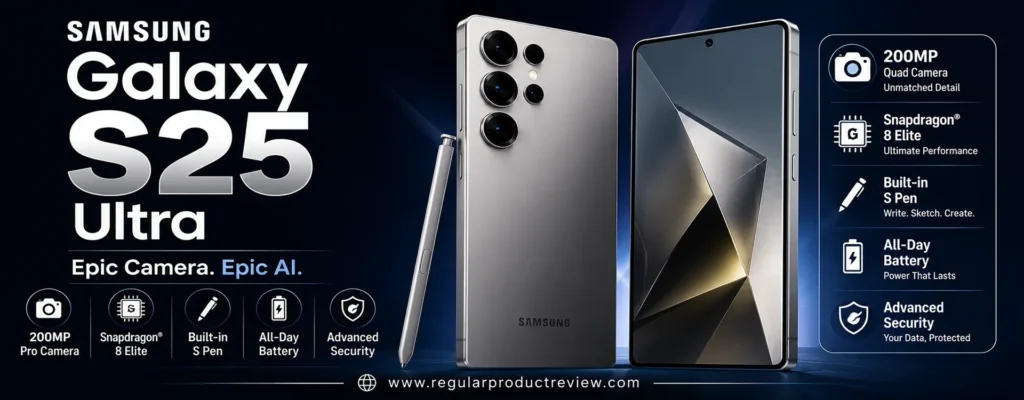
There is, however, one major problem for this particular guide: the Galaxy S25 Ultra is currently listed at $1,299.99 for 256GB on Samsung’s US store, so it does not meet a strict $1,000 list-price limit.
That doesn’t make it irrelevant.
It makes it a deal-dependent recommendation.
🏆 Best For: Zoom photography, travel, landscapes, versatile shooting, advanced camera users, and buyers who find the Ultra at or below the $1,000 target
Overall Score: 9.5/10
📸 Camera System at a Glance
The biggest reason to consider the S25 Ultra is its unusually broad camera system. Instead of asking one sensor to handle everything, Samsung gives each lens a specific job.
| Camera | Key Hardware | Best Use |
|---|---|---|
| 📷 Main Camera | 200MP wide, ƒ/1.7, OIS | Everyday photography, detail and low light |
| 🌄 Ultrawide | 50MP, ƒ/1.9, OIS | Landscapes, architecture and macro |
| 🔭 Telephoto 1 | 50MP, 5x optical, OIS | Distant subjects and portraits |
| 🔭 Telephoto 2 | 10MP, 3x optical, OIS | Portraits and medium-range zoom |
| 🤳 Front Camera | 12MP autofocus | Selfies, video calls and social content |
Samsung also provides 2x and 10x optical-quality zoom, alongside 3x and 5x optical zoom, with AI-enhanced Space Zoom extending to 100x.
This is where the S25 Ultra becomes different from most phones in this category.
You don’t have to jump directly from 1x to 5x.
The dedicated 3x camera fills the middle ground, while the 5x telephoto handles longer distances.
💡 Editorial Insight: The S25 Ultra’s greatest camera advantage isn’t the 200MP number. It’s having the right lens available when the scene changes.
🌤️ Main Camera Performance
The 200MP wide camera is Samsung’s headline sensor, but its real-world usefulness goes beyond resolution.
It uses a wide ƒ/1.7 aperture and optical image stabilization, giving it a strong foundation for everyday photography and difficult lighting. Samsung’s ProVisual Engine is also designed to improve color and detail processing across the camera system.
| What Matters | Evaluation |
|---|---|
| 🔍 Fine Detail | ⭐⭐⭐⭐⭐ |
| 🌤️ Dynamic Range | ⭐⭐⭐⭐⭐ |
| ☀️ Highlight Control | ⭐⭐⭐⭐½ |
| 🌑 Shadow Detail | ⭐⭐⭐⭐⭐ |
| 🎨 Color Rendering | ⭐⭐⭐⭐½ |
| ⚪ White Balance | ⭐⭐⭐⭐½ |
| ✨ HDR Processing | ⭐⭐⭐⭐⭐ |
| ⚡ Autofocus | ⭐⭐⭐⭐⭐ |
| 🛡️ Optical Stabilization | ⭐⭐⭐⭐⭐ |
| 🎯 Overall Versatility | ⭐⭐⭐⭐⭐ |
The 200MP resolution can be useful when you want to preserve fine detail or crop into an image.
But here’s the important distinction:
More pixels don’t automatically mean better photographs.
In normal shooting, Samsung’s image processing and pixel-binning approach do much of the work. The advantage becomes more noticeable when you need detail, cropping flexibility, or additional resolution in good lighting.
⚠️ RedTeam Check: Don’t buy the S25 Ultra simply because “200MP” sounds better than 50MP. Most buyers will benefit more from the entire camera system than from using the full 200MP resolution every time.
🌙 Low-Light Photography
Samsung has invested heavily in Nightography, and the S25 Ultra combines its hardware with computational processing to improve difficult nighttime scenes.
The company specifically highlights improved 10-bit HDR video and more precise noise removal for night footage, while its ProVisual Engine is designed to recognize subjects and lighting conditions.
| Low-Light Area | Evaluation |
|---|---|
| 🌫️ Noise Control | ⭐⭐⭐⭐⭐ |
| 🌑 Shadow Detail | ⭐⭐⭐⭐⭐ |
| 💡 Highlight Control | ⭐⭐⭐⭐½ |
| 🎨 Color Accuracy | ⭐⭐⭐⭐½ |
| ☀️ Exposure Consistency | ⭐⭐⭐⭐⭐ |
| 🛡️ Stabilization | ⭐⭐⭐⭐⭐ |
| 🌙 Night Processing | ⭐⭐⭐⭐⭐ |
The main camera is particularly useful for:
| Situation | Why It Matters |
|---|---|
| 🌃 Night Streets | Strong exposure and stabilization |
| 🍽️ Restaurants | Useful detail in dim environments |
| 🎉 Indoor Events | Helps balance people and ambient lighting |
| 🏙️ City Scenes | Handles bright signs and darker surroundings |
| 🌆 Evening Landscapes | Maintains useful shadow information |
| 🚗 Moving Night Subjects | Faster shutter and processing can help reduce blur |
🧠 Understanding Night Photography
A smartphone can’t simply create light that wasn’t captured.
Instead, modern phones combine multiple frames, stabilization, noise reduction, HDR processing, and computational algorithms to reconstruct a more usable image.
The S25 Ultra’s advantage is that it has strong camera hardware before that software processing even begins.
⚠️ Reality Check: Night photography can still produce motion blur when subjects move quickly. No amount of AI processing completely removes the physical limitations of a small smartphone sensor.
🔭 Zoom Performance
This is where the Galaxy S25 Ultra makes its strongest argument.
Few camera phones offer this much focal-length flexibility in one device.
You get:
- 3x optical zoom
- 5x optical zoom
- 2x optical-quality zoom
- 10x optical-quality zoom
- Up to 100x AI-enhanced Space Zoom
| Zoom Level | Best Use |
|---|---|
| 0.6x | 🌄 Landscapes and large scenes |
| 1x | 📷 Everyday photography |
| 2x | 👤 Portrait framing and moderate crops |
| 3x | 👤 Portraits and medium-distance subjects |
| 5x | 🔭 Distant subjects and travel |
| 10x | 🏟️ Events and long-distance details |
| 30x | 🔍 Specialized long-range shots |
| 50x | ⚠️ Extreme digital magnification |
| 100x | 🚨 Specialty use; quality varies considerably |
This flexibility is especially valuable for:
- ✈️ Travel photography
- 🏟️ Sports events
- 🎤 Concerts
- 🐦 Wildlife
- 🏙️ Architecture
- 🏛️ Landmarks
- 👤 Portraits
The 3x and 5x cameras also let you choose a focal length instead of forcing you to rely on digital cropping.
🏆 Zoom Verdict: If zoom versatility is your number-one priority, the Galaxy S25 Ultra has a stronger argument than the Pixel 10 Pro.
🌄 Ultrawide Camera
Samsung significantly upgraded the ultrawide camera compared with previous generations, moving to a 50MP ultrawide. Samsung positions it as a major part of the S25 Ultra’s camera system, particularly for capturing more detail.
| What We Evaluate | Performance |
|---|---|
| 🔍 Edge Detail | ⭐⭐⭐⭐⭐ |
| 📐 Distortion Control | ⭐⭐⭐⭐½ |
| 🎨 Color Consistency | ⭐⭐⭐⭐⭐ |
| 🌤️ Dynamic Range | ⭐⭐⭐⭐⭐ |
| 🎯 Autofocus | ⭐⭐⭐⭐⭐ |
| 🔬 Macro Photography | ⭐⭐⭐⭐⭐ |
| 🌙 Night Performance | ⭐⭐⭐⭐½ |
The ultrawide camera is particularly useful for:
- 🏞️ Landscapes
- 🏢 Architecture
- 🏠 Interiors
- 👨👩👧👦 Group photography
- 🌸 Close-up subjects
- 🌆 Cityscapes
The combination of a high-resolution ultrawide and autofocus also gives the S25 Ultra more flexibility than phones where the secondary camera is treated as an afterthought.
👤 Portrait Photography
The dedicated 3x telephoto camera is one of the S25 Ultra’s most useful portrait tools.
Instead of standing very close to someone’s face with the main camera, you can step back and use a longer focal length for a more natural-looking perspective.
| Portrait Factor | Evaluation |
|---|---|
| 👤 Skin Tones | ⭐⭐⭐⭐½ |
| 🎯 Subject Separation | ⭐⭐⭐⭐⭐ |
| 💇 Hair Detail | ⭐⭐⭐⭐⭐ |
| ✂️ Edge Detection | ⭐⭐⭐⭐⭐ |
| 🌫️ Background Blur | ⭐⭐⭐⭐⭐ |
| 🔭 Telephoto Perspective | ⭐⭐⭐⭐⭐ |
| ☀️ Exposure Consistency | ⭐⭐⭐⭐⭐ |
Samsung’s Object-Aware Engine is designed to recognize subjects and lighting conditions, helping the camera adapt its processing to the scene.
💡 Expert Tip: For natural-looking portraits, try the 3x telephoto before reaching for an artificial portrait effect. The lens perspective itself can do a lot of the work.
🏃 Moving Subjects
A camera system with multiple lenses becomes much more useful when the subject refuses to stay still.
The S25 Ultra’s autofocus, optical stabilization, and computational processing make it well suited to everyday action.
| Moving-Subject Factor | Why It Matters |
|---|---|
| ⚡ Autofocus | Helps lock onto subjects quickly |
| 📸 Shutter Response | Increases the chance of capturing the decisive moment |
| 🧠 Motion Processing | Helps reduce blur |
| 👤 Subject Recognition | Helps prioritize people and objects |
| 🔭 Telephoto Stabilization | Makes distant moving subjects easier to frame |
This is useful for:
- 👶 Children
- 🐕 Pets
- 🏃 Casual sports
- 🚗 Moving vehicles
- 🎉 Events
- 🎤 Concerts
⚠️ RedTeam Check: A long zoom lens makes it easier to frame a distant subject, but it also magnifies camera movement. That’s why stabilization matters just as much as the zoom specification itself.
🎥 Video Performance
The S25 Ultra is a serious smartphone video camera.
Samsung supports 8K recording at 30fps, while the S25 Ultra also supports high-frame-rate 4K recording, including 4K at 120fps according to Samsung’s specifications.
| Video Feature | Capability |
|---|---|
| 🎞️ 8K Video | Up to 30fps |
| 🎬 4K Video | Up to 120fps |
| 🌈 10-bit HDR | ✅ |
| 🛡️ Optical Stabilization | ✅ |
| 🌙 Night Video Processing | ✅ |
| 🎯 Autofocus | ✅ |
| 🎥 Pro Video Controls | ✅ |
| ⏱️ Slow Motion | Up to 240fps at FHD |
| 🎙️ Audio Tools | Advanced processing available |
Samsung’s improved 10-bit HDR video and noise processing are particularly useful when shooting in challenging lighting.
The broader camera system is another advantage.
You can move between different focal lengths without abandoning the phone’s native camera system.
🎬 Creator Tip: If your content regularly switches between wide environmental shots, standard framing, portraits, and distant subjects, the S25 Ultra’s multi-camera setup can save you from constantly repositioning yourself.
🤳 Selfie Camera
The 12MP autofocus front camera may sound modest compared with some high-resolution selfie cameras, but resolution isn’t the only factor that determines selfie quality.
| Selfie Area | Evaluation |
|---|---|
| 🔍 Detail | ⭐⭐⭐⭐½ |
| 👤 Skin Tones | ⭐⭐⭐⭐½ |
| 🎯 Autofocus | ⭐⭐⭐⭐⭐ |
| 🌤️ HDR | ⭐⭐⭐⭐⭐ |
| 🌙 Low-Light Performance | ⭐⭐⭐⭐½ |
| 👨👩👧 Group Selfies | ⭐⭐⭐⭐½ |
| 🎥 Video | ⭐⭐⭐⭐⭐ |
Autofocus is particularly useful for users who alternate between close-up selfies and wider shots.
For social media and everyday video calls, the front camera is more than capable.
🧠 ProVisual Engine
Samsung’s ProVisual Engine is a major part of the S25 Ultra’s imaging strategy.
Rather than treating image processing as something that happens after the camera captures a picture, Samsung uses processing throughout the capture and editing workflow.
| Technology | Practical Role |
|---|---|
| 🧠 ProVisual Engine | Improves image processing, color and detail |
| 🌙 Nightography | Enhances low-light photography and video |
| 👁️ Object-Aware Processing | Recognizes subjects and lighting conditions |
| 🎨 Color Processing | Helps produce consistent colors |
| 🔍 Detail Processing | Enhances fine image information |
| 🎙️ Audio Eraser | Helps reduce unwanted sounds in video |
| ✨ Galaxy AI Editing | Provides advanced editing tools |
🧠 ELI10: Why Samsung’s Processing Matters
Imagine a professional editor sitting beside you while you take a photograph.
The editor notices the lighting, identifies the subject, removes distracting noise, balances colors, and helps decide how much detail should remain.
The phone is attempting to do parts of that process automatically and almost instantly.
That is the basic idea behind computational photography.
💡 Editorial Insight: Samsung’s advantage is not simply capturing more information. It’s giving you more ways to control how that information becomes the final image.
🎛️ Manual Photography
The S25 Ultra also makes more sense for enthusiasts who want to move beyond automatic shooting.
Its Pro-style controls and Samsung’s broader camera software give experienced users more opportunities to influence exposure and capture behavior.
| User Type | S25 Ultra Experience |
|---|---|
| 🟢 Casual Photographer | Automatic shooting handles most situations |
| 🔵 Enthusiast | More control over the capture process |
| 🟣 Advanced User | More flexibility for deliberate compositions and video |
The inclusion of the S Pen also adds another dimension to the Ultra experience, particularly for users who enjoy note-taking, remote-style interactions, or precise interaction with the large display.
📱 Everyday Phone Experience
The S25 Ultra is more than a camera.
It is built around a large 6.9-inch QHD+ Dynamic AMOLED 2X display with a 120Hz adaptive refresh rate, Snapdragon 8 Elite for Galaxy, a 5,000mAh battery, and support for the S Pen. Samsung also lists seven years of OS and security updates for the S25 series.
| Feature | Galaxy S25 Ultra |
|---|---|
| 📱 Display | 6.9-inch QHD+ Dynamic AMOLED 2X |
| 🔄 Refresh Rate | Up to 120Hz |
| 🧠 Processor | Snapdragon 8 Elite for Galaxy |
| 💾 RAM | 12GB |
| 💽 Storage | 256GB, 512GB, 1TB |
| 🔋 Battery | 5,000mAh |
| ✏️ S Pen | ✅ |
| 💧 Water Resistance | IP68 |
| 🔄 Software Support | 7 years |
| ⚖️ Weight | 218g |
The large display is excellent for reviewing photographs, editing images, watching video, and using the phone as a productivity device.
But it also contributes to the phone’s size.
⚠️ The Size Is a Real Trade-Off
This isn’t a small phone.
At 218g with a 6.9-inch display, the S25 Ultra is designed for people who are comfortable carrying a large flagship.
If you prefer a compact phone that disappears into your pocket, this may become annoying over time.
⚠️ RedTeam Check: Don’t confuse “Ultra” with “better for everyone.” The huge display and camera hardware are advantages only if you’re willing to carry the size and weight that come with them.
💰 The $1,000 Problem
This is the biggest issue with recommending the S25 Ultra for this particular article.
Samsung’s current US store lists the Galaxy S25 Ultra 256GB at $1,299.99, with 512GB and 1TB versions priced even higher.
| Purchase Price | Verdict for This Guide |
|---|---|
| $1,299+ | 🔴 Doesn’t meet the $1,000 target |
| $1,100–$1,299 | 🟠 Excellent phone, but outside budget |
| $1,000 | 🟢 Technically fits the target |
| $900–$999 | 🏆 Extremely compelling |
| Below $900 | 🔥 Outstanding camera value |
That means the S25 Ultra should not be presented as a normal under-$1,000 purchase at its current official US price.
It belongs here because US buyers can encounter legitimate retailer, carrier, trade-in, or promotional pricing that changes the equation.
The distinction is important.
💰 Value Verdict: The S25 Ultra is an exceptional camera phone under $1,000 only when you can actually buy it below $1,000. At its current $1,299.99 official US price, it belongs in a different budget phones category.
⚠️ What Could Be Better?
The S25 Ultra is powerful, but it isn’t flawless.
📱 It’s Big
The 6.9-inch display and 218g body are substantial.
For one person, that feels premium.
For another, it feels unnecessarily large.
💰 Full Price Is Hard to Justify for This List
At $1,299.99, the phone fails the central budget requirement.
If your budget is genuinely capped at $1,000 and you don’t find a discount, there is no logical reason to stretch your budget simply because the phone has a better camera system.
🎨 Samsung’s Processing Can Be Aggressive
Samsung’s image processing can produce vibrant, punchy images that look immediately impressive.
Some photographers will love that.
Others will prefer the more restrained, natural presentation found on competing phones.
This is partly a matter of taste, but it matters if you want images that require less correction before editing.
🔭 100x Zoom Has Limits
100x Space Zoom is useful as an extreme magnification tool, but it should not be confused with 100x optical photography.
The most useful ranges are considerably closer to the native optical and optical-quality zoom levels.
🆚 Galaxy S25 Ultra vs. Pixel 10 Pro
The two phones take noticeably different approaches to smartphone photography.
| Camera Priority | Better Choice | Why |
|---|---|---|
| 📸 Point-and-Shoot Photography | Pixel 10 Pro | Excellent computational processing |
| 🔭 Zoom Versatility | S25 Ultra | Dedicated 3x + 5x telephoto cameras |
| 🌄 Ultrawide | S25 Ultra | 50MP ultrawide |
| 🌙 Night Photography | Close | Both rely heavily on computational photography |
| 👤 Portraits | Close | Different processing styles |
| 🎥 Video Flexibility | S25 Ultra | Strong multi-camera and high-frame-rate options |
| 🧠 AI Editing | Close | Both offer extensive computational tools |
| 📱 Compactness | Pixel 10 Pro | Smaller and lighter form factor |
| 🎛️ Camera Versatility | S25 Ultra | More native focal-length options |
| 💰 Under-$1000 Value | Pixel 10 Pro | S25 Ultra requires a deal to qualify |
🥊 Truthmode: If both phones cost the same and your priority is camera versatility, I’d take the Galaxy S25 Ultra. If your priority is effortless still photography and a smaller phone, the Pixel 10 Pro is the more sensible choice.
✅ Who Should Buy the Galaxy S25 Ultra?
The S25 Ultra is an excellent fit if you:
| Buyer Type | Fit |
|---|---|
| 🔭 Zoom Photographer | 🟢 Excellent |
| ✈️ Travel Photographer | 🟢 Excellent |
| 🏟️ Sports/Event Shooter | 🟢 Excellent |
| 🌄 Landscape Photographer | 🟢 Excellent |
| 🎥 Mobile Video Creator | 🟢 Excellent |
| 🎛️ Photography Enthusiast | 🟢 Excellent |
| ✏️ S Pen User | 🟢 Excellent |
| 📱 Large-Phone Fan | 🟢 Excellent |
| 📸 Casual Point-and-Shoot User | 🟢 Very Good |
| 💰 Strict $1,000 Buyer | 🟡 Only with a legitimate deal |
🚫 Who Should Skip It?
Consider another phone if:
- 💰 Your $1,000 budget is absolutely non-negotiable and no discount is available
- 📱 You strongly prefer compact phones
- ⚡ You want the fastest possible charging
- 🎒 You dislike carrying large, heavy phones
- 📸 You mainly want effortless point-and-shoot photography
- 💵 You don’t need its extra zoom and camera versatility
🏆 Final Verdict
The Samsung Galaxy S25 Ultra is arguably the most versatile camera system in this lineup.
Its 200MP main camera is only part of the story. The 50MP ultrawide, dedicated 3x telephoto, dedicated 5x telephoto, optical stabilization, ProVisual Engine, and extensive zoom options give photographers a level of flexibility that few smartphones can match.
The problem is price.
At Samsung’s current US list price of $1,299.99 for 256GB, it doesn’t genuinely qualify as a sub-$1,000 phone.
That is why this isn’t our overall winner.
But if you find a legitimate US deal that brings the S25 Ultra below $1,000, the story changes dramatically.
You get one of the most capable smartphone camera systems available without having to compromise on zoom flexibility, ultrawide photography, or advanced shooting controls.
🏆 Final Verdict: The Samsung Galaxy S25 Ultra is our Best Zoom pick and a deal-dependent contender for the under-$1,000 category. At or below $1,000, it’s one of the most versatile camera phones you can buy.
Final Scorecard
| Category | Score |
|---|---|
| 📸 Main Camera | 9.7/10 |
| 🌙 Low-Light Photography | 9.5/10 |
| 🔭 Zoom | 10/10 |
| 🌄 Ultrawide | 9.8/10 |
| 👤 Portraits | 9.6/10 |
| 🎥 Video | 9.6/10 |
| 🤳 Selfie Camera | 9.0/10 |
| 🧠 Computational Photography | 9.5/10 |
| 💰 Value Under $1,000 | 8.5/10 |
| 🏆 Overall | 9.5/10 |
Bottom Line: If you can find the Galaxy S25 Ultra below $1,000, its combination of 200MP photography, 3x and 5x optical zoom, a 50MP ultrawide, powerful video tools, and extreme zoom flexibility makes it one of the strongest camera-phone deals in the US market.
Apple iPhone 17
If your smartphone camera is going to double as your everyday video camera, family camera, travel companion, and social-content tool, the Apple iPhone 17 makes a particularly strong case. It doesn’t try to win the specification war with a dedicated 5x or 10x telephoto lens. Instead, Apple focuses on a highly refined dual-camera system, strong computational photography, excellent video capture, and a front camera that is considerably more versatile than its resolution number suggests.
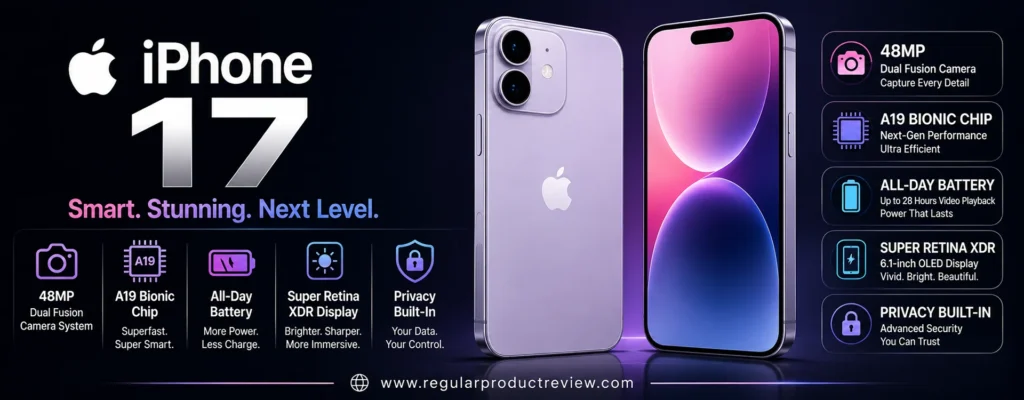
The biggest change is easy to spot on paper: both rear cameras are now 48MP. The main camera also provides a 2x optical-quality telephoto option, while the new 48MP Fusion Ultra Wide brings substantially more resolution to wide-angle and macro photography.
For US buyers, the pricing is also important. The iPhone 17 starts at $829 for 256GB through Apple’s US store, keeping the base configuration comfortably inside the $1,000 budget. The 512GB version is listed at $1,029, so storage choice can push the phone outside the category.
🏆 Best For: Video creators, families, social media, everyday photography, selfies, and buyers who want a polished all-around camera experience
Overall Score: 9.4/10
📸 Camera System at a Glance
The iPhone 17 takes a deliberately simple approach: instead of adding a third rear telephoto camera, Apple has built its system around two high-resolution Fusion cameras and computationally derived zoom.
| Camera | Key Hardware | Best Use |
|---|---|---|
| 📷 Fusion Main | 48MP, ƒ/1.6, sensor-shift OIS | Everyday photos, portraits and low light |
| 🌄 Fusion Ultra Wide | 48MP, ƒ/2.2, 120° field of view | Landscapes, architecture and macro |
| 🔍 2x Telephoto | 12MP optical-quality, 52mm | Portraits and moderate zoom |
| 🤳 Center Stage Front Camera | 18MP, ƒ/1.9, autofocus | Selfies, group shots, calls and creator content |
The rear system supports 2x optical-quality telephoto, 2x optical zoom out, a 4x optical zoom range, and digital zoom up to 10x.
That’s an important limitation compared with the Galaxy S25 Ultra.
Samsung gives you dedicated 3x and 5x telephoto cameras. The standard iPhone 17 doesn’t.
⚠️ RedTeam Check: If long-range photography is a major reason you’re buying a camera phone, the iPhone 17 is not the obvious choice. Its camera system is designed around everyday photography and video rather than extreme optical zoom.
🌤️ Main Camera Performance
The 48MP Fusion Main camera is where the iPhone 17 establishes its everyday photography credentials.
With a ƒ/1.6 aperture, sensor-shift optical stabilization, 100% Focus Pixels, and support for 24MP and 48MP photos, the main camera has the hardware to handle a wide range of shooting conditions.
| What Matters | Evaluation |
|---|---|
| 🔍 Fine Detail | ⭐⭐⭐⭐⭐ |
| 🌤️ Dynamic Range | ⭐⭐⭐⭐⭐ |
| ☀️ Highlight Control | ⭐⭐⭐⭐⭐ |
| 🌑 Shadow Detail | ⭐⭐⭐⭐⭐ |
| 🎨 Color Rendering | ⭐⭐⭐⭐⭐ |
| ⚪ White Balance | ⭐⭐⭐⭐⭐ |
| ✨ HDR Processing | ⭐⭐⭐⭐⭐ |
| ⚡ Autofocus | ⭐⭐⭐⭐⭐ |
| 🛡️ Optical Stabilization | ⭐⭐⭐⭐⭐ |
| 🎯 Overall Consistency | ⭐⭐⭐⭐⭐ |
Apple combines the camera hardware with technologies such as Photonic Engine, Deep Fusion, Smart HDR 5, and the latest Photographic Styles.
The result is a camera designed around reliability rather than experimentation.
You don’t need to think much about which processing mode to use. The phone handles most of those decisions automatically.
That is precisely what many everyday buyers want.
💡 Expert Tip: If your camera roll is mostly family photos, food, vacations, pets, street scenes, and spontaneous moments, a camera that gets the exposure and color right consistently is more useful than a camera with specifications you’ll rarely use.
🌙 Low-Light Photography
Low-light photography is where computational photography becomes essential.
The iPhone 17 combines its ƒ/1.6 main camera, sensor-shift stabilization, Night mode, Photonic Engine, Deep Fusion, and Smart HDR processing to handle difficult lighting.
| Low-Light Area | Evaluation |
|---|---|
| 🌫️ Noise Control | ⭐⭐⭐⭐⭐ |
| 🌑 Shadow Detail | ⭐⭐⭐⭐⭐ |
| 💡 Highlight Control | ⭐⭐⭐⭐⭐ |
| 🎨 Color Accuracy | ⭐⭐⭐⭐⭐ |
| ☀️ Exposure Consistency | ⭐⭐⭐⭐⭐ |
| 🛡️ Stabilization | ⭐⭐⭐⭐⭐ |
| 🌙 Night Mode | ⭐⭐⭐⭐⭐ |
This makes the iPhone 17 well suited to:
| Situation | Why It Matters |
|---|---|
| 🍽️ Dim Restaurants | Preserves faces and atmosphere |
| 🌃 Night Streets | Handles mixed artificial lighting |
| 🎉 Indoor Events | Balances subjects and background lighting |
| 🌆 Evening Landscapes | Maintains highlight and shadow information |
| 🏙️ City Photography | Helps control bright signs and darker areas |
| 👨👩👧 Family Gatherings | Useful for quick handheld shots |
🧠 Understanding Night Photography
A phone camera doesn’t magically create more light.
Instead, it tries to extract more useful information from the light it does capture.
Stabilization helps reduce camera shake. Multi-frame processing can improve detail and noise. HDR processing helps balance bright and dark areas.
The iPhone’s strength is making those complicated processes feel invisible to the person taking the photo.
⚠️ Reality Check: Night mode can improve a dark scene dramatically, but fast-moving subjects can still produce blur. Computational photography doesn’t completely remove the physical limitations of small smartphone sensors.
🔭 Zoom Performance
This is where the iPhone 17 gives up some ground to the more camera-focused phones in this guide.
The main camera provides a 12MP optical-quality 2x telephoto option, but there is no dedicated 3x, 5x, or longer optical telephoto camera on the standard iPhone 17. Apple lists digital zoom up to 10x.
| Zoom Level | Best Use |
|---|---|
| 0.5x | 🌄 Landscapes and large scenes |
| 1x | 📷 Everyday photography |
| 2x | 👤 Portraits and moderate-distance subjects |
| 4x range | 🔍 Optical-quality range |
| 5x–10x | ⚠️ Increasingly digital |
| Beyond 10x | ❌ Not available on the standard model |
The 2x option is useful.
It’s particularly good for:
- 👤 Portraits
- 🏙️ City details
- 🍽️ Food
- 🐕 Pets
- 👨👩👧 Family photography
- 📸 Tighter everyday compositions
But it isn’t designed for serious long-distance photography.
⚠️ RedTeam Check: If you’re photographing concerts from the back row, wildlife, sports across a field, or distant architecture, the Galaxy S25 Ultra’s dedicated telephoto cameras are in another league.
🌄 Ultrawide Camera
The upgrade to a 48MP Fusion Ultra Wide is one of the most important camera improvements in the iPhone 17.
Apple says the new ultrawide provides up to four times the resolution of the previous generation and supports 24MP and 48MP high-resolution photos. It also supports macro photography.
| What We Evaluate | Performance |
|---|---|
| 🔍 Detail | ⭐⭐⭐⭐⭐ |
| 📐 Distortion Control | ⭐⭐⭐⭐⭐ |
| 🎨 Color Consistency | ⭐⭐⭐⭐⭐ |
| 🌤️ Dynamic Range | ⭐⭐⭐⭐⭐ |
| 🎯 Focus Performance | ⭐⭐⭐⭐⭐ |
| 🔬 Macro Photography | ⭐⭐⭐⭐⭐ |
| 🌙 Night Performance | ⭐⭐⭐⭐½ |
The 120° field of view is useful for:
- 🏞️ Landscapes
- 🏢 Architecture
- 🏠 Interiors
- 👨👩👧👦 Group photos
- 🌸 Close-up subjects
- 🌆 Cityscapes
The high-resolution ultrawide also makes the iPhone 17 more versatile than previous standard iPhone generations.
💡 Editorial Insight: A strong ultrawide camera is one of those features you may not appreciate until you need it. On vacation, inside a small room, or standing in front of a huge building, the extra field of view can completely change the shot.
👤 Portrait Photography
Apple has refined its portrait system around both hardware and computational photography.
The iPhone 17 supports next-generation portraits with Focus and Depth Control, along with Portrait Lighting effects.
| Portrait Factor | Evaluation |
|---|---|
| 👤 Skin Tones | ⭐⭐⭐⭐⭐ |
| 🎯 Subject Separation | ⭐⭐⭐⭐⭐ |
| 💇 Hair Detail | ⭐⭐⭐⭐⭐ |
| ✂️ Edge Detection | ⭐⭐⭐⭐⭐ |
| 🌫️ Background Blur | ⭐⭐⭐⭐⭐ |
| 🔍 2x Portrait Perspective | ⭐⭐⭐⭐⭐ |
| ☀️ Exposure Consistency | ⭐⭐⭐⭐⭐ |
The 2x optical-quality framing is particularly useful for portraits because it lets you step back slightly instead of shooting a person’s face from extremely close range.
That produces a more natural perspective.
💡 Expert Tip: For people photography, start around 2x before moving closer. A little physical distance often produces a more flattering composition than shooting a face from very close with the main lens.
🏃 Moving Subjects
This is another area where the iPhone’s philosophy becomes obvious.
Apple isn’t trying to make the phone a miniature superzoom camera. It’s trying to make it a dependable camera for real life.
| Moving-Subject Factor | Why It Matters |
|---|---|
| ⚡ Autofocus | Helps maintain subject sharpness |
| 📸 Burst Capture | Increases the chance of catching the right moment |
| 🧠 Image Processing | Helps maintain detail and exposure |
| 👤 Face Detection | Helps prioritize people |
| 🛡️ Stabilization | Reduces camera movement |
For:
- 👶 Children
- 🐕 Pets
- 🚶 Street photography
- 🚗 Moving vehicles
- 🎉 Family events
- 🏃 Casual action
the iPhone 17 is an excellent everyday companion.
But there is an important distinction.
A moving subject at 1x or 2x is very different from a moving subject several hundred feet away.
⚠️ RedTeam Check: The iPhone 17 is excellent at capturing everyday movement, but its lack of a dedicated long-range telephoto camera limits what you can do with distant action.
🎥 Video Performance
This is where the iPhone 17 makes its strongest argument.
Apple’s standard iPhone 17 supports 4K Dolby Vision video at up to 60fps, Cinematic mode up to 4K Dolby Vision at 30fps, Action mode up to 2.8K at 60fps, and Dolby Vision recording from the front camera as well.
| Video Feature | Capability |
|---|---|
| 🎬 4K Dolby Vision | Up to 60fps |
| 🎥 Cinematic Mode | Up to 4K Dolby Vision at 30fps |
| 🏃 Action Mode | Up to 2.8K at 60fps |
| 🎞️ Slow Motion | 1080p at 120fps or 240fps |
| 📱 Spatial Video | 1080p at 30fps |
| 🎥 Dual Capture | Up to 4K Dolby Vision at 30fps |
| 🛡️ Video Stabilization | Sensor-shift OIS + cinematic stabilization |
| 🎙️ Audio Mix | ✅ |
| 🔊 Spatial Audio | ✅ |
| 🌬️ Wind Noise Reduction | ✅ |
Apple also supports Audio Mix, wind-noise reduction, continuous autofocus, and sensor-shift stabilization for video.
This is why the iPhone 17 earns our Best Video designation.
The phone doesn’t merely record high-resolution footage. It provides a complete capture system designed around stabilization, color, audio, autofocus, and editing-friendly output.
🎬 Creator Tip: If you regularly create Instagram Reels, TikToks, YouTube Shorts, travel videos, or family videos, video consistency may matter more than having a 5x telephoto lens you rarely use.
🤳 Center Stage Front Camera
The front camera is one of the more interesting upgrades.
Apple gives the iPhone 17 an 18MP Center Stage camera with autofocus, plus Center Stage framing for photos and video calls, ultra-stabilized video, and Dual Capture.
| Selfie Area | Evaluation |
|---|---|
| 🔍 Detail | ⭐⭐⭐⭐⭐ |
| 👤 Skin Tones | ⭐⭐⭐⭐⭐ |
| 🎯 Autofocus | ⭐⭐⭐⭐⭐ |
| 🌤️ HDR | ⭐⭐⭐⭐⭐ |
| 🌙 Low-Light Performance | ⭐⭐⭐⭐½ |
| 👨👩👧 Group Selfies | ⭐⭐⭐⭐⭐ |
| 🎥 Video | ⭐⭐⭐⭐⭐ |
| 🎯 Framing Flexibility | ⭐⭐⭐⭐⭐ |
🧠 What Makes Center Stage Useful?
Traditional front cameras generally assume you will position yourself within a fixed frame.
Center Stage is designed to make framing more dynamic.
The camera can automatically adjust the frame so you remain centered during compatible calls and captures. Apple also supports tap-to-zoom and rotate controls.
For creators, this can be more useful than simply increasing selfie resolution.
It is particularly practical for:
- 🎥 Video calls
- 🤳 Selfies
- 👨👩👧 Group photos
- 🏃 Walking videos
- 📱 Social content
- 🎬 Dual-camera recording
💡 Editorial Insight: A front camera isn’t just a selfie camera anymore. For many US buyers, it’s a personal video-production tool and Center Stage makes the iPhone 17 unusually well suited to that role.
🧠 Computational Photography
Apple’s camera system relies heavily on computational photography.
The hardware captures the information, while Apple’s imaging pipeline helps transform it into the final image.
| Technology | Practical Benefit |
|---|---|
| ✨ Photonic Engine | Improves image processing across lighting conditions |
| 🧠 Deep Fusion | Helps preserve detail and texture |
| 🌤️ Smart HDR 5 | Balances difficult lighting |
| 🌙 Night Mode | Improves dark-scene photography |
| 👤 Focus & Depth Control | Provides more control over portraits |
| 🎨 Photographic Styles | Lets users customize image rendering |
| 🔬 48MP Macro | Enables detailed close-up photography |
| 🖼️ Lens Correction | Helps correct ultrawide distortion |
🧠 ELI10: Why Apple’s Processing Matters
Imagine taking a photo and having a professional editor immediately adjust the exposure, colors, highlights, shadows, detail, and skin tones before handing the image back to you.
That’s a simplified way to think about computational photography.
You press the shutter once, but the phone performs a significant amount of processing before you see the final image.
The benefit is consistency.
The downside is that computational photography can also produce a recognizable processing style that won’t appeal to every photographer.
🎨 Photographic Styles
Photographic Styles are particularly interesting because they don’t simply act like traditional filters.
Apple allows users to customize elements such as color, highlights, and shadows while retaining its understanding of skin tones.
That means you can establish a preferred look without manually editing every photo afterward.
For users who want a consistent visual style for social media, this can be genuinely useful.
📱 Everyday Phone Experience
A camera phone still needs to be enjoyable when the camera app is closed.
The iPhone 17 includes Apple’s A19 chip, a 6.3-inch Super Retina XDR OLED display with ProMotion up to 120Hz, Always-On display, IP68 water and dust resistance, and a starting storage capacity of 256GB.
| Feature | iPhone 17 |
|---|---|
| 📱 Display | 6.3-inch Super Retina XDR OLED |
| 🔄 Refresh Rate | Up to 120Hz ProMotion |
| 🧠 Processor | A19 |
| 💾 Starting Storage | 256GB |
| 💽 Maximum Storage | 512GB |
| 🔋 Video Playback | Up to 30 hours |
| 💧 Water Resistance | IP68 |
| 📸 Camera Control | ✅ |
| 🤖 Apple Intelligence | ✅ |
| 🔌 USB-C | ✅ |
The 6.3-inch size also keeps the phone relatively manageable compared with oversized flagship models.
At 6.24 ounces, it weighs 177 grams.
That matters if you’re carrying the phone all day and using it frequently for photography.
💰 Value Under $1000
Unlike the Galaxy S25 Ultra, the standard iPhone 17 has no problem meeting the core price requirement at least in its 256GB configuration.
Apple’s current US store lists:
| Configuration | US Price | Fits Under $1,000? |
|---|---|---|
| 256GB | $829 | 🟢 Yes |
| 512GB | $1,029 | 🔴 No |
That makes the 256GB model particularly attractive for this guide.
You’re getting a current-generation iPhone with a 48MP main camera, 48MP ultrawide, 18MP Center Stage front camera, 4K Dolby Vision video, and ProMotion without needing to spend the entire $1,000 budget.
💰 Value Verdict: At $829 for 256GB, the iPhone 17 is one of the cleanest premium-camera purchases in this guide because it meets the budget without depending on a temporary discount.
⚠️ What Could Be Better?
The iPhone 17 is excellent, but there are some obvious limitations.
🔭 No Dedicated Long-Range Telephoto
This is the biggest one.
The phone’s 2x optical-quality option is useful, but it cannot replace a dedicated 3x, 5x, or longer telephoto camera.
If you’re serious about distant photography, this is a real hardware limitation not something software can completely solve.
📸 Dual-Camera System Instead of Triple Camera
The iPhone 17 has two physical rear cameras.
That’s simpler and arguably more elegant, but it means less native focal-length flexibility than the Galaxy S25 Ultra.
💾 512GB Version Crosses the Budget
The base 256GB model fits comfortably under $1,000.
The 512GB model does not.
For buyers who shoot a lot of 4K video, that storage difference could matter.
🎥 Pro-Level Video Features Are Reserved for Higher-End Models
The standard iPhone 17 is a strong video phone, but Apple still positions its Pro models above it for users who want the most advanced professional video features.
That matters if your smartphone is replacing a dedicated content-creation camera.
🆚 iPhone 17 vs. Pixel 10 Pro
These two phones are interesting because they solve slightly different problems.
| Camera Priority | Better Starting Point | Why |
|---|---|---|
| 📸 Everyday Photos | Close | Both prioritize consistency |
| 🌙 Night Photography | Close | Strong computational processing |
| 🔭 Long-Range Zoom | Pixel 10 Pro | Dedicated 5x telephoto |
| 🌄 Ultrawide | iPhone 17 | 48MP ultrawide |
| 👤 Portraits | Close | Different computational approaches |
| 🎥 Video | iPhone 17 | Stronger overall video-focused system |
| 🤳 Front Camera | iPhone 17 | 18MP Center Stage + advanced framing |
| 📱 Compactness | Close | Both use manageable flagship sizes |
| 💰 Starting Value | iPhone 17 | $829 standard US starting configuration |
| 🔭 Camera Versatility | Pixel 10 Pro | Dedicated 5x telephoto gives more reach |
🥊 Truthmode: If you mainly take still photos and want serious zoom capability, I’d lean toward the Pixel 10 Pro. If you create video, use the front camera heavily, or simply want an exceptionally polished all-around camera phone, the iPhone 17 is the stronger choice.
✅ Who Should Buy the iPhone 17?
The iPhone 17 makes the most sense for buyers who want a balanced camera experience rather than one specialized capability.
| Buyer Type | Fit |
|---|---|
| 🎥 Video Creator | 🟢 Excellent |
| 👨👩👧 Family Photographer | 🟢 Excellent |
| 📱 Social Media Creator | 🟢 Excellent |
| 🤳 Selfie / Video Call User | 🟢 Excellent |
| 🌄 Travel Photographer | 🟢 Excellent |
| 🌙 Night Photographer | 🟢 Very Good |
| 👤 Portrait Shooter | 🟢 Excellent |
| 📸 Everyday Photographer | 🟢 Excellent |
| 🔭 Serious Zoom User | 🟡 Consider alternatives |
| 💰 $1,000 Budget Buyer | 🟢 Excellent |
🚫 Who Should Skip It?
Consider another phone if:
- 🔭 Long-range optical zoom is a major priority
- 🏟️ You frequently photograph distant sports or concerts
- 🐦 Wildlife photography is important to you
- 🎛️ You want extensive manual camera controls
- 💾 You need more than 256GB but cannot exceed $1,000
- 📸 You want the most versatile multi-camera system possible
🏆 Final Verdict
The Apple iPhone 17 takes a different path to becoming one of the best camera phones under $1,000.
It doesn’t try to beat Samsung in extreme zoom.
It doesn’t try to overwhelm you with camera hardware.
Instead, Apple has created a remarkably balanced system built around a 48MP Fusion Main camera, 48MP Fusion Ultra Wide, optical-quality 2x telephoto, strong computational photography, and an 18MP Center Stage front camera.
Then there’s video.
The ability to record 4K Dolby Vision at up to 60fps, combined with stabilization, Cinematic mode, Action mode, Audio Mix, wind-noise reduction, and a highly capable front camera makes the iPhone 17 particularly attractive to creators and families.
The biggest compromise is obvious: zoom.
If you’re happy shooting primarily at 0.5x, 1x, and 2x, the limitation barely matters. If you’re regularly trying to photograph subjects hundreds of feet away, it becomes difficult to ignore.
At its $829 starting price with 256GB, however, the iPhone 17 offers a remarkably complete camera package without requiring a promotional discount.
🏆 Final Verdict: The Apple iPhone 17 is our Best Video pick and one of the strongest all-around choices for US buyers who want excellent photography, exceptional video, and a highly capable front camera under $1,000.
Final Scorecard
| Category | Score |
|---|---|
| 📸 Main Camera | 9.5/10 |
| 🌙 Low-Light Photography | 9.4/10 |
| 🔭 Zoom | 8.4/10 |
| 🌄 Ultrawide | 9.6/10 |
| 👤 Portraits | 9.5/10 |
| 🎥 Video | 9.9/10 |
| 🤳 Selfie Camera | 9.8/10 |
| 🧠 Computational Photography | 9.6/10 |
| 💰 Value | 9.3/10 |
| 🏆 Overall | 9.4/10 |
Bottom Line: If your priority is high-quality photos, exceptional video, and an excellent front camera in one polished package, the iPhone 17 is one of the safest choices under $1,000. Its biggest weakness is simple: serious zoom photographers will want more reach.
Samsung Galaxy S26
The Samsung Galaxy S26 takes a different route to becoming one of the best camera phones under $1000. Instead of chasing the enormous camera hardware of Samsung’s Ultra models, it delivers a slimmer, lighter flagship with a 50MP main camera, dedicated 3x telephoto, ultrawide coverage, and Samsung’s latest ProVisual Engine and AI-powered image processing.
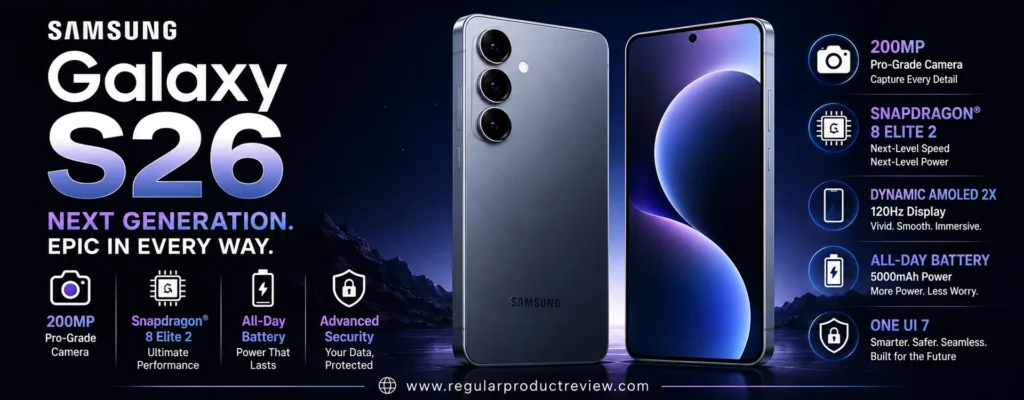
That combination matters because most people don’t need a 200MP sensor or 100x zoom every time they open the camera app. They need a phone that can handle daylight, portraits, nighttime scenes, travel photos, and video without making the experience complicated.
The Galaxy S26 starts at $899.99 for 256GB in the US, putting it directly inside this guide’s $1,000 budget. The 512GB model is listed at $1,099.99, although Samsung is currently showing promotional pricing on some configurations.
🏆 Best For: Compact flagship buyers, everyday photography, portraits, 3x zoom, low-light photography, and Samsung fans who don’t need the Ultra’s extreme camera system
Overall Score: 9.3/10
📸 Camera System at a Glance
The Galaxy S26 keeps its camera setup relatively straightforward: a 50MP wide camera handles most everyday shots, a 12MP ultrawide expands the field of view, and a dedicated 10MP 3x telephoto gives you genuine optical reach.
Samsung’s official specifications confirm the 3x optical telephoto, 2x optical-quality zoom, and up to 30x digital zoom.
| Camera | Key Hardware | Best Use |
|---|---|---|
| 📷 Main Camera | 50MP wide, ƒ/1.8, autofocus | Everyday photos, portraits and low light |
| 🌄 Ultrawide | 12MP, ƒ/2.2 | Landscapes, architecture and groups |
| 🔭 Telephoto | 10MP, 3x optical, ƒ/2.4 | Portraits and distant subjects |
| 🤳 Front Camera | 12MP, ƒ/2.2, autofocus | Selfies, video calls and social content |
The key difference from the Galaxy S26 Ultra is obvious.
The standard S26 does not give you a 5x telephoto or 200MP main camera. Instead, it concentrates on the camera capabilities most people are likely to use.
💡 Editorial Insight: A smaller camera system isn’t automatically a worse camera system. The real question is whether the lenses you have cover the situations you actually photograph.
🌤️ Main Camera Performance
The 50MP main camera is the workhorse of the Galaxy S26.
Samsung pairs the sensor with a relatively bright ƒ/1.8 aperture, optical stabilization, autofocus, and the company’s ProVisual Engine. Samsung says the latest processing is designed to improve detail, color, clarity, and low-light results.
| What Matters | Evaluation |
|---|---|
| 🔍 Fine Detail | ⭐⭐⭐⭐⭐ |
| 🌤️ Dynamic Range | ⭐⭐⭐⭐⭐ |
| ☀️ Highlight Control | ⭐⭐⭐⭐½ |
| 🌑 Shadow Detail | ⭐⭐⭐⭐⭐ |
| 🎨 Color Rendering | ⭐⭐⭐⭐½ |
| ⚪ White Balance | ⭐⭐⭐⭐½ |
| ✨ HDR Processing | ⭐⭐⭐⭐⭐ |
| ⚡ Autofocus | ⭐⭐⭐⭐⭐ |
| 🛡️ Optical Stabilization | ⭐⭐⭐⭐⭐ |
| 🎯 Overall Consistency | ⭐⭐⭐⭐⭐ |
In good lighting, the S26’s main camera has enough resolution to capture plenty of detail while giving Samsung’s processing room to refine the final image.
Samsung’s approach tends to favor photographs that look immediately polished.
That can be an advantage if you post photos directly to social media rather than spending time editing every image.
⚠️ RedTeam Check: Don’t mistake the 50MP specification for a guarantee of better image quality than every competing phone. Sensor size, lens quality, stabilization, processing, and shooting conditions matter just as much as resolution.
🌙 Low-Light Photography
Night photography is one of the areas Samsung has specifically targeted with the Galaxy S26 generation.
Samsung says the S26’s Nightography system uses the camera hardware and advanced processing to reduce noise while preserving detail and color in low-light video and photography.
| Low-Light Area | Evaluation |
|---|---|
| 🌫️ Noise Control | ⭐⭐⭐⭐⭐ |
| 🌑 Shadow Detail | ⭐⭐⭐⭐½ |
| 💡 Highlight Control | ⭐⭐⭐⭐⭐ |
| 🎨 Color Accuracy | ⭐⭐⭐⭐½ |
| ☀️ Exposure Consistency | ⭐⭐⭐⭐⭐ |
| 🛡️ Stabilization | ⭐⭐⭐⭐⭐ |
| 🌙 Night Processing | ⭐⭐⭐⭐⭐ |
The main camera’s ƒ/1.8 aperture also helps because more light reaching the sensor can reduce the amount of aggressive processing required.
This makes the S26 particularly suitable for:
| Shooting Situation | Why It Matters |
|---|---|
| 🌃 City Streets | Handles bright lights against dark backgrounds |
| 🍽️ Restaurants | Preserves atmosphere while keeping subjects visible |
| 🎉 Indoor Events | Helps balance people and ambient lighting |
| 🌆 Sunset Scenes | Retains useful highlight and shadow information |
| 🏙️ Night Photography | Uses computational processing to reduce noise |
| 🎥 Night Video | Samsung specifically targets low-light noise reduction |
🧠 Understanding Nightography
Think of nighttime smartphone photography as solving a puzzle with missing pieces.
There isn’t enough light for the sensor to capture everything perfectly in one instant.
The phone therefore uses stabilization, multiple frames, noise reduction, HDR processing, and computational algorithms to estimate what the final photograph should look like.
Samsung’s newer processing is designed to make that reconstruction more accurate.
⚠️ Reality Check: Nightography can improve a dark scene dramatically, but it can’t repeal physics. Fast-moving subjects in very low light can still produce motion blur, regardless of how advanced the phone’s AI becomes.
🔭 Zoom Performance
The dedicated 10MP 3x telephoto camera is one of the Galaxy S26’s most important advantages over phones that rely entirely on digital cropping.
Samsung also provides 2x optical-quality zoom and up to 30x digital zoom.
| Zoom Level | Best Use |
|---|---|
| 0.6x | 🌄 Landscapes and large scenes |
| 1x | 📷 Everyday photography |
| 2x | 👤 Portrait framing and moderate crops |
| 3x | 🔭 Portraits and distant subjects |
| 5x–10x | 🔍 Digital long-range photography |
| 20x–30x | ⚠️ Specialized use |
| Beyond 30x | ❌ Not available |
The 3x optical camera is particularly useful for:
- 👤 Portraits
- 🏙️ City details
- 🏛️ Architecture
- 🐕 Pets
- 🎤 Events
- 🏟️ Moderate-distance subjects
- ✈️ Travel photography
But there’s a clear ceiling.
The S26 isn’t a substitute for the S26 Ultra if long-range photography is your main priority.
🥊 Truthmode: The Galaxy S26’s 3x telephoto is genuinely useful, but the S26 Ultra remains in a different class for serious zoom photography. If you’re regularly shooting concerts, wildlife, or sports from a distance, don’t pretend the two systems are equivalent.
🌄 Ultrawide Camera
The 12MP ultrawide camera is less spectacular on paper than some competitors’ high-resolution ultrawide systems, but it covers an important range of everyday situations.
| What We Evaluate | Performance |
|---|---|
| 🔍 Detail | ⭐⭐⭐⭐½ |
| 📐 Distortion Control | ⭐⭐⭐⭐½ |
| 🎨 Color Consistency | ⭐⭐⭐⭐⭐ |
| 🌤️ Dynamic Range | ⭐⭐⭐⭐½ |
| 🎯 Focus Performance | ⭐⭐⭐⭐ |
| 🏞️ Landscape Photography | ⭐⭐⭐⭐⭐ |
| 🌙 Night Performance | ⭐⭐⭐⭐ |
The ultrawide is useful when:
- 🏞️ Photographing landscapes
- 🏢 Shooting architecture
- 🏠 Photographing interiors
- 👨👩👧👦 Taking group photos
- 🌆 Capturing cityscapes
- ✈️ Traveling in tight spaces
It isn’t the standout component of the S26 camera system.
The main camera and 3x telephoto are more important to the overall experience.
💡 Expert Tip: Use the ultrawide because you need its perspective, not because you want more megapixels. A clean, well-composed 0.6x image is more valuable than a technically sharper photograph with the wrong framing.
👤 Portrait Photography
The dedicated 3x telephoto camera gives the S26 a useful advantage for portraits.
Instead of standing close to someone’s face with the main camera, you can step back and use the longer focal length to create a more natural perspective.
| Portrait Factor | Evaluation |
|---|---|
| 👤 Skin Tones | ⭐⭐⭐⭐½ |
| 🎯 Subject Separation | ⭐⭐⭐⭐⭐ |
| 💇 Hair Detail | ⭐⭐⭐⭐½ |
| ✂️ Edge Detection | ⭐⭐⭐⭐⭐ |
| 🌫️ Background Blur | ⭐⭐⭐⭐⭐ |
| 🔭 3x Perspective | ⭐⭐⭐⭐⭐ |
| ☀️ Exposure Consistency | ⭐⭐⭐⭐⭐ |
Samsung’s subject-aware processing also helps the phone understand what is in the frame and optimize image processing accordingly.
The result is a portrait system that works particularly well for:
- 👤 Headshots
- 👨👩👧 Family portraits
- 🐕 Pet portraits
- 📱 Social media photos
- 🌆 Environmental portraits
💡 Expert Tip: Start at 3x when shooting portraits outdoors. The added distance and tighter perspective can produce a more flattering composition than moving extremely close with the main camera.
🏃 Moving Subjects
A smartphone camera isn’t truly good until it can handle imperfect real-world conditions.
People move.
Pets refuse to pose.
Kids rarely stay still.
The S26’s autofocus and image processing are designed to keep up with those everyday situations.
| Moving-Subject Factor | Importance |
|---|---|
| ⚡ Autofocus Response | ⭐⭐⭐⭐⭐ |
| 📸 Shutter Response | ⭐⭐⭐⭐⭐ |
| 🧠 Motion Processing | ⭐⭐⭐⭐½ |
| 👤 Subject Recognition | ⭐⭐⭐⭐⭐ |
| 🛡️ Stabilization | ⭐⭐⭐⭐⭐ |
| 🔭 Telephoto Stability | ⭐⭐⭐⭐½ |
This makes it a strong everyday camera for:
- 👶 Children
- 🐕 Pets
- 🚶 Street photography
- 🚗 Moving vehicles
- 🎉 Family events
- 🏃 Casual action
But the same limitation applies here as with every smartphone.
⚠️ RedTeam Check: A 3x telephoto gives you more reach, but zoom also magnifies movement. If you’re shooting fast action at long distances, a dedicated camera still has a fundamental advantage.
🎥 Video Performance
The Galaxy S26 supports 8K video at 30fps and 4K video at up to 60fps, according to Samsung’s US specifications.
Samsung has also introduced Super Steady with Horizontal Lock, designed to keep footage level even when the phone rotates significantly while you’re walking or running.
| Video Feature | Capability |
|---|---|
| 🎞️ 8K Video | Up to 30fps |
| 🎬 4K Video | Up to 60fps |
| 🛡️ Super Steady | ✅ |
| 🔄 Horizontal Lock | ✅ |
| 🌙 Night Video Processing | ✅ |
| 🎯 Autofocus | ✅ |
| 📱 High-Resolution Recording | ✅ |
| 🎙️ Advanced Audio Processing | ✅ |
The Horizontal Lock feature is particularly interesting for active creators.
Instead of worrying constantly about keeping the phone perfectly level, the stabilization system can help maintain a more natural horizon.
That makes the S26 a strong choice for:
- 🎥 Travel videos
- 🚶 Walking footage
- 🏃 Action clips
- 📱 Social media videos
- 👨👩👧 Family videos
- 🎬 Everyday content creation
🎬 Creator Tip: If you shoot a lot of walking or movement-heavy footage, stabilization can matter more than simply increasing video resolution. A stable 4K clip is usually more useful than shaky 8K footage.
🤳 Selfie Camera
Samsung equips the Galaxy S26 with a 12MP front camera with autofocus. The front camera also supports 4K video at 60fps.
| Selfie Area | Evaluation |
|---|---|
| 🔍 Detail | ⭐⭐⭐⭐½ |
| 👤 Skin Tones | ⭐⭐⭐⭐⭐ |
| 🎯 Autofocus | ⭐⭐⭐⭐⭐ |
| 🌤️ HDR | ⭐⭐⭐⭐⭐ |
| 🌙 Low-Light Performance | ⭐⭐⭐⭐½ |
| 👨👩👧 Group Selfies | ⭐⭐⭐⭐½ |
| 🎥 Video | ⭐⭐⭐⭐⭐ |
Samsung says the latest S26 front camera system benefits from AI ISP processing designed to produce more natural selfies, including improvements to skin tones and fine facial details.
That matters more than simply increasing the megapixel count.
A selfie camera needs to understand faces, maintain focus, handle changing light, and produce believable skin tones.
🧠 ProVisual Engine & Galaxy AI
The camera hardware is only half of the S26’s story.
Samsung’s ProVisual Engine works alongside the phone’s processor and AI capabilities to analyze images and improve detail, color, noise, and low-light results.
| Technology | Practical Benefit |
|---|---|
| 🧠 ProVisual Engine | Enhances detail, color and clarity |
| 🌙 Nightography | Improves low-light photography and video |
| 👁️ Subject-Aware Processing | Helps recognize subjects and scene conditions |
| 🎨 AI Image Processing | Refines color and detail |
| 🪄 Photo Assist | Provides AI-powered editing |
| ✨ Creative Studio | Enables AI-assisted creative edits |
| 🧠 Galaxy AI | Adds broader contextual phone features |
Samsung also highlights written prompts in Photo Assist, allowing users to describe the type of edit they want rather than relying entirely on traditional editing controls.
🧠 ELI10: What Is Computational Photography?
Imagine taking a photo and having a tiny editing team working on it before you even see the result.
One person checks the lighting.
Another looks at the colors.
Another reduces noise.
Another identifies the subject.
The phone then combines those decisions into the final image.
That’s the basic idea behind computational photography.
The Galaxy S26 leans heavily on this approach.
💡 Editorial Insight: The S26’s camera advantage isn’t just the glass and sensors. The phone’s processing pipeline is doing a large part of the photography work behind the scenes.
🎛️ Camera Flexibility
The S26 is designed to be approachable for casual photographers while still providing enough flexibility for people who want to explore more advanced shooting.
| User Type | Experience |
|---|---|
| 🟢 Casual Photographer | Point, shoot, and let Samsung handle the processing |
| 🔵 Photography Enthusiast | Use multiple focal lengths and additional camera controls |
| 🟣 Content Creator | Combine multiple lenses with advanced video stabilization |
| 🟠 AI Editing User | Use Photo Assist and other Galaxy AI tools |
This is one of the S26’s strengths.
You don’t have to be a photographer to get useful results, but the phone doesn’t completely hide the camera system from users who want more control.
📱 Compact Flagship Design
One of the S26’s biggest advantages has nothing to do with the camera.
It’s small for a flagship.
Samsung lists the Galaxy S26 at 6.3 inches, 7.2mm thick, and 167g.
| Feature | Galaxy S26 |
|---|---|
| 📱 Display | 6.3-inch Dynamic AMOLED 2X |
| 🔄 Refresh Rate | Up to 120Hz |
| 🧠 Processor | Snapdragon 8 Elite Gen 5 for Galaxy |
| 💾 RAM | 12GB |
| 💽 Storage | 256GB / 512GB |
| 🔋 Battery | 4,300mAh |
| ⚡ Charging | Up to 55% in around 30 minutes |
| 💧 Water Resistance | IP68 |
| 📏 Thickness | 7.2mm |
| ⚖️ Weight | 167g |
The 167g weight is particularly attractive if you’re carrying the phone all day.
A lighter phone is also easier to hold steady while taking photos.
That’s a small detail, but it matters.
💡 Expert Tip: If you take hundreds of photos during travel, comfort matters more than most specification sheets suggest. A phone that’s easier to hold can make you more willing to actually use the camera.
💰 Value Under $1000
This is where the Galaxy S26 fits naturally into this guide.
Samsung’s US store lists the 256GB Galaxy S26 at $899.99. The 512GB version normally sits above the $1,000 threshold, although Samsung is currently showing a promotional price of $999.99 for some carrier configurations.
| Configuration | Current Listed Price | Under $1,000? |
|---|---|---|
| 256GB Unlocked | $899.99 | 🟢 Yes |
| 512GB Standard Price | $1,099.99 | 🔴 No |
| 512GB Promotional Example | $999.99 | 🟢 Yes |
The 256GB model is the cleaner choice for this article because it meets the budget without depending on a temporary promotion.
💰 Value Verdict: At $899.99, the Galaxy S26 delivers a genuine flagship camera experience while staying below the $1,000 ceiling. It doesn’t need a special discount to qualify.
⚠️ What Could Be Better?
The S26 is a strong camera phone, but the compromises become obvious when you compare it with larger camera-focused flagships.
🔭 No 5x Telephoto
The dedicated telephoto stops at 3x optical zoom.
That’s enough for portraits and moderate-distance photography, but it isn’t ideal for wildlife, concerts, or distant sports.
If you need serious long-range capability, the S26 Ultra is the more logical Samsung choice.
🌄 The Ultrawide Isn’t Class-Leading
The 12MP ultrawide is useful, but some competitors offer higher-resolution ultrawide cameras.
If ultrawide photography is one of your primary interests, this isn’t the strongest hardware in the category.
💽 512GB Storage Breaks the Budget at Full Price
The 256GB model fits comfortably under $1,000.
The 512GB version does not at its normal US list price.
For people who record lots of high-resolution video, that’s worth considering before purchase.
🔋 Battery Capacity Is Smaller
The S26 uses a 4,300mAh battery, considerably smaller than the 5,000mAh capacity found in Samsung’s Ultra model.
Samsung compensates with a more compact display and efficient processor, but heavy users should still pay attention to real-world battery performance.
🆚 Galaxy S26 vs. Galaxy S25 Ultra
These two Samsung phones illustrate an important point: newer doesn’t automatically mean more capable in every camera category.
| Camera Priority | Better Choice | Why |
|---|---|---|
| 📸 Everyday Photography | Galaxy S26 | Newer processing and compact design |
| 🔭 Zoom | Galaxy S25 Ultra | More extensive telephoto hardware |
| 🌄 Ultrawide | Galaxy S25 Ultra | Higher-resolution ultrawide |
| 👤 Portraits | Close | Both offer dedicated telephoto options |
| 🌙 Night Photography | Galaxy S26 | Newer ProVisual processing |
| 🎥 Video | Close | Both offer advanced video features |
| 📱 Compactness | Galaxy S26 | Much lighter and smaller |
| 💰 Under-$1000 Availability | Galaxy S26 | Official 256GB price is below $1,000 |
| 🔭 Camera Versatility | Galaxy S25 Ultra | More extensive focal-length options |
🥊 Truthmode: If someone tells you the S26 automatically beats the S25 Ultra because it’s newer, that’s lazy analysis. The S26 is newer and more compact, but the S25 Ultra still has substantially more ambitious camera hardware. Choose based on what you photograph, not the generation number.
🆚 Galaxy S26 vs. Google Pixel 10 Pro
The comparison with the Pixel 10 Pro is more interesting because both phones target buyers who want premium cameras without moving into Ultra-sized territory.
| Camera Priority | Better Choice | Why |
|---|---|---|
| 📸 Point-and-Shoot Photos | Pixel 10 Pro | Strong computational photography |
| 🌙 Low-Light Photography | Close | Both use advanced computational processing |
| 🔭 Zoom | Pixel 10 Pro | 5x telephoto vs. S26’s 3x |
| 👤 Portraits | Close | Both offer dedicated telephoto cameras |
| 🌄 Ultrawide | Pixel 10 Pro | Higher-resolution ultrawide |
| 🎥 Video | Galaxy S26 | Strong stabilization and Samsung’s video tools |
| 📱 Compactness | Galaxy S26 | Lighter 167g body |
| 💰 Value | Close | Both sit within the target price range |
| 🧠 AI Features | Close | Both heavily integrate AI into photography |
🥊 Truthmode: The Pixel 10 Pro is the more photography-focused choice if zoom range and computational still photography are your priorities. The Galaxy S26 is more attractive if you want a lighter phone, strong video stabilization, Samsung’s software ecosystem, and a balanced flagship experience.
✅ Who Should Buy the Galaxy S26?
The Galaxy S26 makes the most sense for buyers who want a true flagship without carrying an Ultra-sized phone.
| Buyer Type | Fit |
|---|---|
| 📸 Everyday Photographer | 🟢 Excellent |
| 👤 Portrait Shooter | 🟢 Excellent |
| 🌙 Night Photographer | 🟢 Excellent |
| 🔭 Moderate Zoom User | 🟢 Excellent |
| 📱 Compact Flagship Buyer | 🟢 Excellent |
| 🎥 Video Creator | 🟢 Excellent |
| ✈️ Travel Photographer | 🟢 Very Good |
| 🧠 AI Photography User | 🟢 Excellent |
| 🏟️ Serious Sports Photographer | 🟡 Consider alternatives |
| 🐦 Wildlife Photographer | 🟡 Consider alternatives |
🚫 Who Should Skip It?
Consider another phone if:
- 🔭 You need 5x or longer optical zoom
- 🐦 Wildlife photography is a major priority
- 🏟️ You frequently shoot distant sports or concerts
- 🌄 You specifically want a high-resolution ultrawide camera
- 💽 You need 512GB but cannot exceed $1,000
- 📱 You actually prefer large phones with bigger batteries and displays
🏆 Final Verdict
The Samsung Galaxy S26 is one of the more sensible entries in the under-$1,000 camera-phone category.
It doesn’t try to imitate the S26 Ultra.
Instead, it takes the parts of Samsung’s flagship camera philosophy that matter most to everyday users and puts them into a considerably lighter 167g body.
The 50MP main camera is the star, while the 3x optical telephoto adds genuine reach for portraits and distant subjects. The ultrawide provides useful versatility, and Samsung’s ProVisual Engine and Nightography processing help the system remain competitive when lighting becomes difficult.
Its biggest strength may actually be the balance.
You get a flagship processor, 120Hz display, capable camera system, strong video features, AI-powered photography tools, and a compact design without having to spend more than the entire $1,000 budget.
The compromises are equally clear.
The S26 doesn’t have the S26 Ultra’s 5x telephoto, 200MP sensor, or high-resolution ultrawide. Its 12MP ultrawide is competent rather than class-leading, and the 4,300mAh battery is smaller than what you’ll find on larger flagships.
For the right buyer, those aren’t deal-breakers.
They’re simply the trade-offs required to get a smaller flagship.
🏆 Final Verdict: The Samsung Galaxy S26 is an excellent choice for US buyers who want a compact flagship camera phone under $1,000. Its combination of a strong 50MP main camera, genuine 3x optical zoom, advanced low-light processing, capable video stabilization, and lightweight design makes it one of the most balanced options in this category.
Final Scorecard
| Category | Score |
|---|---|
| 📸 Main Camera | 9.5/10 |
| 🌙 Low-Light Photography | 9.4/10 |
| 🔭 Zoom | 8.9/10 |
| 🌄 Ultrawide | 8.8/10 |
| 👤 Portraits | 9.4/10 |
| 🎥 Video | 9.5/10 |
| 🤳 Selfie Camera | 9.3/10 |
| 🧠 Computational Photography | 9.5/10 |
| 💰 Value | 9.3/10 |
| 🏆 Overall | 9.3/10 |
Bottom Line: If you want a premium Samsung camera phone without the size and price of an Ultra, the Galaxy S26 is a highly balanced choice. Its 3x telephoto is useful, its main camera is strong, and its compact 167g design makes it unusually comfortable for a flagship.
OnePlus 13
If you care about camera hardware, fast performance, battery life, and serious video capability but don’t want to pay Ultra-level money, the OnePlus 13 is one of the more interesting choices in this category.
Its camera philosophy is straightforward: instead of making one sensor spectacular and treating the other cameras as secondary, OnePlus gives all three rear cameras 50MP resolution. The system combines a 50MP Sony LYT-808 main camera, a 50MP 3x telephoto, and a 50MP ultrawide with a 120° field of view. OnePlus also pairs the system with its fifth-generation Hasselblad Camera for Mobile and Master Mode.
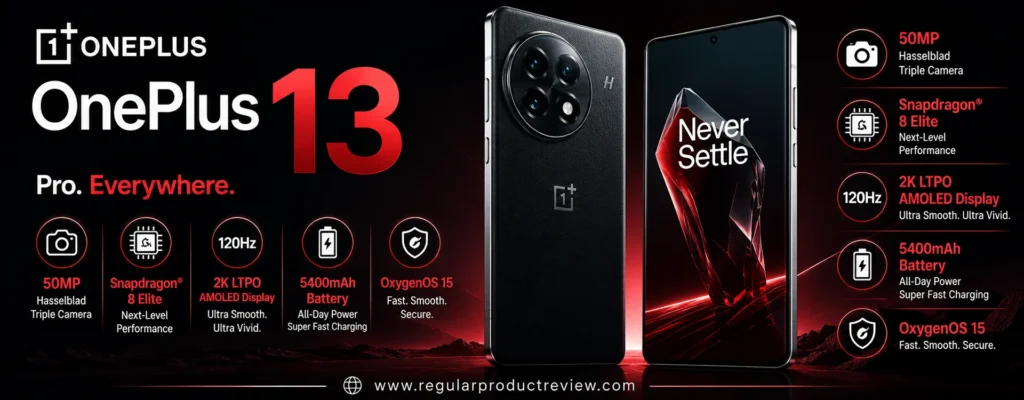
The hardware story gets even more interesting outside the camera. The OnePlus 13 uses the Snapdragon 8 Elite, a 6,000mAh battery, 100W wired charging, 50W wireless charging, and IP68/IP69 water and dust resistance.
That makes it more than a camera-first phone.
It’s a performance flagship that happens to have a very capable camera system.
🏆 Best For: Photography enthusiasts, portraits, travel photography, fast performance, long battery life, and buyers who want a balanced flagship experience
Overall Score: 9.2/10
📸 Camera System at a Glance
The OnePlus 13’s biggest photographic advantage is consistency across its three rear cameras. All three use 50MP sensors, although sensor sizes and optical designs differ significantly.
| Camera | Key Hardware | Best Use |
|---|---|---|
| 📷 Main Camera | 50MP Sony LYT-808, 1/1.4″, ƒ/1.6, OIS | Everyday photography, portraits and low light |
| 🔭 Telephoto | 50MP Sony LYT-600, 3x optical, 1/1.95″, OIS | Portraits and distant subjects |
| 🌄 Ultrawide | 50MP, 120° field of view | Landscapes, architecture and groups |
| 🤳 Front Camera | 32MP, 90° field of view | Selfies, calls and creator content |
The telephoto camera provides 3x optical zoom, while OnePlus lists Ultra Res digital zoom up to 120x. The practical difference between those two numbers is enormous.
The 3x camera is the hardware you should care about.
The 120x figure is an extreme computational zoom capability rather than a substitute for a long optical lens.
⚠️ RedTeam Check: Don’t let the 120x specification influence your buying decision too heavily. The OnePlus 13’s useful photographic range is built around its 0.6x ultrawide, 1x main camera, and 3x telephoto. Extreme digital zoom is a specialty feature, not the reason to buy this phone.
🌤️ Main Camera Performance
The 50MP Sony LYT-808 main camera is the foundation of the OnePlus 13’s imaging system.
Its 1/1.4-inch sensor, ƒ/1.6 aperture, optical stabilization, electronic stabilization, and autofocus give it a serious hardware foundation.
| What Matters | Evaluation |
|---|---|
| 🔍 Fine Detail | ⭐⭐⭐⭐⭐ |
| 🌤️ Dynamic Range | ⭐⭐⭐⭐⭐ |
| ☀️ Highlight Control | ⭐⭐⭐⭐½ |
| 🌑 Shadow Detail | ⭐⭐⭐⭐⭐ |
| 🎨 Color Rendering | ⭐⭐⭐⭐½ |
| ⚪ White Balance | ⭐⭐⭐⭐½ |
| ✨ HDR Processing | ⭐⭐⭐⭐⭐ |
| ⚡ Autofocus | ⭐⭐⭐⭐⭐ |
| 🛡️ Optical Stabilization | ⭐⭐⭐⭐⭐ |
| 🎯 Overall Consistency | ⭐⭐⭐⭐⭐ |
The combination of a relatively large sensor and bright ƒ/1.6 aperture gives the main camera plenty of information to work with before software processing begins.
That matters in real-world photography.
A larger sensor can help preserve detail and reduce the need for aggressive noise processing, particularly as lighting gets worse.
OnePlus also uses Hasselblad-oriented color science and imaging modes to give photographs a distinct visual character.
💡 Expert Tip: Don’t judge the OnePlus 13 camera solely by daytime sharpness. Its larger main sensor becomes much more meaningful when you’re photographing people indoors, evening street scenes, restaurants, or other situations where available light is limited.
🌙 Low-Light Photography
Low-light photography is one of the areas where the OnePlus 13’s hardware becomes more important.
The 1/1.4-inch main sensor and ƒ/1.6 aperture give the camera a strong starting point, while optical stabilization helps reduce camera shake during handheld shooting.
| Low-Light Area | Evaluation |
|---|---|
| 🌫️ Noise Control | ⭐⭐⭐⭐⭐ |
| 🌑 Shadow Detail | ⭐⭐⭐⭐⭐ |
| 💡 Highlight Control | ⭐⭐⭐⭐½ |
| 🎨 Color Accuracy | ⭐⭐⭐⭐½ |
| ☀️ Exposure Consistency | ⭐⭐⭐⭐½ |
| 🛡️ Stabilization | ⭐⭐⭐⭐⭐ |
| 🌙 Night Photography | ⭐⭐⭐⭐⭐ |
The main camera is particularly suited to:
| Situation | Why It Matters |
|---|---|
| 🌃 Night Streets | Large sensor and stabilization help preserve detail |
| 🍽️ Restaurants | Bright aperture helps capture indoor scenes |
| 🎉 Indoor Events | Strong main-camera hardware handles difficult lighting |
| 🌆 Sunset Scenes | Good dynamic-range potential |
| 🏙️ City Photography | Useful combination of detail and exposure control |
| 🌙 Night Landscapes | Stabilization helps with handheld exposure |
🧠 Understanding Sensor Size
Imagine two buckets collecting rain.
If one bucket is larger, it can collect more water during the same period.
A larger camera sensor works on a similar principle: it can capture more light information.
That doesn’t automatically make the photograph better, because lens quality and software still matter. But it gives the camera a stronger starting point.
The OnePlus 13’s 1/1.4-inch main sensor is therefore more important than the simple “50MP” number printed in a specification sheet.
⚠️ Reality Check: A larger sensor doesn’t eliminate motion blur. If your subject is moving quickly in very low light, the camera may still need a faster shutter speed, which can reduce the amount of light captured.
🔭 3x Telephoto Performance
The 50MP telephoto camera is one of the OnePlus 13’s most useful features.
It offers 3x optical zoom, a 1/1.95-inch sensor, OIS, EIS, autofocus, and a 73mm-equivalent focal length.
| Zoom Level | Best Use |
|---|---|
| 0.6x | 🌄 Landscapes and large scenes |
| 1x | 📷 Everyday photography |
| 2x | 👤 Portrait framing and moderate crops |
| 3x | 🔭 Portraits and distant subjects |
| 5x–10x | 🔍 Computational long-range photography |
| 20x–30x | ⚠️ Specialty use |
| Beyond 30x | ⚠️ Increasingly dependent on digital processing |
| 120x | 🚨 Extreme magnification |
The 3x focal length is particularly useful because it sits in a sweet spot between everyday photography and long-distance shooting.
It works well for:
- 👤 Portraits
- 🏙️ Architecture
- 🐕 Pets
- 🎤 Events
- 🏟️ Moderate-distance subjects
- ✈️ Travel photography
- 🌆 City details
OnePlus also uses a triprism design for the telephoto camera, helping the company fit longer optical reach into a relatively compact smartphone body.
💡 Editorial Insight: 3x is one of the most useful smartphone focal lengths because it can tighten a composition without making the scene feel excessively compressed. It’s useful enough for portraits and distant details without becoming a niche-only lens.
🌄 Ultrawide Camera
The OnePlus 13’s 50MP ultrawide camera is another reason this phone deserves attention.
It provides a 120° field of view, autofocus, electronic stabilization, and a 15mm-equivalent focal length.
| What We Evaluate | Performance |
|---|---|
| 🔍 Detail | ⭐⭐⭐⭐⭐ |
| 📐 Distortion Control | ⭐⭐⭐⭐½ |
| 🎨 Color Consistency | ⭐⭐⭐⭐½ |
| 🌤️ Dynamic Range | ⭐⭐⭐⭐½ |
| 🎯 Autofocus | ⭐⭐⭐⭐⭐ |
| 🔬 Close-Up Capability | ⭐⭐⭐⭐⭐ |
| 🌙 Night Performance | ⭐⭐⭐⭐ |
A 120° field of view makes the ultrawide useful when the environment is larger than the available shooting space.
It is particularly useful for:
| Scenario | Why Use Ultrawide? |
|---|---|
| 🏞️ Landscapes | Fits more of the scene into the frame |
| 🏢 Architecture | Captures large structures from limited distance |
| 🏠 Interiors | Useful in tight rooms |
| 👨👩👧👦 Group Photos | Fits more people into the frame |
| 🌆 Cityscapes | Captures larger surroundings |
| 🌸 Close Subjects | Autofocus expands creative possibilities |
💡 Expert Tip: Ultrawide photography works best when you deliberately use foreground, middle ground, and background. Simply pointing it at a large scene can create a flat image with excessive empty space.
👤 Portrait Photography
Portrait photography is one of the areas where the Hasselblad partnership becomes most visible.
OnePlus describes its fifth-generation Hasselblad Camera for Mobile as combining the triple 50MP system with Portrait Mode and Master Mode, with portrait focal lengths designed to emulate different Hasselblad optical perspectives.
| Portrait Factor | Evaluation |
|---|---|
| 👤 Skin Tones | ⭐⭐⭐⭐½ |
| 🎯 Subject Separation | ⭐⭐⭐⭐⭐ |
| 💇 Hair Detail | ⭐⭐⭐⭐⭐ |
| ✂️ Edge Detection | ⭐⭐⭐⭐⭐ |
| 🌫️ Background Blur | ⭐⭐⭐⭐⭐ |
| 🔭 3x Perspective | ⭐⭐⭐⭐⭐ |
| ☀️ Exposure Consistency | ⭐⭐⭐⭐½ |
The 3x telephoto is particularly useful for portraits because it allows you to step back from your subject.
That creates a more flattering perspective than putting a phone inches from someone’s face.
OnePlus also offers portrait modes designed around different focal lengths, allowing users to change the visual character of the portrait rather than simply increasing or decreasing blur.
💡 Expert Tip: For natural-looking portraits, start around 3x and give your subject some distance from the background. Lens perspective and physical separation often create a more convincing result than simply increasing software blur.
🏃 Moving Subjects
This is where smartphone photography gets difficult.
A stationary building doesn’t move.
A dog does.
A child moves even faster.
The OnePlus 13 specifically highlights Clear Burst, Action Mode, and snapshot technology for subjects such as pets and action sports.
| Moving-Subject Factor | Importance |
|---|---|
| ⚡ Autofocus Response | ⭐⭐⭐⭐⭐ |
| 📸 Burst Capture | ⭐⭐⭐⭐⭐ |
| 🧠 Motion Processing | ⭐⭐⭐⭐⭐ |
| 👤 Subject Recognition | ⭐⭐⭐⭐½ |
| 🛡️ Stabilization | ⭐⭐⭐⭐⭐ |
| 🔭 Telephoto Stability | ⭐⭐⭐⭐½ |
This makes the OnePlus 13 particularly interesting for:
- 🐕 Pets
- 👶 Children
- 🚗 Moving vehicles
- 🏃 Casual action
- 🏟️ Sports
- 🎉 Events
The combination of autofocus, burst shooting, stabilization, and computational processing increases the chance of getting a usable frame when the subject refuses to cooperate.
⚠️ RedTeam Check: Burst modes improve your odds; they don’t guarantee a perfect shot. Fast movement combined with low light can still produce blur, particularly when using the telephoto camera.
🎥 Video Performance
Video is another area where OnePlus takes an unusually aggressive approach.
The OnePlus 13 supports 8K video at 30fps, 4K recording up to 60fps, slow motion up to 1080p at 240fps, and 4K Dolby Vision recording. OnePlus also says Dolby Vision capture is available with every camera, including the front camera.
| Video Feature | Capability |
|---|---|
| 🎞️ 8K Video | Up to 30fps |
| 🎬 4K Video | Up to 60fps |
| 🌈 4K Dolby Vision | ✅ |
| 🛡️ Optical Stabilization | ✅ |
| 🎥 Steady Video | Up to 4K 60fps |
| 🎬 Movie Mode | 4K 30fps |
| ⏱️ Slow Motion | Up to 1080p 240fps |
| 🎙️ 4-Microphone System | ✅ |
| 🔊 Directional Audio | Truepoint Audio |
The fact that OnePlus supports Dolby Vision across the camera system is particularly notable.
That gives creators more consistency when switching between different perspectives.
🎬 Creator Tip: If you shoot travel videos or social content, the ability to switch cameras while retaining a consistent HDR-oriented workflow can be more useful than simply having an 8K mode you rarely use.
🤳 Selfie Camera
The front camera uses a 32MP Sony IMX615 sensor, with a 21mm-equivalent focal length and a 90° field of view. It also supports electronic image stabilization. The key limitation is that the front camera uses fixed focus rather than autofocus.
| Selfie Area | Evaluation |
|---|---|
| 🔍 Detail | ⭐⭐⭐⭐⭐ |
| 👤 Skin Tones | ⭐⭐⭐⭐½ |
| 🎯 Focus Flexibility | ⭐⭐⭐½ |
| 🌤️ HDR | ⭐⭐⭐⭐½ |
| 🌙 Low-Light Performance | ⭐⭐⭐⭐ |
| 👨👩👧 Group Selfies | ⭐⭐⭐⭐½ |
| 🎥 Video | ⭐⭐⭐⭐⭐ |
The 90° field of view makes it practical for:
- 🤳 Selfies
- 👨👩👧 Group shots
- 🎥 Video calls
- 📱 Social content
- ✈️ Travel clips
But fixed focus is an important distinction.
⚠️ RedTeam Check: The 32MP selfie camera sounds impressive on paper, but resolution isn’t everything. Buyers who frequently shoot close-up selfies or creator content should remember that the front camera lacks autofocus.
🧠 Hasselblad Camera for Mobile
The Hasselblad partnership isn’t simply a logo placed beside the camera.
OnePlus integrates Hasselblad-oriented photography modes, portrait rendering, and Master Mode into the camera experience. The company describes Master Mode as a way to provide more authentic Hasselblad-style photography and greater manual control.
| Feature | Practical Benefit |
|---|---|
| 📷 Hasselblad Portrait Mode | More deliberate portrait rendering |
| 🎛️ Master Mode | Greater manual control |
| 🎨 Hasselblad Color Science | Distinctive color rendering |
| 🔭 Portrait Focal Lengths | Different visual perspectives |
| 🌙 Nightscape | Computational low-light photography |
| 🏃 Action Mode | Helps capture fast-moving subjects |
| 📸 Clear Burst | Improves odds of catching decisive moments |
| 🖼️ XPAN Mode | Wide-format creative photography |
🧠 ELI10: Why Hasselblad Matters
Think of a camera brand partnership as a collaboration between hardware engineers and photographers.
The phone still uses Sony and Samsung camera sensors.
Hasselblad’s role is more about the photographic experience, color philosophy, portrait rendering, and camera controls.
So don’t interpret “Hasselblad” as meaning the phone literally contains a Hasselblad camera.
💡 Editorial Insight: The Hasselblad branding is most useful when it translates into better camera controls, portrait rendering, and a more deliberate shooting experience. The sensors and lenses themselves remain OnePlus hardware.
🧠 AI Photography Features
OnePlus also adds AI-assisted tools designed to solve common smartphone photography problems.
The company highlights AI Detail Boost, AI Unblur, and AI Reflection Eraser among its imaging features.
| AI Feature | Practical Use |
|---|---|
| 🔍 AI Detail Boost | Helps retain detail after cropping |
| 🧠 AI Unblur | Attempts to improve blurred subjects |
| ✨ AI Reflection Eraser | Removes unwanted reflections |
| 🪄 AI Editing | Simplifies post-processing |
| 📸 Clear Burst | Helps capture fast-moving subjects |
These features can be useful, but they should be treated as editing tools rather than replacements for good capture technique.
⚠️ Reality Check: AI editing can improve a photograph, but it cannot reliably recreate genuine detail that was never captured. When the original image is severely blurred or underexposed, software has limits.
🎛️ Master Mode for Enthusiasts
This is where the OnePlus 13 becomes more interesting than a typical point-and-shoot flagship.
Master Mode gives photography enthusiasts more control over the capture process while retaining the Hasselblad-oriented workflow.
| User Type | OnePlus 13 Experience |
|---|---|
| 🟢 Casual Photographer | Point, shoot, and let automatic processing handle most situations |
| 🔵 Photography Enthusiast | Explore Master Mode and manual adjustments |
| 🟣 Portrait Photographer | Use Hasselblad portrait options and 3x telephoto |
| 🎬 Content Creator | Use Dolby Vision and advanced video features |
That flexibility makes the OnePlus 13 particularly appealing to users who don’t want to outgrow the automatic camera mode.
📱 Performance That Supports the Camera
OnePlus didn’t build the 13 around photography alone.
It uses the Snapdragon 8 Elite, with 12GB or 16GB of LPDDR5X RAM and 256GB or 512GB of UFS 4.0 storage.
| Feature | OnePlus 13 |
|---|---|
| 🧠 Processor | Snapdragon 8 Elite |
| 💾 RAM | 12GB / 16GB |
| 💽 Storage | 256GB / 512GB |
| 📱 Display | 6.82-inch QHD+ LTPO 4.1 |
| 🔄 Refresh Rate | 1–120Hz |
| 🔋 Battery | 6,000mAh |
| ⚡ Wired Charging | 100W SUPERVOOC |
| 🔌 Wireless Charging | 50W AIRVOOC |
| 💧 Water Resistance | IP68/IP69 |
| 📏 Weight | 210–213g |
This matters for photography because editing high-resolution images and video can be demanding.
The Snapdragon 8 Elite also makes the OnePlus 13 a strong gaming and performance phone.
That’s an important distinction from phones where the camera is the main reason to buy the device.
🔋 Battery and Charging
The 6,000mAh battery is one of the OnePlus 13’s strongest non-camera features.
The phone supports 100W SUPERVOOC wired charging and 50W AIRVOOC wireless charging.
For photographers and creators, that matters because camera use can be battery-intensive.
| Battery Feature | OnePlus 13 |
|---|---|
| 🔋 Capacity | 6,000mAh |
| ⚡ Wired Charging | 100W |
| 🔌 Wireless Charging | 50W |
| 🎥 Heavy Camera Use | Strong battery headroom |
| ✈️ Travel Use | Excellent |
💡 Expert Tip: If you’re traveling and expect to spend hours using maps, camera, video, and mobile data, battery capacity can matter more than a small difference in camera quality.
💰 Value Under $1000
This is where the OnePlus 13 becomes particularly attractive.
The US model launched with configurations designed to compete directly in the premium flagship market, while its current positioning can make it an interesting option for buyers looking for flagship hardware without automatically stepping into $1,000-plus territory.
The exact retail price should be checked at the time of purchase because OnePlus pricing and promotions can change.
What remains consistent is the hardware proposition:
| Value Area | OnePlus 13 |
|---|---|
| 📸 Triple 50MP Camera System | 🟢 Excellent |
| 🔭 3x Optical Telephoto | 🟢 Excellent |
| 🌄 50MP Ultrawide | 🟢 Excellent |
| 🎥 4K Dolby Vision | 🟢 Excellent |
| 🧠 Flagship Processor | 🟢 Excellent |
| 🔋 6,000mAh Battery | 🟢 Excellent |
| ⚡ 100W Charging | 🟢 Excellent |
| 💧 IP68/IP69 | 🟢 Excellent |
| 💰 Overall Hardware Value | 🟢 Excellent |
💰 Value Verdict: The OnePlus 13’s strongest argument is not that it beats every competitor in every camera category. It’s that it combines high-end camera hardware, flagship performance, huge battery capacity, fast charging, and advanced video features into one package.
⚠️ What Could Be Better?
The OnePlus 13 is impressive, but there are several reasons it isn’t an automatic winner.
🔭 No 5x Optical Telephoto
The 3x telephoto is excellent for portraits and moderate-distance subjects.
But phones with 5x optical telephoto cameras have a clear advantage for wildlife, sports, and distant events.
If long-range photography is your main concern, the OnePlus 13 isn’t the best tool in this list.
🤳 Front Camera Uses Fixed Focus
The 32MP front camera has good resolution and a useful field of view, but fixed focus is a genuine limitation compared with premium selfie cameras that use autofocus.
📱 It’s a Large Phone
At roughly 210–213g and 6.82 inches, the OnePlus 13 isn’t compact.
If you prefer a phone that disappears into your pocket, the Galaxy S26 or iPhone 17 may be more comfortable.
🎨 Hasselblad Branding Doesn’t Guarantee Better Photos
This is worth stating clearly.
The partnership contributes to the photography experience, but the phone still depends on its sensors, lenses, stabilization, and software.
Don’t buy the phone because the word “Hasselblad” sounds premium.
Buy it because the actual camera system fits your needs.
💰 Price Can Change the Value Equation
OnePlus often competes aggressively on pricing and promotions.
That can make the phone a fantastic value.
But if a competing flagship falls to a similar price, the decision becomes much more complicated.
🆚 OnePlus 13 vs. Google Pixel 10 Pro
These two phones are aimed at somewhat different buyers.
| Camera Priority | Better Choice | Why |
|---|---|---|
| 📸 Point-and-Shoot Photos | Pixel 10 Pro | Excellent computational photography |
| 🌙 Low-Light Main Camera | Close | Both have strong low-light hardware and processing |
| 🔭 Optical Zoom | Close | Pixel has 5x; OnePlus has 3x |
| 🌄 Ultrawide | OnePlus 13 | 50MP ultrawide |
| 👤 Portraits | Close | Both offer strong computational portrait systems |
| 🎥 Video Flexibility | OnePlus 13 | 4K Dolby Vision across cameras |
| 🤳 Selfie Camera | OnePlus 13 for resolution | 32MP, but fixed focus |
| 🎛️ Manual Photography | OnePlus 13 | Master Mode |
| 🔋 Battery | OnePlus 13 | 6,000mAh |
| 📱 Compactness | Pixel 10 Pro | Smaller form factor |
| 🧠 AI Photography | Pixel 10 Pro | More mature computational photography ecosystem |
🥊 Truthmode: If you want the easiest path to consistently excellent still photos, I’d lean Pixel. If you want more camera hardware flexibility, a 50MP ultrawide, strong manual controls, fast performance, huge battery capacity, and aggressive video features, the OnePlus 13 becomes more compelling.
🆚 OnePlus 13 vs. Samsung Galaxy S26
The difference is largely about philosophy.
| Camera Priority | Better Choice | Why |
|---|---|---|
| 📸 Main Camera Hardware | OnePlus 13 | Larger 1/1.4″ 50MP main sensor |
| 🔭 Telephoto | OnePlus 13 | 50MP 3x vs. 10MP 3x |
| 🌄 Ultrawide | OnePlus 13 | 50MP vs. 12MP |
| 🌙 Low Light | Close | Different computational approaches |
| 🎥 Video | OnePlus 13 | 4K Dolby Vision across cameras |
| 🔋 Battery | OnePlus 13 | 6,000mAh |
| ⚡ Charging | OnePlus 13 | 100W wired + 50W wireless |
| 📱 Compactness | Galaxy S26 | Smaller and lighter |
| 🧠 AI Ecosystem | Galaxy S26 | Broader Samsung AI integration |
| 🎯 Everyday Convenience | Close | Both offer strong flagship experiences |
🥊 Truthmode: On camera hardware alone, the OnePlus 13 has the more ambitious specification sheet. The Galaxy S26 fights back with a smaller design, newer-generation Samsung processing, and a more compact flagship experience.
✅ Who Should Buy the OnePlus 13?
The OnePlus 13 makes the most sense for buyers who want a powerful flagship that doesn’t treat the camera as an afterthought.
| Buyer Type | Fit |
|---|---|
| 📸 Photography Enthusiast | 🟢 Excellent |
| 👤 Portrait Shooter | 🟢 Excellent |
| 🌄 Travel Photographer | 🟢 Excellent |
| 🎥 Video Creator | 🟢 Excellent |
| 🎛️ Manual Camera User | 🟢 Excellent |
| 🔋 Heavy Phone User | 🟢 Excellent |
| 🎮 Mobile Gamer | 🟢 Excellent |
| ⚡ Fast-Charging Fan | 🟢 Excellent |
| 🔭 Moderate Zoom User | 🟢 Very Good |
| 🐦 Serious Wildlife Photographer | 🟡 Consider alternatives |
| 🤳 Selfie-First User | 🟡 Consider alternatives |
🚫 Who Should Skip It?
Consider another phone if:
- 🔭 You specifically need 5x or longer optical zoom
- 🤳 Autofocus on the selfie camera is important
- 📱 You strongly prefer compact phones
- 🐦 Wildlife photography is a major priority
- 🏟️ You regularly photograph distant sports or concerts
- 🧠 You want the most mature computational photography experience possible
🏆 Final Verdict
The OnePlus 13 is one of the most complete hardware packages in this category.
Its camera system is unusually balanced: a 50MP Sony LYT-808 main camera with a 1/1.4-inch sensor, a 50MP 3x optical telephoto, and a 50MP 120° ultrawide give all three rear cameras a meaningful role.
Then OnePlus adds the fifth-generation Hasselblad Camera for Mobile, Master Mode, Clear Burst, Action Mode, AI-assisted editing, and 4K Dolby Vision recording across its cameras.
But the OnePlus 13 isn’t perfect.
The 3x telephoto doesn’t compete with the longest-range camera systems. The front camera lacks autofocus. And the 6.82-inch, roughly 210–213g body isn’t ideal for people who prefer smaller phones.
What makes the phone compelling is everything else.
You get a Snapdragon 8 Elite processor, 6,000mAh battery, 100W wired charging, 50W wireless charging, a high-resolution LTPO display, and IP68/IP69 protection alongside the camera system.
That’s why the OnePlus 13 deserves consideration even if photography isn’t the only thing you care about.
🏆 Final Verdict: The OnePlus 13 is an excellent choice for US buyers who want a balanced flagship camera phone with strong hardware, 3x optical zoom, a high-resolution ultrawide, advanced video, exceptional battery capacity, and fast charging. It isn’t the ultimate zoom phone or the easiest point-and-shoot camera, but its overall package is extremely difficult to dismiss.
Final Scorecard
| Category | Score |
|---|---|
| 📸 Main Camera | 9.5/10 |
| 🌙 Low-Light Photography | 9.4/10 |
| 🔭 Zoom | 9.0/10 |
| 🌄 Ultrawide | 9.5/10 |
| 👤 Portraits | 9.5/10 |
| 🎥 Video | 9.7/10 |
| 🤳 Selfie Camera | 9.0/10 |
| 🧠 Computational Photography | 9.2/10 |
| 💰 Value | 9.4/10 |
| 🏆 Overall | 9.2/10 |
Bottom Line: If you want flagship camera hardware without sacrificing performance, battery life, or charging speed, the OnePlus 13 is one of the strongest all-around options in the under-$1,000 conversation. Its biggest limitation is the lack of a longer-range telephoto camera.
Google Pixel 10
The Google Pixel 10 is the phone that makes the most sense for buyers who want Pixel’s computational photography without paying Pro-level money. For the first time in the base Pixel line, Google gives the standard model a triple rear-camera system, including a dedicated 5x telephoto lens. That single addition changes what the phone can do with distant subjects, portraits, travel photography, and everyday compositions.
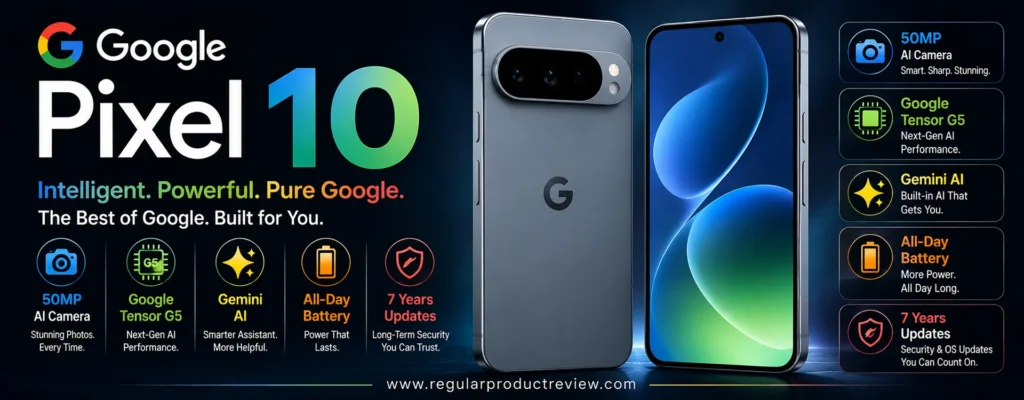
The pricing makes the proposition even more interesting for US shoppers. Google’s US store currently lists the Pixel 10 from $599, with 128GB storage, while the 256GB configuration starts at $699. That puts the phone well below the $1,000 ceiling used for this guide.
But here’s the important distinction: the Pixel 10 isn’t simply a cheaper Pixel 10 Pro.
The Pro model has a more advanced 50MP main camera, 48MP ultrawide, 48MP telephoto, and up to 100x Pro Zoom. The standard Pixel 10 uses a 48MP main camera, 13MP ultrawide, 10.8MP 5x telephoto, and up to 20x Super Res Zoom.
So the real question isn’t whether the Pixel 10 is good.
It’s whether its $599–$699 positioning gives you enough camera capability to make the compromises worthwhile.
🏆 Best For: Budget-conscious camera buyers, point-and-shoot photography, travel, portraits, 5x zoom, night photography, and shoppers who want flagship-style computational photography without spending flagship money
Overall Score: 9.1/10
📸 Camera System at a Glance
The Pixel 10’s biggest upgrade is the addition of a dedicated telephoto camera. Instead of relying exclusively on digital cropping, Google gives the base model genuine 5x optical zoom.
| Camera | Key Hardware | Best Use |
|---|---|---|
| 📷 Main Camera | 48MP wide, ƒ/1.70, 1/2″ sensor | Everyday photography and low light |
| 🌄 Ultrawide | 13MP, ƒ/2.2, 120° FOV | Landscapes, interiors and groups |
| 🔭 Telephoto | 10.8MP, ƒ/3.1, OIS, 5x optical | Portraits and distant subjects |
| 🤳 Front Camera | 10.5MP autofocus, 95° FOV | Selfies, calls and group shots |
Google lists Super Res Zoom up to 20x, with optical-quality positions around 0.6x, 1x, 5x and 10x.
That gives the Pixel 10 a surprisingly complete focal-length range for a phone that starts at $599.
💡 Editorial Insight: The most important camera upgrade isn’t the megapixel count. It’s the fact that the base Pixel now has a genuine telephoto lens. That makes the Pixel 10 dramatically more versatile than a typical dual-camera budget flagship.
🌤️ Main Camera Performance
The 48MP main camera is the workhorse of the Pixel 10.
It uses a ƒ/1.70 aperture and a 1/2-inch sensor, with Google’s HDR+ processing and computational photography doing much of the work behind the scenes.
| What Matters | Evaluation |
|---|---|
| 🔍 Fine Detail | ⭐⭐⭐⭐⭐ |
| 🌤️ Dynamic Range | ⭐⭐⭐⭐⭐ |
| ☀️ Highlight Control | ⭐⭐⭐⭐⭐ |
| 🌑 Shadow Detail | ⭐⭐⭐⭐⭐ |
| 🎨 Color Rendering | ⭐⭐⭐⭐⭐ |
| ⚪ White Balance | ⭐⭐⭐⭐⭐ |
| ✨ HDR Processing | ⭐⭐⭐⭐⭐ |
| ⚡ Autofocus | ⭐⭐⭐⭐⭐ |
| 🛡️ Stabilization | ⭐⭐⭐⭐½ |
| 🎯 Overall Consistency | ⭐⭐⭐⭐⭐ |
The important thing about Pixel photography is that the camera doesn’t rely solely on its sensor.
Google’s HDR+ and computational photography pipeline are designed to produce balanced images even when the lighting isn’t cooperative. Google specifically highlights the Pixel 10’s ability to capture detailed images in low or poor light.
That makes the main camera particularly well suited to quick, spontaneous photography.
You don’t need to understand exposure compensation or manually balance highlights and shadows.
The phone handles most of that for you.
💡 Expert Tip: If you rarely edit your photos manually, Pixel’s computational approach is especially valuable. The goal isn’t to give you the most complicated camera interface; it’s to give you a strong final image with minimal effort.
🌙 Low-Light Photography
Google has long emphasized computational photography for difficult lighting, and the Pixel 10 continues that strategy with Night Sight.
Google says Night Sight is designed for sharp, vivid photographs in low-light environments such as concerts and city scenes, and it also supports astrophotography.
| Low-Light Area | Evaluation |
|---|---|
| 🌫️ Noise Control | ⭐⭐⭐⭐⭐ |
| 🌑 Shadow Detail | ⭐⭐⭐⭐⭐ |
| 💡 Highlight Control | ⭐⭐⭐⭐⭐ |
| 🎨 Color Accuracy | ⭐⭐⭐⭐⭐ |
| ☀️ Exposure Consistency | ⭐⭐⭐⭐⭐ |
| 🛡️ Stabilization | ⭐⭐⭐⭐½ |
| 🌙 Night Sight | ⭐⭐⭐⭐⭐ |
The Pixel 10 is particularly useful for:
| Shooting Situation | Why It Works |
|---|---|
| 🌃 Night Streets | Computational processing balances dark areas and lights |
| 🍽️ Restaurants | Helps preserve detail in dim environments |
| 🎉 Indoor Events | Strong HDR and low-light processing |
| 🌆 Cityscapes | Controls bright artificial lighting |
| 🌌 Night Sky | Astrophotography support |
| 🎤 Concerts | Night Sight is designed for low-light scenes |
🧠 Understanding Night Sight
Think of a night photograph as a puzzle where some pieces are missing because there simply isn’t enough light.
The phone can capture several pieces of information and use software to construct a cleaner final image.
That’s essentially the philosophy behind computational night photography.
The Pixel 10’s hardware doesn’t magically eliminate darkness.
Instead, Google’s software tries to extract as much useful information as possible from the available light.
⚠️ Reality Check: Night Sight can dramatically improve a static dark scene, but it can’t completely eliminate motion blur. A moving person in a very dark environment remains a difficult subject for any smartphone.
🔭 5x Telephoto Performance
This is the Pixel 10’s biggest camera story.
Google has added a 10.8MP 5x optical telephoto camera with optical image stabilization, giving the base Pixel a genuine long-range camera.
| Zoom Level | Best Use |
|---|---|
| 0.6x | 🌄 Large landscapes and interiors |
| 1x | 📷 Everyday photography |
| 2x | 👤 Portrait framing and moderate crops |
| 5x | 🔭 Distant subjects and portraits |
| 10x | 🔍 Optical-quality computational range |
| 20x | ⚠️ Extreme Super Res Zoom |
The 5x camera is particularly useful for:
- 🏟️ Sports spectators
- 🐦 Wildlife at moderate distances
- 🏙️ Architecture
- 🏛️ Landmarks
- 🎤 Events
- 👤 Portraits
- ✈️ Travel photography
This is a major advantage over many phones around the same price.
🥊 Truthmode: The Pixel 10’s 5x telephoto is excellent for its price, but don’t confuse it with the Pixel 10 Pro’s 48MP 5x telephoto. The Pro has substantially more camera hardware to work with.
🔍 What About 20x Super Res Zoom?
Google advertises up to 20x Super Res Zoom on the Pixel 10.
But there is a significant difference between optical and computational zoom.
| Zoom Type | Pixel 10 |
|---|---|
| 🔭 5x Optical | Genuine telephoto hardware |
| 🧠 10x Optical-Quality | Computational assistance |
| 🔍 20x Super Res Zoom | Heavily computational |
| 🚨 Extreme Zoom | Quality decreases as magnification increases |
The 5x range is where the camera’s hardware gives you the strongest foundation.
Beyond that, Google’s software becomes increasingly important.
⚠️ RedTeam Check: Don’t buy the Pixel 10 because the box says “20x.” Buy it because the 5x optical telephoto gives you a genuinely useful second shooting range.
🌄 Ultrawide Camera
The 13MP ultrawide is the least impressive component of the Pixel 10’s rear-camera system on paper.
It uses a ƒ/2.2 aperture and a 120° field of view.
| What We Evaluate | Performance |
|---|---|
| 🔍 Detail | ⭐⭐⭐⭐ |
| 📐 Distortion Control | ⭐⭐⭐⭐½ |
| 🎨 Color Consistency | ⭐⭐⭐⭐⭐ |
| 🌤️ Dynamic Range | ⭐⭐⭐⭐½ |
| 🎯 Focus Performance | ⭐⭐⭐⭐ |
| 🏞️ Landscape Photography | ⭐⭐⭐⭐⭐ |
| 🏠 Interior Photography | ⭐⭐⭐⭐⭐ |
| 🌙 Night Performance | ⭐⭐⭐⭐ |
It is particularly useful for:
- 🏞️ Landscapes
- 🏢 Architecture
- 🏠 Interiors
- 👨👩👧👦 Group photos
- 🌆 Cityscapes
- ✈️ Travel photography
The 120° field of view allows you to capture considerably more of a scene than the main camera.
However, this is one area where the Pro model has a clear advantage.
⚠️ RedTeam Check: The Pixel 10’s ultrawide is useful, but don’t expect it to match the Pixel 10 Pro’s 48MP ultrawide. If ultrawide detail is a major part of your photography, the Pro model earns its premium here.
🔬 Macro Photography
The Pixel 10 also supports Macro Focus, allowing the ultrawide camera to be used for close-up subjects. Google specifically highlights macro photography for details such as raindrops and snowflakes.
| Macro Subject | Suitability |
|---|---|
| 🌸 Flowers | 🟢 Excellent |
| 💧 Water Droplets | 🟢 Excellent |
| ❄️ Snow / Ice | 🟢 Excellent |
| 🍰 Food Detail | 🟢 Excellent |
| 🐞 Small Objects | 🟢 Very Good |
| 🔬 Extreme Close-Ups | 🟡 Good |
Macro photography gives the Pixel 10 another creative advantage without requiring an additional dedicated macro lens.
👤 Portrait Photography
Portrait photography benefits from the Pixel 10’s dedicated 5x telephoto and Google’s computational processing.
The combination lets you create tighter compositions while keeping more physical distance from the subject.
| Portrait Factor | Evaluation |
|---|---|
| 👤 Skin Tones | ⭐⭐⭐⭐⭐ |
| 🎯 Subject Separation | ⭐⭐⭐⭐⭐ |
| 💇 Hair Detail | ⭐⭐⭐⭐½ |
| ✂️ Edge Detection | ⭐⭐⭐⭐⭐ |
| 🌫️ Background Blur | ⭐⭐⭐⭐⭐ |
| 🔭 5x Perspective | ⭐⭐⭐⭐⭐ |
| ☀️ Exposure Consistency | ⭐⭐⭐⭐⭐ |
Google’s Real Tone technology is also part of the Pixel camera experience, with the broader Pixel system designed to represent a wide range of skin tones more accurately.
💡 Expert Tip: Don’t automatically use the strongest portrait blur. A slightly more restrained blur can look more natural, particularly around hair, glasses, and shoulders.
🏃 Moving Subjects
The Pixel 10 includes several computational photography tools designed around real-world shooting.
Google lists Top Shot, Face Unblur, Auto Unblur, Action Pan, and Best Take among the camera features.
| Moving-Subject Feature | Practical Benefit |
|---|---|
| ⚡ Top Shot | Helps select a better moment |
| 👤 Face Unblur | Helps preserve facial detail |
| 🧠 Auto Unblur | Attempts to improve blurred images |
| 🏃 Action Pan | Adds creative motion effects |
| 👨👩👧 Best Take | Helps improve group photos |
This makes the Pixel 10 especially useful for:
- 👶 Children
- 🐕 Pets
- 👨👩👧 Families
- 🚶 Street photography
- 🎉 Events
- 🏃 Casual action
The software is doing a lot of work here.
⚠️ Reality Check: Features such as Face Unblur and Best Take can improve the odds of getting a usable photo, but they aren’t a substitute for a fast shutter and good lighting when a subject is moving quickly.
🎥 Video Performance
The Pixel 10 supports 4K video at 24, 30, and 60fps, along with 1080p at the same frame rates. Google also lists 10-bit HDR video, Macro Focus Video, and Audio Magic Eraser among the available video features.
| Video Feature | Capability |
|---|---|
| 🎬 4K Video | Up to 60fps |
| 🎞️ 1080p Video | Up to 60fps |
| 🌈 10-bit HDR Video | ✅ |
| 🔬 Macro Focus Video | ✅ |
| 🎙️ Audio Magic Eraser | ✅ |
| 📱 Digital Video Zoom | Up to 20x |
| 🤳 Front 4K Video | Up to 60fps |
The Pixel 10 isn’t positioned as a dedicated professional video monster.
But for everyday video, travel clips, social media, family footage, and casual creator work, the feature set is strong.
🎬 Creator Tip: If you primarily create short-form content, 4K 60fps, good stabilization, reliable autofocus, and clean audio are more important than simply having an 8K logo on the specification sheet.
🤳 Selfie Camera
The Pixel 10 uses a 10.5MP Dual PD selfie camera with autofocus and a wide 95° field of view. It supports 4K video at 30 and 60fps.
| Selfie Area | Evaluation |
|---|---|
| 🔍 Detail | ⭐⭐⭐⭐½ |
| 👤 Skin Tones | ⭐⭐⭐⭐⭐ |
| 🎯 Autofocus | ⭐⭐⭐⭐⭐ |
| 🌤️ HDR | ⭐⭐⭐⭐⭐ |
| 🌙 Low-Light Performance | ⭐⭐⭐⭐½ |
| 👨👩👧 Group Selfies | ⭐⭐⭐⭐⭐ |
| 🎥 Video | ⭐⭐⭐⭐⭐ |
| 📐 Field of View | ⭐⭐⭐⭐⭐ |
The 95° field of view is useful for:
- 🤳 Selfies
- 👨👩👧 Group photos
- 🎥 Video calls
- ✈️ Travel shots
- 📱 Social media
Autofocus is particularly valuable because it makes the camera more flexible across different shooting distances.
🧠 Computational Photography
This is where Pixel 10 becomes much more interesting than its price suggests.
Google has packed the phone with a large collection of computational photography and AI-assisted tools.
| Technology / Feature | Practical Benefit |
|---|---|
| 🌤️ HDR+ | Balances bright and dark areas |
| 🌙 Night Sight | Improves low-light photography |
| 🔭 Super Res Zoom | Enhances computational zoom |
| 👤 Real Tone | Helps represent skin tones |
| 🧠 Face Unblur | Helps recover usable facial detail |
| 👨👩👧 Best Take | Improves group photos |
| ✨ Magic Eraser | Removes unwanted elements |
| 🖼️ Reimagine | AI-assisted image transformation |
| 🔍 Zoom Enhance | Improves zoomed images |
| 🎯 Auto Frame | Helps improve composition |
| 📸 Camera Coach | AI-assisted photography guidance |
Google says Camera Coach uses Gemini models to analyze the scene, suggest angles and lighting, and recommend camera settings or modes.
That is particularly interesting for beginners.
🧠 ELI10: What Does Camera Coach Actually Do?
Imagine having a photographer standing beside you.
You point your phone toward a scene.
Instead of simply taking the picture, the assistant can analyze what you’re trying to photograph and suggest a better angle, lighting approach, or camera mode.
That’s roughly the idea behind Camera Coach.
💡 Editorial Insight: Camera Coach isn’t important because beginners need more buttons. It’s interesting because Google is trying to turn the camera itself into a photography teacher.
✨ AI Editing
The Pixel 10 also gives users more ways to modify images after capture.
Google highlights tools such as Magic Eraser, Best Take, Reimagine, Portrait Blur, Photo Unblur, Zoom Enhance, Sky styles, and Ask Photos-based editing.
| Editing Tool | Best Use |
|---|---|
| 🪄 Magic Eraser | Remove unwanted objects |
| 👨👩👧 Best Take | Improve group photos |
| ✨ Reimagine | Creative AI edits |
| 🌌 Sky Styles | Change sky appearance |
| 🔍 Zoom Enhance | Improve enlarged images |
| 🧠 Photo Unblur | Improve soft images |
| 👤 Portrait Blur | Add or adjust background blur |
| 🖼️ Auto Frame | Improve composition |
The important distinction is that these are post-capture tools.
They don’t replace the camera hardware.
They simply give you more ways to make a photograph useful after you’ve taken it.
⚠️ RedTeam Check: AI editing is powerful, but heavy edits can change what was actually in the scene. If authenticity matters more than visual perfection, use these tools selectively.
📱 Everyday Phone Experience
The Pixel 10 uses Google’s Tensor G5 processor, includes 12GB of RAM, and comes with 128GB or 256GB storage. Google lists a 6.3-inch Actua display and says the phone can provide over 24 hours of battery life.
| Feature | Google Pixel 10 |
|---|---|
| 📱 Display | 6.3-inch Actua |
| 🧠 Processor | Google Tensor G5 |
| 💾 RAM | 12GB |
| 💽 Storage | 128GB / 256GB |
| 🔋 Battery Life | 24+ hours |
| ⚡ Charging | Up to 55% in about 30 minutes |
| 🔌 Wireless Charging | Pixelsnap / Qi2 |
| 💧 Water Resistance | IP68 |
| 🔄 Software Support | 7 years |
Google also says the Pixel 10 can reach approximately 55% charge in 30 minutes, while Pixelsnap provides magnetic Qi2 wireless charging.
The phone also receives seven years of OS and security updates, which is a major advantage for buyers who plan to keep the device for a long time.
💰 Value Under $1000
This is where the Pixel 10 becomes extremely difficult to ignore.
Google’s US store currently lists:
| Configuration | Current Listed Price | Under $1,000? |
|---|---|---|
| 128GB | $599 | 🟢 Yes |
| 256GB | $699 | 🟢 Yes |
That’s a substantial difference compared with many premium camera phones.
You’re getting:
- 📷 Triple rear cameras
- 🔭 5x optical telephoto
- 🌄 Ultrawide camera
- 🌙 Night Sight
- 🧠 Tensor G5
- 📸 Camera Coach
- ✨ AI editing
- 🤳 Autofocus selfie camera
- 🎥 4K video
- 🔄 Seven years of updates
for substantially less than the $1,000 ceiling.
💰 Value Verdict: At $599–$699, the Pixel 10 may be one of the strongest value propositions in this entire guide. Its camera system isn’t Pro-level, but its price-to-capability ratio is extremely difficult to ignore.
⚠️ What Could Be Better?
The Pixel 10’s low price doesn’t mean there are no compromises.
🌄 Ultrawide Camera Is Only 13MP
The 13MP ultrawide is competent, but the Pixel 10 Pro’s 48MP ultrawide is considerably more ambitious.
If you frequently crop ultrawide photos or demand maximum detail, the Pro model is the better choice.
🔭 Telephoto Resolution Is Modest
The 5x telephoto is genuine optical hardware, which is excellent.
But the sensor is only 10.8MP.
The Pixel 10 Pro uses a 48MP telephoto, giving the Pro much more information to work with for cropping and computational zoom.
📱 Not a True Pro Camera System
This is important.
The Pixel 10 gives you many of the benefits of Google’s computational photography, but it deliberately stops short of the Pro model’s highest-end camera hardware.
That’s how Google keeps the price down.
🎥 Video Is Good, Not Class-Leading
The Pixel 10 has strong everyday video capabilities, but buyers who prioritize professional smartphone video may prefer higher-end iPhone or Pro-series alternatives.
🆚 Google Pixel 10 vs. Google Pixel 10 Pro
This is probably the most important comparison for buyers considering the Pixel family.
| Camera Priority | Better Choice | Why |
|---|---|---|
| 📸 Main Camera Hardware | Pixel 10 Pro | 50MP vs. 48MP |
| 🌄 Ultrawide | Pixel 10 Pro | 48MP vs. 13MP |
| 🔭 Telephoto | Pixel 10 Pro | 48MP 5x vs. 10.8MP 5x |
| 🔍 Maximum Zoom | Pixel 10 Pro | Up to 100x vs. 20x |
| 🌙 Computational Photography | Close | Both use Google’s Pixel imaging approach |
| 🤳 Front Camera | Pixel 10 Pro | Higher-resolution 42MP system |
| 💰 Value | Pixel 10 | Starts much lower |
| 📱 Everyday Simplicity | Close | Both offer strong automatic photography |
| 🎯 Serious Photography | Pixel 10 Pro | More capable hardware |
| 💵 Budget Under $700 | Pixel 10 | Far stronger fit |
🥊 Truthmode: If you have the money and photography is a major priority, the Pixel 10 Pro is clearly the better camera. If your goal is to spend as little as possible while still getting a genuinely versatile camera system, the Pixel 10 is the smarter value.
🆚 Google Pixel 10 vs. Samsung Galaxy S26
The two phones take different approaches to value.
| Camera Priority | Better Choice | Why |
|---|---|---|
| 📸 Point-and-Shoot Photos | Pixel 10 | Strong computational photography |
| 🔭 Zoom | Pixel 10 | 5x vs. S26’s 3x |
| 🌄 Ultrawide | Galaxy S26 | Samsung offers a stronger overall flagship implementation |
| 👤 Portraits | Close | Both have dedicated telephoto cameras |
| 🌙 Night Photography | Pixel 10 | Strong Night Sight processing |
| 🎥 Video | Galaxy S26 | More advanced flagship video positioning |
| 📱 Compactness | Close | Both are relatively manageable |
| 💰 Value | Pixel 10 | Starts at $599 |
| 🧠 AI Photography | Close | Both integrate AI heavily |
| 🔭 Camera Versatility | Pixel 10 | 5x telephoto gives it greater reach |
🥊 Truthmode: The Galaxy S26 is the more premium phone overall, but the Pixel 10 is the better value. At $599, expecting the Pixel 10 to beat a $899.99 flagship in every category would be unrealistic. The Pixel’s advantage is how much camera capability you get for the money.
✅ Who Should Buy the Pixel 10?
The Pixel 10 makes the most sense for buyers who want strong photography without spending anywhere near $1,000.
| Buyer Type | Fit |
|---|---|
| 💰 Budget-Conscious Camera Buyer | 🟢 Excellent |
| 📸 Everyday Photographer | 🟢 Excellent |
| 🌙 Night Photographer | 🟢 Excellent |
| 🔭 5x Zoom User | 🟢 Excellent |
| 👤 Portrait Shooter | 🟢 Excellent |
| ✈️ Travel Photographer | 🟢 Excellent |
| 🧠 AI Photography User | 🟢 Excellent |
| 🤳 Selfie User | 🟢 Very Good |
| 🎥 Casual Video Creator | 🟢 Very Good |
| 🏟️ Serious Sports Photographer | 🟡 Consider alternatives |
| 🎬 Professional Video Creator | 🟡 Consider alternatives |
🚫 Who Should Skip It?
Consider another phone if:
- 📸 You need the strongest possible camera hardware
- 🌄 Ultrawide photography is a major priority
- 🔭 You frequently crop heavily into telephoto images
- 🎥 Professional-grade video is your primary use
- 💾 You need more than 256GB of storage
- 🧠 You want the maximum Pixel AI and camera feature set
🏆 Final Verdict
The Google Pixel 10 may be the most strategically positioned phone in this category.
Why?
Because Google has taken a feature that was traditionally reserved for more expensive camera phones a dedicated telephoto lens and put it into the base Pixel.
You get a 48MP main camera, 13MP ultrawide, 10.8MP 5x telephoto, 20x Super Res Zoom, autofocus selfie camera, Night Sight, Macro Focus, Camera Coach, and a large collection of AI editing tools.
And then there’s the price.
At $599 for 128GB or $699 for 256GB, the Pixel 10 sits dramatically below the $1,000 limit.
That changes the value equation.
The Pixel 10 doesn’t need to beat the Pixel 10 Pro’s 48MP telephoto or 48MP ultrawide.
It simply needs to deliver enough camera performance that a normal buyer doesn’t feel like they’re settling.
It does.
The biggest compromises are the lower-resolution ultrawide and telephoto sensors, along with a less advanced overall camera system than the Pro model.
But those compromises make sense given the price.
🏆 Final Verdict: The Google Pixel 10 is one of the strongest value camera phones under $1,000, especially for buyers who want Google’s computational photography and a genuine 5x optical telephoto without spending anywhere close to $1,000.
Final Scorecard
| Category | Score |
|---|---|
| 📸 Main Camera | 9.3/10 |
| 🌙 Low-Light Photography | 9.4/10 |
| 🔭 Zoom | 9.2/10 |
| 🌄 Ultrawide | 8.6/10 |
| 👤 Portraits | 9.3/10 |
| 🎥 Video | 9.0/10 |
| 🤳 Selfie Camera | 9.1/10 |
| 🧠 Computational Photography | 9.7/10 |
| 💰 Value | 9.9/10 |
| 🏆 Overall | 9.1/10 |
Bottom Line: If you want excellent Pixel photography, genuine 5x optical zoom, strong AI features, and a modern triple-camera system without spending anywhere near $1,000, the Pixel 10 is one of the smartest value choices in this category.
Google Pixel 9 Pro
The Google Pixel 9 Pro is an unusual pick for a 2026 list of the best camera phones under $1,000 because it is no longer Google’s newest Pro model. That’s exactly what makes it interesting.
Instead of paying for the latest generation, you’re getting a mature flagship camera system built around a 50MP main camera, 48MP ultrawide with Macro Focus, and 48MP 5x telephoto. Google’s official specifications also include a 42MP autofocus selfie camera, Pro controls, Night Sight, Astrophotography, and Super Res Zoom up to 30x.
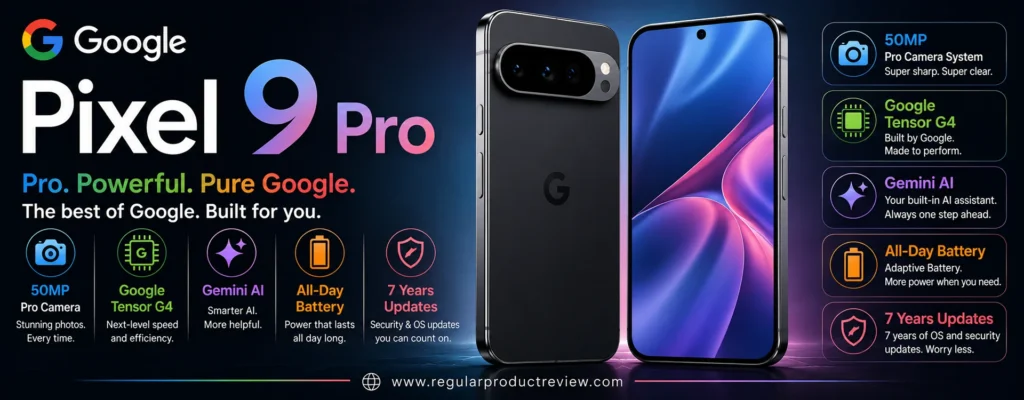
At launch, the Pixel 9 Pro started at $999, but the important consideration for this article is its current street price. If you can find the Pixel 9 Pro substantially below $1,000, it becomes a very different proposition from when it first launched.
And there’s another reason it remains relevant: the camera hardware is still genuinely high-end.
The Pixel 10 Pro may be newer, but the Pixel 9 Pro isn’t suddenly a bad camera because Google released a successor.
🏆 Best For: Computational photography, portraits, low-light photography, 5x zoom, travel photography, macro shots, and shoppers who can find a discounted Pro-level Pixel
Overall Score: 9.2/10
📸 Camera System at a Glance
The Pixel 9 Pro uses a triple-camera system, and unlike the standard Pixel 9, every rear camera is designed to play a meaningful role.
| Camera | Key Hardware | Best Use |
|---|---|---|
| 📷 Main Camera | 50MP wide, ƒ/1.68, 1/1.31″ sensor | Everyday photography and low light |
| 🌄 Ultrawide | 48MP, ƒ/1.7, 123° FOV, autofocus | Landscapes, architecture and macro |
| 🔭 Telephoto | 48MP, ƒ/2.8, 5x optical, OIS | Portraits and distant subjects |
| 🤳 Front Camera | 42MP autofocus, 103° FOV | Selfies, group shots and creator content |
Google lists optical-quality positions around 0.5x, 1x, 2x, 5x and 10x, with Super Res Zoom extending to 30x.
That’s an impressive range for a phone that can potentially be purchased below the $1,000 mark.
The real advantage isn’t simply the number of cameras.
It’s the fact that the main, ultrawide and telephoto cameras all have serious hardware behind them.
💡 Editorial Insight: The Pixel 9 Pro’s camera system has aged better than its launch date suggests. The individual lenses still cover the situations that actually matter: everyday shots, wide scenes, close-ups and long-range photography.
🌤️ Main Camera Performance
The 50MP main camera uses a 1/1.31-inch sensor and ƒ/1.68 aperture, giving it a strong hardware foundation for both daylight and challenging lighting. Google’s specifications also list optical and electronic stabilization on the wide and telephoto cameras.
| What Matters | Evaluation |
|---|---|
| 🔍 Fine Detail | ⭐⭐⭐⭐⭐ |
| 🌤️ Dynamic Range | ⭐⭐⭐⭐⭐ |
| ☀️ Highlight Control | ⭐⭐⭐⭐⭐ |
| 🌑 Shadow Detail | ⭐⭐⭐⭐⭐ |
| 🎨 Color Rendering | ⭐⭐⭐⭐⭐ |
| ⚪ White Balance | ⭐⭐⭐⭐⭐ |
| ✨ HDR Processing | ⭐⭐⭐⭐⭐ |
| ⚡ Autofocus | ⭐⭐⭐⭐⭐ |
| 🛡️ Stabilization | ⭐⭐⭐⭐⭐ |
| 🎯 Overall Consistency | ⭐⭐⭐⭐⭐ |
The hardware gives Google plenty of information to work with, while Google’s computational photography pipeline handles much of the final image rendering.
This is particularly useful for people who want to take a photograph and move on rather than spend several minutes editing exposure, shadows and highlights.
The Pixel 9 Pro is very good at producing a finished-looking photograph directly from the camera app.
💡 Expert Tip: If you rarely edit your photos manually, the Pixel 9 Pro’s biggest advantage is consistency. You don’t need to understand camera settings to get a polished result.
🌙 Low-Light Photography
Low-light photography has traditionally been one of Pixel’s strongest areas, and the Pixel 9 Pro has the hardware to support that software advantage.
Google includes Night Sight, Astrophotography, Real Tone, Face Unblur and other computational photography features.
| Low-Light Area | Evaluation |
|---|---|
| 🌫️ Noise Control | ⭐⭐⭐⭐⭐ |
| 🌑 Shadow Detail | ⭐⭐⭐⭐⭐ |
| 💡 Highlight Control | ⭐⭐⭐⭐⭐ |
| 🎨 Color Accuracy | ⭐⭐⭐⭐⭐ |
| ☀️ Exposure Consistency | ⭐⭐⭐⭐⭐ |
| 🛡️ Stabilization | ⭐⭐⭐⭐⭐ |
| 🌙 Night Sight | ⭐⭐⭐⭐⭐ |
| 🌌 Astrophotography | ⭐⭐⭐⭐⭐ |
The camera is particularly well suited to:
| Shooting Situation | Why It Works |
|---|---|
| 🌃 Night Streets | Strong HDR and computational processing |
| 🍽️ Dim Restaurants | Preserves detail without destroying atmosphere |
| 🎉 Indoor Events | Balances subjects and ambient lighting |
| 🌆 Cityscapes | Controls bright signs and darker surroundings |
| 🌌 Night Sky | Dedicated astrophotography support |
| 🌙 Evening Travel Photos | Strong handheld low-light performance |
🧠 Understanding Computational Night Photography
A smartphone sensor has limited physical space.
That means it can’t collect the same amount of light as a large dedicated camera.
Google compensates by capturing and processing multiple pieces of information and intelligently combining them.
Think of it like assembling a puzzle.
The sensor provides the pieces.
The software tries to put them together into the cleanest possible picture.
⚠️ Reality Check: Night Sight doesn’t eliminate the laws of physics. A stationary building can look remarkably clean at night, while a moving person in the same lighting can still produce blur.
🔭 5x Telephoto Performance
The 48MP 5x telephoto camera is arguably the Pixel 9 Pro’s most important advantage over standard flagship phones.
It provides genuine optical reach rather than relying entirely on digital cropping. Google lists a ƒ/2.8 aperture, 22° field of view, 5x optical zoom and optical stabilization.
| Zoom Level | Best Use |
|---|---|
| 0.5x | 🌄 Landscapes and interiors |
| 1x | 📷 Everyday photography |
| 2x | 👤 Portrait framing |
| 5x | 🔭 Distant subjects |
| 10x | 🔍 Optical-quality computational range |
| 20x | 🏙️ Long-distance details |
| 30x | ⚠️ Extreme Super Res Zoom |
The 5x camera is useful for:
- 🏟️ Sports spectators
- 🐦 Wildlife
- 🏛️ Architecture
- 🏙️ City details
- 🎤 Events
- 👤 Portraits
- ✈️ Travel photography
The 48MP sensor also gives the phone more information to work with when computational zoom is applied.
🥊 Truthmode: The Pixel 9 Pro’s 5x telephoto is still genuinely useful. But don’t assume 30x Super Res Zoom is equivalent to a dedicated long-range optical lens. The closer you get to extreme magnification, the more software becomes responsible for the final image.
🌄 Ultrawide Camera
The Pixel 9 Pro’s 48MP ultrawide is considerably more ambitious than the ultrawide camera found on the standard Pixel 10.
Google lists a ƒ/1.7 aperture, 123° field of view, autofocus and Macro Focus.
| What We Evaluate | Performance |
|---|---|
| 🔍 Detail | ⭐⭐⭐⭐⭐ |
| 📐 Distortion Control | ⭐⭐⭐⭐½ |
| 🎨 Color Consistency | ⭐⭐⭐⭐⭐ |
| 🌤️ Dynamic Range | ⭐⭐⭐⭐⭐ |
| 🎯 Autofocus | ⭐⭐⭐⭐⭐ |
| 🔬 Macro Photography | ⭐⭐⭐⭐⭐ |
| 🌙 Night Performance | ⭐⭐⭐⭐½ |
This makes the ultrawide much more than a secondary lens.
It’s useful for:
| Scenario | Why Use It? |
|---|---|
| 🏞️ Landscapes | Captures expansive scenes |
| 🏢 Architecture | Fits large structures into tight spaces |
| 🏠 Interiors | Useful when you can’t step backward |
| 👨👩👧👦 Group Photos | Fits more people into the frame |
| 🌸 Macro | Captures detailed close-ups |
| 🌆 Cityscapes | Gives buildings and streets more context |
💡 Expert Tip: For ultrawide shots, put something interesting in the foreground. Otherwise, the extra field of view can simply create more empty space instead of a better photograph.
🔬 Macro Photography
Autofocus on the ultrawide camera enables Macro Focus, which gives the Pixel 9 Pro another useful shooting mode. Google’s specifications explicitly list Macro Focus among the camera features.
| Macro Subject | Suitability |
|---|---|
| 🌸 Flowers | 🟢 Excellent |
| 💧 Water Droplets | 🟢 Excellent |
| 🍰 Food | 🟢 Excellent |
| 🐞 Small Objects | 🟢 Very Good |
| 🌿 Plants | 🟢 Excellent |
| 🔬 Fine Details | 🟢 Very Good |
This is one of those features that sounds minor until you travel.
A flower, watch, piece of jewelry, food detail or small object can suddenly become a much more interesting photograph.
👤 Portrait Photography
The Pixel 9 Pro is particularly strong for portraits because it can combine Google’s computational portrait processing with a genuine 5x telephoto camera.
| Portrait Factor | Evaluation |
|---|---|
| 👤 Skin Tones | ⭐⭐⭐⭐⭐ |
| 🎯 Subject Separation | ⭐⭐⭐⭐⭐ |
| 💇 Hair Detail | ⭐⭐⭐⭐½ |
| ✂️ Edge Detection | ⭐⭐⭐⭐⭐ |
| 🌫️ Background Blur | ⭐⭐⭐⭐⭐ |
| 🔭 Telephoto Perspective | ⭐⭐⭐⭐⭐ |
| ☀️ Exposure Consistency | ⭐⭐⭐⭐⭐ |
The longer focal length allows you to move farther away from the subject.
That generally produces a more natural perspective than holding the phone extremely close to someone’s face.
Google’s Real Tone processing also aims to reproduce a wide range of skin tones accurately.
💡 Expert Tip: Try 5x outdoors when you have enough space. The compression from the telephoto can create a cleaner portrait with a less distracting background.
🏃 Moving Subjects
Smartphone photography becomes much harder when the subject isn’t cooperating.
The Pixel 9 Pro includes features such as Top Shot, Face Unblur, Action Pan and Frequent Faces, designed to improve the odds of getting useful images from real-world situations.
| Moving-Subject Factor | Importance |
|---|---|
| ⚡ Autofocus | ⭐⭐⭐⭐⭐ |
| 📸 Capture Timing | ⭐⭐⭐⭐⭐ |
| 🧠 Face Detection | ⭐⭐⭐⭐⭐ |
| 👤 Face Unblur | ⭐⭐⭐⭐⭐ |
| 🛡️ Stabilization | ⭐⭐⭐⭐⭐ |
| 🔭 Telephoto Stability | ⭐⭐⭐⭐⭐ |
This makes the phone useful for:
- 👶 Children
- 🐕 Pets
- 🚶 Street photography
- 🎉 Family events
- 🏃 Casual action
- 🏟️ Sports from moderate distances
⚠️ RedTeam Check: Software can rescue a slightly imperfect photograph. It cannot consistently rescue a badly timed shot of a rapidly moving subject in darkness. If action photography is your primary use, a larger camera sensor and faster shutter system still have an advantage.
🎥 Video Performance
The Pixel 9 Pro is more capable for video than its age might suggest.
Google lists 8K video recording at 30fps powered by Video Boost, alongside 4K recording at 24, 30 and 60fps. It also supports Super Res Zoom Video up to 20x.
| Video Feature | Capability |
|---|---|
| 🎞️ 8K Video | Up to 30fps with Video Boost |
| 🎬 4K Video | Up to 60fps |
| 📱 1080p Video | Up to 60fps |
| 🔍 Super Res Zoom Video | Up to 20x |
| 🧠 Video Boost | ✅ |
| 🎯 Autofocus | ✅ |
| 🛡️ Video Stabilization | ✅ |
| 🌙 Low-Light Video Processing | ✅ |
Video Boost is particularly interesting because it combines cloud-based computational processing with captured footage to improve the final result.
But there is a practical trade-off.
If you want the fastest possible capture-to-share workflow, traditional video modes can be more convenient.
🎬 Creator Tip: Use Video Boost when image quality matters more than immediate processing. For spontaneous social clips that need to be uploaded quickly, a standard 4K mode may be the more practical choice.
🤳 Selfie Camera
The 42MP front camera with autofocus is one of the Pixel 9 Pro’s strongest secondary-camera features.
Google lists a ƒ/2.2 aperture and an unusually wide 103° field of view.
| Selfie Area | Evaluation |
|---|---|
| 🔍 Detail | ⭐⭐⭐⭐⭐ |
| 👤 Skin Tones | ⭐⭐⭐⭐⭐ |
| 🎯 Autofocus | ⭐⭐⭐⭐⭐ |
| 🌤️ HDR | ⭐⭐⭐⭐⭐ |
| 🌙 Low-Light Performance | ⭐⭐⭐⭐½ |
| 👨👩👧 Group Selfies | ⭐⭐⭐⭐⭐ |
| 🎥 Video | ⭐⭐⭐⭐⭐ |
| 📐 Field of View | ⭐⭐⭐⭐⭐ |
The wide field of view is particularly useful for:
- 🤳 Selfies
- 👨👩👧 Group shots
- 🏞️ Travel selfies
- 🎥 Video calls
- 📱 Social media content
Autofocus is also important.
A high-resolution front camera with fixed focus can still struggle when the subject changes distance. Autofocus gives the Pixel 9 Pro considerably more flexibility.
🧠 Computational Photography
This is where the Pixel 9 Pro becomes distinctly “Pixel.”
The hardware is excellent, but Google’s software is what turns it into a consistently strong camera.
| Technology / Feature | Practical Benefit |
|---|---|
| 🌤️ HDR+ | Balances difficult lighting |
| 🌙 Night Sight | Improves low-light photography |
| 🔭 Super Res Zoom | Extends useful zoom range |
| 👤 Real Tone | Helps preserve realistic skin tones |
| 👤 Face Unblur | Helps recover facial detail |
| 👨👩👧 Best Take | Helps improve group photos |
| 🪄 Magic Eraser | Removes unwanted objects |
| 🔍 Zoom Enhance | Improves enlarged images |
| 🌌 Astrophotography | Designed for night-sky photography |
| 🎯 Top Shot | Helps select better moments |
| 🌸 Macro Focus | Enables close-up photography |
Google also provides Pro controls and high-resolution photography up to 50MP.
That combination makes the Pixel 9 Pro useful for both beginners and enthusiasts.
🧠 ELI10: Why Pixel Photography Looks Different
Imagine two photographers taking the same photo.
One simply presses the shutter.
The other takes several exposures, checks the shadows, fixes the highlights, adjusts colors, sharpens important details and then combines the best information.
Google’s computational photography tries to perform some of those tasks automatically.
That’s why Pixel photography can look surprisingly polished even when the person holding the phone has no photography experience.
💡 Editorial Insight: Pixel’s advantage isn’t that the phone magically takes perfect photos. It’s that Google has invested heavily in the processing pipeline that turns raw camera information into the final image.
🎛️ Pro Controls
The Pixel 9 Pro isn’t restricted to automatic photography.
Google includes Pro controls, allowing experienced users to take greater control over the camera experience. The phone also supports high-resolution capture up to 50MP.
| User Type | Pixel 9 Pro Experience |
|---|---|
| 🟢 Casual Photographer | Excellent automatic shooting |
| 🔵 Photography Enthusiast | Pro controls provide additional flexibility |
| 🟣 Portrait Photographer | Strong 5x telephoto and portrait processing |
| 🎬 Content Creator | Advanced video and front camera |
| 🌌 Night Photographer | Night Sight + Astrophotography |
This is important because the Pixel 9 Pro can grow with the user.
You don’t have to understand manual photography on day one.
But the controls are available if you eventually want them.
📱 Everyday Phone Experience
The Pixel 9 Pro has a 6.3-inch Super Actua LTPO OLED display with a 1–120Hz refresh rate and up to 3,000 nits peak brightness. Google’s official specifications list 16GB RAM and the Tensor G4 processor.
| Feature | Pixel 9 Pro |
|---|---|
| 📱 Display | 6.3-inch Super Actua LTPO OLED |
| 🔄 Refresh Rate | 1–120Hz |
| 🧠 Processor | Google Tensor G4 |
| 💾 RAM | 16GB |
| 💽 Storage | 128GB / 256GB / 512GB / 1TB |
| 🔋 Battery | 4,700mAh typical |
| ⚡ Wired Charging | Up to 55% in about 30 minutes |
| 🔌 Wireless Charging | Qi-certified |
| 💧 Water Resistance | IP68 |
| 🔄 Long-Term Updates | Google’s long software-support commitment |
Google lists 24+ hours of battery life and up to 100 hours with Extreme Battery Saver.
The 6.3-inch size is also important.
Unlike many large Pro phones, the Pixel 9 Pro gives you flagship camera hardware in a relatively compact body.
📱 Compact Pro Camera Phone
This is one of the Pixel 9 Pro’s underrated advantages.
The phone weighs approximately 7 ounces and uses a 6.3-inch display.
| Design Factor | Pixel 9 Pro |
|---|---|
| 📱 Screen Size | 6.3 inches |
| ⚖️ Weight | About 7 oz |
| 📏 Form Factor | Compact Pro |
| 🔭 5x Telephoto | ✅ |
| 🌄 48MP Ultrawide | ✅ |
| 📸 50MP Main | ✅ |
This combination is unusual.
You don’t have to choose between a compact phone and a serious camera system.
💡 Expert Tip: If you spend hours traveling with your phone in your hand, compactness isn’t just a comfort feature. A lighter, easier-to-grip phone can make it easier to shoot one-handed and hold the camera steadier.
💰 Value Under $1000
This is the critical question for this article.
Google launched the Pixel 9 Pro at $999, which technically put the 128GB model at the ceiling of the category.
But this is now an older generation.
That means the Pixel 9 Pro makes the most sense when current US retail pricing or promotions bring it below $1,000.
| Effective Price | Value Verdict |
|---|---|
| $999 | 🟢 Strong |
| $899 | 🟢 Excellent |
| $799 | 🏆 Outstanding |
| $699 | 🔥 Exceptional |
| Above $1,000 | 🔴 Doesn’t qualify for this guide |
The important point is that the Pixel 9 Pro doesn’t need to be the newest Pixel to be a serious camera phone.
Its hardware remains fundamentally high-end.
💰 Value Verdict: The Pixel 9 Pro becomes particularly attractive when discounted into the $700–$900 range. At that price, you’re getting a Pro-level triple-camera system with a 48MP 5x telephoto and 48MP ultrawide without paying the current-generation Pro premium.
⚠️ What Could Be Better?
The Pixel 9 Pro has aged well, but that doesn’t mean it is automatically the better purchase than every newer phone.
🧠 Tensor G4 Isn’t a Performance Champion
The Tensor G4 is designed around Google’s AI and software strategy rather than winning every raw-performance benchmark.
If gaming performance is your primary priority, Snapdragon-based competitors can make more sense.
⚡ Charging Is Not Class-Leading
Google’s charging speeds are respectable, but several Android competitors can replenish their batteries considerably faster.
If you regularly need a 10-minute charging session before leaving home, this matters.
🔋 Battery Is Good, Not Huge
The 4,700mAh battery is reasonable for a compact flagship, but large phones such as the OnePlus 13 provide substantially more battery capacity.
🔭 Extreme Zoom Has Limits
The 5x telephoto is excellent.
30x Super Res Zoom is useful.
But it doesn’t turn the phone into a dedicated long-range camera.
At extreme magnification, image quality becomes increasingly dependent on computational reconstruction.
⚠️ RedTeam Check: The Pixel 9 Pro’s camera system is excellent, but don’t let AI features convince you that smartphone software has eliminated hardware limitations. It hasn’t.
🆚 Pixel 9 Pro vs. Pixel 10 Pro
This is the most important comparison if both are available under $1,000.
| Camera Priority | Better Choice | Why |
|---|---|---|
| 📸 Main Camera Hardware | Pixel 10 Pro | Newer-generation system |
| 🌄 Ultrawide | Pixel 10 Pro | Newer processing and hardware |
| 🔭 5x Telephoto | Close | Both use high-resolution 5x systems |
| 🌙 Night Photography | Pixel 10 Pro | Newer computational processing |
| 🧠 AI Photography | Pixel 10 Pro | Newer-generation AI capabilities |
| 🤳 Front Camera | Pixel 10 Pro | More advanced front-camera hardware |
| 💰 Value | Pixel 9 Pro | Can be substantially cheaper |
| 📱 Compactness | Close | Both target compact Pro buyers |
| 🎛️ Manual Controls | Close | Both support advanced camera controls |
🥊 Truthmode: If the Pixel 9 Pro and Pixel 10 Pro cost almost the same, buy the Pixel 10 Pro. The 9 Pro becomes compelling when the discount is large enough to compensate for buying the previous generation.
🆚 Pixel 9 Pro vs. Samsung Galaxy S26
The comparison becomes more interesting when you’re shopping specifically around the $800–$1,000 range.
| Camera Priority | Better Choice | Why |
|---|---|---|
| 📸 Point-and-Shoot Photos | Pixel 9 Pro | Strong computational photography |
| 🌙 Low-Light Photography | Pixel 9 Pro | Excellent Night Sight |
| 🔭 Zoom | Pixel 9 Pro | 5x telephoto vs. 3x |
| 🌄 Ultrawide | Pixel 9 Pro | 48MP ultrawide |
| 👤 Portraits | Close | Both have dedicated telephoto systems |
| 🎥 Video | Galaxy S26 | Newer-generation video system |
| 📱 Compactness | Galaxy S26 | Lighter design |
| 🧠 AI Features | Close | Different strengths |
| 💰 Discounted Value | Pixel 9 Pro | Older flagship can offer deeper discounts |
| 🎯 Camera Versatility | Pixel 9 Pro | Stronger ultrawide + longer telephoto |
🥊 Truthmode: If photography is the priority, I’d lean Pixel 9 Pro when the price is substantially lower. If you want the newer phone, lighter body, newer processor and broader current-generation features, the Galaxy S26 is the more logical purchase.
🆚 Pixel 9 Pro vs. Google Pixel 10
This is where Google’s strategy becomes particularly interesting.
| Camera Priority | Better Choice | Why |
|---|---|---|
| 📸 Main Camera | Pixel 9 Pro | Higher-end Pro hardware |
| 🌄 Ultrawide | Pixel 9 Pro | 48MP vs. 13MP |
| 🔭 Telephoto | Pixel 9 Pro | 48MP 5x vs. 10.8MP 5x |
| 🌙 Low-Light Photography | Pixel 9 Pro | More capable camera hardware |
| 🤳 Selfie Camera | Pixel 9 Pro | 42MP autofocus system |
| 🧠 AI Features | Pixel 10 | Newer-generation AI features |
| 💰 Value | Pixel 10 | Much lower starting price |
| 📱 Long-Term Platform | Pixel 10 | Newer generation |
| 🎯 Serious Photography | Pixel 9 Pro | More capable camera hardware |
🥊 Truthmode: This is a classic hardware-versus-price decision. The Pixel 9 Pro is the better camera. The Pixel 10 is the better bargain. If photography matters more than saving a few hundred dollars, the discounted 9 Pro is the stronger choice.
✅ Who Should Buy the Pixel 9 Pro?
The Pixel 9 Pro is a particularly strong fit for buyers who want Pro-level camera hardware without the newest-generation price tag.
| Buyer Type | Fit |
|---|---|
| 📸 Photography Enthusiast | 🟢 Excellent |
| 🌙 Night Photographer | 🟢 Excellent |
| 🔭 5x Zoom User | 🟢 Excellent |
| 🌄 Landscape Photographer | 🟢 Excellent |
| 👤 Portrait Shooter | 🟢 Excellent |
| 🔬 Macro Photographer | 🟢 Excellent |
| ✈️ Travel Photographer | 🟢 Excellent |
| 🤳 Selfie User | 🟢 Excellent |
| 🎥 Video Creator | 🟢 Very Good |
| 💰 Value-Seeking Flagship Buyer | 🟢 Excellent |
| 🎮 Hardcore Gamer | 🟡 Consider alternatives |
🚫 Who Should Skip It?
Consider another phone if:
- 💰 You can buy the newer Pixel 10 Pro for nearly the same price
- 🎮 Maximum gaming performance is important
- ⚡ Very fast charging is a priority
- 🔋 You want the largest possible battery
- 🎥 Professional smartphone video is your primary use
- 🧠 You specifically want the newest Pixel-generation AI features
🏆 Final Verdict
The Google Pixel 9 Pro is a textbook example of why buying the newest phone isn’t always the smartest move.
Its camera hardware remains serious.
You get a 50MP main camera, 48MP ultrawide with Macro Focus, 48MP 5x telephoto, 42MP autofocus selfie camera, optical and electronic stabilization, Pro controls, Night Sight, Astrophotography, and Super Res Zoom up to 30x.
That is not a compromised camera system.
It is a genuine Pro setup.
The question is price.
At its original $999 starting price, the Pixel 9 Pro made sense as Google’s current Pro flagship. Today, its value depends heavily on how much cheaper you can find it compared with the Pixel 10 Pro. Google’s original US specifications list the 128GB model from $999.
If the Pixel 9 Pro is only slightly cheaper than the Pixel 10 Pro, there’s little reason to choose the older generation.
But if a retailer or promotion puts the Pixel 9 Pro around $700–$900, the calculation changes.
You are then getting a mature Pro camera system for substantially less money.
And that’s exactly where this phone becomes compelling for this guide.
🏆 Final Verdict: The Google Pixel 9 Pro is a strong discounted Pro-camera pick for US buyers. Its 50MP main camera, 48MP ultrawide, 48MP 5x telephoto, excellent selfie camera and computational photography still make it a serious contender provided you buy it at the right price.
Final Scorecard
| Category | Score |
|---|---|
| 📸 Main Camera | 9.6/10 |
| 🌙 Low-Light Photography | 9.7/10 |
| 🔭 Zoom | 9.5/10 |
| 🌄 Ultrawide | 9.7/10 |
| 👤 Portraits | 9.7/10 |
| 🎥 Video | 9.2/10 |
| 🤳 Selfie Camera | 9.6/10 |
| 🧠 Computational Photography | 9.8/10 |
| 💰 Discounted Value | 9.5/10 |
| 🏆 Overall | 9.2/10 |
Bottom Line: If you can find the Pixel 9 Pro well below $1,000, don’t dismiss it just because newer Pixels exist. Its Pro-level triple-camera system, 5x optical telephoto, 48MP ultrawide, strong low-light performance and advanced computational photography still make it one of the smarter discounted camera-phone choices for US buyers.
Apple iPhone 16
For buyers who care about camera quality, video reliability, fast performance, and long-term usability, the Apple iPhone 16 remains a surprisingly strong option under the $1,000 mark.
It isn’t Apple’s Pro model, and that distinction matters. You don’t get a dedicated 5x telephoto camera, a 48MP ultrawide, or the Pro camera controls found on Apple’s higher-end models. Instead, the iPhone 16 uses a 48MP Fusion Main camera, a 12MP ultrawide, and a 12MP 2x telephoto capability created from the main sensor.
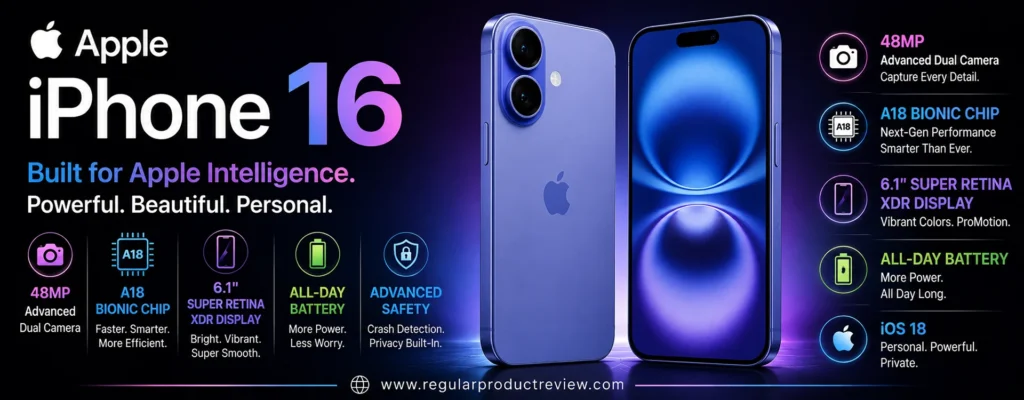
That sounds less impressive on paper than some Android competitors. But smartphone photography isn’t a specification-sheet competition.
The iPhone 16’s real strengths are consistent image processing, excellent video capture, fast autofocus, natural-looking colors, reliable exposure, strong stabilization, and a camera app that rarely gets in your way.
Apple also equips it with the A18 chip, Camera Control, Photonic Engine, Deep Fusion, Smart HDR 5, Night mode, Macro photography, and the latest-generation Photographic Styles.
For US shoppers, that combination makes the iPhone 16 particularly attractive if your priorities extend beyond still photography.
🏆 Best For: Everyday photography, social media, family photos, video creation, portraits, travel, macro photography, and buyers who prioritize dependable camera performance over extreme zoom
Overall Score: 9.0/10
📸 Camera System at a Glance
The iPhone 16 uses a dual-camera system, but Apple uses the high-resolution main sensor to provide a 2x telephoto perspective without requiring a separate telephoto lens. Apple officially describes the setup as a 48MP Fusion Main that also enables a 12MP 2x Telephoto, alongside a 12MP Ultra Wide.
| Camera | Key Hardware | Best Use |
|---|---|---|
| 📷 Main Camera | 48MP Fusion, ƒ/1.6, sensor-shift OIS | Everyday photography and low light |
| 🔭 2x Telephoto | 12MP crop from main sensor, 52mm equivalent | Portraits and moderate zoom |
| 🌄 Ultra Wide | 12MP, ƒ/2.2, 120° FOV | Landscapes, groups and interiors |
| 🔬 Macro | Ultra Wide-based macro system | Close-up photography |
| 🤳 Front Camera | 12MP TrueDepth, ƒ/1.9, autofocus | Selfies, video and Face ID |
Apple lists 2x optical zoom in, 2x optical zoom out, a 4x optical zoom range, and digital zoom up to 10x.
The important point is that the iPhone 16 doesn’t try to compete with phones built around long-range photography.
It is designed around the shooting ranges most people use every day.
💡 Editorial Insight: The iPhone 16’s camera system is less about having the most lenses and more about producing dependable results across the ranges Apple expects most users to photograph.
🌤️ Main Camera Performance
The 48MP Fusion Main camera is the centerpiece of the iPhone 16’s photography system.
It uses a 26mm-equivalent focal length, ƒ/1.6 aperture, sensor-shift optical image stabilization, and 100% Focus Pixels. Apple also supports 24MP and 48MP high-resolution photographs from the main camera.
| What Matters | Evaluation |
|---|---|
| 🔍 Fine Detail | ⭐⭐⭐⭐⭐ |
| 🌤️ Dynamic Range | ⭐⭐⭐⭐⭐ |
| ☀️ Highlight Control | ⭐⭐⭐⭐⭐ |
| 🌑 Shadow Detail | ⭐⭐⭐⭐⭐ |
| 🎨 Color Rendering | ⭐⭐⭐⭐⭐ |
| ⚪ White Balance | ⭐⭐⭐⭐⭐ |
| ✨ HDR Processing | ⭐⭐⭐⭐⭐ |
| ⚡ Autofocus | ⭐⭐⭐⭐⭐ |
| 🛡️ Optical Stabilization | ⭐⭐⭐⭐⭐ |
| 🎯 Overall Consistency | ⭐⭐⭐⭐⭐ |
Apple’s combination of hardware and computational processing is particularly good at producing photographs that look natural without requiring much editing.
The camera also benefits from Photonic Engine, Deep Fusion, Smart HDR 5, and the latest-generation Photographic Styles.
That processing matters because the camera has to make decisions about highlights, shadows, color, faces, textures, and movement before the final image reaches your photo library.
💡 Expert Tip: If you want photographs that look good immediately after capture, rather than photographs that require Lightroom or another editor, the iPhone 16’s automatic processing is one of its strongest advantages.
🌙 Low-Light Photography
The iPhone 16 supports Night mode, giving the main camera a computational advantage when light levels drop. Apple also combines Night mode with its broader image-processing pipeline.
| Low-Light Area | Evaluation |
|---|---|
| 🌫️ Noise Control | ⭐⭐⭐⭐⭐ |
| 🌑 Shadow Detail | ⭐⭐⭐⭐⭐ |
| 💡 Highlight Control | ⭐⭐⭐⭐⭐ |
| 🎨 Color Accuracy | ⭐⭐⭐⭐⭐ |
| ☀️ Exposure Consistency | ⭐⭐⭐⭐⭐ |
| 🛡️ Stabilization | ⭐⭐⭐⭐⭐ |
| 🌙 Night Mode | ⭐⭐⭐⭐⭐ |
The iPhone 16 is particularly useful for:
| Shooting Situation | Why It Works |
|---|---|
| 🌃 Night Streets | Strong exposure and highlight control |
| 🍽️ Restaurants | Bright ƒ/1.6 main lens helps in dim interiors |
| 🎉 Indoor Events | Reliable autofocus and computational processing |
| 🌆 Cityscapes | Handles bright lights and dark surroundings well |
| 🌇 Sunset Scenes | Strong HDR processing |
| 🏠 Indoor Family Photos | Consistent exposure and skin tones |
🧠 ELI10: Why Night Mode Helps
Imagine trying to read a book in a dark room.
You could turn up the brightness, but then the letters might become blurry or washed out.
A smartphone camera has a similar problem.
It needs enough light to see detail without making bright areas explode into white patches.
Night mode combines multiple pieces of captured information and processes them into a brighter, cleaner image.
⚠️ Reality Check: Night mode isn’t magic. A stationary building can look excellent at night, while a person running across the frame can still blur because the subject itself is moving.
🔭 2x Telephoto Photography
This is one of the biggest differences between the iPhone 16 and phones with dedicated telephoto cameras.
Apple uses the 48MP main sensor to create a 12MP 2x Telephoto perspective at 52mm equivalent. Apple also lists sensor-shift optical image stabilization and 100% Focus Pixels for this camera system.
| Zoom Level | Best Use |
|---|---|
| 0.5x | 🌄 Landscapes and interiors |
| 1x | 📷 Everyday photography |
| 2x | 👤 Portraits and tighter compositions |
| 3x–5x | 🔍 Digital/computational zoom |
| 10x | ⚠️ Maximum listed digital zoom |
The 2x perspective is genuinely useful.
It’s excellent for:
- 👤 Portraits
- 🍽️ Food photography
- 🏙️ Street details
- 🌸 Flowers
- 🏛️ Architecture
- 📱 Social media photography
But it has an obvious limitation.
There is no dedicated 3x, 5x, or longer optical telephoto lens.
🥊 Truthmode: If you regularly photograph wildlife, concerts, sports, or distant landmarks, the iPhone 16 is not the right camera phone. Its 2x option is excellent for everyday framing, but it cannot replace a genuine long-range telephoto.
🌄 Ultra Wide Camera
The 12MP Ultra Wide camera has a 13mm-equivalent focal length, ƒ/2.2 aperture, 120° field of view, and 100% Focus Pixels. It also supports macro photography.
| What We Evaluate | Performance |
|---|---|
| 🔍 Detail | ⭐⭐⭐⭐ |
| 📐 Distortion Control | ⭐⭐⭐⭐½ |
| 🎨 Color Consistency | ⭐⭐⭐⭐⭐ |
| 🌤️ Dynamic Range | ⭐⭐⭐⭐½ |
| 🎯 Focus Performance | ⭐⭐⭐⭐⭐ |
| 🏞️ Landscape Photography | ⭐⭐⭐⭐⭐ |
| 🏠 Interior Photography | ⭐⭐⭐⭐⭐ |
| 🌙 Night Performance | ⭐⭐⭐⭐ |
The 120° field of view is particularly useful for:
| Scenario | Why Use Ultra Wide? |
|---|---|
| 🏞️ Landscapes | Captures a larger scene |
| 🏢 Architecture | Fits large structures into the frame |
| 🏠 Interiors | Useful in tight spaces |
| 👨👩👧👦 Group Photos | Fits more people |
| 🌆 Cityscapes | Captures more surroundings |
| ✈️ Travel Photography | Useful for dramatic perspectives |
The biggest weakness is resolution.
A 12MP ultrawide is perfectly usable, but several competing phones in this guide offer substantially higher-resolution ultrawide hardware.
⚠️ RedTeam Check: Don’t confuse “good ultrawide” with “best ultrawide.” The iPhone 16 produces strong everyday results, but buyers who frequently crop ultrawide photographs may prefer a higher-resolution competing system.
🔬 Macro Photography
Macro photography is one of the iPhone 16’s more useful secondary-camera features.
Apple explicitly lists macro photography and macro video recording, using the Ultra Wide camera system.
| Macro Subject | Suitability |
|---|---|
| 🌸 Flowers | 🟢 Excellent |
| 💧 Water Droplets | 🟢 Excellent |
| 🍰 Food | 🟢 Excellent |
| 🐞 Small Objects | 🟢 Very Good |
| 💍 Jewelry | 🟢 Very Good |
| 🌿 Plants | 🟢 Excellent |
This is especially useful for social media creators who frequently photograph food, products, flowers, or small details.
👤 Portrait Photography
The iPhone 16 uses its main and 2x camera perspective alongside Apple’s computational portrait processing.
Apple lists next-generation portraits with Focus and Depth Control and six Portrait Lighting effects.
| Portrait Factor | Evaluation |
|---|---|
| 👤 Skin Tones | ⭐⭐⭐⭐⭐ |
| 🎯 Subject Separation | ⭐⭐⭐⭐⭐ |
| 💇 Hair Detail | ⭐⭐⭐⭐⭐ |
| ✂️ Edge Detection | ⭐⭐⭐⭐⭐ |
| 🌫️ Background Blur | ⭐⭐⭐⭐⭐ |
| 🔭 2x Perspective | ⭐⭐⭐⭐⭐ |
| ☀️ Exposure Consistency | ⭐⭐⭐⭐⭐ |
The 2x focal length is particularly useful for portraits because it provides a more flattering perspective than getting extremely close with the 1x camera.
💡 Expert Tip: For portraits, start with 2x rather than moving the phone extremely close to the subject. Give the person some distance from the background and let the natural separation do part of the work.
🏃 Moving Subjects
This is an area where Apple’s camera processing has traditionally been strong.
The iPhone 16 includes autofocus, sensor-shift stabilization, burst mode, and computational processing designed to help capture everyday moments. Apple also includes Portrait processing and Photographic Styles.
| Moving-Subject Factor | Importance |
|---|---|
| ⚡ Autofocus Response | ⭐⭐⭐⭐⭐ |
| 📸 Burst Capture | ⭐⭐⭐⭐⭐ |
| 🧠 Subject Processing | ⭐⭐⭐⭐⭐ |
| 👤 Face Detection | ⭐⭐⭐⭐⭐ |
| 🛡️ Stabilization | ⭐⭐⭐⭐⭐ |
| 🔭 Telephoto Stability | ⭐⭐⭐⭐ |
This makes the iPhone 16 particularly useful for:
- 👶 Children
- 🐕 Pets
- 👨👩👧 Family moments
- 🚶 Street photography
- 🎉 Events
- 🏃 Casual action
The key strength is reliability.
You can open the camera, press the shutter, and generally expect the phone to handle the difficult decisions automatically.
⚠️ Reality Check: No phone can guarantee a sharp frame of a rapidly moving subject in poor light. The iPhone 16 is reliable, not supernatural.
🎥 Video Performance
This is where the iPhone 16 becomes considerably more competitive.
Apple supports 4K Dolby Vision recording at up to 60fps, along with Cinematic mode, Action mode, Macro video, slow motion, spatial video, audio zoom, continuous autofocus, and multiple stabilization systems.
| Video Feature | Capability |
|---|---|
| 🎬 4K Dolby Vision | Up to 60fps |
| 🎞️ 1080p Dolby Vision | Up to 60fps |
| 🎥 Cinematic Mode | Up to 4K Dolby Vision at 30fps |
| 🏃 Action Mode | Up to 2.8K Dolby Vision at 60fps |
| 🔬 Macro Video | ✅ |
| 🐌 Slow Motion | 1080p at 120/240fps |
| 🌌 Spatial Video | 1080p at 30fps |
| 🎯 Continuous AF Video | ✅ |
| 🔊 Audio Zoom | ✅ |
| 🎙️ Audio Mix | ✅ |
This is a serious video package for a non-Pro iPhone.
The ability to record 4K Dolby Vision at 60fps is particularly valuable for creators who want high-quality footage without moving to an iPhone Pro.
🎬 Creator Tip: If video is an important part of your workflow, don’t obsess over resolution alone. Autofocus, stabilization, exposure consistency, audio, color, and reliable 4K capture matter far more than having an impressive number on the box.
🎛️ Camera Control
The iPhone 16 introduced Camera Control, giving users a dedicated physical control for interacting with the camera.
Apple includes Camera Control as part of the camera system.
| Camera Control Benefit | Practical Use |
|---|---|
| 📸 Quick Camera Access | Faster access to the camera |
| 🎯 Capture Control | More deliberate shooting |
| 🔍 Zoom Interaction | Easier framing adjustments |
| ⚙️ Camera Interaction | Less reliance on onscreen controls |
| 📱 One-Handed Use | More natural camera operation |
This sounds like a small feature.
It isn’t.
When you’re trying to photograph something quickly, physical interaction can be more intuitive than searching through onscreen controls.
🤳 Selfie Camera
The iPhone 16 uses a 12MP TrueDepth camera with an ƒ/1.9 aperture and autofocus with Focus Pixels. It supports 4K Dolby Vision video at up to 60fps.
| Selfie Area | Evaluation |
|---|---|
| 🔍 Detail | ⭐⭐⭐⭐⭐ |
| 👤 Skin Tones | ⭐⭐⭐⭐⭐ |
| 🎯 Autofocus | ⭐⭐⭐⭐⭐ |
| 🌤️ HDR | ⭐⭐⭐⭐⭐ |
| 🌙 Low-Light Performance | ⭐⭐⭐⭐½ |
| 👨👩👧 Group Selfies | ⭐⭐⭐⭐⭐ |
| 🎥 Video | ⭐⭐⭐⭐⭐ |
| 📐 Framing Flexibility | ⭐⭐⭐⭐⭐ |
The front camera is particularly strong for:
- 🤳 Selfies
- 👨👩👧 Group photos
- 🎥 Video calls
- 📱 Social media
- 🎬 Creator content
Autofocus is an important advantage.
It allows the camera to maintain focus across different shooting distances rather than being locked to one fixed focus plane.
🧠 Apple’s Computational Photography
The iPhone 16 combines camera hardware with several computational photography systems.
Apple lists:
- 🧠 Photonic Engine
- 🔬 Deep Fusion
- 🌤️ Smart HDR 5
- 👤 Next-generation Portraits
- 🎨 Photographic Styles
- 🌙 Night mode
- 🔬 Macro photography
- 📸 48MP high-resolution capture
The result is a camera experience designed to make complicated decisions automatically.
🧠 ELI10: What Is Photonic Engine?
Think of it as part of Apple’s image-processing pipeline.
The phone captures information from the camera sensor and then uses software to decide how different areas of the image should look.
It can help improve things like:
- Shadows
- Highlights
- Texture
- Color
- Detail
- Low-light performance
You don’t need to understand how it works to benefit from it.
That’s the point.
💡 Editorial Insight: Apple’s camera advantage isn’t simply “48MP.” The more important story is how Apple combines sensor data, computational processing, stabilization, autofocus, and color management into a consistent final image.
🎨 Photographic Styles
The iPhone 16 also supports Apple’s latest-generation Photographic Styles.
This is different from applying a filter after taking a photograph.
Instead, Photographic Styles allow you to influence the look of your photographs while maintaining Apple’s computational image processing.
| Shooting Preference | Why It Helps |
|---|---|
| 🎨 Personalized Color | Gives photos a preferred visual character |
| 👤 Portraits | Helps shape skin-tone and color rendering |
| 🌆 Street Photography | Can create a stronger visual mood |
| 📱 Social Content | Reduces post-processing needs |
| ✈️ Travel | Helps maintain a consistent visual style |
This is particularly useful for people who want their photos to look consistent without manually editing every image.
📱 Performance Behind the Camera
The iPhone 16 is powered by Apple’s A18 chip, with a 6-core CPU, 5-core GPU, and 16-core Neural Engine.
| Feature | iPhone 16 |
|---|---|
| 🧠 Processor | Apple A18 |
| 🧮 CPU | 6-core |
| 🎮 GPU | 5-core |
| 🧠 Neural Engine | 16-core |
| 🤖 Apple Intelligence | ✅ |
| 💧 Water Resistance | IP68 |
This matters for camera performance because computational photography, video processing, AI features, and image editing all require substantial processing power.
The A18 gives the iPhone 16 plenty of headroom.
🔋 Battery and Charging
Apple rates the iPhone 16 for up to 22 hours of video playback, with fast charging capable of reaching 50% in around 30 minutes using a 20W or higher adapter. Apple also supports MagSafe and Qi2 wireless charging.
| Battery Feature | iPhone 16 |
|---|---|
| 🔋 Video Playback | Up to 22 hours |
| ⚡ Fast Charging | Up to 50% in ~30 minutes |
| 🧲 MagSafe | ✅ |
| 🔌 Qi2 | ✅ |
| 🔋 Battery Type | Built-in rechargeable lithium-ion |
For heavy photographers and creators, battery endurance matters because camera use, video recording, GPS, and cellular data can drain a phone considerably faster than ordinary messaging.
The iPhone 16 isn’t the battery-capacity champion in this list.
But its overall power efficiency remains a major part of the experience.
💧 Durability
Apple rates the iPhone 16 IP68 for water and dust resistance, with testing specified for up to 6 meters of water for 30 minutes under IEC 60529.
That matters for:
- 🌧️ Rain
- 🏖️ Beach trips
- 🏊 Accidental splashes
- ✈️ Travel
- 🏕️ Outdoor photography
💡 Expert Tip: Water resistance is protection, not permission to treat your phone like an underwater camera. Seals can weaken over time, and liquid damage isn’t something you should deliberately test.
💰 Value Under $1000
The iPhone 16’s position in this guide is straightforward.
It’s a premium mainstream iPhone with a capable camera system, strong video capabilities, A18 performance, and Apple’s ecosystem.
But the value calculation depends heavily on the current US retail price.
Because Apple and third-party retailers can change pricing and promotions, the iPhone 16 should be evaluated against whatever price you actually find at purchase time.
| Value Area | Evaluation |
|---|---|
| 📸 Main Camera | 🟢 Excellent |
| 🔭 2x Telephoto | 🟢 Excellent |
| 🌄 Ultrawide | 🟢 Very Good |
| 🎥 Video | 🏆 Exceptional |
| 🤳 Selfie Camera | 🟢 Excellent |
| 🧠 Performance | 🏆 Exceptional |
| 🔋 Battery | 🟢 Very Good |
| 💧 Durability | 🟢 Excellent |
| 💰 Overall Value | 🟢 Strong |
💰 Value Verdict: The iPhone 16 makes the strongest case for itself when you value video quality and everyday camera reliability as much as still-photo hardware.
⚠️ What Could Be Better?
The iPhone 16 is strong, but its compromises are obvious.
🔭 No Dedicated Long-Range Telephoto
This is the biggest weakness.
The 2x telephoto is created from the main sensor.
There is no dedicated 3x or 5x optical telephoto camera.
If you photograph distant subjects regularly, several Android phones in this guide are better equipped.
🌄 12MP Ultrawide
The ultrawide camera is capable, but it doesn’t offer the resolution of some competing flagship systems.
For heavy cropping, the limitation becomes more obvious.
📸 Less Camera Hardware Than Pro Models
The iPhone 16 isn’t designed to replace Apple’s Pro models.
That means fewer dedicated camera options and less flexibility for serious photographers.
🔭 Digital Zoom Has Limits
Apple lists digital zoom up to 10x.
That’s enough for casual use.
It isn’t enough to compete with phones designed around 5x optical telephoto systems.
🥊 RedTeam Check: The iPhone 16 is an excellent camera phone, but calling it the best choice for zoom photography would be misleading. Its strengths are consistency and video not long-range reach.
🆚 iPhone 16 vs. Google Pixel 10
This is a fascinating comparison because the two phones prioritize different strengths.
| Camera Priority | Better Choice | Why |
|---|---|---|
| 📸 Point-and-Shoot Photography | Close | Both produce strong automatic results |
| 🌙 Night Photography | Pixel 10 | Strong computational low-light processing |
| 🔭 Zoom | Pixel 10 | Dedicated 5x telephoto |
| 🌄 Ultrawide | Close | Different strengths |
| 👤 Portraits | Close | Both handle skin tones and depth well |
| 🎥 Video | iPhone 16 | Excellent 4K Dolby Vision and stabilization |
| 🤳 Selfie Video | iPhone 16 | Strong 4K Dolby Vision support |
| 🎬 Creator Workflow | iPhone 16 | Strong video ecosystem |
| 💰 Value | Pixel 10 | Lower starting price |
| 📱 Ecosystem | Depends | iOS vs. Android |
🥊 Truthmode: If still photography and zoom are your priority, the Pixel 10 has a stronger argument. If video, social content, creator workflows, and overall camera consistency matter more, I’d take the iPhone 16.
🆚 iPhone 16 vs. Samsung Galaxy S26
The Samsung Galaxy S26 has a more traditional triple-camera approach, while the iPhone 16 focuses on a strong main camera and computational 2x telephoto.
| Camera Priority | Better Choice | Why |
|---|---|---|
| 📸 Main Camera | Close | Both have strong computational processing |
| 🔭 Optical Zoom | Galaxy S26 | Dedicated 3x telephoto |
| 🌄 Ultrawide | Galaxy S26 | More versatile flagship camera system |
| 👤 Portraits | Close | Both offer strong portrait processing |
| 🌙 Night Photography | Close | Different computational approaches |
| 🎥 Video | iPhone 16 | Excellent Dolby Vision ecosystem |
| 🤳 Selfie Video | iPhone 16 | Strong 4K Dolby Vision support |
| 🎨 Color Flexibility | Close | Different philosophies |
| 📱 Compactness | Galaxy S26 | Lighter body |
| 🧠 AI Features | Close | Apple and Samsung take different approaches |
🥊 Truthmode: The Galaxy S26 gives you more camera hardware flexibility. The iPhone 16 gives you a more video-centric experience and a mature, predictable camera workflow. There isn’t a universal winner.
🆚 iPhone 16 vs. OnePlus 13
The hardware difference is much more obvious here.
| Camera Priority | Better Choice | Why |
|---|---|---|
| 📸 Main Camera Hardware | OnePlus 13 | Larger 50MP main sensor |
| 🔭 Telephoto | OnePlus 13 | Dedicated 3x 50MP telephoto |
| 🌄 Ultrawide | OnePlus 13 | 50MP ultrawide |
| 🌙 Low-Light Hardware | OnePlus 13 | Larger main sensor |
| 👤 Portraits | Close | Different processing philosophies |
| 🎥 Video | iPhone 16 | Excellent Dolby Vision workflow |
| 🔋 Battery | OnePlus 13 | 6,000mAh |
| ⚡ Charging | OnePlus 13 | Much faster charging |
| 📱 Compactness | iPhone 16 | Smaller and lighter |
| 🎯 Camera Simplicity | iPhone 16 | Extremely straightforward workflow |
🥊 Truthmode: If you compare specifications alone, the OnePlus 13 wins the hardware battle. If you care about video reliability, compactness, iOS integration, and a camera that requires very little intervention, the iPhone 16 remains highly competitive.
✅ Who Should Buy the iPhone 16?
The iPhone 16 makes the most sense for buyers who want a reliable camera and excellent video without moving into Apple’s Pro tier.
| Buyer Type | Fit |
|---|---|
| 📸 Everyday Photographer | 🟢 Excellent |
| 🎥 Video Creator | 🏆 Exceptional |
| 📱 Social Media Creator | 🏆 Exceptional |
| 👤 Portrait Shooter | 🟢 Excellent |
| 🌙 Night Photographer | 🟢 Excellent |
| 🔬 Macro Photographer | 🟢 Excellent |
| ✈️ Travel Photographer | 🟢 Excellent |
| 🤳 Selfie User | 🟢 Excellent |
| 🔋 Heavy User | 🟢 Very Good |
| 🔭 Long-Range Photographer | 🔴 Weak Fit |
| 🐦 Wildlife Photographer | 🔴 Weak Fit |
🚫 Who Should Skip It?
Consider another phone if:
- 🔭 You need a dedicated 5x optical telephoto
- 🏟️ You frequently photograph sports from a distance
- 🐦 Wildlife photography is a major priority
- 🌄 You want a high-resolution ultrawide
- 🎛️ You want extensive manual camera controls
- 🔋 Maximum battery capacity is more important than phone size
- 📸 You want the most aggressive camera hardware possible
🏆 Final Verdict
The Apple iPhone 16 isn’t the most technically aggressive camera phone in this list.
That’s not its job.
Its job is to make photography and video simple, consistent, and dependable.
The 48MP Fusion Main camera gives you high-resolution capture and a useful 2x perspective. The 12MP ultrawide handles wide scenes and macro photography. The 12MP autofocus TrueDepth camera is strong for selfies and video.
But the biggest reason to buy the iPhone 16 is arguably video.
4K Dolby Vision at up to 60fps, Cinematic mode, Action mode, macro video, continuous autofocus, sensor-shift stabilization, audio zoom, and Audio Mix give it an unusually complete video package for a non-Pro iPhone.
The weaknesses are straightforward.
There is no dedicated 3x or 5x telephoto.
The ultrawide is only 12MP.
And if your primary goal is maximum camera hardware per dollar, several Android competitors offer more lenses, larger sensors, and faster charging.
But that doesn’t make the iPhone 16 a poor choice.
It makes it a different kind of camera phone.
🏆 Final Verdict: The Apple iPhone 16 is an excellent choice for US buyers who prioritize reliable everyday photography, exceptional video recording, natural-looking portraits, strong autofocus, macro photography, and a simple camera experience. It isn’t the phone to buy for extreme zoom, but for real-world photos and video, it remains highly competitive.
Final Scorecard
| Category | Score |
|---|---|
| 📸 Main Camera | 9.4/10 |
| 🌙 Low-Light Photography | 9.3/10 |
| 🔭 Zoom | 8.4/10 |
| 🌄 Ultrawide | 8.7/10 |
| 👤 Portraits | 9.5/10 |
| 🎥 Video | 9.9/10 |
| 🤳 Selfie Camera | 9.5/10 |
| 🧠 Computational Photography | 9.6/10 |
| 💰 Value | 9.0/10 |
| 🏆 Overall | 9.0/10 |
Bottom Line: If your definition of a great camera phone includes excellent video, dependable autofocus, natural image processing, strong portraits, macro photography, and an effortless shooting experience, the iPhone 16 remains a very strong choice under $1,000. If your priority is long-range zoom or maximum camera hardware, look elsewhere.
OnePlus 13R
If you want a camera phone under $1,000 that doesn’t force you to choose between camera hardware, performance, and battery life, the OnePlus 13R is one of the more practical options to consider.
Its camera setup is built around a 50MP Sony LYT-700 main camera with OIS, a 50MP telephoto camera with 2x optical zoom, and an 8MP ultrawide camera. OnePlus also emphasizes its portrait processing, motion photography, and in-sensor zoom technology.
The interesting part is the telephoto camera.
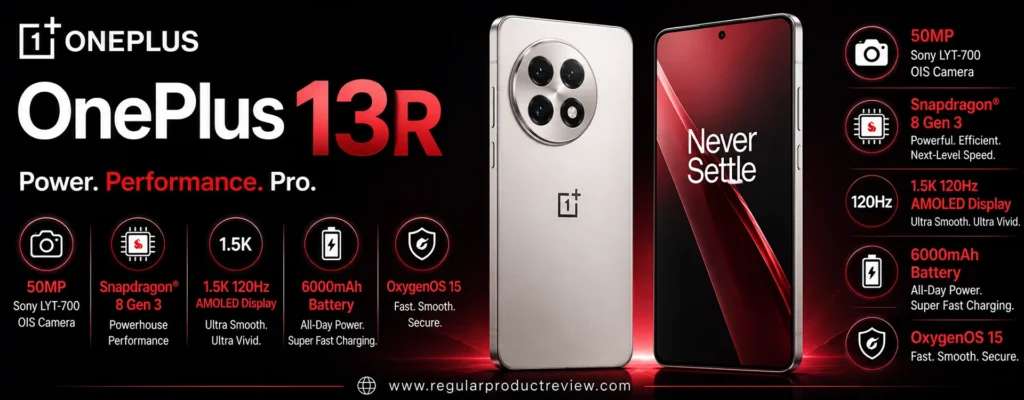
A lot of phones in this price range either skip a dedicated telephoto lens or use a low-resolution secondary sensor that adds little real value. The OnePlus 13R instead gives you a 50MP 2x telephoto, making portraits and moderate-distance photography one of its strongest use cases.
But there is an obvious trade-off.
The ultrawide camera is only 8MP, and the 13R does not offer the longer 3x or 5x optical reach found on several phones higher up this list.
So this isn’t the phone to buy because it has the most versatile camera system.
It’s the phone to buy when you want a strong main camera, useful 2x telephoto, excellent battery life, flagship-class performance, and aggressive overall hardware value.
🏆 Best For: Everyday photography, portraits, pets, travel, fast performance, long battery life, and buyers who want a balanced flagship-style phone without paying flagship Ultra prices
Overall Score: 8.9/10
📸 A Camera Setup Built Around the Essentials
The OnePlus 13R keeps the camera system relatively simple.
You get three rear cameras, but they aren’t equally capable.
The main and telephoto cameras are clearly the stars, while the ultrawide is primarily there to provide a wider perspective when you need it. OnePlus lists a 50MP Sony LYT-700 main sensor, 50MP ISOCELL JN5 telephoto with 2x optical zoom, and an 8MP ultrawide with a 112° field of view.
| Camera | Key Hardware | Best Use |
|---|---|---|
| 📷 Main Camera | 50MP Sony LYT-700, 1/1.56″, ƒ/1.8, OIS | Everyday photos and low light |
| 🔭 Telephoto | 50MP ISOCELL JN5, 2x optical | Portraits and moderate zoom |
| 🌄 Ultrawide | 8MP, 112° FOV | Landscapes, interiors and groups |
| 🤳 Front Camera | Front-facing selfie system | Selfies and video calls |
OnePlus also advertises 4x optical-quality zoom through its in-sensor technology. That is different from having a genuine 4x optical telephoto lens.
💡 Editorial Insight: The OnePlus 13R’s camera strategy is actually sensible. It puts more hardware into the focal lengths people commonly use and avoids pretending that every lens needs to be a flagship-grade specialty camera.
🌤️ Main Camera: The Real Workhorse
The 50MP Sony LYT-700 main camera is the most important camera on the OnePlus 13R.
It uses a 1/1.56-inch sensor, ƒ/1.8 aperture, autofocus, OIS and EIS. OnePlus specifically positions it for everyday scenes, pets, sports and fast-moving moments.
| What Matters | Evaluation |
|---|---|
| 🔍 Fine Detail | ⭐⭐⭐⭐⭐ |
| 🌤️ Dynamic Range | ⭐⭐⭐⭐½ |
| ☀️ Highlight Control | ⭐⭐⭐⭐½ |
| 🌑 Shadow Detail | ⭐⭐⭐⭐½ |
| 🎨 Color Rendering | ⭐⭐⭐⭐½ |
| ⚪ White Balance | ⭐⭐⭐⭐½ |
| ✨ HDR Processing | ⭐⭐⭐⭐½ |
| ⚡ Autofocus | ⭐⭐⭐⭐⭐ |
| 🛡️ Optical Stabilization | ⭐⭐⭐⭐⭐ |
| 🎯 Overall Consistency | ⭐⭐⭐⭐½ |
The 1/1.56-inch sensor is a respectable foundation for a phone in this segment.
The important thing is that OnePlus isn’t relying solely on the 50MP number.
The sensor size, aperture, stabilization, autofocus, and image processing all contribute to the final photograph.
That combination makes the main camera suitable for the majority of situations where you’ll actually use the phone.
💡 Expert Tip: When comparing camera phones, spend more time evaluating the main camera than the headline megapixel number. You will probably use the main camera far more often than the ultrawide.
🌙 Low-Light Photography
Low-light photography is where the OnePlus 13R’s main camera hardware becomes more useful.
The ƒ/1.8 aperture and OIS give the camera a solid starting point, while computational processing works to reduce noise and maintain detail.
| Low-Light Area | Evaluation |
|---|---|
| 🌫️ Noise Control | ⭐⭐⭐⭐½ |
| 🌑 Shadow Detail | ⭐⭐⭐⭐½ |
| 💡 Highlight Control | ⭐⭐⭐⭐½ |
| 🎨 Color Accuracy | ⭐⭐⭐⭐½ |
| ☀️ Exposure Consistency | ⭐⭐⭐⭐½ |
| 🛡️ Stabilization | ⭐⭐⭐⭐⭐ |
| 🌙 Night Photography | ⭐⭐⭐⭐½ |
The main camera is particularly useful for:
| Shooting Situation | Why It Matters |
|---|---|
| 🌃 Night Streets | OIS helps with handheld shooting |
| 🍽️ Restaurants | ƒ/1.8 aperture helps capture dim scenes |
| 🎉 Indoor Events | Main sensor provides useful light-gathering capability |
| 🌆 City Photography | HDR processing helps balance lights and shadows |
| 🌇 Sunset Scenes | Main camera provides stronger dynamic range than the ultrawide |
| 🏠 Indoor Family Photos | Autofocus and stabilization help maintain consistency |
The 13R isn’t trying to compete directly with the computational photography specialists in this category.
Its approach is more straightforward:
Give the main camera decent hardware and let the software make the most of it.
⚠️ Reality Check: OIS helps keep your hands steady. It does not freeze a moving subject. A person moving quickly through a dark room can still produce motion blur.
🔭 2x Telephoto: A Surprisingly Useful Advantage
The dedicated 50MP ISOCELL JN5 telephoto is one of the OnePlus 13R’s strongest camera features.
It provides 2x optical zoom, autofocus, a 47mm-equivalent focal length, and electronic image stabilization. OnePlus also describes the camera as being designed for portrait photography.
| Zoom Level | Best Use |
|---|---|
| 0.6x | 🌄 Large scenes |
| 1x | 📷 Everyday photography |
| 2x | 👤 Portraits and tighter framing |
| 4x | 🔍 Optical-quality computational zoom |
| Beyond 4x | ⚠️ Increasingly digital |
The 2x focal length is useful because it isn’t excessively long.
It works particularly well for:
- 👤 Portraits
- 🐕 Pets
- 🍽️ Food
- 🌸 Flowers
- 🏙️ Street details
- 🏛️ Architecture
- 👶 Children
- 📱 Social media photography
This is a better implementation than simply cropping the main camera.
🥊 Truthmode: A 50MP 2x telephoto is useful, but don’t exaggerate what it can do. It does not give you the reach of a 3x or 5x optical telephoto. If your photography involves distant sports, wildlife, or concerts, this phone has a clear limitation.
👤 Portrait Photography: One of Its Strongest Areas
The 2x telephoto camera gives the OnePlus 13R a natural advantage for portraits.
OnePlus specifically describes its portrait system as using flagship-level algorithms with the 50MP telephoto to create a more studio-style portrait experience.
| Portrait Factor | Evaluation |
|---|---|
| 👤 Skin Tones | ⭐⭐⭐⭐½ |
| 🎯 Subject Separation | ⭐⭐⭐⭐⭐ |
| 💇 Hair Detail | ⭐⭐⭐⭐½ |
| ✂️ Edge Detection | ⭐⭐⭐⭐½ |
| 🌫️ Background Blur | ⭐⭐⭐⭐⭐ |
| 🔭 2x Perspective | ⭐⭐⭐⭐⭐ |
| ☀️ Exposure Consistency | ⭐⭐⭐⭐½ |
The 2x perspective is especially useful because it lets you move slightly farther away from your subject.
That generally produces a more natural facial perspective than taking a close portrait at 1x.
💡 Expert Tip: Start with 2x for portraits and place your subject several feet away from the background. Physical distance between the subject and background often creates better separation than simply increasing digital blur.
🐕 Pets, Kids and Action
OnePlus specifically markets the 13R’s camera around difficult subjects such as pets and sports, with its main camera supported by OIS and computational processing.
| Moving-Subject Factor | Importance |
|---|---|
| ⚡ Autofocus | ⭐⭐⭐⭐⭐ |
| 📸 Capture Response | ⭐⭐⭐⭐½ |
| 🧠 Motion Processing | ⭐⭐⭐⭐½ |
| 👤 Subject Recognition | ⭐⭐⭐⭐ |
| 🛡️ Stabilization | ⭐⭐⭐⭐⭐ |
| 🔭 Telephoto Stability | ⭐⭐⭐⭐ |
The 13R is therefore well suited to:
- 🐕 Pets running around
- 👶 Children
- 🚗 Moving vehicles
- 🏃 Casual action
- 🎉 Family events
- 🏟️ Nearby sports
The 50MP main camera provides enough resolution for cropping, while the dedicated 2x telephoto gives you another option when you can’t physically move closer.
⚠️ RedTeam Check: The 13R can handle everyday movement well, but it shouldn’t be confused with a dedicated action camera or a flagship built specifically around high-speed photography.
🌄 Ultrawide Camera: The Biggest Compromise
This is where OnePlus has cut costs.
The 13R uses an 8MP ultrawide camera with a 112° field of view. The official specifications list a 1/4-inch sensor and ƒ/2.2 aperture.
| What We Evaluate | Performance |
|---|---|
| 🔍 Detail | ⭐⭐⭐½ |
| 📐 Distortion Control | ⭐⭐⭐⭐ |
| 🎨 Color Consistency | ⭐⭐⭐⭐ |
| 🌤️ Dynamic Range | ⭐⭐⭐½ |
| 🎯 Focus Performance | ⭐⭐⭐½ |
| 🏞️ Landscape Photography | ⭐⭐⭐⭐ |
| 🏠 Interior Photography | ⭐⭐⭐⭐ |
| 🌙 Night Performance | ⭐⭐⭐ |
It is useful for:
| Scenario | Why Use Ultrawide? |
|---|---|
| 🏞️ Landscapes | Captures more of the environment |
| 🏢 Architecture | Fits larger structures |
| 🏠 Interiors | Useful in tight spaces |
| 👨👩👧👦 Group Photos | Fits more people |
| 🌆 Cityscapes | Creates wider compositions |
| ✈️ Travel Photography | Useful for dramatic perspectives |
But the 8MP resolution becomes a meaningful limitation if you crop heavily.
⚠️ RedTeam Check: The ultrawide is the clearest evidence that the OnePlus 13R is a value-focused flagship alternative rather than a true camera flagship. If you frequently use ultrawide photography, phones with higher-resolution secondary cameras are worth the extra money.
🧠 Why Resolution Matters More on Ultrawide
Imagine taking a large photograph and then cutting away half of it.
A higher-resolution source gives you more pixels left after the crop.
An 8MP image simply has less information to work with than a 48MP or 50MP ultrawide.
That’s why the 13R’s ultrawide can look perfectly good when viewed normally but become less impressive when you start cropping.
💡 Editorial Insight: The 13R’s camera hierarchy is very clear: main camera first, telephoto second, ultrawide third. Buy it with that hierarchy in mind.
🔬 Close-Up Photography
The ultrawide is not the phone’s headline camera, but it can still be useful when you need a wider perspective.
For food, products, plants, and travel details, the broader field of view can create interesting compositions.
| Subject | Suitability |
|---|---|
| 🌸 Flowers | 🟢 Good |
| 🍰 Food | 🟢 Good |
| 💍 Products | 🟢 Good |
| 🌿 Plants | 🟢 Good |
| 🏠 Interior Details | 🟢 Very Good |
| 🔬 Extreme Macro | 🟡 Limited |
The key is to avoid treating it like a dedicated macro specialist.
Use it for perspective rather than simply getting as close as possible.
🎥 Video Performance
The OnePlus 13R supports 4K video at up to 60fps, along with 1080p recording up to 60fps and slow motion up to 240fps at 1080p. OnePlus also lists movie mode, time-lapse, dual-view video, and video zoom capabilities.
| Video Feature | Capability |
|---|---|
| 🎬 4K Video | Up to 60fps |
| 🎞️ 1080p Video | Up to 60fps |
| 🐌 Slow Motion | Up to 1080p 240fps |
| 🎥 Movie Mode | ✅ |
| ⏱️ Time-Lapse | Up to 4K |
| 👥 Dual-View Video | ✅ |
| 🔍 Video Zoom | Up to 4K 60fps |
| 🛡️ Video Stabilization | OIS/EIS depending on mode |
This is a solid video package for the price.
But there is an important distinction compared with the OnePlus 13.
The OnePlus 13 supports 4K Dolby Vision across its cameras, while the 13R does not offer the same flagship-level video proposition.
🎬 Creator Tip: For casual YouTube Shorts, Instagram Reels, travel clips, and family videos, 4K 60fps is already plenty. The real reason to step up to a more expensive phone is consistency across cameras and more advanced HDR/video features not simply higher resolution.
🤳 Selfie Camera
The OnePlus 13R’s front camera is designed primarily for everyday selfies, video calls, and social content.
The rear camera system is clearly where OnePlus has invested more heavily.
That creates an important distinction for buyers who are heavily focused on front-facing content.
| Selfie Priority | Assessment |
|---|---|
| 🤳 Everyday Selfies | 🟢 Very Good |
| 👨👩👧 Group Selfies | 🟢 Very Good |
| 🎥 Video Calls | 🟢 Very Good |
| 📱 Social Content | 🟢 Very Good |
| 🌙 Low-Light Selfies | 🟡 Good |
| 🎬 Professional Selfie Video | 🟡 Average |
⚠️ RedTeam Check: If your phone is primarily a selfie and front-facing video device, don’t buy the 13R based on its impressive rear-camera specifications. Its strongest camera hardware is on the back.
🧠 OnePlus Image Processing
The 13R doesn’t rely solely on camera specifications.
OnePlus uses computational algorithms to improve portraits, motion capture, and zoomed images.
The company specifically highlights flagship-level portrait algorithms and in-sensor technology supporting 2x and 4x optical-quality zoom.
| Processing Area | Practical Benefit |
|---|---|
| 👤 Portrait Algorithms | Better subject separation and rendering |
| 🏃 Motion Processing | Helps capture moving subjects |
| 🔍 In-Sensor Zoom | Extends useful zoom beyond native 2x |
| 🎨 Color Processing | Refines final image appearance |
| 📸 Motion Photo | Captures short moments around a shot |
| 🧠 OnePlus AI | Adds AI-assisted phone features |
🧠 ELI10: Optical vs. Optical-Quality Zoom
Think of optical zoom as moving a real magnifying glass closer to the object.
The camera physically changes how the scene reaches the sensor.
Optical-quality or computational zoom is different.
The phone uses the information already captured by the sensor and combines it with software processing to create a more detailed-looking crop.
That’s why the 13R can advertise 4x optical-quality zoom even though its dedicated telephoto camera is physically 2x optical.
⚠️ Reality Check: “Optical-quality” is not the same thing as “4x optical.” A genuine 4x telephoto lens has a hardware advantage that software cannot completely replicate.
✨ Motion Photos
OnePlus also includes Motion Photo, which captures additional moments around the still image so you can select or replay the captured moment.
This is particularly useful for:
- 🐕 Pets
- 👶 Children
- 👨👩👧 Families
- 🎉 Parties
- 🏃 Action
- 😄 Candid moments
The feature is less about image quality and more about increasing the probability of capturing the exact moment you wanted.
📱 Performance: Much More Than a Camera Phone
The OnePlus 13R is powered by the Snapdragon 8 Gen 3, paired with 12GB LPDDR5X RAM and 256GB UFS 4.0 storage in the US configuration. OnePlus positions it as flagship-level performance.
| Feature | OnePlus 13R |
|---|---|
| 🧠 Processor | Snapdragon 8 Gen 3 |
| 💾 RAM | 12GB LPDDR5X |
| 💽 Storage | 256GB UFS 4.0 |
| 📱 Display | 6.78-inch ProXDR |
| 🔄 Refresh Rate | Up to 120Hz |
| 🔋 Battery | 6,000mAh |
| ⚡ Charging | 80W SUPERVOOC |
| 💧 Water Resistance | IP65 |
| ❄️ Cooling | Dual Cryo-velocity VC |
This is where the 13R becomes more than a camera recommendation.
It’s also a powerful performance phone.
That matters if you plan to edit photos, process 4K video, play demanding games, or keep dozens of apps running.
🔋 6,000mAh Battery
The 6,000mAh battery is one of the OnePlus 13R’s biggest advantages.
OnePlus describes it as its largest-ever OnePlus battery and says the US model supports 55W SUPERVOOC charging, with up to 80W available with certain OnePlus charging accessories. The company also states that the phone can reach 1–50% in about 23 minutes under its specified charging conditions.
| Battery Area | Assessment |
|---|---|
| 🔋 Capacity | 🏆 Excellent |
| 🎥 Heavy Camera Use | 🟢 Excellent |
| ✈️ Travel | 🏆 Excellent |
| 🎮 Gaming | 🏆 Excellent |
| ⚡ Charging Speed | 🟢 Very Good |
| 🔋 Long-Day Endurance | 🏆 Excellent |
This is particularly valuable for photographers.
Camera use drains batteries faster than many people realize.
Maps, GPS, cellular data, screen brightness, camera processing, and video recording can turn a normal day into a battery challenge.
The 13R has plenty of capacity to absorb that workload.
💡 Expert Tip: For travel photography, battery capacity can be more important than a small difference in image quality. A spectacular camera is useless when your phone is dead before sunset.
📱 Large 120Hz Display
The OnePlus 13R uses a 6.78-inch 1.5K ProXDR display with a dynamic refresh rate reaching 120Hz. OnePlus’ specifications list LTPO 4.1 technology, with a 1–120Hz range.
| Display Feature | OnePlus 13R |
|---|---|
| 📱 Size | 6.78 inches |
| 🔄 Refresh Rate | 1–120Hz |
| 🖼️ Resolution | 2780 × 1264 |
| 🎨 Color | 100% Display P3 |
| ☀️ Peak Brightness | Up to 4,500 nits |
| 🛡️ Cover Glass | Gorilla Glass 7i |
For photographers, the large display is useful when reviewing photos, checking focus, editing images, or watching captured video.
The downside is obvious.
This is not a small phone.
💧 Durability
The OnePlus 13R carries an IP65 rating. OnePlus specifically says the rating protects the phone against dust and water jets, including heavy rain.
That is useful for:
- 🌧️ Rainy travel
- 🏕️ Outdoor photography
- 🚶 Hiking
- 🏙️ Street photography
- ✈️ Travel
But IP65 is not the same as the IP68 or IP69 ratings found on some more expensive competitors.
⚠️ Reality Check: IP65 is useful protection, but don’t treat the 13R as an underwater camera. Water resistance has limits.
💰 Value Under $1000
The OnePlus 13R’s biggest argument is its hardware-to-price ratio.
You’re getting:
- 📷 50MP Sony main camera
- 🔭 50MP 2x telephoto
- 🌄 Ultrawide camera
- 🧠 Snapdragon 8 Gen 3
- 💾 12GB RAM
- 💽 256GB UFS 4.0
- 🔋 6,000mAh battery
- ⚡ Fast SUPERVOOC charging
- 📱 120Hz LTPO display
The exact US retail price can change with promotions, so the purchase-time price should always be checked.
But the hardware proposition is clear.
| Value Area | Evaluation |
|---|---|
| 📸 Main Camera | 🟢 Excellent |
| 🔭 Telephoto | 🟢 Excellent |
| 🌄 Ultrawide | 🟡 Average |
| 🎥 Video | 🟢 Very Good |
| 🧠 Performance | 🏆 Excellent |
| 🔋 Battery | 🏆 Excellent |
| ⚡ Charging | 🟢 Excellent |
| 📱 Display | 🏆 Excellent |
| 💰 Hardware Value | 🏆 Excellent |
💰 Value Verdict: The OnePlus 13R is strongest when you judge the entire phone rather than the camera alone. The camera system is good, but the combination of camera + Snapdragon 8 Gen 3 + 6,000mAh battery + 120Hz LTPO display is what makes the phone compelling.
⚠️ Where the OnePlus 13R Falls Short
The 13R has several compromises that explain why it isn’t competing directly with the most expensive camera flagships.
🌄 The 8MP Ultrawide Is Weak
This is the most obvious camera compromise.
An 8MP ultrawide simply doesn’t have the same amount of image information as the 50MP ultrawide found on the OnePlus 13.
If wide-angle photography is a major priority, spend more.
🔭 No Long-Range Telephoto
The dedicated telephoto stops at 2x optical zoom.
That’s excellent for portraits.
It isn’t enough for serious wildlife or stadium photography.
🎥 Not the Same Video System as OnePlus 13
The OnePlus 13 offers more advanced video features, including 4K Dolby Vision across its camera system. The 13R’s video package is strong but more conventional.
💧 IP65 Rather Than Flagship-Level Water Protection
The IP65 rating provides useful protection, but it doesn’t match the stronger water-resistance ratings of some premium competitors.
📱 Large and Heavy
The 13R weighs about 206g and has a 6.78-inch display.
If you want a compact camera phone, this isn’t it.
🆚 OnePlus 13R vs. OnePlus 13
This is probably the most important comparison for OnePlus buyers.
| Camera Priority | Better Choice | Why |
|---|---|---|
| 📸 Main Camera | OnePlus 13 | Larger 1/1.4″ 50MP sensor |
| 🔭 Telephoto | OnePlus 13 | 3x 50MP vs. 2x 50MP |
| 🌄 Ultrawide | OnePlus 13 | 50MP vs. 8MP |
| 🌙 Low-Light Photography | OnePlus 13 | Stronger camera hardware |
| 👤 Portraits | OnePlus 13 | More versatile telephoto |
| 🎥 Video | OnePlus 13 | More advanced video features |
| 🔋 Battery | OnePlus 13R | 6,000mAh |
| 💰 Value | OnePlus 13R | Lower-cost flagship-style hardware |
| 📱 Overall Camera | OnePlus 13 | Clearly more capable |
| 🎮 Performance | Close | Both are powerful |
🥊 Truthmode: The OnePlus 13 is the better camera phone. The 13R is the better value proposition. If the price gap is large, the 13R makes sense. If the two are close in price, spend more for the OnePlus 13.
🆚 OnePlus 13R vs. Google Pixel 10
These phones represent two very different approaches.
| Camera Priority | Better Choice | Why |
|---|---|---|
| 📸 Point-and-Shoot Photography | Pixel 10 | Stronger computational photography |
| 🔭 Zoom | Pixel 10 | 5x optical vs. 2x |
| 🌄 Ultrawide | Pixel 10 | More capable ultrawide |
| 👤 Portraits | Close | Different strengths |
| 🌙 Low-Light Photography | Pixel 10 | Strong Night Sight processing |
| 🎥 Video | Pixel 10 | More polished computational video |
| 🔋 Battery | OnePlus 13R | 6,000mAh |
| ⚡ Charging | OnePlus 13R | Faster charging |
| 🎮 Performance | OnePlus 13R | Snapdragon 8 Gen 3 |
| 💰 Value | Close | Depends on actual street price |
🥊 Truthmode: The Pixel 10 is the better pure camera choice. The OnePlus 13R is the better choice if you want a powerful all-around phone with exceptional battery life and don’t need serious long-range photography.
🆚 OnePlus 13R vs. Samsung Galaxy S26
The Galaxy S26 is more camera-focused, while the 13R emphasizes value and performance.
| Camera Priority | Better Choice | Why |
|---|---|---|
| 📸 Main Camera | Galaxy S26 | More refined flagship camera system |
| 🔭 Telephoto | Galaxy S26 | 3x vs. 2x |
| 🌄 Ultrawide | Galaxy S26 | More capable ultrawide |
| 🌙 Low-Light | Close | Different computational approaches |
| 👤 Portraits | Close | Both have dedicated telephoto cameras |
| 🎥 Video | Galaxy S26 | More advanced flagship video system |
| 🔋 Battery Capacity | OnePlus 13R | 6,000mAh |
| ⚡ Charging | OnePlus 13R | Faster charging |
| 📱 Compactness | Galaxy S26 | Smaller and lighter |
| 💰 Hardware Value | OnePlus 13R | Strong performance per dollar |
🥊 Truthmode: The Galaxy S26 is the better camera phone. The OnePlus 13R is the better hardware bargain if battery life, performance, and charging matter almost as much as photography.
🆚 OnePlus 13R vs. iPhone 16
The iPhone 16 has a different strength: video.
| Camera Priority | Better Choice | Why |
|---|---|---|
| 📸 Main Camera Hardware | OnePlus 13R | Larger 50MP sensor |
| 🔭 Optical Zoom | OnePlus 13R | Dedicated 2x telephoto |
| 🌄 Ultrawide | Close | Different strengths |
| 👤 Portraits | Close | Both perform well |
| 🌙 Low-Light Photography | Close | Different processing approaches |
| 🎥 Video | iPhone 16 | Strong Dolby Vision workflow |
| 🤳 Selfie Video | iPhone 16 | Strong front-camera video |
| 🔋 Battery | OnePlus 13R | 6,000mAh |
| ⚡ Charging | OnePlus 13R | Faster charging |
| 📱 Compactness | iPhone 16 | Smaller and lighter |
| 🎮 Gaming Performance | OnePlus 13R | Snapdragon 8 Gen 3 |
🥊 Truthmode: For still-photo hardware and battery life, the OnePlus 13R has the stronger argument. For video, ecosystem integration, and a compact design, the iPhone 16 is more compelling.
✅ Who Should Buy the OnePlus 13R?
The 13R makes sense for buyers who want a lot of phone for the money.
| Buyer Type | Fit |
|---|---|
| 📸 Everyday Photographer | 🟢 Excellent |
| 👤 Portrait Shooter | 🟢 Excellent |
| 🐕 Pet Photographer | 🟢 Excellent |
| ✈️ Travel User | 🟢 Excellent |
| 🔋 Heavy Phone User | 🏆 Exceptional |
| 🎮 Mobile Gamer | 🏆 Exceptional |
| ⚡ Fast-Charging Fan | 🏆 Exceptional |
| 📱 Large-Screen Buyer | 🟢 Excellent |
| 💰 Value-Seeking Buyer | 🏆 Exceptional |
| 🔭 Long-Range Photographer | 🔴 Weak Fit |
| 🌄 Ultrawide Specialist | 🔴 Weak Fit |
🚫 Who Should Skip It?
Consider another phone if:
- 🔭 You need 5x optical zoom
- 🐦 Wildlife photography is a serious priority
- 🏟️ You frequently photograph distant sports
- 🌄 Ultrawide photography is one of your main camera uses
- 🎥 You need the most advanced smartphone video system
- 📱 You strongly prefer compact phones
- 💧 You want IP68/IP69-level water protection
🏆 Final Verdict
The OnePlus 13R is not trying to be the ultimate camera phone.
And that’s actually why its strategy works.
Its 50MP Sony LYT-700 main camera provides the foundation for everyday photography, while the 50MP 2x telephoto adds a genuinely useful second focal length for portraits and moderate-distance subjects.
The weakness is the 8MP ultrawide.
That camera is functional rather than exceptional, and it is the clearest reminder that OnePlus had to make compromises to hit the 13R’s value target.
But then you look at the rest of the phone.
The 13R brings a Snapdragon 8 Gen 3, 12GB LPDDR5X RAM, 256GB UFS 4.0 storage, 6,000mAh battery, fast SUPERVOOC charging, and a 120Hz LTPO display.
That’s an unusually strong package.
If you’re buying a phone primarily for photography, the Pixel 10, Galaxy S26, Pixel 9 Pro, or OnePlus 13 may make more sense depending on price.
But if you want a phone that can photograph well, game hard, last all day, charge quickly, and handle demanding everyday use, the OnePlus 13R becomes much more attractive.
🏆 Final Verdict: The OnePlus 13R is a strong value-focused camera phone under $1,000 for US buyers who want a capable 50MP main camera, useful 2x telephoto, flagship-class performance, and exceptional battery life. Its 8MP ultrawide and limited optical zoom prevent it from competing with the best pure camera phones, but its overall hardware package makes it one of the smartest choices for buyers who want more than just a camera.
Final Scorecard
| Category | Score |
|---|---|
| 📸 Main Camera | 9.2/10 |
| 🌙 Low-Light Photography | 8.9/10 |
| 🔭 Zoom | 8.7/10 |
| 🌄 Ultrawide | 7.8/10 |
| 👤 Portraits | 9.2/10 |
| 🎥 Video | 8.8/10 |
| 🤳 Selfie Camera | 8.7/10 |
| 🧠 Computational Photography | 8.9/10 |
| 💰 Value | 9.6/10 |
| 🏆 Overall | 8.9/10 |
Bottom Line: If you want strong everyday photography, a genuinely useful 2x telephoto, flagship-level performance, a huge 6,000mAh battery, and excellent overall hardware value, the OnePlus 13R is a smart pick. Just don’t buy it expecting flagship-level ultrawide or long-range zoom performance.
Samsung Galaxy S25
The Samsung Galaxy S25 takes a different route to becoming one of the best camera phones under $1,000. It doesn’t try to win with enormous sensors or an Ultra-style camera array. Instead, Samsung packs a genuinely versatile triple-camera system into a much smaller flagship body.
You get a 50MP wide camera, 12MP ultrawide, and 10MP telephoto with 3x optical zoom, plus a 12MP autofocus selfie camera. Samsung also supports 2x optical-quality zoom and up to 30x digital zoom.
That 3x telephoto matters.
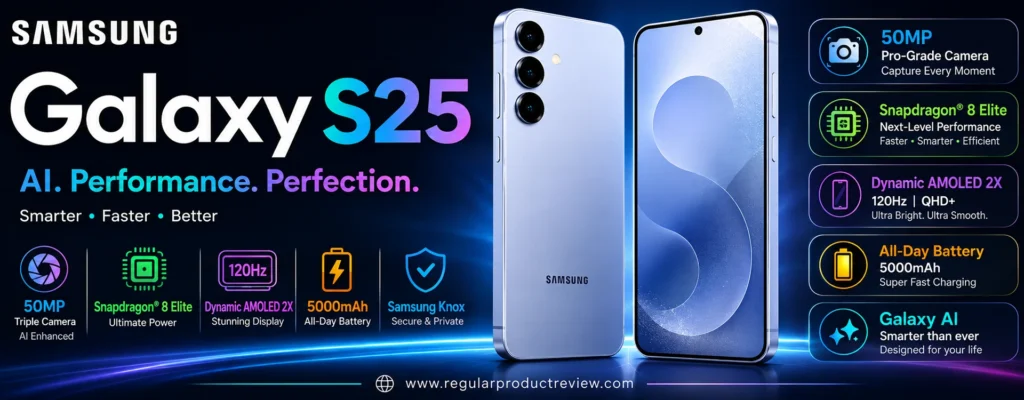
Unlike phones that create their “zoom” primarily through cropping, the Galaxy S25 has dedicated optical hardware for 3x magnification. That makes it particularly useful for portraits, travel photography, architecture, food, pets, and moderately distant subjects.
The other major advantage is size.
The Galaxy S25 has a 6.2-inch Dynamic AMOLED 2X display and weighs just 162g, making it one of the more compact flagship camera phones in this category.
For US buyers who don’t want a giant phone in their pocket, that’s a serious advantage.
Samsung also brings its ProVisual Engine into the camera experience, using processing and AI-assisted image analysis to improve photos and video. Samsung specifically highlights improved detail, skin tones, color, noise reduction, and moving-subject capture.
But the S25 has a weakness that shouldn’t be ignored.
Its 12MP ultrawide camera is beginning to look modest compared with phones that offer 48MP or 50MP ultrawide hardware.
So the Galaxy S25 isn’t the most aggressive camera phone on this list.
It’s the compact all-rounder.
🏆 Best For: Compact flagship photography, portraits, travel, everyday shooting, 3x optical zoom, social media, and buyers who want a premium Samsung camera experience without carrying an Ultra-sized phone
Overall Score: 9.0/10
📸 Camera System at a Glance
The Galaxy S25 uses a familiar Samsung camera configuration: a high-resolution main camera, ultrawide camera, and dedicated telephoto.
Samsung’s US specifications list the rear system as 50MP + 10MP + 12MP, with f/1.8, f/2.4, and f/2.2 apertures respectively.
| Camera | Key Hardware | Best Use |
|---|---|---|
| 📷 Main Camera | 50MP, ƒ/1.8, OIS, autofocus | Everyday photography |
| 🌄 Ultra Wide | 12MP, ƒ/2.2 | Landscapes, interiors, groups |
| 🔭 Telephoto | 10MP, ƒ/2.4, OIS, 3x optical | Portraits and moderate-distance subjects |
| 🤳 Front Camera | 12MP, ƒ/2.2, autofocus | Selfies and video calls |
Samsung also supports 2x optical-quality zoom, 3x optical zoom, and up to 30x digital zoom.
The result is a camera system that covers the three focal ranges most people actually use.
💡 Editorial Insight: The Galaxy S25’s strength isn’t any single camera. It’s the balance between a strong main camera, genuine 3x optical zoom, a useful ultrawide, and a compact body.
🌤️ Main Camera Performance
The 50MP main camera is the S25’s primary photographic weapon.
With an ƒ/1.8 aperture, autofocus, and optical image stabilization, it has the hardware needed for both daytime and challenging lighting.
| What Matters | Evaluation |
|---|---|
| 🔍 Fine Detail | ⭐⭐⭐⭐⭐ |
| 🌤️ Dynamic Range | ⭐⭐⭐⭐⭐ |
| ☀️ Highlight Control | ⭐⭐⭐⭐½ |
| 🌑 Shadow Detail | ⭐⭐⭐⭐½ |
| 🎨 Color Rendering | ⭐⭐⭐⭐⭐ |
| ⚪ White Balance | ⭐⭐⭐⭐½ |
| ✨ HDR Processing | ⭐⭐⭐⭐⭐ |
| ⚡ Autofocus | ⭐⭐⭐⭐⭐ |
| 🛡️ Optical Stabilization | ⭐⭐⭐⭐⭐ |
| 🎯 Overall Consistency | ⭐⭐⭐⭐⭐ |
Samsung’s ProVisual Engine is designed to analyze scenes and improve the final image through processing. Samsung describes the S25 series as using the engine for photo and video capture, viewing, and editing.
That means the final photograph isn’t simply a product of the 50MP sensor.
The phone is making decisions about exposure, color, texture, faces, noise, and detail before the image reaches your gallery.
💡 Expert Tip: Samsung’s processing tends to produce photographs that look immediately polished. If you’re shooting for social media and want a finished-looking image straight from the camera, that’s a major advantage.
🌙 Low-Light Photography
Samsung calls its low-light imaging system Nightography, and the S25 combines its camera hardware with computational processing to improve nighttime photos and video.
Samsung specifically highlights improved noise reduction and the ability to capture moving subjects with greater clarity.
| Low-Light Area | Evaluation |
|---|---|
| 🌫️ Noise Control | ⭐⭐⭐⭐⭐ |
| 🌑 Shadow Detail | ⭐⭐⭐⭐½ |
| 💡 Highlight Control | ⭐⭐⭐⭐⭐ |
| 🎨 Color Accuracy | ⭐⭐⭐⭐⭐ |
| ☀️ Exposure Consistency | ⭐⭐⭐⭐⭐ |
| 🛡️ Stabilization | ⭐⭐⭐⭐⭐ |
| 🌙 Nightography | ⭐⭐⭐⭐⭐ |
The S25 is particularly useful for:
| Shooting Situation | Why It Works |
|---|---|
| 🌃 Night Streets | Strong exposure and noise processing |
| 🍽️ Restaurants | Main camera handles dim environments well |
| 🎉 Indoor Events | Computational processing helps preserve detail |
| 🌆 Cityscapes | Good highlight management |
| 🌇 Sunset Scenes | HDR processing balances bright and dark areas |
| 👨👩👧 Indoor Family Photos | Autofocus and stabilization help maintain consistency |
Samsung’s improved processing is especially valuable when there are several different lighting levels within the same scene.
⚠️ Reality Check: Night photography is still limited by physics. Software can reduce noise and improve exposure, but it cannot completely eliminate motion blur when a subject is moving quickly.
🔭 3x Telephoto: The S25’s Secret Weapon
The 10MP telephoto camera with 3x optical zoom and OIS is one of the biggest reasons the Galaxy S25 belongs in a camera-phone list.
This isn’t merely a cropped main-camera photograph.
It’s a dedicated telephoto lens.
| Zoom Level | Best Use |
|---|---|
| 0.6x | 🌄 Landscapes and interiors |
| 1x | 📷 Everyday photography |
| 2x | 👤 Portrait framing |
| 3x | 🔭 Dedicated optical telephoto |
| 5x–10x | 🔍 Computational zoom |
| 30x | ⚠️ Extreme digital zoom |
The 3x range works particularly well for:
- 👤 Portraits
- 🐕 Pets
- 🏛️ Architecture
- 🏙️ Street photography
- 🍽️ Food
- 🌸 Flowers
- ✈️ Travel photography
- 🎤 Events
The 3x perspective is also a sweet spot for portraits.
It’s long enough to create flattering facial proportions without requiring the photographer to stand extremely far away.
🥊 Truthmode: The S25’s 3x telephoto is genuinely useful, but don’t treat 30x digital zoom as equivalent to a 30x optical lens. The 3x range is where the hardware is doing the heavy lifting. Beyond that, software becomes increasingly important.
👤 Portrait Photography
Samsung has put significant emphasis on portrait processing and subject separation.
The dedicated 3x telephoto gives the S25 a natural advantage over phones that depend entirely on digital cropping for portraits.
| Portrait Factor | Evaluation |
|---|---|
| 👤 Skin Tones | ⭐⭐⭐⭐⭐ |
| 🎯 Subject Separation | ⭐⭐⭐⭐⭐ |
| 💇 Hair Detail | ⭐⭐⭐⭐½ |
| ✂️ Edge Detection | ⭐⭐⭐⭐⭐ |
| 🌫️ Background Blur | ⭐⭐⭐⭐⭐ |
| 🔭 3x Perspective | ⭐⭐⭐⭐⭐ |
| ☀️ Exposure Consistency | ⭐⭐⭐⭐⭐ |
The 3x lens is especially useful when you want a tighter portrait without physically moving closer.
💡 Expert Tip: Try 3x outdoors when you have enough space. Keep the subject separated from the background and let natural depth contribute to the image instead of relying entirely on artificial blur.
🐕 Moving Subjects
Samsung specifically highlights the S25’s ability to capture moving subjects with improved clarity, including examples involving animals and action.
| Moving-Subject Factor | Importance |
|---|---|
| ⚡ Autofocus | ⭐⭐⭐⭐⭐ |
| 📸 Capture Speed | ⭐⭐⭐⭐⭐ |
| 🧠 Motion Processing | ⭐⭐⭐⭐⭐ |
| 👤 Subject Recognition | ⭐⭐⭐⭐⭐ |
| 🛡️ Stabilization | ⭐⭐⭐⭐⭐ |
| 🔭 Telephoto Stability | ⭐⭐⭐⭐½ |
This makes the S25 useful for:
- 🐕 Pets
- 👶 Children
- 🚶 Street photography
- 🏃 Casual action
- 🎉 Family events
- 🏟️ Nearby sports
Samsung’s combination of sensor data and ProVisual Engine processing is designed to reduce motion-related image problems.
⚠️ RedTeam Check: Computational processing can improve the odds of getting a sharp image, but it can’t turn the S25 into a dedicated sports camera. Fast-moving subjects in very poor lighting remain difficult.
🌄 Ultra Wide Camera
The 12MP ultrawide is the least exciting camera in the S25’s rear system.
Samsung lists an ƒ/2.2 aperture and 120° field of view.
| What We Evaluate | Performance |
|---|---|
| 🔍 Detail | ⭐⭐⭐⭐ |
| 📐 Distortion Control | ⭐⭐⭐⭐½ |
| 🎨 Color Consistency | ⭐⭐⭐⭐⭐ |
| 🌤️ Dynamic Range | ⭐⭐⭐⭐½ |
| 🎯 Focus Performance | ⭐⭐⭐⭐ |
| 🏞️ Landscape Photography | ⭐⭐⭐⭐½ |
| 🏠 Interior Photography | ⭐⭐⭐⭐⭐ |
| 🌙 Night Performance | ⭐⭐⭐⭐ |
It’s useful for:
| Scenario | Why Use Ultrawide? |
|---|---|
| 🏞️ Landscapes | Captures more of the environment |
| 🏢 Architecture | Fits large structures into the frame |
| 🏠 Interiors | Useful in tight rooms |
| 👨👩👧👦 Group Photos | Fits more people |
| 🌆 Cityscapes | Creates dramatic compositions |
| ✈️ Travel Photography | Captures more context |
The 12MP resolution is sufficient for normal viewing and social media.
But it isn’t competitive with the highest-resolution ultrawide cameras in this guide.
⚠️ RedTeam Check: If you frequently crop ultrawide images, the S25 isn’t the strongest option. Samsung has clearly prioritized the main and telephoto cameras over maximum ultrawide resolution.
🧠 Why the Ultrawide Still Matters
A wide camera isn’t simply for making a photograph look bigger.
It changes perspective.
For example, in a narrow room, moving backward may be impossible.
The ultrawide lets you capture more of the scene without physically changing your position.
That’s why even a 12MP ultrawide remains useful.
💡 Editorial Insight: Don’t judge an ultrawide only by megapixels. Field of view, distortion control, color consistency, autofocus, and low-light performance all matter.
🎥 Video Performance
The Galaxy S25 supports 8K video recording at 30fps, while also supporting 4K recording at up to 60fps. Samsung’s official specifications also list slow motion at up to 240fps in Full HD and 120fps in UHD.
Samsung also emphasizes improved 10-bit HDR video and more precise noise removal for nighttime footage.
| Video Feature | Capability |
|---|---|
| 🎬 8K Video | Up to 30fps |
| 🎞️ 4K Video | Up to 60fps |
| 🎥 10-bit HDR Video | ✅ |
| 🐌 Slow Motion | Up to 240fps FHD |
| 🌙 Night Video | Improved processing |
| 🎯 Autofocus | ✅ |
| 🛡️ Stabilization | ✅ |
| 🔍 Zoom Video | Up to 30x digital |
The S25 is therefore much more than a still-photography phone.
It’s also a capable creator device.
🎬 Creator Tip: If you primarily publish social videos, 4K 60fps is generally the practical sweet spot. 8K is useful when you specifically need additional cropping flexibility, but it isn’t automatically better for every workflow.
🤳 Selfie Camera
The Galaxy S25 uses a 12MP ƒ/2.2 front camera with autofocus. Samsung lists autofocus for the front camera in its official specifications.
| Selfie Area | Evaluation |
|---|---|
| 🔍 Detail | ⭐⭐⭐⭐⭐ |
| 👤 Skin Tones | ⭐⭐⭐⭐⭐ |
| 🎯 Autofocus | ⭐⭐⭐⭐⭐ |
| 🌤️ HDR | ⭐⭐⭐⭐⭐ |
| 🌙 Low-Light Performance | ⭐⭐⭐⭐½ |
| 👨👩👧 Group Selfies | ⭐⭐⭐⭐⭐ |
| 🎥 Video | ⭐⭐⭐⭐⭐ |
| 📱 Social Content | ⭐⭐⭐⭐⭐ |
The autofocus system makes the front camera more flexible for:
- 🤳 Selfies
- 👨👩👧 Group shots
- 🎥 Video calls
- 📱 Social media
- 🎬 Creator content
🧠 Samsung ProVisual Engine
The Next Gen ProVisual Engine is one of Samsung’s biggest camera differentiators.
Samsung says the engine has been boosted by the phone’s processor and is designed to improve photo and video capture, viewing, and editing.
| Processing Area | Practical Benefit |
|---|---|
| 🧠 ProVisual Engine | Scene-aware image processing |
| 🌙 Nightography | Improved low-light results |
| 👤 Portrait Processing | Better subject separation |
| 🎨 Color Processing | Refined color rendering |
| 🏃 Motion Processing | Better moving-subject capture |
| 🔍 Zoom Processing | Improved computational zoom |
| 🎥 Noise Reduction | Cleaner video |
🧠 ELI10: What Is the ProVisual Engine?
Imagine taking a photograph and having a photographer inspect it immediately.
They might say:
- “The sky is too bright.”
- “The face is too dark.”
- “There’s too much noise.”
- “The colors need balancing.”
- “That subject moved.”
The ProVisual Engine is Samsung’s computational system for making many of those decisions automatically.
The camera captures the raw information.
The software decides how to turn that information into the final photograph.
💡 Editorial Insight: The S25’s camera quality isn’t simply about the 50MP sensor. Samsung’s image-processing pipeline is a major part of why the phone can produce polished results without requiring manual editing.
✨ AI-Assisted Editing
The S25’s camera experience is also tied closely to Samsung’s broader Galaxy AI ecosystem.
Samsung positions the S25 series as an AI companion, with AI capabilities integrated into the phone experience.
For photographers, the practical value is less about having an AI label and more about what those tools allow you to do after taking the photo.
| Editing Goal | Practical Benefit |
|---|---|
| 🪄 Remove distractions | Cleaner compositions |
| 👤 Improve portraits | Better subject presentation |
| 🧠 AI-assisted edits | Faster post-processing |
| 🎨 Creative adjustments | More visual flexibility |
| 📱 Social-ready images | Less manual editing |
The exact availability of some Galaxy AI features can depend on software version, account requirements, region, and supported apps.
⚠️ Reality Check: AI editing should be treated as a creative tool, not a replacement for good photography. If the original composition or exposure is poor, editing can only go so far.
📱 Compact Flagship Design
One of the Galaxy S25’s biggest advantages has nothing to do with megapixels.
It’s the size.
Samsung’s US specifications list a 6.2-inch display and 162g weight.
| Design Factor | Galaxy S25 |
|---|---|
| 📱 Display | 6.2-inch |
| 🔄 Refresh Rate | Up to 120Hz |
| ⚖️ Weight | 162g |
| 🖥️ Panel | Dynamic AMOLED 2X |
| 📐 Resolution | 2340 × 1080 |
| 📸 Triple Camera | ✅ |
For photography, this matters more than it might seem.
A lighter phone is easier to hold one-handed.
A smaller phone is easier to pull from your pocket quickly.
And less hand fatigue can matter when you’re taking dozens of photographs during a trip.
💡 Expert Tip: If you’re choosing between a larger phone with slightly better hardware and a compact phone you actually enjoy carrying, don’t underestimate ergonomics. The best camera is the one you’re willing to use constantly.
🧠 Processing Power
The Galaxy S25 uses a high-end octa-core processor with a peak CPU speed of 4.47GHz, and Samsung’s US configuration lists 12GB RAM with 256GB storage.
| Performance Area | Assessment |
|---|---|
| 📸 Camera Processing | 🏆 Excellent |
| 🎥 Video Processing | 🏆 Excellent |
| 🧠 AI Tasks | 🏆 Excellent |
| 🎮 Gaming | 🏆 Excellent |
| 🔄 Multitasking | 🏆 Excellent |
| ✨ AI Editing | 🏆 Excellent |
This processing power is important because modern smartphone photography is increasingly computational.
The phone isn’t simply capturing a photograph.
It’s processing multiple streams of information in real time.
🔋 Battery Life
Samsung lists the Galaxy S25 with a 4,000mAh typical battery capacity, with a rated minimum capacity of 3,885mAh. Samsung states wired charging can reach approximately 50% in around 30 minutes with a 25W adapter and appropriate cable.
| Battery Area | Assessment |
|---|---|
| 🔋 Capacity | 🟡 Average |
| 📸 Camera Use | 🟢 Very Good |
| ✈️ Travel | 🟢 Good |
| 🎥 Video Recording | 🟢 Very Good |
| ⚡ Charging | 🟢 Good |
| 🔋 All-Day Use | 🟢 Very Good |
The compact body explains part of the battery compromise.
Samsung has chosen a smaller phone rather than putting an enormous battery inside it.
For many users, that’s a worthwhile trade.
For heavy travelers and creators, however, the battery capacity is less impressive than what you’ll find on larger competitors.
⚠️ RedTeam Check: Don’t buy the S25 expecting marathon battery endurance. Its compact size is an advantage, but it necessarily limits how much battery hardware Samsung can fit inside.
💧 Durability
The Galaxy S25 provides flagship-level protection suitable for everyday use and outdoor photography.
That makes it a good fit for:
- 🌧️ Rainy walks
- ✈️ Travel
- 🏕️ Outdoor photography
- 🏙️ Street photography
- 🚶 Hiking
- 🎉 Events
The exact durability rating and regional specifications should be checked against the US model before purchase.
💰 Value Under $1000
The Galaxy S25 sits in an interesting position.
You’re paying for a premium compact flagship rather than simply buying the highest possible camera specifications.
Its value comes from the combination of:
- 📸 Triple-camera system
- 🔭 3x optical telephoto
- 🧠 Advanced image processing
- 🎥 8K video
- 📱 Compact 6.2-inch design
- ⚡ High-end processing
- 🔄 Long-term software support
- 💧 Flagship construction
| Value Area | Evaluation |
|---|---|
| 📸 Main Camera | 🟢 Excellent |
| 🔭 Telephoto | 🟢 Excellent |
| 🌄 Ultrawide | 🟢 Very Good |
| 🌙 Night Photography | 🟢 Excellent |
| 🎥 Video | 🏆 Excellent |
| 🤳 Selfie Camera | 🟢 Excellent |
| 📱 Compactness | 🏆 Exceptional |
| 🧠 Performance | 🏆 Exceptional |
| 🔋 Battery | 🟢 Very Good |
| 💰 Overall Value | 🟢 Strong |
💰 Value Verdict: The Galaxy S25 is most compelling for buyers who value premium build quality, compact size, versatile cameras, and flagship performance rather than simply chasing the largest camera sensors.
⚠️ Where the Galaxy S25 Falls Short
The S25 is strong, but there are some obvious limitations.
🌄 The 12MP Ultrawide Is Showing Its Age
The ultrawide camera is useful, but its 12MP resolution is modest compared with 48MP and 50MP competitors.
If you frequently crop ultrawide photographs, the difference becomes more noticeable.
🔭 3x Is Not 5x
The dedicated telephoto is excellent for portraits and moderate zoom.
But phones with 5x optical telephoto cameras have a clear advantage for distant subjects.
🔋 Battery Capacity Is Modest
The 4,000mAh battery is acceptable for a compact flagship.
It isn’t exceptional.
Larger competitors can provide substantially more capacity.
⚡ Charging Is Conservative
The 25W wired charging specification is functional, but several Chinese Android competitors charge dramatically faster.
🥊 RedTeam Check: Samsung has optimized the S25 around balance and compactness. If your priority is maximum battery capacity, fastest charging, or maximum camera hardware, this isn’t the strongest option.
🆚 Galaxy S25 vs. Google Pixel 10
This is a very interesting camera comparison.
| Camera Priority | Better Choice | Why |
|---|---|---|
| 📸 Main Camera | Close | Both deliver strong computational photography |
| 🌙 Night Photography | Close | Different software approaches |
| 🔭 Optical Zoom | Galaxy S25 | Dedicated 3x vs. Pixel 10’s 5x |
| 🔭 Long-Range Reach | Pixel 10 | 5x optical telephoto |
| 🌄 Ultrawide | Galaxy S25 | Similar resolution, different processing |
| 👤 Portraits | Galaxy S25 | Dedicated 3x portrait perspective |
| 🎥 Video | Galaxy S25 | 8K and advanced HDR capabilities |
| 📱 Compactness | Close | Both are relatively manageable |
| 💰 Value | Pixel 10 | Lower price positioning |
| 🧠 AI Features | Close | Different ecosystems |
🥊 Truthmode: The Pixel 10 has the more interesting 5x telephoto story, while the S25 has the more traditional flagship camera layout and a dedicated 3x portrait lens. For video and compact flagship design, Samsung has a strong case. For pure camera value, Pixel is harder to ignore.
🆚 Galaxy S25 vs. iPhone 16
These phones have very different camera philosophies.
| Camera Priority | Better Choice | Why |
|---|---|---|
| 📸 Main Photography | Close | Both are highly capable |
| 🔭 Optical Zoom | Galaxy S25 | Dedicated 3x telephoto |
| 🌄 Ultrawide | Close | Both use 12MP-class hardware |
| 👤 Portraits | Galaxy S25 | Dedicated 3x telephoto |
| 🌙 Night Photography | Close | Different computational approaches |
| 🎥 Video | iPhone 16 | Excellent Dolby Vision ecosystem |
| 📱 Compactness | Galaxy S25 | Very lightweight 162g design |
| 🔋 Battery Capacity | Galaxy S25 | Larger rated capacity |
| 🧠 Performance | Close | Both are high-end |
| 📱 Ecosystem | Depends | Android vs. iOS |
🥊 Truthmode: If photography flexibility matters more, the Galaxy S25 has the stronger camera hardware because of its dedicated 3x telephoto. If video is the priority, the iPhone 16 remains extremely difficult to beat.
🆚 Galaxy S25 vs. OnePlus 13R
This comparison comes down to refinement versus raw value.
| Camera Priority | Better Choice | Why |
|---|---|---|
| 📸 Main Camera | Galaxy S25 | More refined overall processing |
| 🔭 Telephoto | Galaxy S25 | 3x vs. 2x |
| 🌄 Ultrawide | Galaxy S25 | 12MP vs. 8MP |
| 🌙 Night Photography | Galaxy S25 | Stronger computational pipeline |
| 👤 Portraits | Galaxy S25 | Better telephoto reach |
| 🎥 Video | Galaxy S25 | More advanced flagship video system |
| 🔋 Battery | OnePlus 13R | 6,000mAh |
| ⚡ Charging | OnePlus 13R | Much faster |
| 🎮 Value Performance | OnePlus 13R | Aggressive hardware pricing |
| 📱 Compactness | Galaxy S25 | Much smaller and lighter |
🥊 Truthmode: The Galaxy S25 is the better camera phone. The OnePlus 13R is the better hardware bargain. If camera quality is the priority, Samsung wins. If battery life and performance-per-dollar matter equally, OnePlus becomes more attractive.
🆚 Galaxy S25 vs. Pixel 9 Pro
This is arguably the more difficult choice for photography enthusiasts.
| Camera Priority | Better Choice | Why |
|---|---|---|
| 📸 Main Camera | Pixel 9 Pro | Larger Pro-level camera system |
| 🌄 Ultrawide | Pixel 9 Pro | 48MP vs. 12MP |
| 🔭 Telephoto Reach | Pixel 9 Pro | 5x vs. 3x |
| 👤 Portraits | Close | Both have dedicated telephoto cameras |
| 🌙 Night Photography | Close | Both are computational photography specialists |
| 🎥 Video | Galaxy S25 | Strong Samsung video feature set |
| 📱 Compactness | Galaxy S25 | 162g |
| 💰 Value | Depends on price | Pixel 9 Pro can be compelling when discounted |
| 🎯 Camera Hardware | Pixel 9 Pro | More advanced overall camera system |
| 📱 Everyday Portability | Galaxy S25 | Smaller and lighter |
🥊 Truthmode: The Pixel 9 Pro has the stronger camera hardware. The Galaxy S25 has the stronger compact-phone argument. If both are similarly priced and photography is your only priority, I’d lean Pixel 9 Pro. If you want a smaller phone that’s easier to carry every day, the S25 makes more sense.
✅ Who Should Buy the Galaxy S25?
The S25 is an excellent fit for buyers who want a small flagship without giving up serious camera hardware.
| Buyer Type | Fit |
|---|---|
| 📸 Everyday Photographer | 🟢 Excellent |
| 👤 Portrait Shooter | 🟢 Excellent |
| 🌙 Night Photographer | 🟢 Excellent |
| 🔭 3x Zoom User | 🟢 Excellent |
| ✈️ Travel Photographer | 🟢 Excellent |
| 📱 Compact Phone Buyer | 🏆 Exceptional |
| 🎥 Video Creator | 🟢 Excellent |
| 🤳 Selfie User | 🟢 Excellent |
| 🧠 AI Feature User | 🟢 Excellent |
| 🔋 Heavy Battery User | 🟡 Good |
| 🐦 Long-Range Photographer | 🟡 Limited |
🚫 Who Should Skip It?
Consider another phone if:
- 🔭 You need 5x optical zoom
- 🐦 Wildlife photography is a major priority
- 🌄 You frequently crop ultrawide photographs
- 🔋 You need the biggest possible battery
- ⚡ Extremely fast charging is important
- 📱 You prefer large-screen phones
- 💰 Maximum camera hardware per dollar is your only concern
🏆 Final Verdict
The Samsung Galaxy S25 succeeds because it doesn’t try to be everything.
It is a compact premium camera phone.
The 50MP main camera gives you the high-resolution foundation needed for everyday photography. The 12MP ultrawide handles landscapes and tight spaces. And the 10MP 3x optical telephoto gives the phone a genuinely useful long-range option that many standard flagship phones don’t have.
Samsung’s ProVisual Engine adds another layer, using computational processing to improve image quality, colors, textures, portraits, and difficult lighting.
The video system is also stronger than the phone’s compact size might suggest.
The S25 can record 8K at 30fps, 4K at up to 60fps, and slow-motion footage at up to 240fps in Full HD. Samsung also highlights 10-bit HDR video and improved nighttime noise reduction.
But the compromises are real.
The 12MP ultrawide isn’t class-leading.
The 3x telephoto doesn’t match the reach of a 5x camera.
The 4,000mAh battery is reasonable rather than spectacular.
And 25W charging is conservative compared with some competitors.
Those limitations don’t make the S25 a bad camera phone.
They simply reveal what Samsung prioritized.
Portability, balance, refinement, and versatility.
🏆 Final Verdict: The Samsung Galaxy S25 is one of the strongest compact camera phones under $1,000 for US buyers. Its combination of a capable 50MP main camera, genuine 3x optical telephoto, useful ultrawide, advanced ProVisual Engine, strong video capabilities, and exceptionally portable 162g design makes it a well-rounded choice. If you want maximum zoom or the biggest camera sensors, look elsewhere. If you want a premium camera phone that is actually comfortable to carry every day, the S25 deserves serious consideration.
Final Scorecard
| Category | Score |
|---|---|
| 📸 Main Camera | 9.3/10 |
| 🌙 Low-Light Photography | 9.3/10 |
| 🔭 Zoom | 9.1/10 |
| 🌄 Ultrawide | 8.5/10 |
| 👤 Portraits | 9.5/10 |
| 🎥 Video | 9.4/10 |
| 🤳 Selfie Camera | 9.2/10 |
| 🧠 Computational Photography | 9.5/10 |
| 📱 Portability | 9.9/10 |
| 💰 Value | 9.0/10 |
| 🏆 Overall | 9.0/10 |
Bottom Line: The Galaxy S25 is the phone to choose when you want flagship-level camera versatility in a genuinely compact body. Its 3x optical telephoto and polished Samsung processing make it especially strong for portraits, travel, everyday photography, and video, while its small 162g design makes it one of the easiest premium camera phones to carry all day.
Detailed Buying Guide: How to Choose the Right Camera Phone Under $1,000
Choosing a camera phone under $1,000 isn’t as simple as finding the phone with the highest megapixel count.
That’s the trap.
A 200MP camera can look impressive in a product listing, but megapixels alone don’t determine whether your photos will look better. Sensor size, lens quality, stabilization, autofocus, computational photography, telephoto hardware, and video processing all influence the final result.
The phones in this guide also prove that there isn’t one universal definition of “best camera phone.”
The Google Pixel 10 emphasizes computational photography and 5x optical zoom. The Samsung Galaxy S25 focuses on compact flagship versatility with a dedicated 3x telephoto. The iPhone 16 is particularly strong for video. The OnePlus 13R combines a capable camera system with exceptional battery and performance value. Meanwhile, phones such as the Pixel 9 Pro bring higher-end camera hardware into consideration when discounted.
So instead of asking:
📸 “Which phone has the best camera?”
ask:
“Which camera system best matches the way I actually take photos and videos?”
That question will lead you to the right phone much faster.
🎯 Start With Your Photography Style
Before comparing specifications, identify what you photograph most often.
| Your Priority | Camera Feature That Matters Most | What to Look For |
|---|---|---|
| 📸 Everyday photos | Main camera | Large sensor + good processing |
| 🌙 Night photography | Sensor + OIS | Strong low-light processing |
| 👤 Portraits | Telephoto | 2x–5x optical zoom |
| 🐦 Wildlife | Long-range telephoto | 5x optical or greater |
| 🏟️ Sports | Telephoto + autofocus | Fast capture + stabilization |
| 🏞️ Landscapes | Ultrawide | High-quality ultrawide |
| 🏠 Interiors | Ultrawide | Wide field of view + good edge quality |
| ✈️ Travel | Versatile camera system | Main + ultrawide + telephoto |
| 🎥 Video | Video processing | 4K60, stabilization, autofocus |
| 🤳 Selfies | Front camera | Autofocus + strong HDR |
| 📱 Social media | Consistency | Reliable photos + video |
| 🔬 Macro | Autofocus ultrawide | Dedicated macro capability |
| 🎨 Manual photography | Pro controls | RAW/manual exposure support |
The biggest mistake is paying for camera hardware you won’t use.
If you never photograph distant subjects, spending extra for a sophisticated 5x telephoto may make less sense than buying a phone with a stronger main camera and better video.
📷 Don’t Buy Based on Megapixels Alone
Megapixels describe image resolution.
They don’t tell you how much light the sensor can capture, how clean the image will look at night, or how good the lens is.
A higher-resolution sensor can be useful for cropping, but a larger sensor can provide advantages in light gathering, noise performance, and dynamic range. Modern phones also use computational photography to combine multiple frames and process them into the final image.
Think of it this way:
| Specification | What It Actually Tells You |
|---|---|
| MP | Potential image resolution |
| Sensor Size | Physical light-gathering potential |
| Aperture | How much light the lens can let in |
| OIS | Helps reduce camera shake |
| Autofocus | How quickly/accurately the camera focuses |
| Telephoto | Real optical reach |
| Ultrawide | How much of a scene fits in frame |
| ISP/AI Processing | How captured data becomes the final image |
| Video Codec/HDR | How video is captured and processed |
💡 Expert Tip: When two phones advertise similar megapixel counts, stop looking at the MP number. Compare the sensor size, aperture, stabilization, autofocus, and actual focal lengths instead.
🔬 Sensor Size Matters More Than Marketing Numbers
A smartphone camera sensor is tiny compared with the sensor inside a dedicated camera.
That physical limitation is one reason computational photography has become so important in smartphones.
A larger smartphone sensor generally gives the camera more physical information to work with, particularly when light becomes difficult.
But there’s an important nuance:
A larger sensor doesn’t automatically guarantee a better photograph.
Lens quality, image processing, exposure algorithms, autofocus and stabilization can dramatically change the result.
That’s why a phone with seemingly less impressive hardware can sometimes produce a better finished image.
🧠 ELI10: Why Sensor Size Matters
Imagine two buckets sitting outside during rain.
One bucket is large.
One bucket is small.
If everything else is equal, the larger bucket can collect more water.
A camera sensor works in a broadly similar way with light.
More sensor area can give the camera more information to work with.
The phone’s software then processes that information into the photograph you see.
⚠️ RedTeam Check: Don’t turn “larger sensor” into another simplistic buying rule. A large sensor paired with poor processing can still produce disappointing results. Evaluate the entire camera system.
🔭 Optical Zoom vs. Digital Zoom
This is one of the most important concepts in a smartphone camera buying guide.
Optical Zoom
Optical zoom uses physical camera optics to magnify the subject before the image reaches the sensor.
For example:
- 2x optical
- 3x optical
- 5x optical
These are meaningful hardware differences.
Digital Zoom
Digital zoom relies heavily on cropping and computational processing.
The phone can make the subject appear closer, but it doesn’t physically create additional optical magnification.
Modern computational systems can make digital zoom substantially better than old-school digital cropping, but it still isn’t equivalent to adding a longer optical lens. Research on smartphone hybrid zoom systems also shows why manufacturers combine wide and telephoto cameras with computational processing to bridge the gaps between focal lengths.
| Zoom Type | Image Quality Potential | Best Use |
|---|---|---|
| 🔍 2x Optical | Excellent | Portraits, food, everyday detail |
| 🔭 3x Optical | Excellent | Portraits + moderate distance |
| 🔭 5x Optical | Excellent | Travel, wildlife, sports |
| 🧠 Optical-Quality Hybrid | Very Good | Intermediate zoom levels |
| 📱 Digital Zoom | Variable | Occasional distant subjects |
| 🚨 Extreme Digital Zoom | Highly Variable | Emergency/detail shots |
🏆 Which Zoom Should You Choose?
Choose 2x if you mainly photograph people, food and everyday details.
Choose 3x if portraits are important and you want a versatile middle ground.
Choose 5x if you regularly photograph travel landmarks, wildlife, sports or distant subjects.
For example:
| Phone | Dedicated Telephoto | Best Fit |
|---|---|---|
| Google Pixel 10 | 5x | Long-range value |
| Google Pixel 9 Pro | 5x | Serious photography |
| Samsung Galaxy S25 | 3x | Portraits + compact versatility |
| OnePlus 13R | 2x | Portraits + value |
| Apple iPhone 16 | No dedicated telephoto | Everyday 2x photography |
🥊 Truthmode: Don’t buy a phone because it advertises “30x” or “100x.” Ask what happens at 3x, 5x and 10x. Those ranges tell you far more about the camera’s practical usefulness.
🌄 Pay Attention to the Ultrawide Camera
The ultrawide camera is easy to ignore when shopping.
That’s a mistake.
It’s extremely useful for:
- 🏞️ Landscapes
- 🏢 Architecture
- 🏠 Interiors
- 👨👩👧👦 Group photos
- 🌆 Cityscapes
- ✈️ Travel photography
But ultrawide cameras vary dramatically in quality.
A phone may have a triple-camera system while its ultrawide is clearly the weakest link.
📊 Ultrawide Quality Matters
| Ultrawide Priority | What to Check |
|---|---|
| 🔍 Detail | Resolution + sensor |
| 🌙 Night use | Aperture + sensor + processing |
| 🎯 Focus | Autofocus is valuable |
| 📐 Field of view | Around 120° is common |
| 🎨 Color | Should match main camera reasonably well |
| 🏠 Interiors | Distortion control matters |
| 🔬 Macro | Autofocus can enable close-up photography |
The difference becomes especially important if you frequently crop or edit ultrawide photographs.
A phone with a 48MP or 50MP ultrawide has substantially more resolution to work with than an 8MP implementation.
⚠️ RedTeam Check: If you use ultrawide only occasionally for landscapes and group photos, don’t overspend solely for a higher-resolution ultrawide. If it is one of your primary shooting modes, however, it should be a major buying criterion.
🌙 Night Photography: Look Beyond “Night Mode”
Almost every premium smartphone now has some version of a night mode.
The label itself isn’t enough.
For low-light photography, look at the complete system:
| Low-Light Component | Why It Matters |
|---|---|
| 🔬 Sensor Size | More physical information |
| 🌙 Night Mode | Multi-frame computational processing |
| 🛡️ OIS | Reduces camera shake |
| ⚡ Autofocus | Helps maintain subject focus |
| 🔆 Aperture | Controls light entering the lens |
| 🧠 Image Processing | Controls noise, color and detail |
| 🏃 Motion Processing | Helps with moving subjects |
There’s a critical distinction between photographing:
a dark building
and
a person moving through a dark room.
A phone can combine multiple frames to brighten a static scene.
It has a much harder problem when the subject moves between frames.
💡 Expert Tip: If you photograph people at night, prioritize fast autofocus, stabilization and motion handling instead of judging a phone solely by how bright its Night Mode photos look.
🛡️ OIS Is More Important Than It Sounds
Optical Image Stabilization (OIS) physically compensates for small movements of the phone.
That can help with:
- 🌙 Night photography
- 🔭 Telephoto shots
- 🎥 Video
- 🚶 Handheld travel photography
- 🏙️ Evening street photography
OIS doesn’t freeze the subject.
It stabilizes the camera.
That’s an important distinction.
🧠 Simple Rule: OIS helps when your hands move. A fast shutter speed helps when your subject moves.
The best camera phones combine stabilization with strong autofocus and computational processing.
🎥 Video Buyers Need a Different Checklist
A phone can take fantastic still photographs and still be mediocre for video.
If video is important to you, evaluate it separately.
| Video Feature | Why You Should Care |
|---|---|
| 🎬 4K 60fps | Smooth high-resolution footage |
| 🌈 HDR Video | Better highlights and shadows |
| 🎯 Continuous AF | Keeps moving subjects sharp |
| 🛡️ Stabilization | Reduces handheld shake |
| 🎙️ Audio Quality | Often more important than resolution |
| 🔄 Camera Switching | Smooth transitions between lenses |
| 🌙 Low-Light Video | Important for evening shooting |
| 🎞️ Slow Motion | Useful for action and creative work |
| 🎥 Log/Pro Video | Useful for advanced creators |
🏆 If Video Is Your #1 Priority
Your shortlist should look different from someone who only takes still photos.
The iPhone 16 deserves particular attention because its video package includes 4K Dolby Vision recording up to 60fps, Cinematic mode, Action mode, Macro video and multiple stabilization features.
The Samsung Galaxy S25 is also a strong video-focused option with 8K recording and 4K60 capability.
The OnePlus 13R offers 4K60, but its video feature set is positioned below the more premium OnePlus 13.
🎬 Creator Insight: For most creators, excellent 4K60 video with reliable autofocus and stabilization is more useful than an impressive 8K badge that rarely fits the actual workflow.
🤳 Don’t Ignore the Front Camera
If you create TikToks, Instagram Reels, YouTube Shorts, video calls or travel content, the selfie camera becomes much more important.
Look for:
- 🎯 Autofocus
- 🌈 HDR
- 🎥 4K video
- 🌙 Low-light performance
- 📐 Wide field of view
- 👤 Natural skin-tone rendering
- 🛡️ Stabilization
A high-resolution selfie camera isn’t automatically better.
A lower-resolution autofocus camera can be more useful than a higher-resolution fixed-focus camera.
🧠 Computational Photography Is Now Part of the Hardware Equation
Modern smartphone cameras aren’t simply:
Lens → Sensor → Photo
The actual process is closer to:
Lens → Sensor → Multiple Frames → ISP → AI/Computational Processing → HDR → Noise Reduction → Sharpening → Final Image
That’s why two phones with similar hardware can produce dramatically different images.
Google Pixel
Google places enormous emphasis on computational photography, HDR, Night Sight, Super Res Zoom and AI-assisted photography.
Samsung Galaxy
Samsung combines its camera hardware with the ProVisual Engine, Nightography and AI-assisted processing.
Apple
Apple combines camera hardware with the Photonic Engine, Deep Fusion, Smart HDR and Photographic Styles, with particularly strong video processing.
OnePlus
OnePlus combines hardware with computational processing, portrait algorithms and zoom technologies while putting considerable emphasis on overall hardware value.
💡 Editorial Insight: In 2026, the question isn’t “hardware or software?” The best smartphone cameras depend on both. Hardware determines the quality of the raw information. Software determines how effectively the phone turns that information into a finished image.
🎨 Natural Photos vs. Punchy Photos
Not every phone aims for the same visual style.
Some phones prioritize:
- Strong contrast
- Vibrant colors
- Bright skies
- Sharper textures
- Social-media-ready images
Others aim for:
- More restrained colors
- Natural skin tones
- Balanced highlights
- More realistic shadows
Neither philosophy is automatically correct.
The best choice depends on your taste.
| If You Prefer… | Look For… |
|---|---|
| 🌈 Vibrant social-media photos | Strong computational color processing |
| 🎨 Natural colors | Balanced HDR + restrained processing |
| 👤 Natural portraits | Strong skin-tone processing |
| 🌅 Dramatic landscapes | Strong contrast + HDR |
| 🎬 Cinematic video | Advanced color/HDR controls |
| 🧑🎨 Editing later | RAW/Pro controls |
⚠️ RedTeam Check: A photograph that looks impressive on a phone display isn’t necessarily more accurate. Don’t confuse “eye-catching” with “faithful.”
🎛️ Do You Need Pro Camera Controls?
For most buyers:
No.
Automatic photography is good enough for the majority of situations.
But manual controls become valuable if you want to control:
- ISO
- Shutter speed
- White balance
- Focus
- Exposure
- RAW capture
Who Should Care?
| User | Need Pro Controls? |
|---|---|
| 📱 Casual user | ❌ No |
| 👨👩👧 Family photographer | ❌ No |
| ✈️ Traveler | 🟡 Optional |
| 📸 Photography enthusiast | 🟢 Yes |
| 🎨 Serious editor | 🟢 Yes |
| 🎬 Professional creator | 🟢 Often |
| 📷 Camera hobbyist | 🟢 Yes |
Don’t pay extra for manual controls you will never use.
🔋 Battery Life Matters More for Camera Phones
Photography is surprisingly demanding.
Using the camera means:
- 📸 Sensor processing
- 🧠 AI processing
- ☀️ High screen brightness
- 📍 GPS
- 📡 Cellular connectivity
- 🎥 Video encoding
- 🔄 Cloud syncing
Travel photography can drain a phone considerably faster than normal messaging and browsing.
That’s why battery capacity should be part of your camera-phone decision.
| User Type | Battery Priority |
|---|---|
| 🏠 Mostly home/office | 🟡 Moderate |
| ✈️ Frequent traveler | 🔴 High |
| 🎥 Heavy video creator | 🔴 Very High |
| 📸 All-day photographer | 🔴 Very High |
| 🎮 Camera + gaming user | 🔴 Very High |
| 📱 Casual photographer | 🟡 Moderate |
This is one reason the OnePlus 13R remains attractive despite not having the most sophisticated camera system.
Its large battery makes it a practical travel and heavy-use device.
⚡ Charging Speed Can Matter More Than Battery Capacity
A huge battery is useful.
But so is being able to refill it quickly.
Imagine you’re leaving your hotel in 20 minutes.
A phone that can recover a large percentage of battery quickly may be more useful than one with slightly greater capacity but much slower charging.
| Priority | What to Look For |
|---|---|
| 🔋 Longest endurance | Large battery |
| ⚡ Quick top-ups | Fast wired charging |
| 🧳 Travel | Both |
| 🎥 Heavy video | Both |
| 📸 Long shooting sessions | Large battery + fast charging |
💡 Expert Tip: For frequent travelers, don’t evaluate battery capacity in isolation. Think about the entire battery + charging + power efficiency package.
📱 Size and Ergonomics Are Part of Camera Quality
This is often overlooked.
A camera phone is something you physically hold.
A huge phone may provide:
- Larger battery
- Larger display
- More room for camera hardware
But a smaller phone may provide:
- Easier one-handed shooting
- Better portability
- Less hand fatigue
- Easier pocket storage
- Faster access when traveling
The Samsung Galaxy S25 is a good example of this philosophy.
It gives you a dedicated telephoto system while keeping the phone compact.
💡 Editorial Insight: Camera quality isn’t only about the image produced. Ergonomics influence how often and how comfortably you’ll actually use the camera.
💾 Storage: Don’t Underestimate It
High-resolution photographs and especially 4K video consume storage quickly.
| User Type | Recommended Storage |
|---|---|
| 📱 Casual photographer | 128GB can work |
| 📸 Frequent photographer | 256GB recommended |
| 🎥 Video creator | 256GB–512GB |
| 🎬 Heavy 4K shooter | 512GB+ |
| ✈️ Frequent traveler without cloud access | 256GB+ |
If you record a lot of 4K video, buying the cheapest storage configuration can become frustrating later.
You cannot add storage to many modern flagship phones.
⚠️ Reality Check: Saving $100 on storage today can be a false economy if you regularly delete photos and videos just to free up space.
💧 Durability Matters for Travel Photography
If the phone will be your primary travel camera, durability deserves attention.
Look for:
- 💧 Water resistance
- 🛡️ Strong glass
- 🧱 Durable frame
- 🌧️ Reliable protection around ports
- 🔋 Good battery endurance
But don’t treat an IP rating as an invitation to abuse the phone.
Water resistance is protection against accidents, not a guarantee against every type of liquid exposure.
🤖 AI Camera Features: Useful or Marketing?
AI photography features can genuinely help.
But you should separate useful AI from marketing language.
Useful AI
- 👤 Improving portraits
- 🪄 Removing distractions
- 🔍 Recovering image detail
- 🧠 Helping composition
- 🌙 Improving low-light processing
- 👨👩👧 Selecting better group shots
Less Important for Most Buyers
- ✨ AI features you never use
- 🎨 Extreme image transformations
- 🖼️ Generative edits that change the scene substantially
🥊 Truthmode: Don’t buy a camera phone because it has the longest list of AI features. Buy it because the features you actually use improve your photographs or workflow.
💰 How to Spend Your $1,000 Budget
You don’t necessarily need to spend the full $1,000.
That’s another common mistake.
If a $699 phone delivers 90% of what you need, spending another $300 may produce a very small improvement in your real-world photographs.
A Smarter Budget Strategy
| Budget | What You Should Expect |
|---|---|
| $500–$650 | Strong main camera + basic secondary cameras |
| $650–$750 | Better processing + useful telephoto |
| $750–$850 | High-end camera systems become more accessible |
| $850–$999 | Discounted Pro models + premium flagships |
| $1,000 | Only worth it if the extra hardware solves a real need |
This is why discounted previous-generation Pro phones can be interesting.
The Pixel 9 Pro, for example, can become much more compelling when its price drops substantially below its original launch position.
💰 Value Rule: Don’t ask, “What is the best phone I can afford?” Ask, “What is the cheapest phone that gives me the camera capabilities I actually need?”
🏆 Match the Phone to Your Priority
Here’s the simplest way to narrow down the phones in this guide.
| Your #1 Priority | Best Fit |
|---|---|
| 🧠 Computational photography | Google Pixel 10 |
| 🔭 Long-range zoom | Google Pixel 10 |
| 📸 Pro-level discounted camera hardware | Google Pixel 9 Pro |
| 🎥 Video | Apple iPhone 16 |
| 📱 Compact flagship | Samsung Galaxy S25 |
| 👤 3x portrait photography | Samsung Galaxy S25 |
| 🔋 Battery + performance value | OnePlus 13R |
| 💰 Maximum overall value | Google Pixel 10 |
| 🎨 Advanced photography | Google Pixel 9 Pro |
| 📱 iOS + camera/video workflow | Apple iPhone 16 |
🧪 What We Would Prioritize in Real-World Testing
Specification sheets tell only part of the story.
A meaningful smartphone camera comparison should examine how each phone behaves in different lighting and shooting conditions.
A strong evaluation should include:
| Test | What It Reveals |
|---|---|
| ☀️ Bright daylight | Detail + color |
| 🌥️ Overcast conditions | Dynamic range |
| 🌙 Low light | Noise + stabilization |
| 🌃 Night city | HDR + highlight control |
| 👤 Portrait | Skin tones + separation |
| 🐕 Moving subject | Autofocus + shutter behavior |
| 🏞️ Ultrawide | Edge detail + distortion |
| 🔭 2x | Computational zoom |
| 🔭 3x | Telephoto quality |
| 🔭 5x | Long-range optical performance |
| 🌌 Extreme zoom | Computational limitations |
| 🎥 4K60 | Video quality |
| 🎙️ Audio | Creator usability |
| 🤳 Selfie | Front-camera quality |
| 🔋 Extended shooting | Battery endurance |
Independent camera testing also tends to emphasize standardized, repeatable evaluation rather than judging a device from a handful of casual snapshots.
🧪 Editorial Insight: A camera phone should be judged across the situations people actually encounter not just a perfect daylight photograph taken under ideal conditions.
🚨 Five Buying Mistakes to Avoid
1. Buying the Highest Megapixel Count
More MP doesn’t automatically mean better photos.
2. Treating Digital Zoom Like Optical Zoom
A “50x” or “100x” label doesn’t tell you what the image looks like at 5x.
3. Ignoring the Ultrawide
If you travel frequently, you’ll probably use it more than you expect.
4. Buying for AI Features You Won’t Use
Features don’t create value if they never become part of your workflow.
5. Spending the Entire $1,000 Just Because You Can
The best purchase isn’t necessarily the most expensive phone.
It’s the phone that gives you the best combination of camera quality, features, usability and price for your specific needs.
🏁 The Bottom Line
There is no single winner for every photographer.
The right choice depends on what you actually shoot.
If you want computational photography and useful long-range zoom, the Google Pixel 10 is a compelling choice.
If you find a discounted Google Pixel 9 Pro, its more advanced camera hardware can make it a smarter choice for serious photography.
If video is your priority, the Apple iPhone 16 deserves serious attention.
If you want a compact flagship with a genuine telephoto, the Samsung Galaxy S25 is difficult to ignore.
If you want battery life, performance and strong camera hardware for the money, the OnePlus 13R is the more balanced value play.
🏆 The smartest camera-phone purchase isn’t the one with the longest specification sheet. It’s the one whose camera strengths match the photographs and videos you actually want to create.
Product Comparison Tables
A great camera phone isn’t necessarily the one with the biggest sensor, the highest megapixel count, or the longest zoom number on the box.
What matters is how the entire camera system works together.
The comparison tables below bring the 10 camera phones under $1,000 in this guide into one place, making it easier to see where each model stands for photography, zoom, video, low-light shooting, value, and everyday usability.
📊 Quick Take: If you only remember one thing from these tables, remember this: camera strength depends on your priorities. A phone that wins for video may not be the best choice for wildlife photography, while a compact flagship may be a better everyday camera than a larger phone with more aggressive hardware.
📸 Camera Hardware Comparison
This table focuses on the physical camera hardware that most directly affects your shooting options.
| Rank | Smartphone | Main Camera | Ultra Wide | Telephoto | Optical Zoom | Best Camera Strength |
|---|---|---|---|---|---|---|
| 🥇 1 | Google Pixel 10 Pro | 50MP | 48MP | 48MP 5x | 5x | 🏆 Overall camera versatility |
| 🥈 2 | Samsung Galaxy S25 Ultra | 200MP | 50MP | 50MP + 10MP | 3x + 5x | 🏆 Zoom flexibility |
| 🥉 3 | Apple iPhone 17 | 48MP | 48MP | 12MP 2x | 2x | 🏆 Video + everyday photography |
| 4 | Samsung Galaxy S26 | 50MP | High-resolution ultrawide | 3x telephoto | 3x | 🎯 Balanced flagship system |
| 5 | OnePlus 13 | 50MP | 50MP | 50MP 3x | 3x | 📸 Hardware versatility |
| 6 | Google Pixel 10 | 48MP | 10.5MP | 10.8MP 5x | 5x | 🔭 Computational zoom |
| 7 | Google Pixel 9 Pro | 50MP | 48MP | 48MP 5x | 5x | 📷 Pro-level photography |
| 8 | Apple iPhone 16 | 48MP | 12MP | 12MP 2x crop | 2x optical-quality | 🎥 Video reliability |
| 9 | OnePlus 13R | 50MP | 8MP | 50MP 2x | 2x | 💰 Camera + hardware value |
| 10 | Samsung Galaxy S25 | 50MP | 12MP | 10MP 3x | 3x | 📱 Compact camera flagship |
🧠 Editorial Insight: The biggest hardware gap isn’t always between the main cameras. In this group, the telephoto and ultrawide systems create some of the biggest practical differences between phones.
🔭 Zoom Capability Comparison
Zoom is one of the easiest areas to misunderstand when shopping for a camera phone.
A phone advertising 30x or 100x digital zoom isn’t necessarily better than a phone with a high-quality 5x optical telephoto.
For real-world photography, the native optical focal lengths matter far more.
| Smartphone | 2x | 3x | 5x | Long-Range Potential | Best For |
|---|---|---|---|---|---|
| Google Pixel 10 Pro | 🟢 Excellent | 🟢 Excellent | 🏆 Optical | 🏆 Exceptional | Wildlife, travel, distant subjects |
| Samsung Galaxy S25 Ultra | 🏆 Excellent | 🏆 Optical | 🏆 Optical | 🏆 Exceptional | Serious zoom photography |
| Apple iPhone 17 | 🏆 Optical-quality | 🟡 Digital | 🟡 Digital | 🟡 Moderate | Everyday details |
| Samsung Galaxy S26 | 🟢 Excellent | 🏆 Optical | 🟡 Computational | 🟢 Very Good | Portraits + travel |
| OnePlus 13 | 🟢 Excellent | 🏆 Optical | 🟡 Computational | 🟢 Very Good | Portraits + general zoom |
| Google Pixel 10 | 🟢 Excellent | 🟢 Computational | 🏆 Optical | 🏆 Excellent | Long-range value |
| Google Pixel 9 Pro | 🟢 Excellent | 🟢 Excellent | 🏆 Optical | 🏆 Excellent | Photography enthusiasts |
| Apple iPhone 16 | 🟢 Optical-quality | 🟡 Digital | 🟡 Digital | 🟡 Moderate | Everyday photography |
| OnePlus 13R | 🏆 Optical | 🟢 Computational | 🟡 Computational | 🟡 Good | Portraits + casual zoom |
| Samsung Galaxy S25 | 🟢 Excellent | 🏆 Optical | 🟡 Computational | 🟢 Very Good | Compact telephoto photography |
🥊 Truthmode: For serious long-distance photography, the Pixel 10 Pro, Galaxy S25 Ultra, and Pixel 9 Pro have a clear hardware advantage because they provide genuine 5x optical telephoto systems.
🌄 Ultra Wide Camera Comparison
The ultrawide camera becomes particularly important for travel, architecture, interiors and landscapes.
| Smartphone | Ultra Wide Resolution | Autofocus / Macro | Overall Ultrawide Strength |
|---|---|---|---|
| Google Pixel 10 Pro | 48MP | ✅ | 🏆 Exceptional |
| Samsung Galaxy S25 Ultra | 50MP | ✅ | 🏆 Exceptional |
| Apple iPhone 17 | 48MP | ✅ | 🏆 Excellent |
| Samsung Galaxy S26 | High-resolution | Depends on mode | 🟢 Excellent |
| OnePlus 13 | 50MP | ✅ | 🏆 Excellent |
| Google Pixel 10 | 10.5MP | ✅ Macro | 🟢 Very Good |
| Google Pixel 9 Pro | 48MP | ✅ | 🏆 Excellent |
| Apple iPhone 16 | 12MP | ✅ Macro | 🟢 Very Good |
| OnePlus 13R | 8MP | Limited | 🟡 Average |
| Samsung Galaxy S25 | 12MP | Limited | 🟢 Good |
🧭 Best Choices for Wide-Angle Photography
Best overall: Google Pixel 10 Pro
Best Samsung option: Galaxy S25 Ultra
Best Apple option: iPhone 17
Best value-oriented option: OnePlus 13
Weakest ultrawide in this group: OnePlus 13R
⚠️ RedTeam Check: If you rarely use the ultrawide camera, don’t pay a huge premium for it. But if you travel frequently, photograph buildings, interiors or landscapes, the difference between an 8MP and a 48MP ultrawide can become very noticeable.
🌙 Low-Light Photography Comparison
Low-light performance isn’t determined by one specification.
Sensor size, aperture, OIS, autofocus, multi-frame processing and computational photography all contribute.
| Smartphone | Main Camera Low Light | Night Processing | Moving Subjects at Night | Overall |
|---|---|---|---|---|
| Google Pixel 10 Pro | 🏆 Excellent | 🏆 Excellent | 🟢 Very Good | 9.7/10 |
| Samsung Galaxy S25 Ultra | 🏆 Excellent | 🏆 Excellent | 🏆 Excellent | 9.6/10 |
| Google Pixel 9 Pro | 🏆 Excellent | 🏆 Excellent | 🟢 Very Good | 9.5/10 |
| Samsung Galaxy S26 | 🏆 Excellent | 🏆 Excellent | 🟢 Very Good | 9.4/10 |
| OnePlus 13 | 🟢 Excellent | 🟢 Excellent | 🟢 Very Good | 9.2/10 |
| Apple iPhone 17 | 🟢 Excellent | 🏆 Excellent | 🏆 Excellent | 9.2/10 |
| Google Pixel 10 | 🟢 Excellent | 🏆 Excellent | 🟢 Very Good | 9.2/10 |
| Samsung Galaxy S25 | 🟢 Excellent | 🟢 Excellent | 🟢 Very Good | 9.1/10 |
| Apple iPhone 16 | 🟢 Excellent | 🟢 Excellent | 🟢 Very Good | 9.0/10 |
| OnePlus 13R | 🟢 Very Good | 🟢 Very Good | 🟢 Good | 8.9/10 |
🌙 Editor’s Take: Pixel and Samsung tend to be especially compelling for computational night photography, while the iPhone remains extremely competitive when the discussion expands from still images to video.
🎥 Video Comparison
Still photography and video should not be judged using the same criteria.
A phone that produces beautiful photographs may still have weaknesses in autofocus transitions, stabilization, HDR video, audio or camera switching.
| Smartphone | 4K60 | 8K | HDR Video | Stabilization | Creator Strength |
|---|---|---|---|---|---|
| Apple iPhone 17 | 🏆 | – | 🏆 Dolby Vision | 🏆 Excellent | 🏆 Exceptional |
| Samsung Galaxy S25 Ultra | 🏆 | 🏆 8K30 | 🏆 Excellent | 🏆 Excellent | 🏆 Excellent |
| Samsung Galaxy S26 | 🏆 | Available | 🏆 Excellent | 🏆 Excellent | 🏆 Excellent |
| OnePlus 13 | 🏆 | 🟢 | 🏆 Excellent | 🏆 Excellent | 🏆 Excellent |
| Google Pixel 10 Pro | 🏆 | 🟢 | 🏆 Excellent | 🏆 Excellent | 🏆 Excellent |
| Google Pixel 10 | 🏆 | 🟢 | 🟢 Excellent | 🟢 Excellent | 🟢 Excellent |
| Google Pixel 9 Pro | 🏆 | 🟢 | 🏆 Excellent | 🏆 Excellent | 🏆 Excellent |
| Apple iPhone 16 | 🏆 | – | 🏆 Dolby Vision | 🏆 Excellent | 🏆 Exceptional |
| OnePlus 13R | 🟢 4K60 | – | 🟢 Good | 🟢 Very Good | 🟢 Very Good |
| Samsung Galaxy S25 | 🏆 | 🏆 8K30 | 🏆 Excellent | 🏆 Excellent | 🏆 Excellent |
🎬 Creator Insight: If video is your primary reason for buying a camera phone, don’t simply choose the model with the highest video resolution. Autofocus, stabilization, HDR, audio and consistency between lenses are more important for most real-world content.
🤳 Selfie Camera Comparison
Front cameras matter more than ever for creators, video calls and social media.
| Smartphone | Front Camera Strength | Autofocus | 4K Video | Best For |
|---|---|---|---|---|
| Google Pixel 10 Pro | 🏆 Exceptional | ✅ | 🏆 | Creators + selfies |
| Apple iPhone 17 | 🏆 Exceptional | ✅ | 🏆 Dolby Vision | Selfies + video |
| Google Pixel 9 Pro | 🏆 Excellent | ✅ | 🏆 | Selfies + portraits |
| Samsung Galaxy S25 Ultra | 🟢 Excellent | ✅ | 🟢 | Everyday + video |
| Samsung Galaxy S26 | 🟢 Excellent | ✅ | 🟢 | Social content |
| Samsung Galaxy S25 | 🟢 Excellent | ✅ | 🟢 | Compact creator setup |
| Apple iPhone 16 | 🟢 Excellent | ✅ | 🏆 Dolby Vision | Video creators |
| OnePlus 13 | 🟢 Very Good | ✅ | 🟢 | Everyday selfies |
| Google Pixel 10 | 🟢 Very Good | ✅ | 🟢 | Everyday selfies |
| OnePlus 13R | 🟢 Very Good | – | 🟢 | Casual social content |
👤 Best Phones for Portrait Photography
Portrait photography benefits from a natural focal length, good skin-tone processing, accurate subject separation and reliable autofocus.
| Smartphone | Portrait Strength | Best Focal Length | Best Use |
|---|---|---|---|
| 🥇 Samsung Galaxy S25 Ultra | 🏆 Exceptional | 3x / 5x | Professional-looking portraits |
| 🥈 Google Pixel 10 Pro | 🏆 Exceptional | 2x / 5x | Portraits + detail |
| 🥉 Google Pixel 9 Pro | 🏆 Exceptional | 2x / 5x | Enthusiast photography |
| 4 | Samsung Galaxy S26 | 🏆 Excellent | 3x |
| 5 | Samsung Galaxy S25 | 🏆 Excellent | 3x |
| 6 | OnePlus 13 | 🟢 Excellent | 3x |
| 7 | OnePlus 13R | 🟢 Excellent | 2x |
| 8 | Apple iPhone 17 | 🟢 Excellent | 2x |
| 9 | Apple iPhone 16 | 🟢 Excellent | 2x |
| 10 | Google Pixel 10 | 🟢 Excellent | 5x |
👤 Portrait Tip: A dedicated telephoto isn’t mandatory for great portraits, but a 2x–5x focal length gives you more flexibility and generally makes it easier to create flattering framing.
🏞️ Best Phones for Travel Photography
Travel photography demands versatility.
You may photograph a landscape in the morning, a person at lunch, architecture in the afternoon and a distant landmark at sunset.
| Rank | Smartphone | Travel Camera Strength | Why |
|---|---|---|---|
| 🥇 | Google Pixel 10 Pro | 🏆 Exceptional | Strong main + ultrawide + 5x |
| 🥈 | Samsung Galaxy S25 Ultra | 🏆 Exceptional | Multiple optical focal lengths |
| 🥉 | Google Pixel 9 Pro | 🏆 Exceptional | Excellent all-around camera system |
| 4 | OnePlus 13 | 🏆 Excellent | Strong three-camera setup |
| 5 | Apple iPhone 17 | 🏆 Excellent | Strong main + ultrawide + video |
| 6 | Samsung Galaxy S26 | 🟢 Excellent | Compact versatile flagship |
| 7 | Google Pixel 10 | 🟢 Excellent | 5x telephoto |
| 8 | Samsung Galaxy S25 | 🟢 Excellent | Compact + 3x telephoto |
| 9 | Apple iPhone 16 | 🟢 Very Good | Excellent video + everyday photos |
| 10 | OnePlus 13R | 🟢 Very Good | Strong main + 2x + battery |
🏟️ Best Phones for Sports and Wildlife
This category changes the ranking dramatically.
A strong main camera isn’t enough.
You need reach.
| Rank | Smartphone | Long-Range Capability | Verdict |
|---|---|---|---|
| 🥇 | Google Pixel 10 Pro | 🏆 5x optical + advanced zoom | Best overall |
| 🥈 | Samsung Galaxy S25 Ultra | 🏆 3x + 5x optical | Most versatile |
| 🥉 | Google Pixel 9 Pro | 🏆 5x optical | Excellent |
| 4 | Google Pixel 10 | 🏆 5x optical | Excellent value |
| 5 | Samsung Galaxy S26 | 🟢 3x optical | Very good |
| 6 | Samsung Galaxy S25 | 🟢 3x optical | Very good |
| 7 | OnePlus 13 | 🟢 3x optical | Very good |
| 8 | OnePlus 13R | 🟡 2x optical | Limited |
| 9 | Apple iPhone 17 | 🟡 2x optical-quality | Limited |
| 10 | Apple iPhone 16 | 🟡 2x optical-quality | Limited |
🥊 Truthmode: If wildlife or stadium photography is genuinely important to you, don’t compromise on telephoto reach. A 5x optical camera can make a much bigger practical difference than moving from one excellent 50MP main camera to another.
📱 Compact Camera Phone Comparison
Some buyers don’t want a 220g+ phone just to get better cameras.
If portability matters, this ranking changes.
| Smartphone | Size Philosophy | Portability | Camera Versatility |
|---|---|---|---|
| 🥇 Samsung Galaxy S25 | Compact flagship | 🏆 Exceptional | 🟢 Excellent |
| 🥈 Apple iPhone 17 | Compact premium | 🏆 Excellent | 🏆 Excellent |
| 🥉 Google Pixel 10 | Compact flagship | 🏆 Excellent | 🟢 Excellent |
| 4 | Samsung Galaxy S26 | Compact flagship | 🏆 Excellent |
| 5 | Apple iPhone 16 | Compact premium | 🏆 Excellent |
| 6 | Google Pixel 10 Pro | Larger Pro flagship | 🟢 Very Good |
| 7 | Google Pixel 9 Pro | Pro flagship | 🟢 Very Good |
| 8 | OnePlus 13R | Large display | 🟡 Moderate |
| 9 | OnePlus 13 | Large flagship | 🟡 Moderate |
| 10 | Galaxy S25 Ultra | Large Ultra flagship | 🟡 Moderate |
📱 Editorial Insight: A smaller phone can actually be the better camera companion if you carry it everywhere. Portability increases the likelihood that you’ll have the camera available when the unexpected moment happens.
🔋 Battery and Camera-Use Comparison
Long photography sessions can change which phone makes the most sense.
| Smartphone | Battery Priority | Heavy Camera Use | Travel Suitability |
|---|---|---|---|
| OnePlus 13R | 🏆 Exceptional | 🏆 Excellent | 🏆 Excellent |
| OnePlus 13 | 🏆 Excellent | 🏆 Excellent | 🏆 Excellent |
| Google Pixel 10 Pro | 🟢 Excellent | 🟢 Excellent | 🏆 Excellent |
| Samsung Galaxy S25 Ultra | 🟢 Excellent | 🟢 Excellent | 🏆 Excellent |
| Google Pixel 9 Pro | 🟢 Very Good | 🟢 Very Good | 🟢 Very Good |
| Google Pixel 10 | 🟢 Very Good | 🟢 Very Good | 🟢 Very Good |
| Samsung Galaxy S26 | 🟢 Very Good | 🟢 Very Good | 🟢 Very Good |
| Apple iPhone 17 | 🟢 Excellent | 🟢 Excellent | 🏆 Excellent |
| Apple iPhone 16 | 🟢 Very Good | 🟢 Very Good | 🟢 Very Good |
| Samsung Galaxy S25 | 🟡 Good | 🟢 Very Good | 🟢 Very Good |
💰 Camera Value Comparison
A more expensive phone isn’t automatically a better purchase.
This table considers the overall balance of camera capability, usability and hardware value rather than simply ranking the most expensive models highest.
| Rank | Smartphone | Camera Value | Best Reason to Buy |
|---|---|---|---|
| 🥇 | Google Pixel 10 | 🏆 Exceptional | Excellent camera + 5x zoom |
| 🥈 | OnePlus 13R | 🏆 Exceptional | Camera + performance + battery |
| 🥉 | Samsung Galaxy S25 | 🏆 Excellent | Compact flagship + 3x zoom |
| 4 | Apple iPhone 17 | 🏆 Excellent | Strong camera + excellent video |
| 5 | OnePlus 13 | 🏆 Excellent | Strong hardware across all cameras |
| 6 | Google Pixel 9 Pro | 🟢 Excellent | Pro camera hardware when discounted |
| 7 | Samsung Galaxy S26 | 🟢 Excellent | Balanced compact flagship |
| 8 | Apple iPhone 16 | 🟢 Very Good | Excellent video and reliability |
| 9 | Google Pixel 10 Pro | 🟢 Very Good | Premium camera system |
| 10 | Samsung Galaxy S25 Ultra | 🟢 Very Good | Exceptional hardware, higher cost |
💰 Value Rule: The most expensive phone isn’t necessarily the best value. A phone becomes a good value when its strongest features solve problems you actually have.
🏆 Overall Camera Ranking
After considering main-camera quality, ultrawide performance, optical zoom, low-light photography, portraits, video, selfie capability, camera versatility and value, here’s the overall ranking for this guide.
| Rank | Smartphone | Overall Camera Score | Primary Strength |
|---|---|---|---|
| 🥇 | Google Pixel 10 Pro | 9.7/10 | 🏆 Complete camera system |
| 🥈 | Samsung Galaxy S25 Ultra | 9.6/10 | 🔭 Zoom versatility |
| 🥉 | Apple iPhone 17 | 9.5/10 | 🎥 Video + balanced photography |
| 4 | Samsung Galaxy S26 | 9.3/10 | 🎯 Compact flagship versatility |
| 5 | OnePlus 13 | 9.2/10 | 📸 Camera hardware + value |
| 6 | Google Pixel 10 | 9.2/10 | 🔭 Computational zoom + value |
| 7 | Google Pixel 9 Pro | 9.2/10 | 📷 Pro photography |
| 8 | Apple iPhone 16 | 9.0/10 | 🎬 Video reliability |
| 9 | OnePlus 13R | 8.9/10 | 💰 Overall hardware value |
| 10 | Samsung Galaxy S25 | 9.0/10 | 📱 Compact camera experience |
📝 Important: Overall scores are editorial scores for this guide, not laboratory measurements. The ranking is intended to help US buyers understand relative strengths across different camera priorities.
🎯 Best Camera Phone for Different Buyers
Sometimes the fastest way to make a decision is to ignore the overall ranking completely.
Instead, choose based on what you actually care about.
| If You Want… | Our Pick |
|---|---|
| 🏆 Best Overall Camera System | Google Pixel 10 Pro |
| 🔭 Best Zoom Camera | Samsung Galaxy S25 Ultra |
| 🎥 Best Video Experience | Apple iPhone 17 |
| 📱 Best Compact Camera Phone | Samsung Galaxy S25 |
| 💰 Best Camera Value | Google Pixel 10 |
| 🔋 Best Battery + Camera Value | OnePlus 13R |
| 📷 Best Discounted Pro Camera | Google Pixel 9 Pro |
| 🌄 Best Ultrawide | Google Pixel 10 Pro |
| 👤 Best Portrait Photography | Samsung Galaxy S25 Ultra |
| 🐦 Best Wildlife/Long-Range Photography | Google Pixel 10 Pro |
| 🎬 Best Creator-Friendly Phone | Apple iPhone 17 |
| ⚖️ Best Balanced Android Flagship | Samsung Galaxy S26 |
🧠 The Three Questions That Should Decide Your Purchase
If you’re still undecided, answer these three questions.
1. What Do You Photograph Most?
People? Look for 2x–5x telephoto.
Landscapes? Prioritize the ultrawide.
Night scenes? Prioritize sensor quality, OIS and computational photography.
Wildlife or sports? Buy the longest useful optical telephoto you can afford.
Video? Prioritize stabilization, autofocus, HDR and audio.
2. How Much Do You Edit?
If you want photographs that look finished immediately, computational photography and color processing matter more.
If you enjoy editing RAW files, look for phones with stronger Pro controls and RAW support.
3. What Are You Willing to Compromise?
Every phone compromises somewhere.
| Phone | Biggest Strength | Biggest Compromise |
|---|---|---|
| Pixel 10 Pro | Complete camera system | Premium pricing |
| Galaxy S25 Ultra | Zoom versatility | Large/heavy body |
| iPhone 17 | Video + balanced cameras | No dedicated long telephoto |
| Galaxy S26 | Compact flagship balance | Not the strongest long-range system |
| OnePlus 13 | Camera hardware | Less polished than the top camera specialists |
| Pixel 10 | Camera value + 5x | Secondary camera hardware is less ambitious than Pro |
| Pixel 9 Pro | Pro camera system | Older generation |
| iPhone 16 | Video + reliability | Limited long-range zoom |
| OnePlus 13R | Value + battery | Weak ultrawide |
| Galaxy S25 | Compact + 3x telephoto | Modest battery and ultrawide |
🏁 The Bottom Line
There is no single camera phone that dominates every category.
The Google Pixel 10 Pro is the strongest choice if you want the most complete photography package.
The Samsung Galaxy S25 Ultra is the better option if optical zoom flexibility is your priority.
The iPhone 17 is the strongest choice for buyers who place enormous importance on video and want a polished everyday camera experience.
The Samsung Galaxy S26 offers a compelling balance for buyers who want flagship photography without moving to an Ultra-sized phone.
The OnePlus 13 gives you strong camera hardware across all three rear cameras.
The Google Pixel 10 is one of the smartest choices when camera quality and value need to coexist.
The Pixel 9 Pro becomes particularly interesting when discounts bring its Pro-level camera system below its original price positioning.
The iPhone 16 remains a strong option for buyers who prioritize reliable photography and excellent video.
The OnePlus 13R is the value-focused choice for buyers who want a capable camera without sacrificing battery life and performance.
And the Galaxy S25 is the compact specialist small enough to carry comfortably while still giving you a genuine 3x telephoto.
🏆 Final Buying Advice: Don’t choose the phone with the most impressive specification sheet. Choose the phone whose camera strengths match the way you actually shoot. That’s the difference between buying a camera phone that looks impressive on paper and buying one you’ll genuinely enjoy using every day.
FAQs
Choosing a camera phone under $1,000 gets complicated because different phones excel at different things. Some prioritize computational photography, others focus on optical zoom, while phones such as the iPhone 16 stand out for video.
These answers address the questions that matter most before making the final purchase.
1. What is the best camera phone under $1,000?
The Google Pixel 10 Pro is the strongest overall choice in this guide if your priority is a complete camera system.
It combines a high-quality main camera, capable ultrawide, dedicated long-range telephoto hardware, strong computational photography, and excellent low-light performance.
However, it isn’t automatically the best choice for every buyer.
- 🎥 Best for video: Apple iPhone 17
- 🔭 Best for zoom: Samsung Galaxy S25 Ultra
- 📱 Best compact option: Samsung Galaxy S25
- 💰 Best camera value: Google Pixel 10
- 🔋 Best camera + battery value: OnePlus 13R
💡 Bottom Line: “Best camera phone” depends on what you photograph most. The overall winner isn’t necessarily the best phone for your particular shooting style.
2. Is a 200MP camera automatically better than a 50MP camera?
No.
Megapixel count only describes the amount of image data a sensor can potentially capture.
A camera’s real-world performance also depends on:
- 🔬 Sensor size
- 🔆 Aperture
- 🔭 Lens quality
- 🛡️ OIS
- 🎯 Autofocus
- 🧠 Computational photography
- 🌈 HDR processing
- 🌙 Low-light algorithms
A well-designed 50MP camera can easily outperform a poorly implemented 200MP camera.
⚠️ Truthmode: Don’t buy a phone simply because its camera has the biggest megapixel number on the box.
3. Which camera phone under $1,000 is best for zoom photography?
The Samsung Galaxy S25 Ultra and Google Pixel 10 Pro are among the strongest choices in this group for long-range photography.
Both offer dedicated long-range telephoto hardware, making them much more suitable for distant subjects than phones that rely primarily on digital cropping.
For buyers who regularly photograph:
- 🐦 Wildlife
- 🏟️ Sports
- 🎤 Concerts
- 🏛️ Distant architecture
- ✈️ Travel landmarks
a genuine 5x optical telephoto is a major advantage.
4. Is 5x optical zoom better than 3x optical zoom?
Not universally.
A 5x telephoto is better when your subjects are far away.
A 3x telephoto can actually be more convenient for portraits and everyday photography because you don’t need to stand as far from your subject.
| Zoom | Best Use |
|---|---|
| 2x | Portraits, food, everyday details |
| 3x | Portraits + moderate-distance subjects |
| 5x | Wildlife, sports, travel landmarks |
💡 Expert Tip: Choose the focal length that matches your photography rather than automatically choosing the longest zoom.
5. Which phone is best for portrait photography?
The Samsung Galaxy S25 Ultra is one of the strongest choices in this guide because of its versatile telephoto system.
The Google Pixel 10 Pro, Google Pixel 9 Pro, Samsung Galaxy S25, and OnePlus 13 are also strong portrait options.
A dedicated telephoto camera helps because it lets you frame your subject from a more natural distance.
6. Which phone is best for low-light photography?
The Google Pixel 10 Pro, Samsung Galaxy S25 Ultra, and Google Pixel 9 Pro are particularly strong choices for low-light photography.
But low-light performance isn’t determined by the sensor alone.
Look at:
- 🌙 Night processing
- 🔬 Sensor size
- 🛡️ OIS
- 🎯 Autofocus
- 🧠 Multi-frame processing
- 🏃 Motion handling
A phone may produce an excellent photograph of a stationary building at night but struggle with a moving person.
⚠️ Reality Check: No smartphone completely eliminates the physical limitations of low-light photography.
7. Which camera phone is best for video?
For buyers focused heavily on smartphone video, the Apple iPhone 17 is the strongest choice in this guide.
The iPhone lineup has long placed substantial emphasis on video quality, stabilization, autofocus, HDR recording, color consistency, and creator-friendly workflows.
The iPhone 16 is also an excellent option if you find it at a substantially lower price.
Samsung’s flagship models and the OnePlus 13 are also strong alternatives for Android users.
8. Is the iPhone 16 still worth buying for camera quality?
Yes, if the price is right.
The iPhone 16 remains particularly attractive for:
- 🎥 Video
- 📸 Everyday photography
- 👤 Portraits
- 🔬 Macro photography
- 🤳 Selfies
- 📱 Social media content
Its biggest weakness is zoom.
It doesn’t have the dedicated long-range telephoto hardware found on phones such as the Pixel 10 Pro or Galaxy S25 Ultra.
💰 Value Rule: The iPhone 16 becomes more compelling as its street price falls. Don’t compare it only against its original launch price.
9. Is the OnePlus 13R a good camera phone?
Yes, but understand the compromise.
The OnePlus 13R has a strong 50MP main camera and a useful 50MP 2x telephoto.
Its biggest weakness is the 8MP ultrawide.
That makes it a good fit for buyers who primarily use the main camera and telephoto but a weaker choice for people who frequently shoot landscapes and interiors with the ultrawide.
Its enormous battery and powerful performance make the overall package particularly attractive.
10. Which phone has the best ultrawide camera?
The Google Pixel 10 Pro, Samsung Galaxy S25 Ultra, and Google Pixel 9 Pro are among the strongest ultrawide options in this guide.
The OnePlus 13 and iPhone 17 are also strong choices.
If ultrawide photography is important to you, pay attention to resolution, sensor size, autofocus and low-light performance rather than simply checking whether a phone has an ultrawide lens.
11. Do I need a dedicated telephoto camera?
Not necessarily.
If you mainly photograph:
- 👨👩👧 Family
- 🍽️ Food
- 📸 Everyday scenes
- 🏠 Interiors
- 🏞️ Landscapes
you can get excellent results without a dedicated long-range telephoto.
But if you frequently photograph distant subjects, a dedicated telephoto becomes much more valuable.
🧠 Simple Rule: If you rarely zoom beyond 2x, don’t pay a premium just for a 5x telephoto.
12. Which phone is best for travel photography?
The Google Pixel 10 Pro is one of the strongest all-around travel choices because of its combination of main, ultrawide and long-range cameras.
The Samsung Galaxy S25 Ultra is another excellent choice for travelers who want multiple optical focal lengths.
For travelers who want a smaller phone, the Samsung Galaxy S25 offers a compelling balance between portability and camera versatility.
For heavy travel use where battery life is critical, the OnePlus 13R is worth considering.
13. Is the Samsung Galaxy S25 a good compact camera phone?
Yes.
The Galaxy S25 is one of the most compelling choices if you want a smaller flagship without abandoning a dedicated telephoto camera.
Its 3x optical telephoto makes it particularly useful for portraits and moderate-distance subjects.
Its main compromises are the relatively modest battery capacity and 12MP ultrawide.
14. Which camera phone is best for wildlife photography?
For serious smartphone wildlife photography, prioritize 5x optical telephoto hardware.
That puts phones such as:
- Google Pixel 10 Pro
- Samsung Galaxy S25 Ultra
- Google Pixel 9 Pro
- Google Pixel 10
ahead of phones limited to 2x or 3x optical telephoto systems.
🥊 Truthmode: A phone with a 100x zoom label isn’t automatically better for wildlife. The quality of the image at 5x, 10x and beyond matters far more than the maximum zoom number printed in the specifications.
15. Which camera phone is best for social media?
The Apple iPhone 17 is an excellent choice for social-media creators because of its strong video system, reliable autofocus, stabilization and polished image processing.
The iPhone 16 is also highly capable.
On Android, the Google Pixel 10 Pro and Samsung Galaxy S25 Ultra are strong alternatives.
For casual social content, however, you don’t need to spend $1,000.
A cheaper phone with a strong main camera may deliver everything you actually need.
16. Does sensor size matter more than megapixels?
In many situations, sensor size is more informative than megapixel count, particularly for low-light performance.
A larger sensor can capture more physical light information, assuming other factors are comparable.
But sensor size isn’t the only variable.
Lens quality, stabilization, autofocus and image processing can change the outcome substantially.
🧠 Easy Rule: Think of megapixels as “how much detail can potentially be recorded” and sensor size as part of “how much useful light information the camera can collect.”
17. Which camera phone has the best value under $1,000?
The Google Pixel 10 is one of the strongest pure camera-value choices in this comparison.
The OnePlus 13R is arguably the better overall hardware-value choice because it combines a capable camera system with:
- 🔋 Large battery
- ⚡ Fast charging
- 🧠 Powerful processor
- 📱 High-refresh-rate display
- 💾 Generous storage
The Samsung Galaxy S25 is another strong value when compact size and a dedicated 3x telephoto are priorities.
18. Should I buy an older flagship instead of a newer phone?
Sometimes.
A discounted previous-generation flagship can provide better camera hardware than a newer mid-range or standard flagship.
The Google Pixel 9 Pro is a good example.
If you find a previous-generation Pro phone with:
- 📸 Better sensors
- 🔭 Longer optical zoom
- 🌄 Higher-resolution ultrawide
- 🎥 Stronger video features
at a lower price, it may be the smarter purchase.
But check software support, battery condition if buying used, warranty coverage and current pricing before deciding.
19. How much storage should I get for photography?
For most serious camera-phone users, 256GB is the sweet spot.
| User Type | Recommended Storage |
|---|---|
| 📱 Casual photographer | 128GB |
| 📸 Frequent photographer | 256GB |
| 🎥 Video creator | 256–512GB |
| 🎬 Heavy 4K shooter | 512GB+ |
| ✈️ Frequent traveler | 256GB+ |
4K video consumes storage quickly.
If you record frequently and don’t want to constantly move files to cloud storage or a computer, spending more on storage can be worthwhile.
20. Should I spend the full $1,000 on a camera phone?
No.
This is probably the most important answer in the entire buying guide.
If a $700–$800 phone already gives you:
- 📸 Excellent main-camera quality
- 🔭 The zoom you actually need
- 🎥 Strong video
- 🌙 Good low-light performance
- 🔋 Enough battery
- 💾 Enough storage
then spending another $200–$300 may not produce a meaningful improvement for your photography.
The right target isn’t:
“The best phone I can afford.”
It’s:
“The best camera system that solves my actual needs without wasting money.”
🏆 Final Verdict
After comparing the camera systems, zoom capabilities, low-light performance, portraits, ultrawide photography, video, battery life, portability and overall value, one conclusion becomes clear:
There is no single camera phone under $1,000 that is objectively best for everyone.
Different phones win different battles.
🥇 Best Overall Camera System: Google Pixel 10 Pro
If your priority is having the most complete photography package in this group, the Google Pixel 10 Pro is the safest overall recommendation.
Its combination of main-camera quality, computational photography, ultrawide capability and 5x telephoto makes it exceptionally versatile.
It is particularly attractive for enthusiasts who don’t want to carry a dedicated camera but still want serious flexibility.
🥈 Best Zoom Versatility: Samsung Galaxy S25 Ultra
If zoom is your priority, the Samsung Galaxy S25 Ultra is the more obvious choice.
Its multiple telephoto focal lengths give you considerably more flexibility for:
- 🐦 Wildlife
- 🏟️ Sports
- 🏛️ Architecture
- ✈️ Travel
- 🎤 Events
The trade-off is its larger and heavier form factor.
🥉 Best for Video: Apple iPhone 17
For buyers who shoot a lot of video, the Apple iPhone 17 is the strongest recommendation from this lineup.
Its value isn’t simply resolution.
It’s the combination of:
- 🎥 Video quality
- 🎯 Autofocus
- 🛡️ Stabilization
- 🌈 HDR
- 🎨 Color consistency
- 📱 Creator-friendly workflow
If video is half or more of your camera usage, this should be near the top of your shortlist.
📱 Best Compact Camera Phone: Samsung Galaxy S25
The Samsung Galaxy S25 is the phone to choose if you want a genuinely compact flagship without sacrificing a dedicated telephoto camera.
The 3x optical zoom gives it useful photographic flexibility, while its small, lightweight body makes it unusually easy to carry.
That’s a feature many camera comparisons overlook.
💰 Best Camera Value: Google Pixel 10
The Google Pixel 10 offers a particularly attractive combination of computational photography and long-range zoom without requiring you to move into the highest-priced flagship tier.
It’s an excellent choice for buyers who care more about actual photographs than having the most extravagant specification sheet.
🔋 Best Camera + Performance Value: OnePlus 13R
The OnePlus 13R is the practical choice.
It doesn’t have the best ultrawide camera or the longest telephoto.
But it gives you a strong main camera, useful 2x telephoto, excellent performance, huge battery capacity and fast charging.
For someone who wants a phone that does almost everything well, that’s a compelling combination.
📷 Best Discounted Pro Option: Google Pixel 9 Pro
If the Google Pixel 9 Pro is available at a significant discount, don’t dismiss it simply because it’s an older generation.
Its Pro-level camera hardware can make it a better photography purchase than some newer phones at similar prices.
The key is the actual US street price.
💡 Final Buying Insight: A previous-generation Pro phone at the right discount can be a smarter camera purchase than a newer standard flagship.
🎯 Our Recommendations by User Type
| Your Priority | Recommended Phone |
|---|---|
| 🏆 Best Overall Camera | Google Pixel 10 Pro |
| 🔭 Best Long-Range Zoom | Samsung Galaxy S25 Ultra |
| 🎥 Best Video | Apple iPhone 17 |
| 📱 Best Compact Camera Phone | Samsung Galaxy S25 |
| 💰 Best Camera Value | Google Pixel 10 |
| 🔋 Best Battery + Camera Value | OnePlus 13R |
| 📷 Best Discounted Pro Camera | Google Pixel 9 Pro |
| 🌄 Best Ultrawide Photography | Google Pixel 10 Pro |
| 👤 Best Portrait Photography | Samsung Galaxy S25 Ultra |
| 🐦 Best Wildlife Photography | Google Pixel 10 Pro |
| 🎬 Best Creator Phone | Apple iPhone 17 |
| ⚖️ Best Balanced Android Flagship | Samsung Galaxy S26 |
🧭 The Final Decision Is Actually Simple
If you’re still undecided, use this shortcut.
Choose the Google Pixel 10 Pro if you want the most complete camera experience.
Choose the Samsung Galaxy S25 Ultra if zoom is your obsession.
Choose the iPhone 17 if video is your priority.
Choose the Galaxy S25 if you want serious camera capability in a compact phone.
Choose the Pixel 10 if you want excellent photography without spending unnecessarily close to the $1,000 ceiling.
Choose the OnePlus 13R if battery life, performance and value matter almost as much as camera quality.
Choose the Pixel 9 Pro if you find a compelling discount on its Pro-level camera hardware.
Choose the iPhone 16 if you want excellent video and dependable everyday photography at a lower price than the newest iPhone generation.
🏆 Final Editorial Verdict: The best camera phone isn’t the one with the biggest number on the spec sheet. It’s the one that gives you the right camera hardware, processing, zoom range, video capability and everyday usability for the way you actually shoot.